
OBS Studio 33.0.1: a browser engine two years newer
Version 33.0.1
Summary
OBS Studio 33.0.1 is a hotfix with seven entries after a major release that moved the embedded browser engine forward two years and rewrote plugin loading.
Recommend- Name
- OBS Studio
- Version
- 33.0.1
- Pricing
- Free
- Open source
- Open source
- Operating system
- WindowsmacOSLinux
- Website
- https://obsproject.com/
- Updated
- 2026-11-09 16:57
OBS Studio is a free, open-source tool for recording the screen and streaming live, and it runs on Windows, macOS and Linux. Version 33.0.1 arrived one week after 33.0 as a hotfix. The substantial work sits in 33.0 itself: the embedded browser engine jumped two years forward, the way plugins load was rewritten, and old plugin paths stay usable until 34.0.
The hotfix behind 33.0
The major release shipped on 2026-10-23, and 33.0.1 followed six days later on 2026-10-29 with seven entries. Three of them concern service logins. Starting the program while already signed in to a service integration crashed it, signing in to Twitch crashed it, and signing in to YouTube deadlocked outright. All three live in the browser component, which is hard to separate from the engine swap in the same release.
The other four entries were a race condition that scrambled the size of browser panels, a memory leak in the image slide show source, plugin loading failing under Flatpak, and the plugin manager changing a setting without offering to save it.
That list says something about the scale of 33.0. A release that only touched the back end rarely falls over on a basic path like signing in. When it does, what changed underneath sits closer to the user than expected.
A browser engine that skipped two years
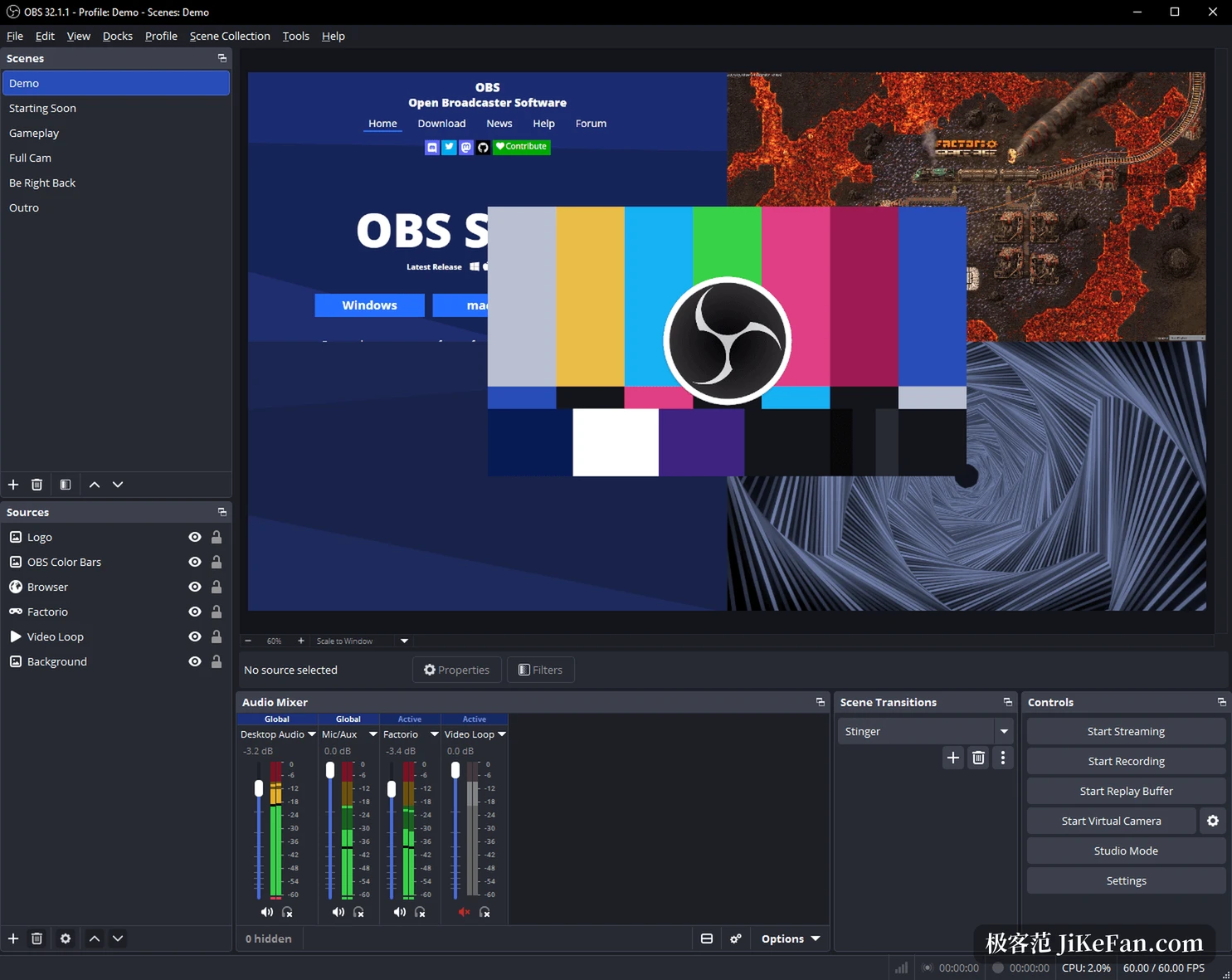
Browser sources and docked windows run on CEF, the Chromium Embedded Framework. Version 33.0 moved it from build 127 to build 150. The release notes put it plainly: that is a span from the build of 2024-07 to the build of 2026-09. More than two years of engine work landed at once, and security patches, rendering behaviour and media decoding all moved with it. One layer down, that means the pages, chat overlays and donation panels running inside a browser source.
The project calls the upgrade back-end work and says users should not notice it. Not noticing is the good outcome. When something does go wrong, it tends to appear as a blank browser source, fuzzy font rendering, or a panel that miscalculates its size, which is the family the race condition fix belongs to.
Plugin loading rewritten, with a grace period
The plugin work is about directory structure. First-party and third-party plugins used to share one location. Version 33.0 moves the bundled ones into a folder named core, while third-party plugins get a new location and a new directory level. To avoid breaking everyone at once, plugins left in the old location still load, and that compatibility runs until 34.0.
The 33 series is therefore a transition. The new directory takes effect while the old one still catches what falls. If a plugin vanishes after the update, check which level it was installed into. Once 34.0 lands, the old path stops working and those plugins have to be put in the right place.
The Flatpak failure was a side effect of the same restructuring, and it was fixed along the way.
Snapping in the preview and typing into number fields
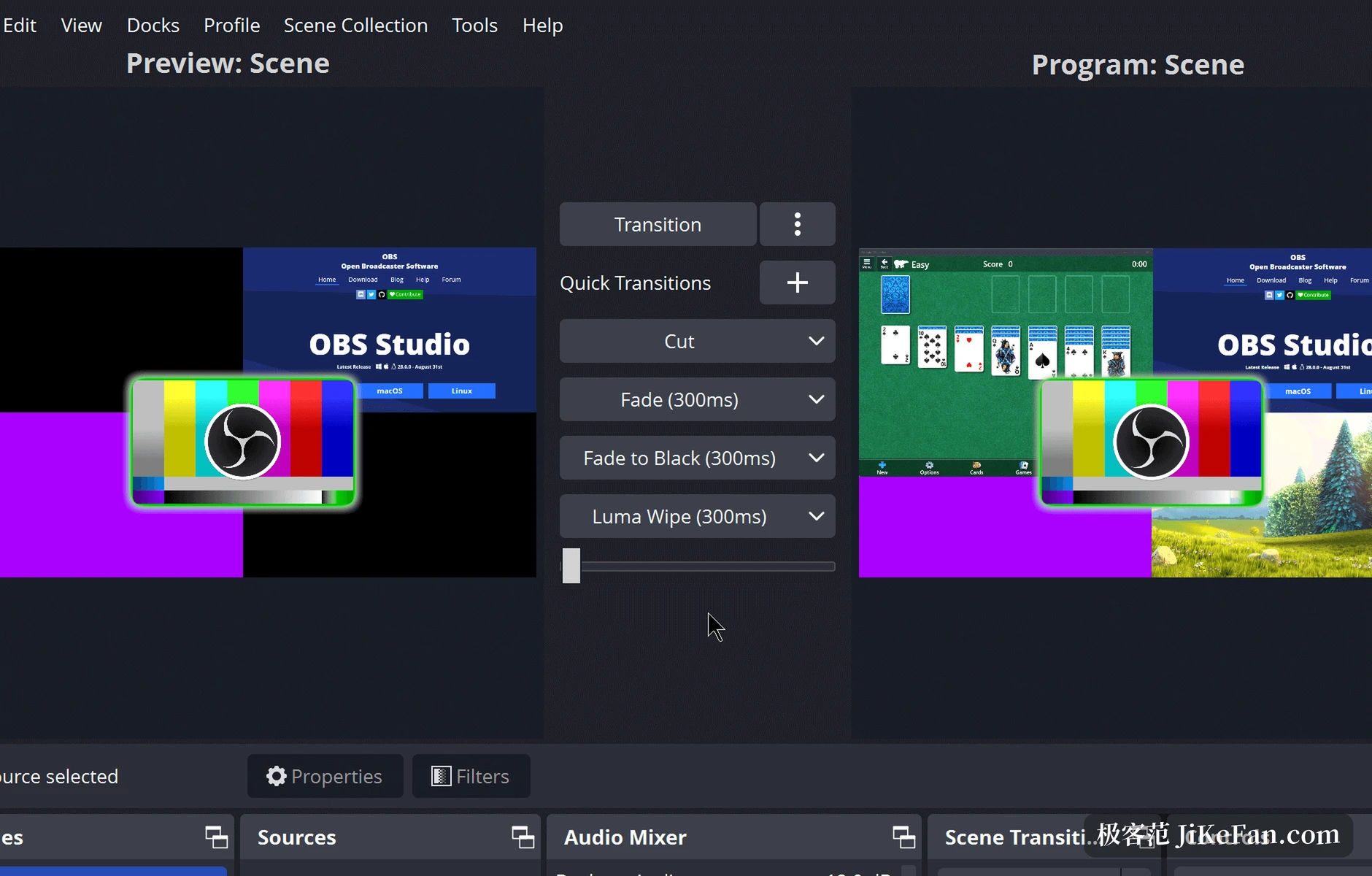
Dragging a source in the preview snaps it to the edge of another source. That used to fire only when the two sat flush against each other. Version 33.0 extends snapping along the whole axis and adds a visual hint, and hidden sources no longer take part. Aligning to something invisible made it hard to tell whether the alignment had happened at all.
Number fields received a batch of fixes. In some cases typing did nothing and digits were truncated on screen. Values now apply on Enter, and Enter no longer closes the window on the way. Holding Shift with the arrow keys steps by several units, and dragging the cursor out of the field behaves.
None of that looks like much alone. Together it decides whether a tool feels smooth.
Encoding and platform changes
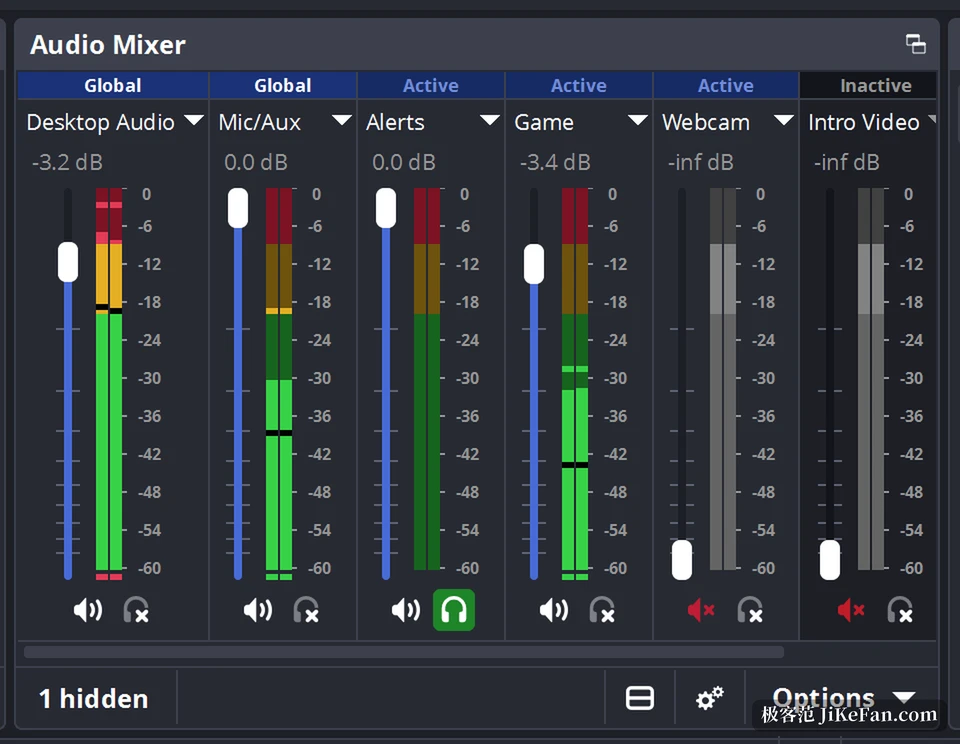
NVENC now works on Arm64, so machines running Windows on Arm can encode in hardware instead of falling back to software encoding and saturating the CPU. The current NVIDIA Broadcast SDK comes along, with both audio and video effects. On the audio side, a hotkey can toggle source monitoring, so the row of headphone icons in the mixer no longer needs a mouse.
A few behaviours tightened. Safe mode no longer starts the WebSocket server, which makes it easier to rule out a third-party controller. Loading a profile with a missing encoder now reports it instead of waiting for the stream to start. Moving a source inside a group in studio mode no longer leaks into the program output. On platforms, support for Ubuntu 24.04 was removed, and Linux moves to Flatpak on Flathub plus repositories aimed at Ubuntu 26.04 and newer.
Specs and who should care
OBS Studio is released under the GPL and costs nothing.
- Current version
- 33.0.1, released on 2026-10-29.
- Major release
- 33.0, released on 2026-10-23.
- Licence
- GPL, free to use.
- Platforms
- Windows 10 and newer, macOS 13 and newer, Linux.
- Browser engine
- CEF 150, build 7871.
- Old plugins
- Still load from the old location until 34.0.
The 33 series is not the kind of release you notice by opening it. The skeleton of the interface is untouched and no new panel appears. The work sits underneath: browser engine, plugin directories, number controls, encoder availability.
Anyone who records a simple screen will likely find nothing different. Anyone who depends on browser sources, third-party plugins or hardware encoding on Arm64 gets a much heavier release.