Linear: a tracker so quick it barely feels like one, free to start for software teams
Summary
Linear, on the scene since 2019, treats responsiveness as its first principle: the interface answers almost instantly and syncs in the background, so a change made by one person shows up on every screen without a reload. Issues, cycles and roadmaps share one surface, the keyboard covers nearly every action, and the free tier does not cap members.
Recommend- Name
- Linear
- Version
- 2026.9
- Open source
- Proprietary
- Operating system
- WebWindowsmacOSAndroidiOS
- Website
- https://linear.app/
- Updated
- 2026-10-06 21:18
Speed treated as a design constraint
Most task trackers get slower the longer a team uses them. Lists take a moment to appear, a change spins for a second before it settles, a click waits three seconds for an answer nobody asked for. Linear, on the scene since 2019, made responsiveness its first principle rather than an optimisation bolted on later: the interface is local-first, so an action is served almost immediately while the write travels to the server in the background, and when several people are working at once a change shows up on every screen without a reload. The product aims squarely at software teams, with issue tracking, cycles and project roadmaps forming one continuous surface, and the keyboard covers nearly every action. An individual or a small team can use it without paying anything.
Issues, cycles, roadmaps
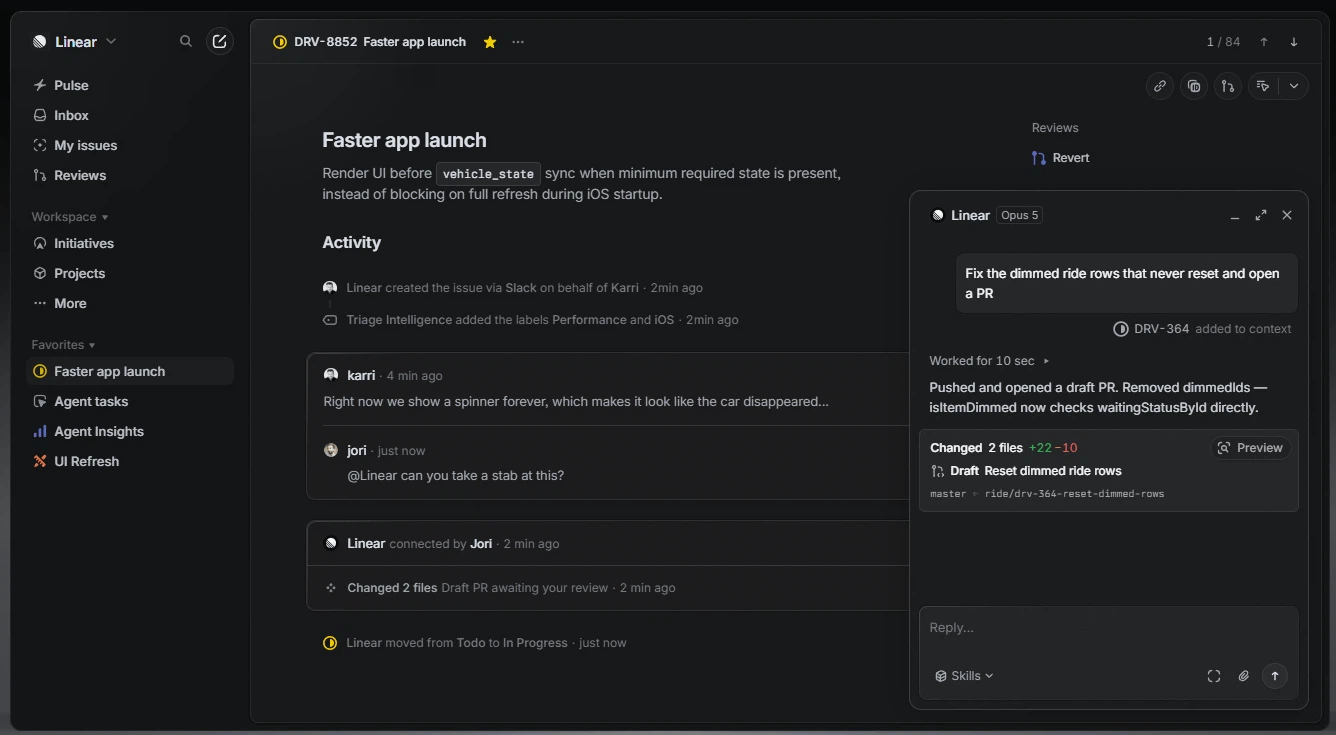
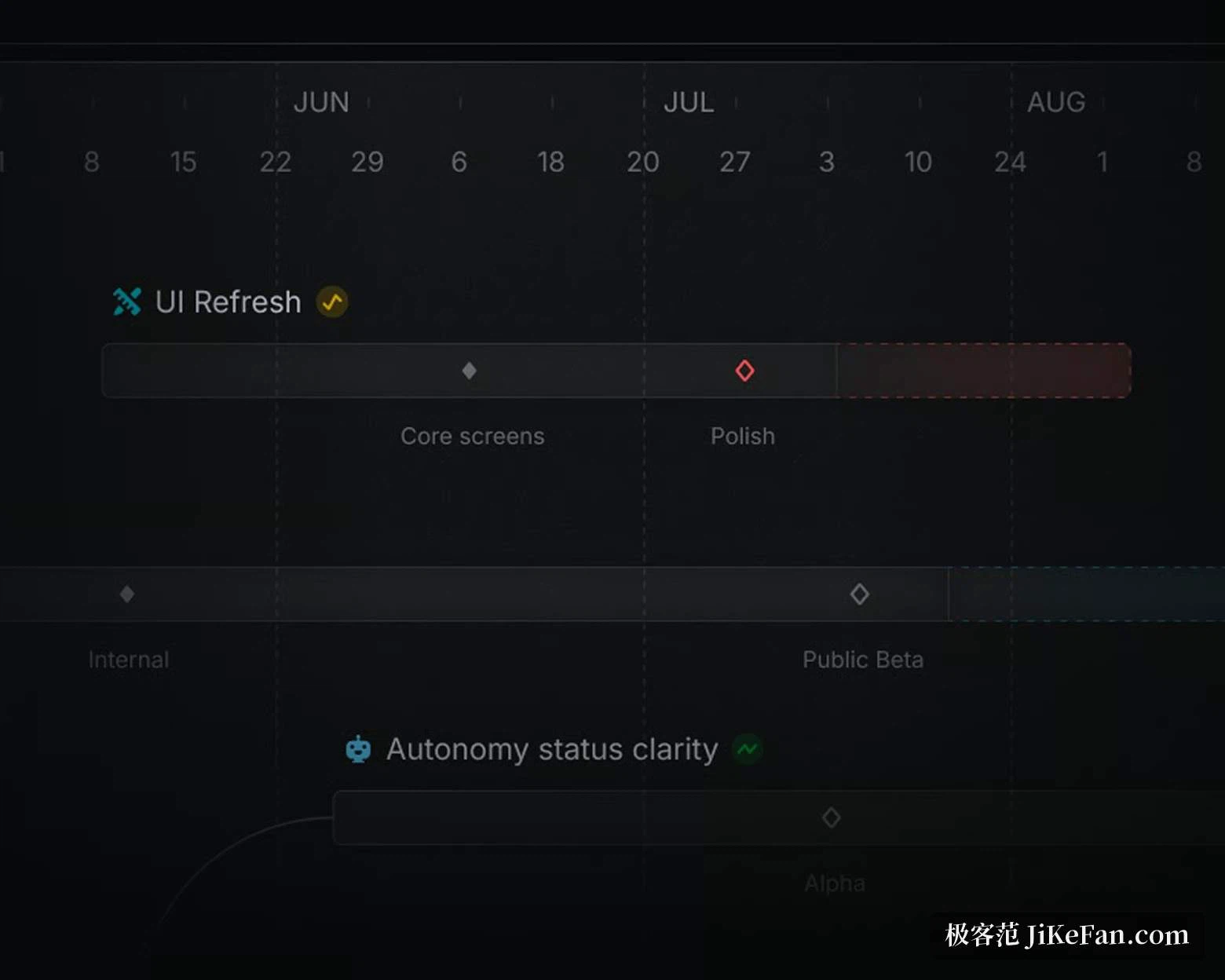
The issue is the unit everything else is built from: title, description, assignee, priority, labels and project, with subtasks to break a large request into pieces and explicit dependencies where one piece cannot start before another. A cycle is the agile iteration under a different name, set to run anywhere from one to six weeks, with whatever is unfinished rolling into the next round automatically and a burn-down chart plus completion rate updating as work moves. At project level a roadmap view puts the progress of work spanning several teams onto a single screen, which removes the need to assemble a summary by hand every time somebody has to report upward.
Keyboard first, and search that keeps up
This is one of the few trackers that can be driven without touching the mouse. Creating an issue, switching views, assigning an owner and jumping to a project all have shortcuts, and a command palette matches on partial input, so the menu gets typed rather than hunted for. Global search reaches into issue bodies and comments, which means a decision taken months ago is found among thousands of issues with a few letters instead of a long scroll. The visual design is restrained and precise, light and dark themes plus custom statuses and fields take a few steps to set up, and the training cost for a new team sits close to zero.
Wired into the way code ships
What draws developers is the link to the code repository. Once a repository is connected, issues attach themselves to branches and pull requests, and merging the code moves the issue's state; issues can also be created and followed from inside the messaging tools a team already has open. Automation has been pushed further with machine assistance: triage suggests labels and a priority for a new issue based on what it says, and duplicates get merged instead of waiting to be discovered twice. The command palette does fuzzy matching across issues, projects and settings, so any one of them is a single keystroke away.
Moving in from another tool
Migration has had attention too: the common task platforms all offer an official import path, and issues, comments, attachments and statuses arrive with their mappings intact, so the cost of switching stays low. Notification rules are granular enough to be layered by project and by priority, with the important things pushed at once and the minor ones collected quietly, which is how the noise is kept down. For a team that cares about rhythm and feel, the responsiveness of the tool itself acts directly on the mood of the working day, and that accounts for a large part of why its reputation has kept climbing. A workspace can be created on the free tier to judge whether it fits.
What the free tier actually gives
The free plan does not limit the number of members. It provides two teams and 250 active issues, completed issues do not count against that figure, and the core functionality is identical to the paid plan; more teams, unlimited issues or advanced integrations are what move a team onto seats. Desktop and mobile clients both exist and stay in sync in real time. As of September 2026 the platform is still iterating quickly, with agent and automation capabilities strengthening all the time. For a team slowed down by a tracker that has grown heavy, it is worth a look.