
Joplin Keeps the Notes on Your Disk and the Key in Your Head
Summary
An open-source notebook that stores notes as plain Markdown on your own disk, encrypts them before anything leaves the machine, syncs through a service you choose, and runs natively on five platforms.
Recommend- Name
- Joplin
- Version
- 3.7.18
- Pricing
- Free
- Open source
- Open source
- Operating system
- WindowsmacOSLinuxAndroidiOS
- Website
- https://joplinapp.org/
- Updated
- 2026-10-16 22:00
Three compromises that note software usually asks for
Anyone who has kept notes in a hosted service for a few years has probably met the same three problems. The notes live somewhere you cannot reach with a file manager, and getting them back out is a favour rather than a right. The format is whatever the service decided, so leaving means converting everything and losing something in the process. And keeping several devices in step is the feature that costs money, which turns a personal habit into a subscription. None of these are accidents; they are the natural consequences of where the notes are kept and who controls the format. Joplin is built on the opposite arrangement, and everything else about it follows from that one decision.
Open source, so the promise can be checked
The code is published under a free licence, which means anyone may read it, fork it or build it themselves. The point is not ideological. With a closed notebook you cannot see what happens after the window closes: whether the text is scanned, what is sent along with a sync, what the service intends to do next year. With an open one, the answer is a matter of reading rather than trusting, and if the project ever goes somewhere its users do not want to follow, the code is still there for someone else to continue. That last point matters more than it sounds: a tool people intend to keep for a decade is a tool that should not be able to disappear.
Notes as plain text on your own disk
Everything is stored as Markdown in a local folder, and the attachments — images, documents, audio — sit beside it as ordinary files. One consequence is immediate: the notebook can be opened, searched and backed up with the tools already on the machine, without the application at all. Another is that leaving is possible. If the software is abandoned or simply stops suiting, the notes remain readable in any text editor and portable into any other tool that understands the format. A collection built over years is worth more than the program used to write it, and this arrangement treats it that way.
Encryption before anything leaves
Synchronisation is optional and the provider is a choice: a mainstream cloud drive, a server of your own, or the sync service the project offers. Whichever it is, the notes can be encrypted locally before they are uploaded, with a master password that only the owner holds. What the remote side receives is a set of encrypted fragments; without the password there is nothing to read, and that holds whether the storage belongs to a large provider or to a machine in a cupboard.
The practical value is easy to state and hard to overstate. An account can be compromised, a provider can be breached, a drive can be shared by mistake — and in each case the notes remain unreadable. For anyone keeping material that would be awkward or harmful in someone else's hands, this is not a premium feature but a precondition, and it is the specific reason many people end up choosing a tool like this one instead of a polished hosted alternative.
Two editors, and a way to catch what is on screen
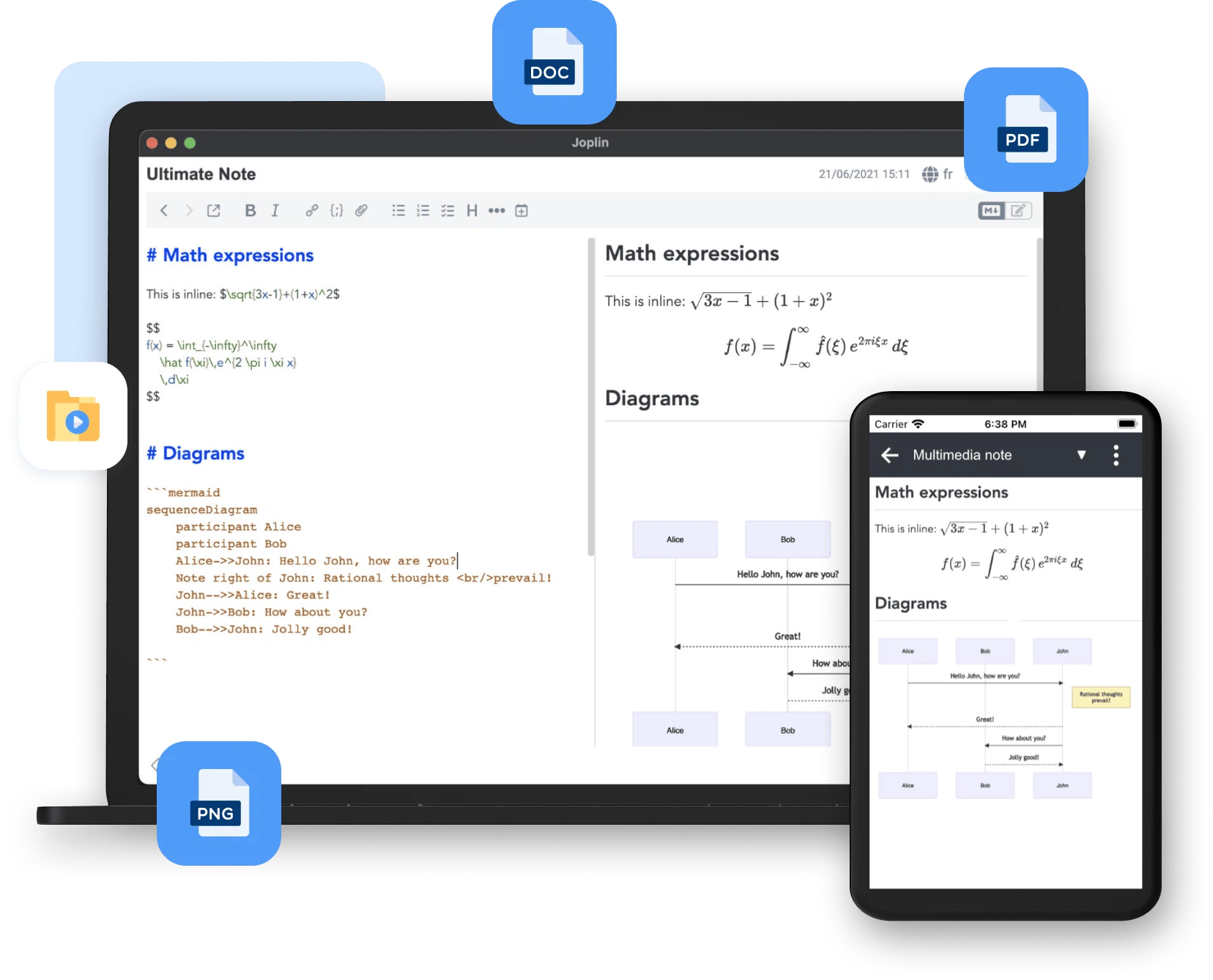
There are two ways to write, and the choice can be changed whenever it suits. A Markdown editor with live preview, syntax highlighting in code blocks, mathematical notation and diagram syntax covers the cases where structure matters — technical documentation, study notes, meeting records — without interrupting the thought to adjust formatting. A rich-text editor covers the cases where it does not, and switching between them costs nothing.
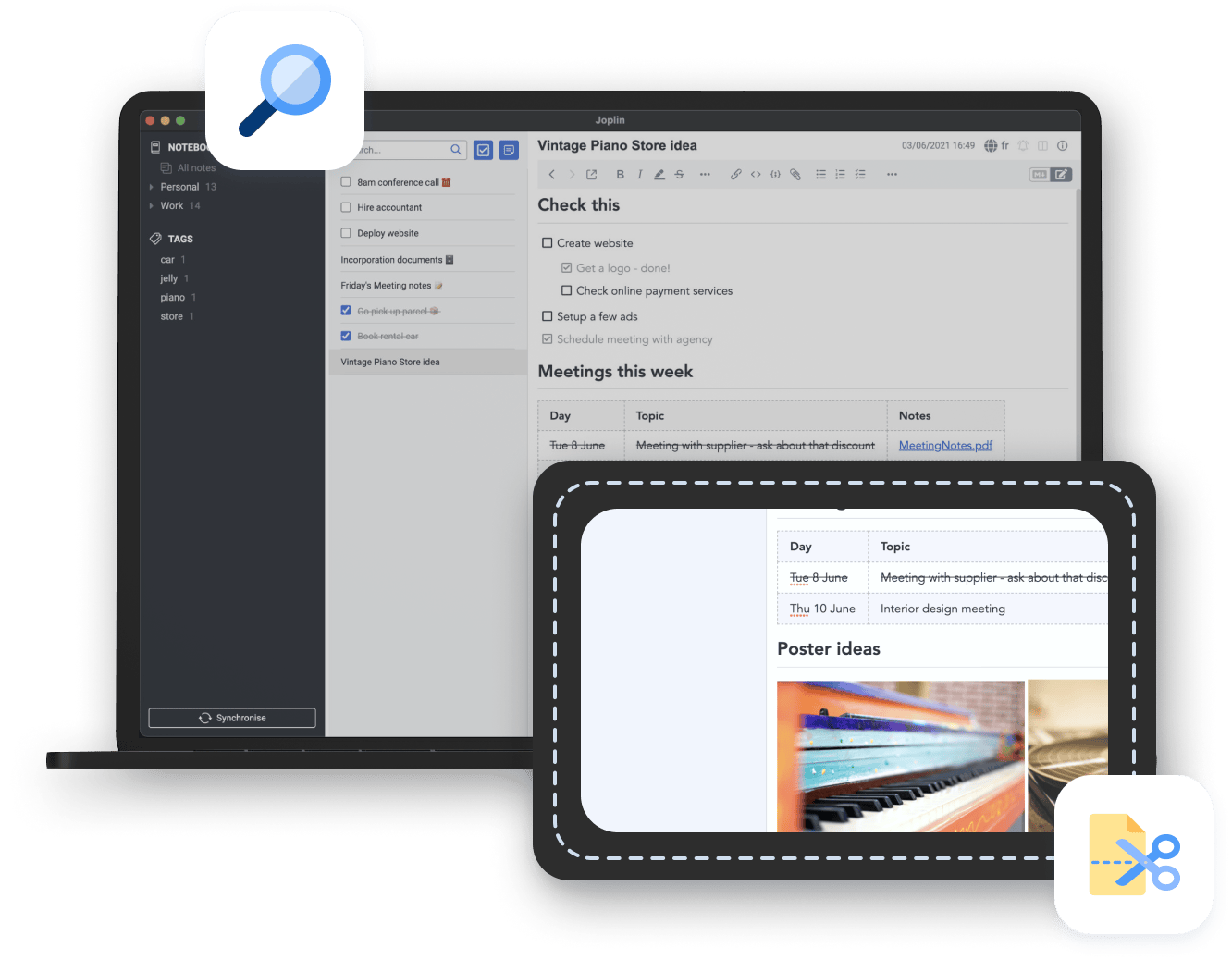
The browser extension is the second half of the workflow. With it installed, a page can be captured as full content, as a simplified article or as a screenshot, and arrives in the notebook already converted to Markdown. For anyone whose reading produces material to keep, this replaces the sequence of copying, pasting and tidying with a single action, which is the difference between collecting sources and merely visiting them.
Five platforms, one notebook
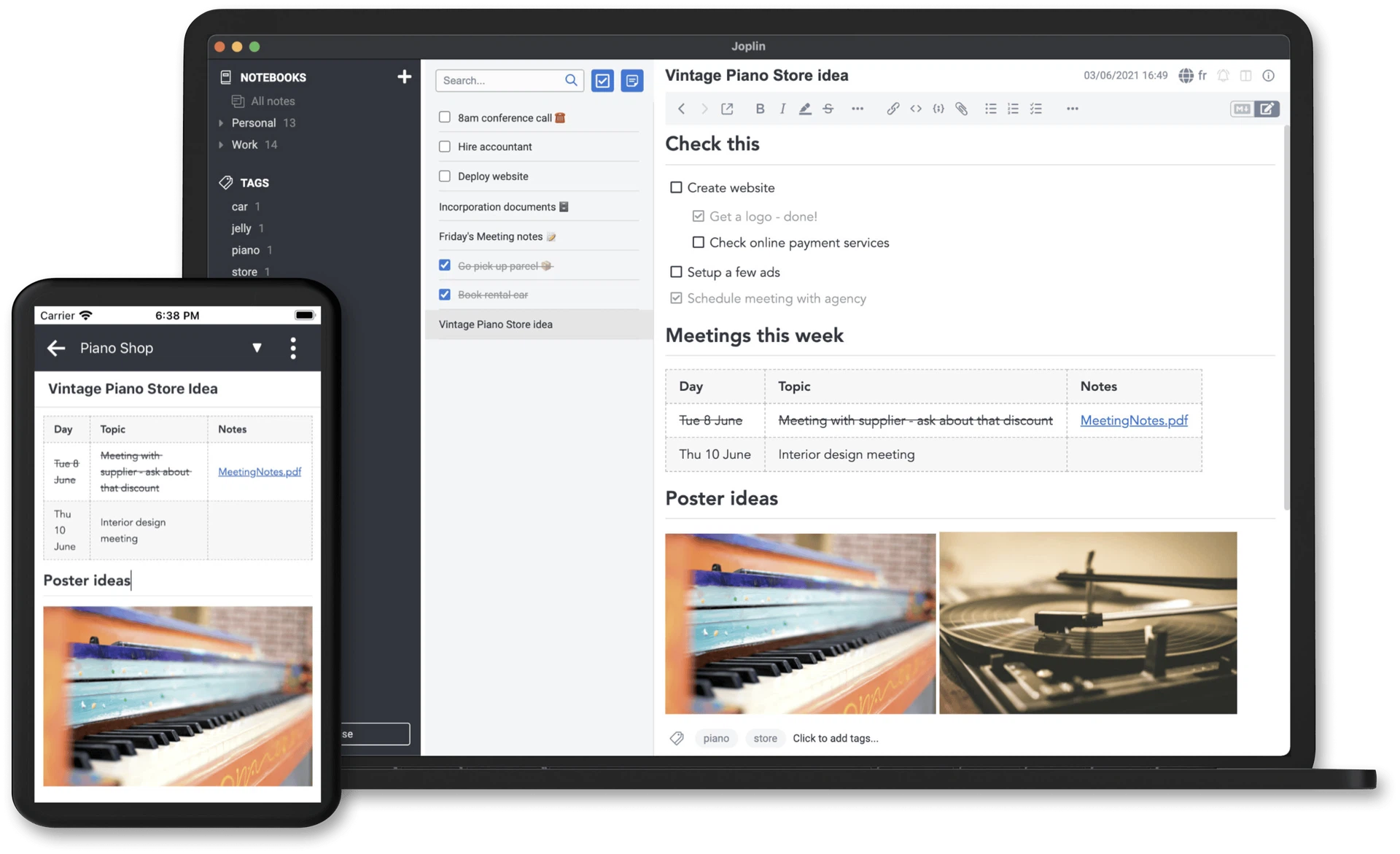
Native applications exist for the three desktop systems and the two mobile ones, and they present the same notebook rather than five related ones. Notes written on a laptop appear on a phone, a checkbox ticked on a phone is ticked on the desktop, and the sync runs through whichever service was chosen. For a personal notebook this consistency is the whole point: the value of a note is that it is there when it is needed, on whatever device happens to be in hand.
An ecosystem that grew around the core
The plugin system is where a modest notebook becomes extensible without becoming bloated. Community extensions add calendar views, mind maps, backlinks between notes, text recognition inside images, drawing and diagramming, and a long tail of smaller conveniences, all installed from inside the application. Themes do the same for appearance, from dark and light to deliberately restrained business styling, which matters more than it sounds for a window that stays open all day.
The economics are worth being precise about. The application itself is free, with the full feature set available without payment. The hosted sync service is an optional paid extra, run on servers in the European Union under the corresponding data protection rules, and it exists for people who would rather not assemble their own storage. Anyone who already keeps a cloud drive or runs a server can use everything without paying anything, which is a fairer arrangement than the usual one where the free tier is the advertisement for the paid tier.
What it is, and what it is not
This is not a handsome notebook. It is a dependable one. Open code, encryption, a portable format, synchronisation across devices and no payment required for the core — for anyone whose priority is the long-term safety of their own material and the right to keep it, it is about as solid a choice as currently exists.
The honest summary
People recommend notebooks for their typography and their animations, and those things are pleasant. But a notebook is infrastructure: it holds years of thinking, it outlives laptops, and the cost of choosing badly is paid slowly and in a currency that cannot be recovered. This one is designed around that fact rather than around the first five minutes of use. It will not impress anyone in a screenshot. It will still be readable in ten years, on a machine that has never had the program installed, which is a claim very few of its competitors can make.