
jetAudio Plus: a veteran player with a studio effects chain, now free
Summary
A media player developed for more than twenty years by a Korean portable audio company, offering an effects chain that originated in recording studios, support for nearly every audio format, and built-in disc burning, recording, tag editing and format conversion, now free of charge.
Recommend- Name
- jetAudio Plus
- Version
- 1.01
- Pricing
- Free
- Open source
- Proprietary
- Operating system
- WindowsAndroidiOS
- Website
- https://www.jetaudio.com/
- Updated
- 2026-10-24 22:00
The player that comes with the system produces sound. Producing sound is a much lower bar than producing the sound that was recorded.
The gap the built-in player leaves
Every desktop system ships with something that will open an audio file and play it, and every one of them treats tone control as an afterthought: three sliders if you are lucky, or nothing at all. The alternative has traditionally been worse than the problem. Free third-party players are usually bare, the ones with a real effects chain cost money, and the paid ones are often built for a use case that has nothing to do with listening carefully to music.
This program has existed for more than twenty years, was developed by a Korean company that makes portable audio hardware, and has recently become free in its full version. The reason it is worth writing about is not that it plays files. It is that the effects engine inside it comes from a different tradition than the equalizers in ordinary players.
An effects chain rather than a row of sliders
The technology at the centre of it originated in professional audio and was first used in recording studios and broadcast facilities, where the problem was restoring intelligibility to material that had been degraded somewhere in the chain. It arrived in consumer players later. The distinction matters because the approach is different in kind from turning up a frequency band: the processing works on phase and on dynamic behaviour, attempting to reconstruct information that compression removed rather than merely exaggerating what survived.
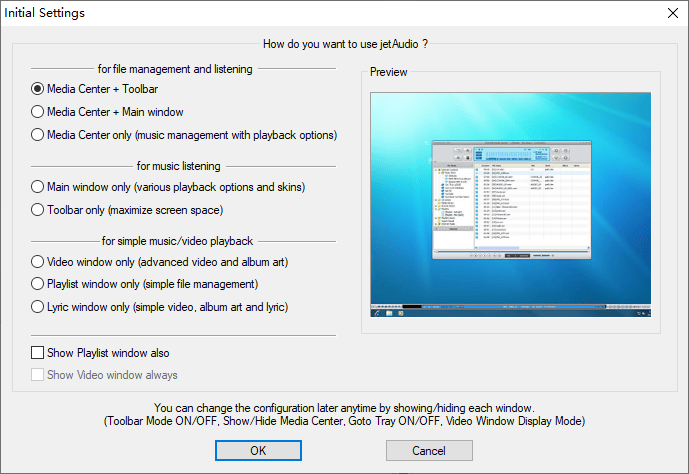
Opening the panel reveals a set of controls that no ordinary player offers. Clarity and bass enhancement are separate parameters rather than one tone knob. Three-dimensional surround widens the image, reverb adds a space, and a pitch control adjusts intonation. Below those sits a ten-band equalizer with presets, which compared with the five bands typical of the category is the difference between shaping a sound and choosing between three shapes.
What it does to a compressed file
The improvement is most obvious on lossy material, which is what most people actually have. A file at three hundred and twenty kilobits per second has lost information permanently, and the processing cannot recover it, but it can restore a good deal of what the ear notices as missing: voices become more open, instruments separate more clearly, and the flatness that comes from aggressive compression recedes. This is not the false brightness of a boosted high shelf, which sounds impressive for thirty seconds and then becomes tiring.
For anyone who keeps a local library of lossless files, the combination of careful adjustment with the effects chain gets remarkably close to the original disc. That claim is worth being suspicious of, and the honest version is that it depends on the material, the headphones and the amount of adjustment applied. What can be said without qualification is that the tool provides enough control to find a setting that suits a particular pair of ears and a particular pair of speakers, which most players do not.
Format coverage is the entry ticket, not the argument
Playback covers the formats that matter, including the lossless ones used for archiving, several older compressed formats that still exist in collections, and a couple of recent ones that many players ignore. Video is supported too, though audio is clearly where the effort went. Being able to open everything is the minimum expected of a player and would not by itself justify a recommendation.
The tools bundled beside the player
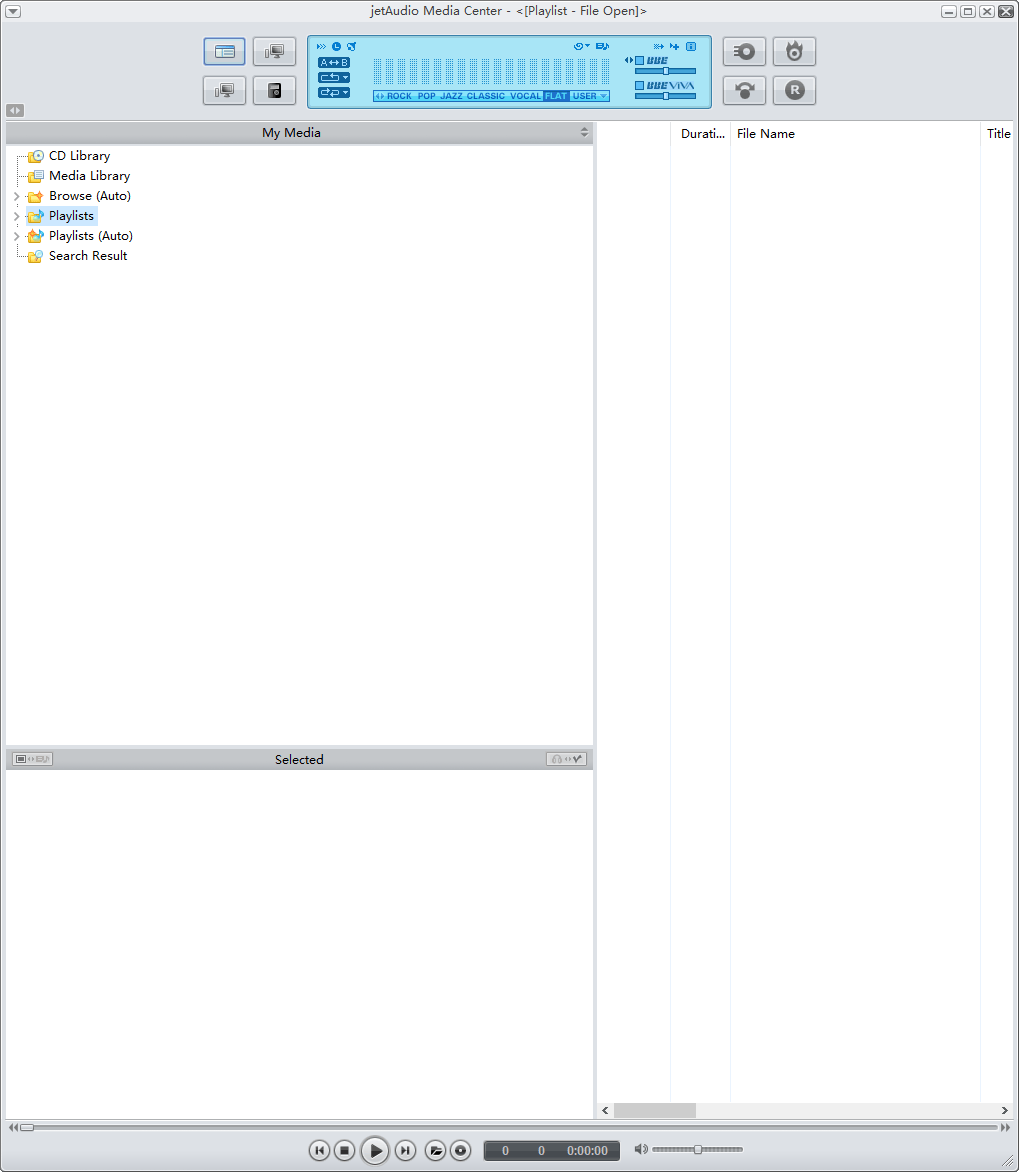
What raises the program above its category is that four small utilities live inside the same window. A playlist can be burned to an audio disc without a separate burning application. Recording works from a microphone or from the system output, and the result can be tagged without leaving the program. A tag editor changes the metadata of many files at once, which is the difference between an afternoon of work and ten minutes when reorganising a library. Format conversion turns a lossless file into something small enough for a phone. Each of these would be a separate small tool, and for anyone who manages a local collection the alternative is installing three or four of them and switching between them.
Three platforms, one habit
Versions exist for Windows, Android and iOS. The desktop version is the complete one, with every effect, burning and conversion included. The Android version inherits the core effects engine and format support with an interface built for touch, so a phone with reasonable headphones reaches the same result. The iOS version is more limited but keeps the effects and the format coverage. The practical benefit of that arrangement is that a setting tuned at a desk can be reproduced on a phone without learning a second application.
Free, and honest about the trade
There were two editions, a basic one and an enhanced one, and the enhanced one used to cost money. Both are now free, so the complete feature set is available without a decision. The installer is small, under forty megabytes on the desktop, the interface is clearly dated in a way that is unsurprising for software this old, and there are no pop-up advertisements or bundled installers, which among free applications is genuinely uncommon.
If the system player is unsatisfying and paying for a professional one is not appealing, this is a reasonable place to stop looking. The effects chain is the reason, the bundled tools are the argument, and the price removes the last objection.