
HWMonitor 1.68: free readings of temperature, voltage and fan speed
Summary
HWMonitor 1.68 reads the health sensors inside a Windows machine: temperatures, voltages, fan speeds and power draw, plus memory temperature sensors and S.M.A.R.T. status from drives.
Recommend- Name
- HWMonitor
- Version
- 1.68
- Pricing
- Free
- Open source
- Proprietary
- Operating system
- Windows
- Updated
- 2026-10-06 04:16
HWMonitor is a Windows program that reads the health sensors a computer already carries and puts the numbers on one screen: voltage, temperature, power draw, current, fan speed, utilisation and clock frequency. The base program is free, with a PRO edition that extends what it can do, and the official site offers both a 32-bit and a 64-bit installer alongside a portable archive for people who would rather not install anything at all.
What it can actually see
The scope is set out fairly plainly. Processor and graphics-card level monitoring is the foundation. Beyond that, the LPCIO monitoring chips found on many motherboards are supported, covering the common families from the usual vendors. Memory modules that carry a temperature sensor are read as well, and so are solid-state and mechanical drives, through their S.M.A.R.T. status. A laptop battery is inside the monitored set too, which is the part people forget until a machine starts shutting down without explanation.
Recent releases have pushed further into the fine grain. Graphics card hotspot temperature, drive read and write speeds, processor package power and the temperature of each individual core all appear in a tree of sensors that expands item by item, so the window is not one flat wall of numbers. Version 1.62 added CSV logging, which means the readings can be written out to a file and looked at afterwards rather than only watched in the moment.
What changed in 1.68
The current release is 1.68, dated 2026-09-14. It adds PCI Express error counters for graphics cards, which is the sort of figure that matters when a machine shows instability and nobody can say whether the link between card and board is at fault. For three recent laptop platforms that carry a neural engine on the package, the release lists NPU power, NPU clock, NPU TOPS and TOPS per watt, the share of DRAM bandwidth the NPU is taking, whole-platform power, and DRAM read and write bandwidth.
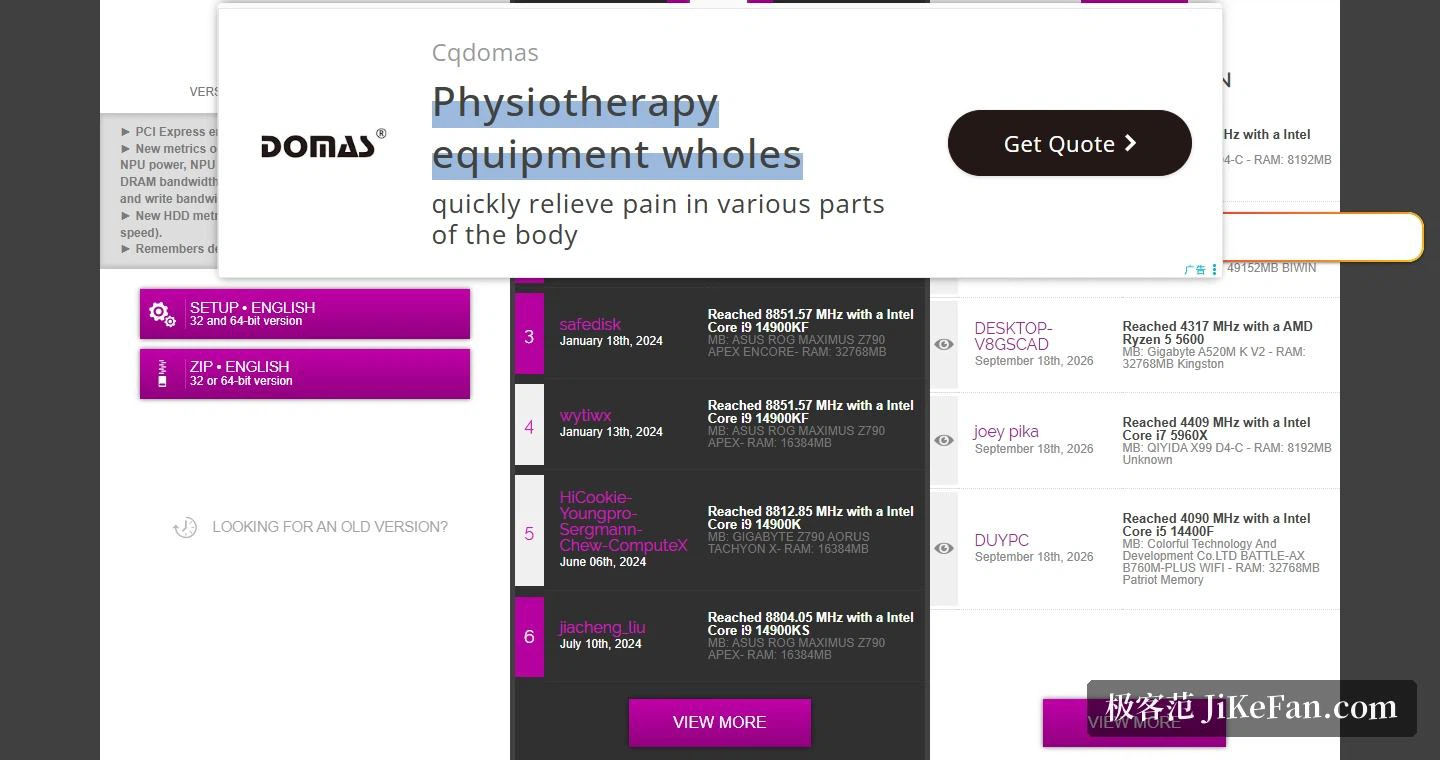
Storage gained three figures of its own: IOPS, average latency, and the link speed reported by an NVMe controller. The program also remembers which device and sensor nodes you had opened, so the next launch does not begin by collapsing everything and asking you to expand it again.
The release before it, 1.67, arrived on 2026-07-31 and added monitoring for three high-capacity power supplies that report their own telemetry, plus a family of all-in-one liquid coolers. The same version filled in a crossbar clock reading for a newly listed entry-level graphics card, the 9050 on its 44 die, and for cards from a second vendor.
Versions and how to get one
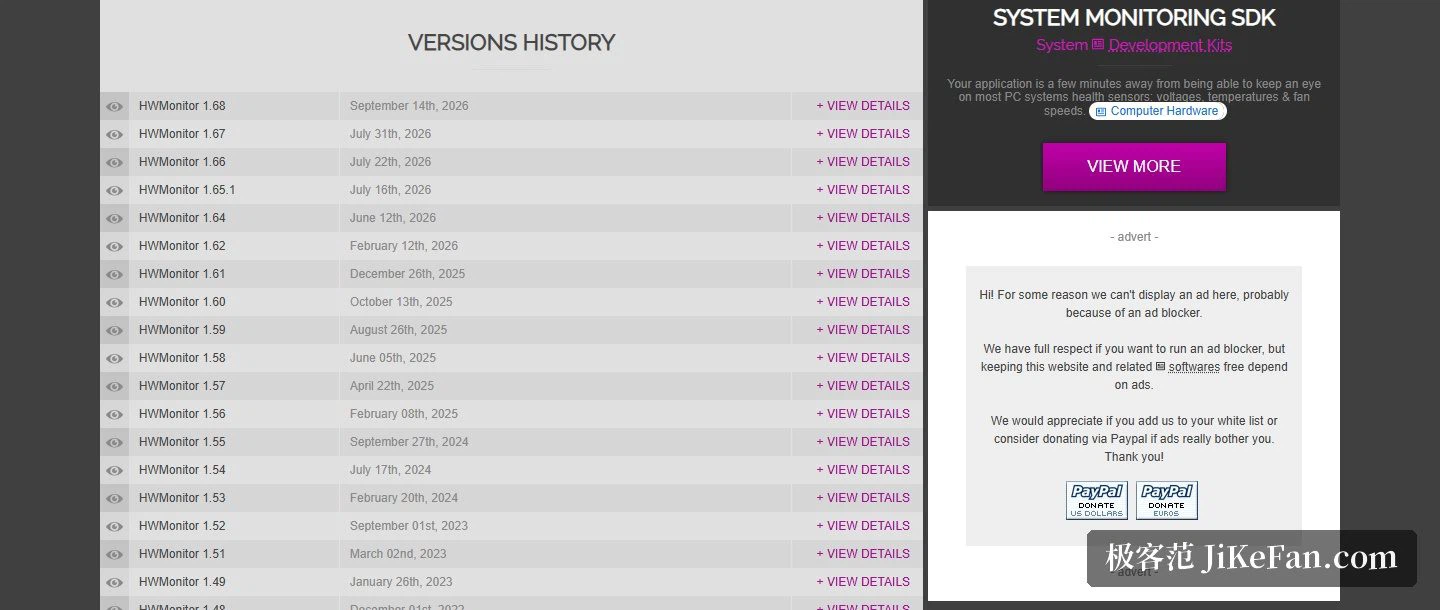
One thing worth flagging: several download sites still present 1.67 as the current release, and that information has fallen behind. What the official site offers now is 1.68. Two forms are given, a setup package and a zip archive that needs no installation, each available in a 32-bit or a 64-bit build. Every older release back to 1.17 is kept on the site as well, which matters when a sensor that used to read correctly stops reading at all after an update and you want the previous build back.
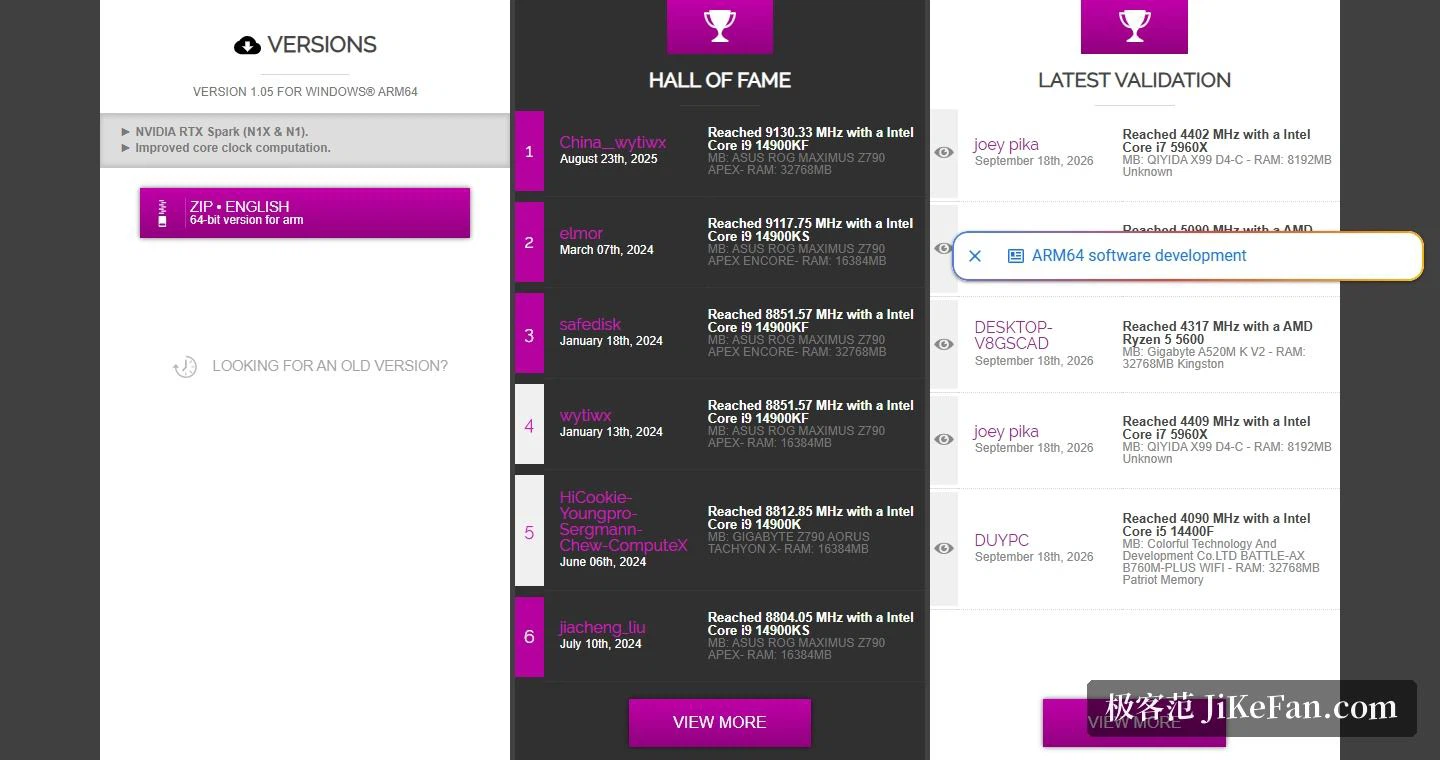
Apart from the x86 builds there is a separate version for Windows on ARM64, currently 1.05, released 2026-08-19 and offered only as a 64-bit portable archive. Its changes are mainly support for a new mobile graphics platform in two chip variants, the N1X and the N1, together with an improvement to how core clocks are calculated. A system monitoring SDK for developers is listed separately on the site, so the same sensor-reading ability can be built into somebody else's program rather than only read off a window.
The appeal of HWMonitor is that it does not ask anything of you: run it and every sensor in the machine reports what it currently sees, from voltage and temperature to fan speed, laid out on one screen. The free edition already covers the everyday question of whether a machine is running hot, and the extended PRO edition is there for anyone who needs more.