
Grammarly checks grammar, tone and plagiarism while you type, in more than 20 languages
Summary
A writing assistant that marks grammar, spelling, punctuation and word choice while you write English in a browser, a desktop app or on a phone. The free plan includes spelling, basic grammar, a tone read-out and 100 AI prompts a month.
Recommend- Name
- Grammarly
- Version
- 20260917
- Open source
- Proprietary
- Operating system
- WebWindowsmacOSiOSAndroid
- Website
- https://www.grammarly.com/
- Updated
- 2026-10-06 06:34
A proofreading layer rather than a program you open
Grammarly is an English writing assistant. While you type in a browser, a desktop application or on a phone, it marks grammar, spelling, punctuation and word-choice problems as they appear, and one click fixes them. Once a draft is finished it will suggest rewrites for a whole sentence or even a paragraph, and tell you what tone the passage reads in. For anyone who writes English mail, papers and documents regularly, it behaves less like software you launch and more like a proofreading layer that is always there.
What it actually corrects
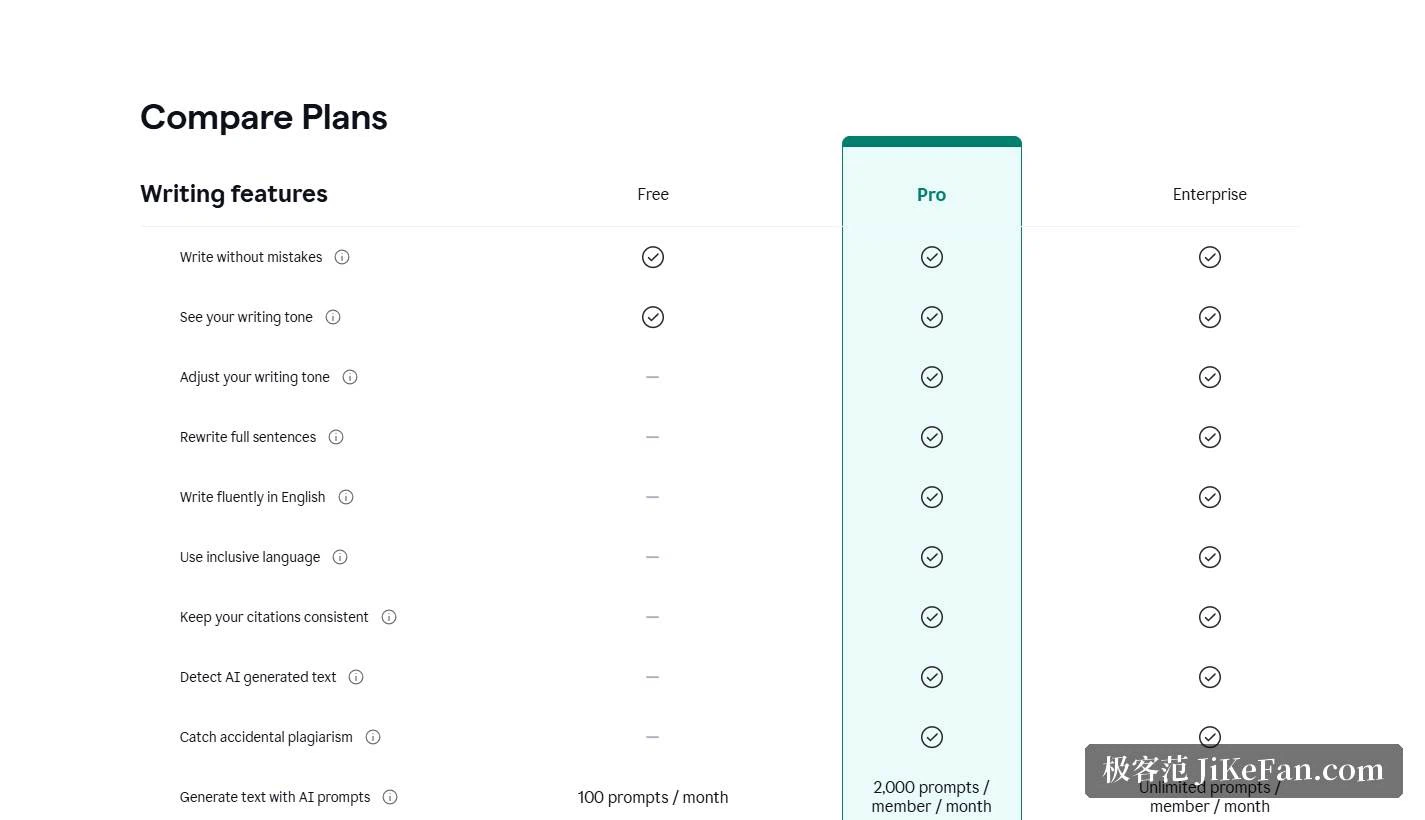
The official documentation sorts the capabilities into tiers. A red underline covers spelling, punctuation and basic grammar. A subscription adds suggestions on clarity, fluency and word choice, marked with a blue underline, and can rewrite a whole sentence in one click. Tone detection is the other feature people notice quickly: finish a paragraph and it tells you whether the passage reads as confident, friendly or blunt, and you can adjust the tone from there.
The pricing page also lists plagiarism detection and AI-generated text detection as subscription features. Both are meant for self-checking, for example confirming before submission that quotations are cited properly, or working out whether a passage really is your own writing. They are indications rather than verdicts, and what you do with them still depends on the rules of your school or employer.
Not only English: advice for more than 20 languages
Beyond English, Grammarly offers writing suggestions for more than 20 languages, covering Spanish, French, German, Portuguese, Italian, Dutch, Polish, Czech, Ukrainian, Vietnamese, Hungarian, Swedish, Romanian, Indonesian, Slovak, Danish, Finnish, Norwegian, Turkish, Korean, Hindi, Japanese and Chinese. The official documentation says the language is recognised as you write, so there is nothing to configure in advance.
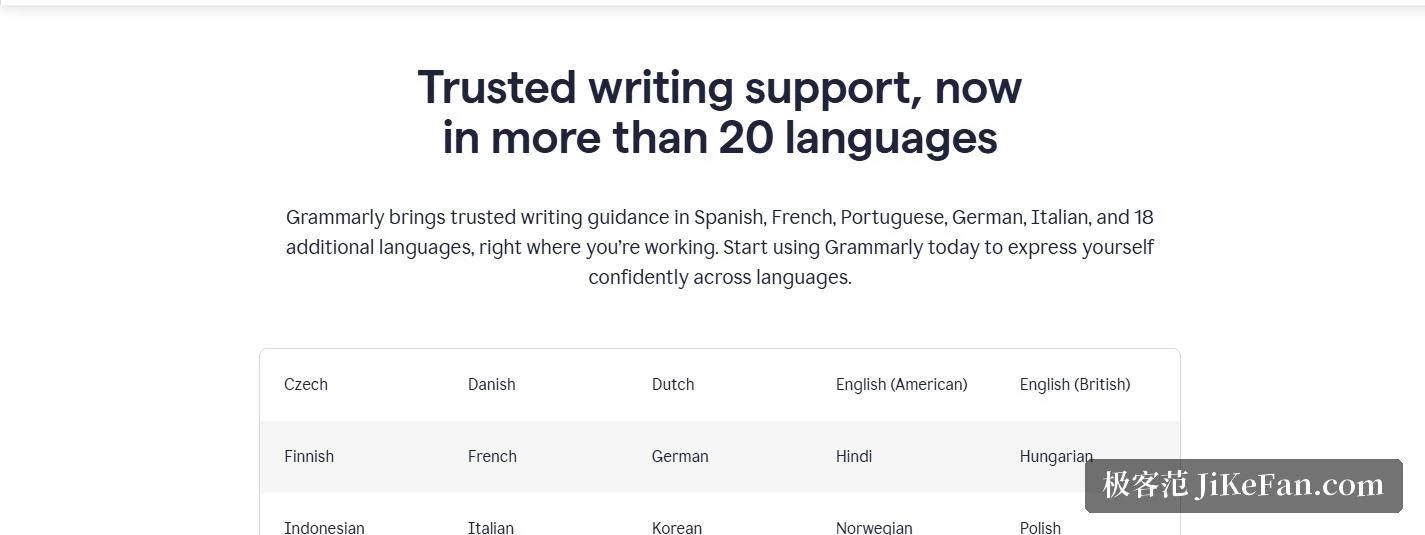
Two of the advanced features reach a narrower set. Paragraph-level rewriting currently covers Spanish, French, German, Portuguese and Italian, while inline translation works across 19 languages, so you can finish a sentence and turn it into another language without copying it into a separate tool. It also distinguishes American, British, Canadian, Australian and Indian English in spelling, grammar and punctuation, which is worth setting before you draft an academic paper or a submission for publication.
What the free plan covers, and what a subscription adds
The pricing page is specific. The free plan costs 0 dollars a month and includes spelling and basic grammar checking, a tone read-out, and 100 AI prompts per month. The subscription is 12 dollars per member each month and adds full-sentence rewrites, tone adjustment, unlimited personalised suggestions, plagiarism detection and AI-generated text detection; the prompt allowance rises to 2,000 per member per month, and there is a 7-day free trial. Larger teams can move to an enterprise plan with unlimited prompts plus single sign-on, permission management and data loss prevention.
Where it runs
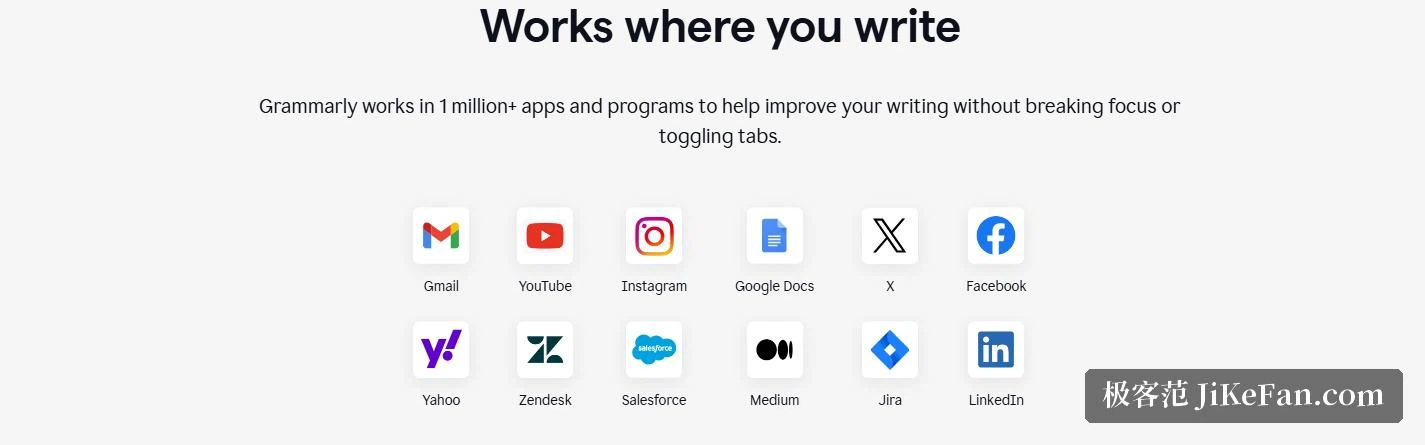
The desktop page states that it works in more than 1,000,000 applications and programs, which covers office suites, mail clients and web forms. The entry points are numerous: the web app, desktop applications for Windows and Mac, extensions for Chrome, Safari and Edge, and apps for iOS and Android.
The advantage of the desktop version is that no separate window is needed: whatever program you write in is where the suggestions appear, and a window you would rather not have checked can be switched off on its own. On a phone it hooks into the keyboard, so replies to mail and messages get the same advice.
Data and security
A writing assistant has to read what you write, so how the text is handled matters. The official trust centre states that Grammarly does not sell user or customer content or profit from it, and that revenue comes from subscriptions; users can also switch off the product improvement and training option in their account settings so that content is not used to train models.
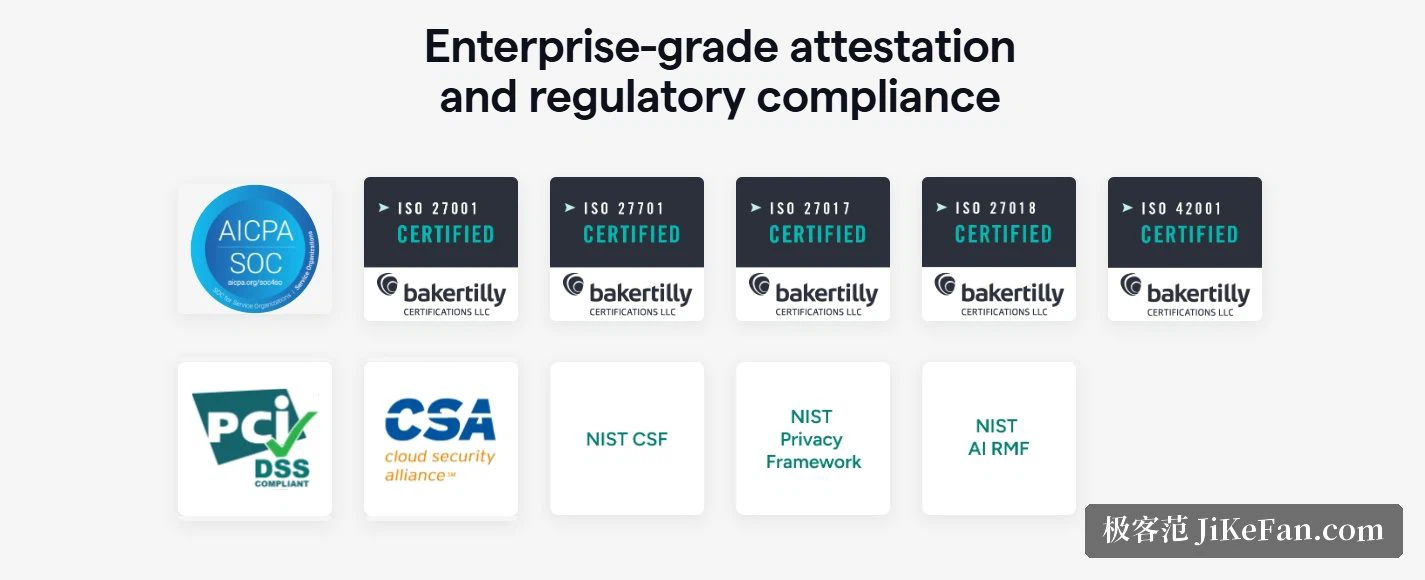
The security page states that data in transit is protected with TLS and data at rest is encrypted server-side with AES-256, and it lists SOC 2 Type 2 and SOC 3 reports along with ISO/IEC 27001, 27017, 27018, 27701 and 42001 certification. The enterprise plan adds single sign-on, two-step verification, encryption with your own key and data loss prevention.
Who gets the most out of it
Writing a thesis abroad, sending development letters in foreign trade, filing weekly reports inside a multinational team: these situations demand accurate English from people who may not have a native speaker's feel for it, and that is where Grammarly earns its place. Native Chinese speakers writing English have a recurring set of problems too, articles, singular and plural, preposition collocations, and those fall squarely inside what it checks. Basic spelling and grammar are free, so running a draft through it before deciding on a subscription is the sensible order.
One last reminder: the rewrites a machine proposes still need a human decision. In academic and workplace writing, the tact of a phrase, the accuracy of a factual claim and the responsibility for it remain the author's. The tool cleans the sentences; the judgement stays with you.
The hard part of writing English is rarely vocabulary. It is the small mistakes you cannot see in your own text. Someone reading it line by line for you is what makes the whole business less intimidating.