
GPT-SoVITS fine-tunes a voice model on one minute of audio, five seconds for zero-shot
Summary
An open source speech synthesis WebUI. Five seconds of a human voice is enough for zero-shot output, one minute of training data is enough to fine-tune a closer timbre, and inference can cross five languages including Mandarin, English, Japanese, Korean and Cantonese.
Recommend- Name
- GPT-SoVITS
- Version
- 20260917
- Pricing
- Free
- Open source
- Open source
- Operating system
- WindowsLinuxmacOS
- Updated
- 2026-10-06 18:49
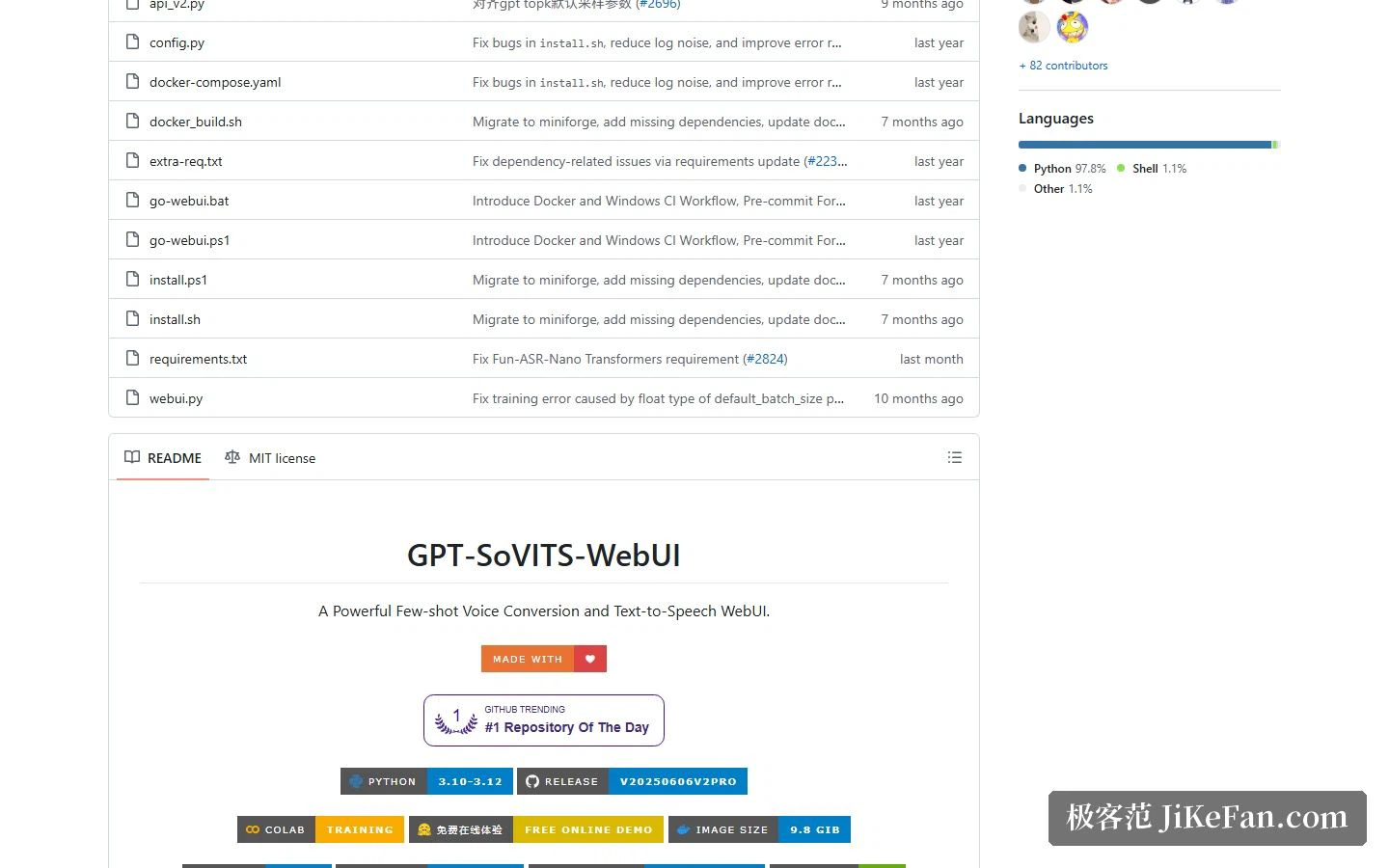
Teaching a machine to speak in one particular voice keeps getting cheaper. GPT-SoVITS pushes the price down to two numbers: five seconds and one minute. Five seconds is the floor for a voice sample, enough to synthesise speech in zero-shot mode. One minute is the floor for training data, enough that a fine-tune visibly improves how close the timbre lands. The project is open source, and the repository headline says it plainly — one minute of audio is enough to train a usable TTS model.
Two ways in: no training, or a little training
The team splits the capability into two paths, and each maps to a different kind of need.
Zero-shot TTS is the frictionless one. Feed it a five-second sample and it converts text to speech immediately. That suits anyone who wants to see whether the output is good enough, or who needs a voice once in a while. No training queue, no dataset to assemble.
Few-shot TTS is the better-sounding one. One minute of training data buys a higher similarity score and a more natural delivery. The significance of the one-minute threshold is what it removes: training your own voice model stops being a professional job that demands hours of studio recording and becomes something you can try after recording a paragraph on a phone.
Which languages it speaks
The official list is English, Japanese, Korean, Cantonese and Chinese. The more interesting part is cross-lingual inference: the language used at synthesis time does not have to match the language of the training set. A sample recorded in one language can, in principle, be made to speak another, with no separate dataset per language.
The WebUI ships the data pipeline too
Anyone who has actually cloned a voice knows the hard part is rarely the model. It is the preparation: what to do about background music bleeding into the recording, how to cut a long file into clips, and who writes the transcripts afterwards. GPT-SoVITS puts those steps inside the WebUI — vocal and accompaniment separation, automatic slicing of the training set, multilingual speech recognition with labelling, and text annotation.
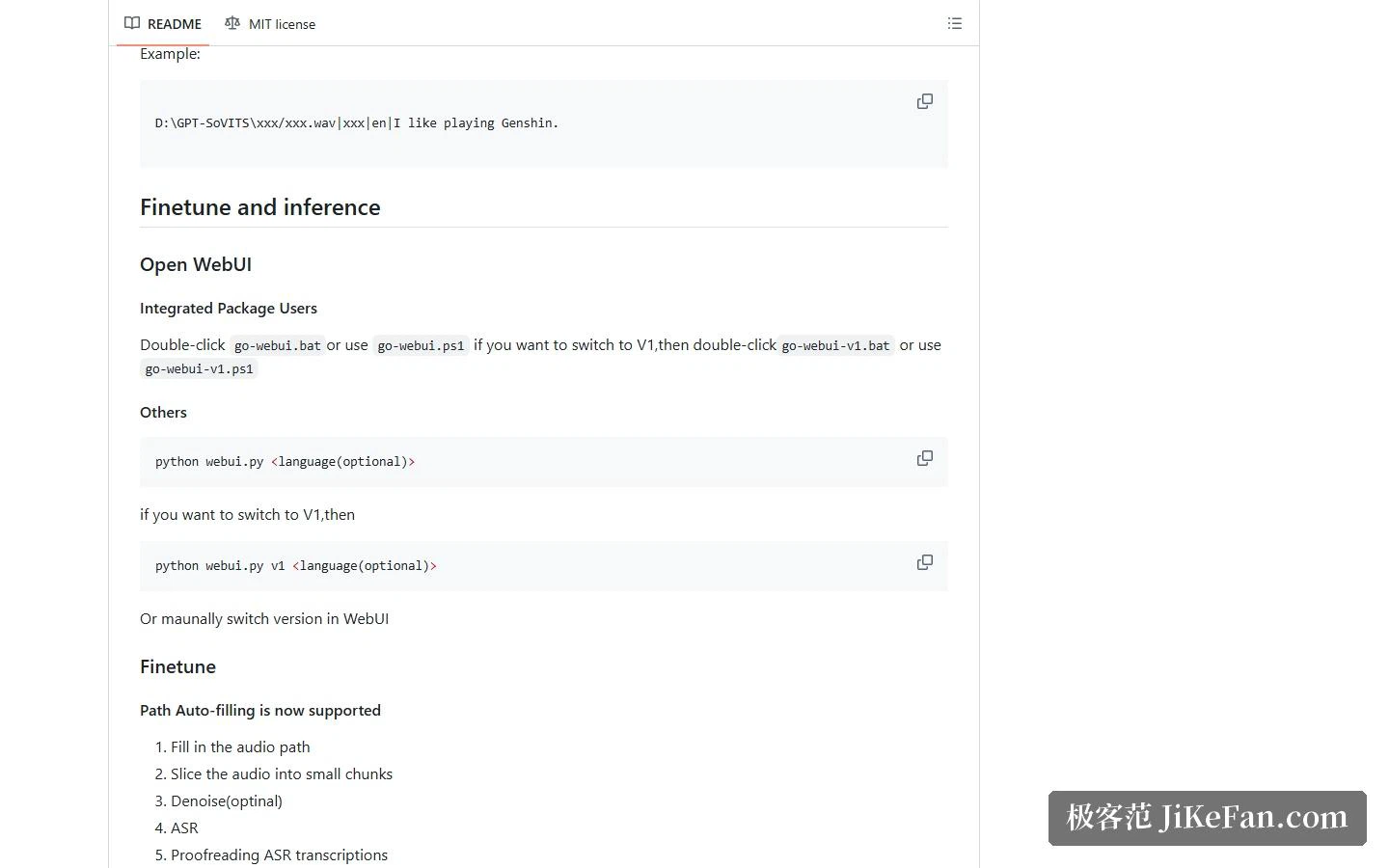
So the real sequence runs like this: point the tool at an audio path, slice, denoise where needed, run speech recognition, correct the transcript, then switch to the fine-tuning tab and train. The recognition step bundles several engines, among them Fun-ASR, SenseVoice and FunASR, so a newcomer does not have to assemble that pipeline by hand.
Plenty of versions, which one to take
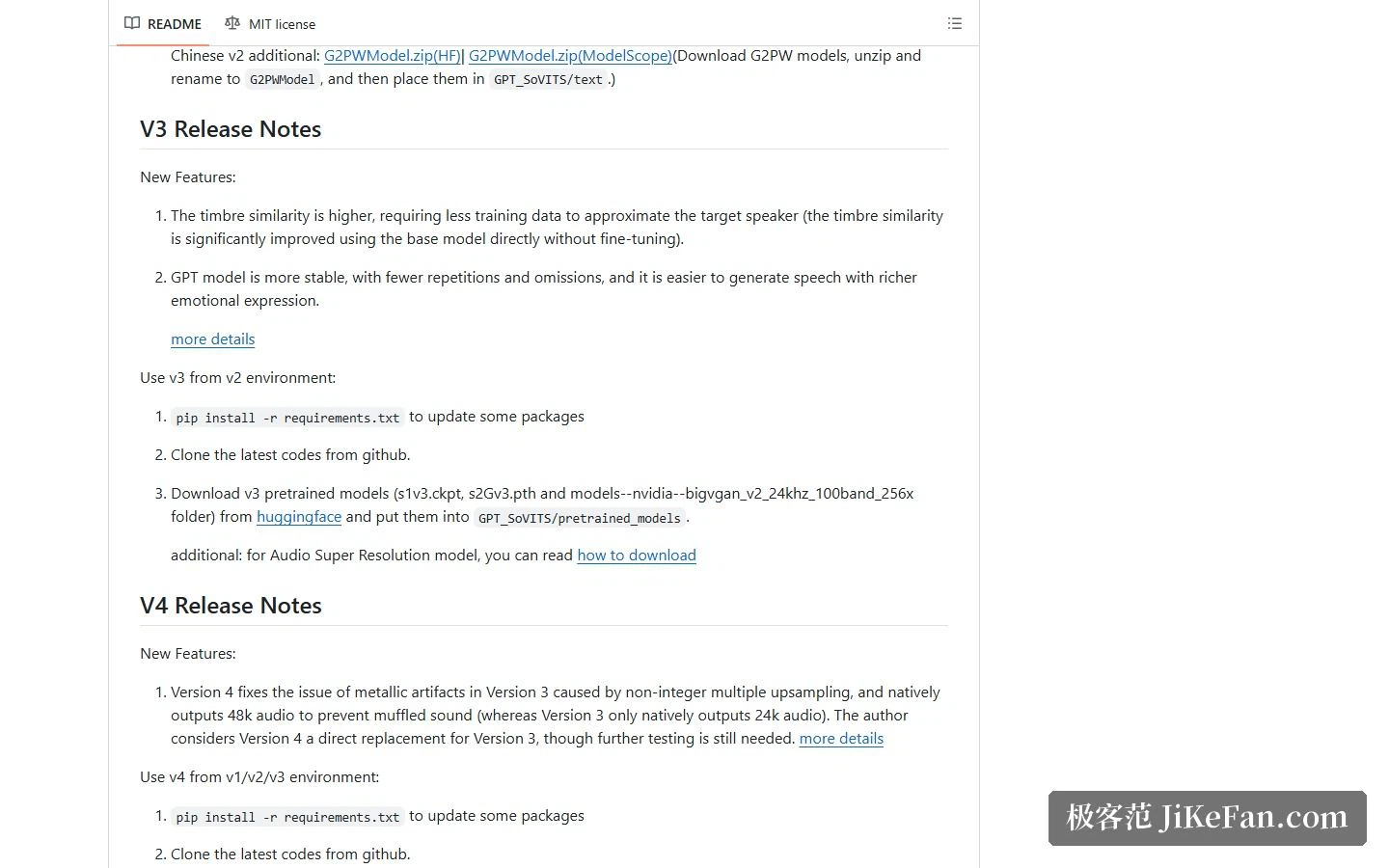
The repository carries several versions — V1, V2, V2Pro, V3 and V4 — switchable through a launch parameter, with matching start scripts in the Windows bundle. A few differences matter. V2 expanded the pretrained model from 2000 hours of data to 5000 and added Korean and Cantonese. V3 lifted timbre similarity considerably even without fine-tuning, and made the GPT module steadier and more emotionally varied. V4 fixed the metallic noise V3 produced because of non-integer upsampling, and outputs 48kHz natively where V3 works at 24kHz.
How painful is the install
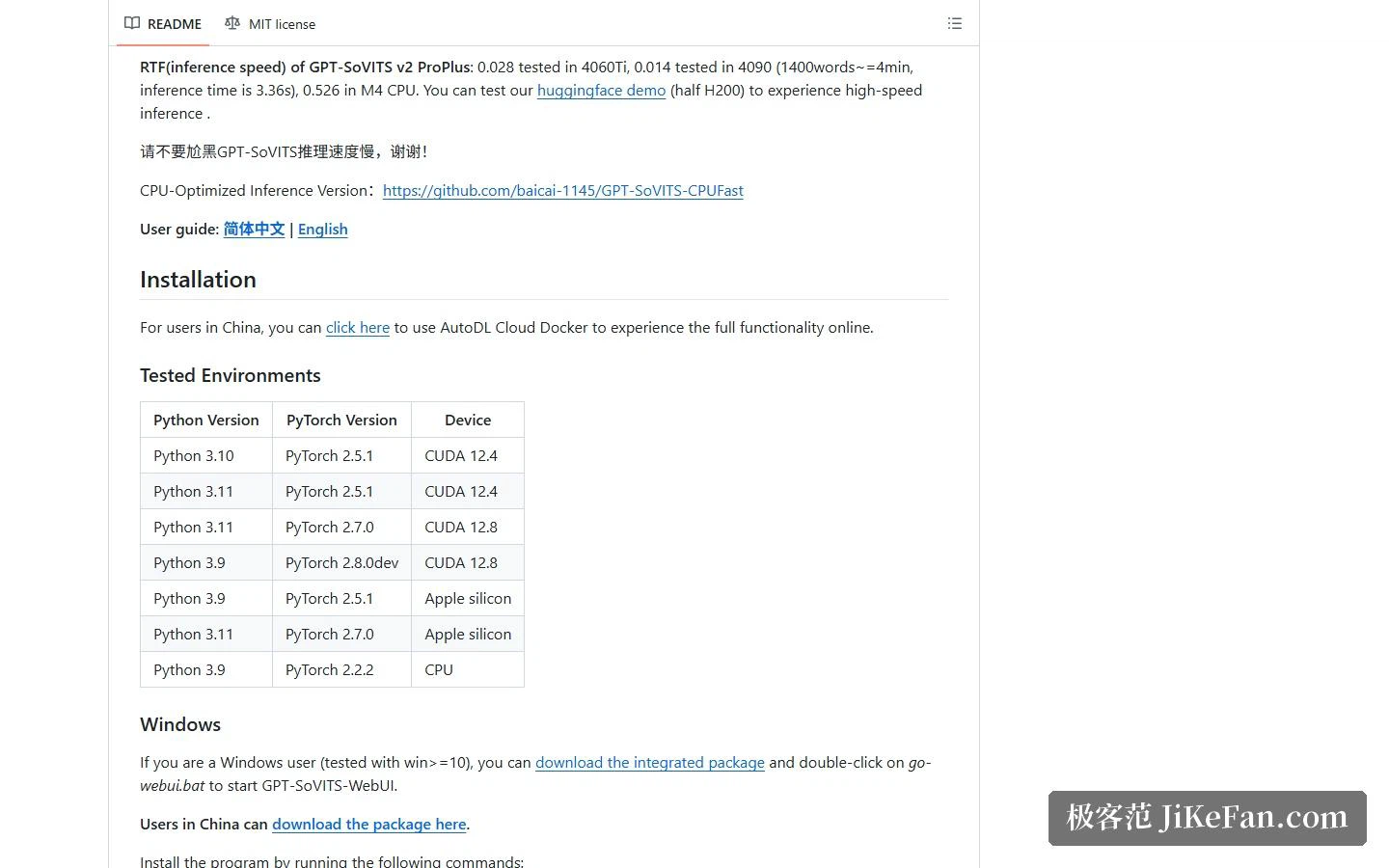
There are several routes. The easiest is the Windows bundle: download, unpack, double-click the start script, and the WebUI opens. If you would rather manage the environment from a shell, there is a PowerShell installer for Windows and shell scripts for Linux and macOS, both of which accept a device type and a model download source. Below that sit manual installation, which means sorting out dependencies and FFmpeg yourself, and Docker, where the official notes warn that the lightweight image ships without the speech recognition and vocal separation models, so those need downloading separately.
On the environment side, the tested combinations cover Python 3.9 through 3.11 and PyTorch 2.2 through 2.7, with desktop setups running on a discrete card and lighter setups running on CPU alone. One thing is worth knowing in advance: the project notes that on some platforms, models trained on a GPU come out noticeably worse than on other hardware, so training on those platforms falls back to CPU — which is considerably slower.
Who it fits
If the goal is a voice model for yourself or for one specific timbre, with the data staying on your own machine, the positioning fits: low data requirements, a complete toolchain, and an MIT licence that leaves few restrictions.
It does want a usable graphics card, or the patience for CPU inference. On some platforms the training stage takes visibly longer, and that should be priced in beforehand. Separately, the real boundary around voice cloning is not technical but legal: using someone else's voice, and especially a public figure's, can touch personality and voice rights, so settle where the rights come from before touching the tool.
Training a TTS model on one minute of data would have sounded impossible a few years ago. The stronger the tool, the more the user has to hold the line — being able to do something and being entitled to do it remain two different questions.