
Gemini reaches the Windows desktop: one shortcut, and a quota counted in compute
Summary
Most assistants make you come to them. This one grew up inside the mailbox, the calendar, the photo library and the search box, and that single decision explains both how convenient it is and where it stops. A Windows build arrived in September 2026, summonable over any window with one keystroke.
Recommend- Name
- Google Gemini
- Version
- 1.0.971139365
- Open source
- Proprietary
- Operating system
- WindowsmacOSLinuxAndroidiOSWeb
- Website
- https://gemini.google.com/
- Updated
- 2026-10-27 22:00
Most assistants ask you to come to them. This one was built the other way around: it lives inside the mailbox, the calendar, the photo library and the search box you already open every day. That single decision explains both why it is convenient and where its limits sit.
It had been running on the web, on Android and on iOS for some time. In September 2026 the last piece arrived, a desktop application for Windows, and with it a change of identity: from something you have to open a browser for, to something that sits on the machine you are already using.
What the Windows build actually adds
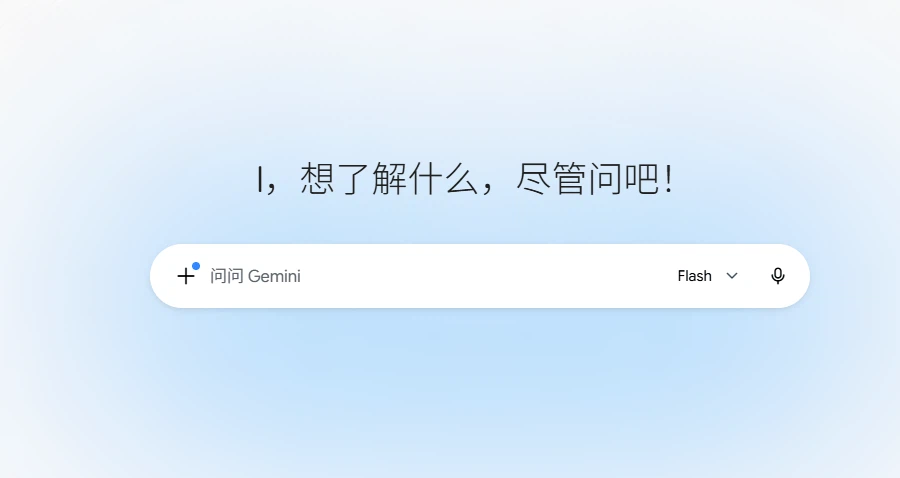
Released on 10 September 2026 for Windows 10 and 11, the application is organised around a single keyboard shortcut. Press Alt and Space in any window and it floats above whatever you are working on; ask, close it, carry on. No switching windows, no extra tab.
Three scenarios are named as the typical ones: checking a fact inside a document you are reading, pulling material out of mail and cloud storage into a project summary, and generating images or video without leaving the desktop. The application is described as light and quiet, not slowing the machine down while it runs. The interface is essentially the web version with a side panel, and that panel holds notebooks and recent conversations.
One caveat belongs up front. The Windows build does no local inference. Every exchange still travels to the company's cloud, so what you gain is a shorter path to the assistant, not offline capability and not data that stays on the machine. Anyone looking for an air-gapped setup is looking at the wrong product.
What living inside the suite means in practice
After you sign in, it can read the messages in your mailbox, the entries on your calendar, the files in your cloud storage, the photos in your library, and content from the video platform and the search engine, and use all of that as context. Those connections are optional: the settings let you decide which applications to open up, and any of them can be switched off again.
In daily use it looks like this. Ask what last month's email about the contract said and it goes to the mailbox. Ask for a project summary and it pulls from documents in storage. Ask it to plan a trip and it reads what is already on the calendar before suggesting anything.
Deep Research is where the arrangement pays off most clearly. It breaks the question into parts, runs several rounds of retrieval, checks one source against another, and returns a report with links showing where each claim came from, searching both the open web and the material in your own storage. The official description is research assistant; in practice it means the hours normally spent flipping through sources are simply gone.
Gems work differently. You take the instructions, the role and the reference material a recurring task always needs, fix them into a dedicated helper, and every later call carries that setup automatically. A few come pre-built, among them a planning helper wired to mail, calendar and storage at once.
Where the free tier actually stops
There are four levels: free, AI Plus, AI Pro and AI Ultra. The free one is not a trial. Model conversation, image generation, Deep Research, live voice, the canvas and Gems are all present, with a 32K token context, roughly fifty pages of text by the official conversion, plus 15 GB of cloud storage.
The limit is not counted in messages per day. It is counted in compute. A harder question, a larger upload, a heavier feature, and the advanced model, extended thinking, media generation and Deep Research all qualify, draws down more of the allowance. It refills partially every five hours, and there is a weekly ceiling on top of that. The same sentence asked casually and then handed twenty pages to analyse and chart differs by orders of magnitude. Whether free is enough depends entirely on what you plan to give it.
Making the allowance last is not complicated: state the requirement, the format and the constraints in one go so the work does not have to be redone. Asking for three or four rounds of revisions spends a complex task's budget several times over.
What the paid levels change
AI Plus, about five dollars a month, doubles the usage, raises the context to 128K tokens, and adds video generation, a creation allowance for the company's video tool and 400 GB of storage, alongside early access to new features.
AI Pro, about twenty dollars a month, gives four times the free usage and a context window of one million tokens, around fifteen hundred pages or thirty thousand lines of code by the official figures, with 5 TB of storage and deeper integration inside the company's mail, document and spreadsheet applications. Students in some countries can apply for a year of Pro at no cost; eligibility is stated officially.
AI Ultra starts at about a hundred dollars a month, aimed at heavy professional use, with up to twenty times the Pro allowance, higher output ceilings, priority at peak hours, and first access to experimental reasoning modes and personal agent features.
Looking at the context window alone is clarifying. 32K is one long article or a short report. 128K swallows a whole contract or several chapters. Only at a million tokens does the phrase a whole book, a whole repository, several hours of meeting video at once become honest. If you keep pasting long documents and complaining that it forgot the beginning, that ceiling is what you hit.
Small prerequisites that get overlooked
The web version opens in any modern browser. The mobile side covers Android 10 and above and iOS, and on Android it can be set as the system assistant in place of the older one. The desktop side had macOS before this release and now Windows 10 and 11 as well. Linux users are still on the web version.
Two privacy points are worth knowing. Temporary chat keeps a conversation out of your activity record and out of model training. And the answers themselves: this is an AI tool, it is not always right, and for medical, legal or financial judgement the original source still needs a look.
Two further gates exist. Image generation and editing are open to adults only. Some features, the personal agent and the experimental reasoning mode among them, are limited to certain regions. The product is also still moving quickly; interfaces and allowance rules have both changed within months before, and nothing suggests that has stopped.
The convenience comes from one plain fact: it grew up attached to the services already in use, mail, calendar, documents, photos and search, and every one of them can become its context. The free tier is already a complete assistant, at the price of an allowance measured in compute that drains faster the harder the work. Hand it heavy work month after month and the Pro level is what it actually looks like.