
Freeplane: a mind map that can actually carry work
Summary
Most mapping tools spend their effort on looking good. Freeplane spends it on being capable: nodes carry attributes, formulas, dates and priorities, and a filter can hide everything that does not answer the question you are asking.
Recommend- Name
- Freeplane
- Version
- 1.13.4
- Pricing
- Free
- Open source
- Open source
- Operating system
- WindowsmacOSLinux
- Website
- https://www.freeplane.org/
- Updated
- 2026-10-07 18:32
A node is not just a text box
Most mapping tools put their effort into looking good, and there is nothing wrong with that until the map has to carry real work. The moment a mind map holds six months of reading notes, the minutes of a project and the plan for the coming year, appearance stops being the interesting problem. Structure becomes the interesting problem, and most tools offer exactly one structure: a tree of text.
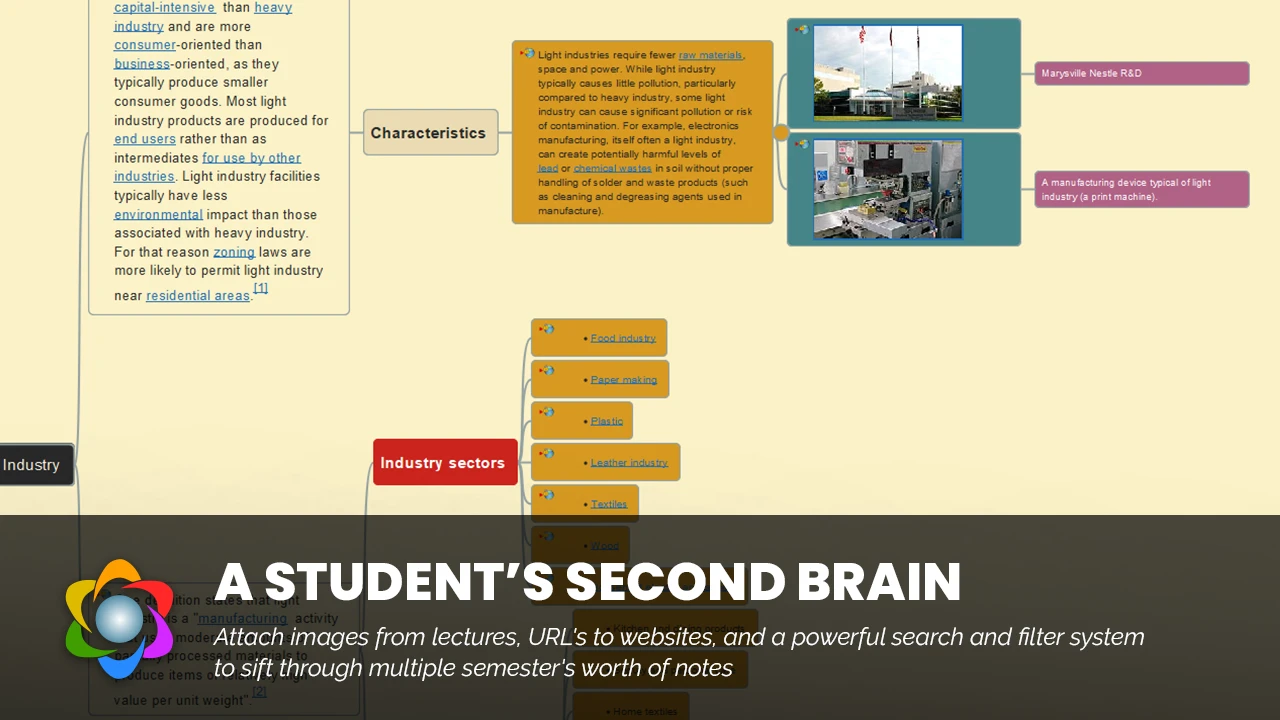
Freeplane treats a node as a container that can hold more than a sentence. Attributes attach structured values to it, formulas compute from them, and dates and priorities turn a branch into something with a schedule. Each of those is a small addition, and together they change what the map is for: the same file can serve as an outline for a document, a lightweight board for a project, and a personal index that survives because it is structured rather than merely pretty.
The filter is the feature that earns its keep. With a few hundred nodes in one tree, being able to show only the branches that satisfy a condition is the difference between a map you consult and a map you avoid. Reading notes, meeting records and the annual plan can live in one tree without contaminating each other, because each question brings a different subset to the surface.
Free, and deeper the longer you use it
As the active successor to a classic mapping program, it inherits a mature core and a large body of existing users, and then evolves on a faster rhythm than its ancestor did: several releases a year, with recent versions exploring assisted capabilities. It is fully open source and free, runs on the three desktop platforms, and stores maps in an open file format, which means the assets you build are not locked to the tool. That last point is worth more than it sounds. Ten years of notes is an archive, and an archive should not depend on one vendor's continued interest.
Keyboard operation is where heavy users find their pleasure: creating nodes, connecting them, attaching icons, all without reaching for the mouse so that the structure follows the fingers. Export covers images, PDF and office documents, so handing a map to somebody who does not own the program is not a problem to solve but a menu item.
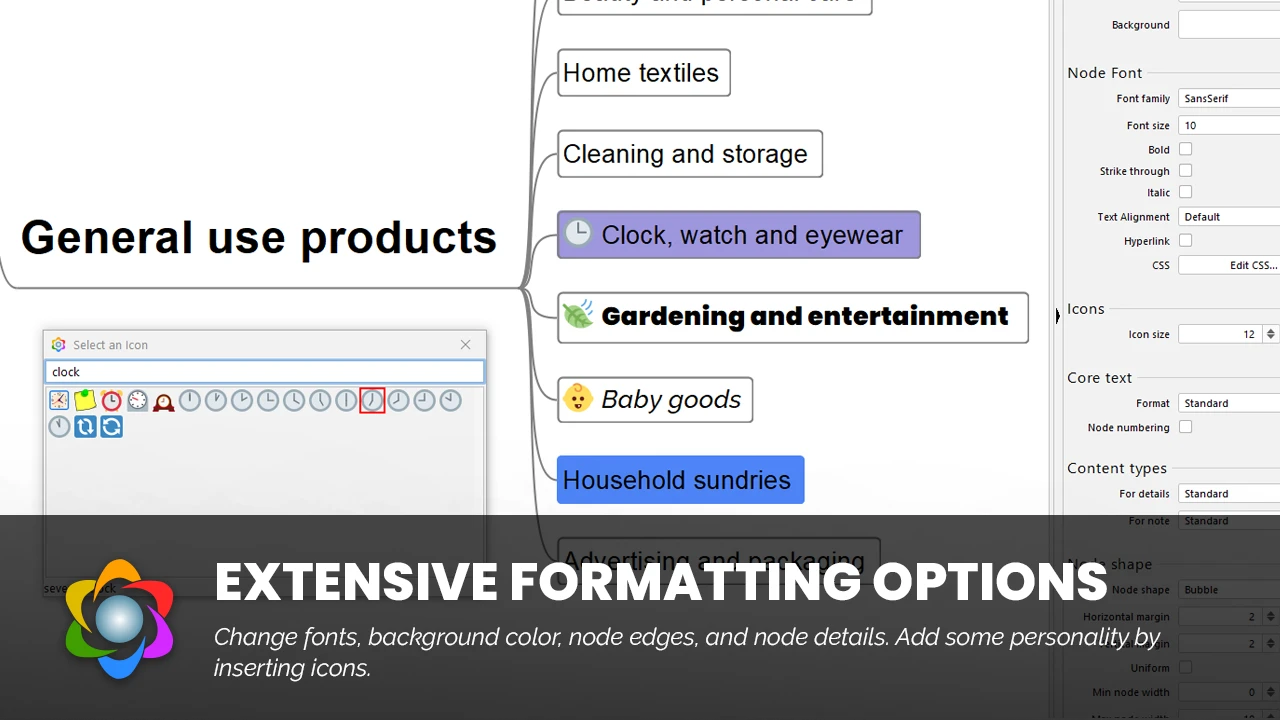
The attitude behind it: the tool grows with the thinking. First you are given a tree, then scripts, formulas and filters are handed over one at a time. The deeper you go, the more it resembles a second brain rather than a diagram.
How to start without being overwhelmed
For the first week, use only nodes and connections. Resist the attributes, the formulas and the scripts until the tree itself feels natural, because the failure mode of a capable tool is spending an evening configuring it and never filling it. Add one capability per week after that, and each addition will answer a need you have actually felt.
On a large map, live in the filters and the folding. A tree that shows everything at once is a tree nobody reads, and collapsing a branch is not hiding information, it is choosing what deserves attention now. Bind the fold commands to keys early; they are used more often than any other command in a mature map.
If what you want is a light, hand-drawn style for a presentation, an online tool will serve you better and there is no shame in that. If what you want is a structure that keeps growing for years and stays readable at a thousand nodes, this is where the free road ends, in the good sense: there is nothing further along it that you need.