
Zamzar: for the conversion you need in the next ten minutes
Summary
A document in an obsolete format, a video the player refuses, an archive that will not open, all due in an hour. Installing something is too slow. An online converter fits the moment: upload, pick a format, download.
Recommend- Name
- Zamzar
- Version
- 20260922
- Pricing
- Free
- Open source
- Proprietary
- Operating system
- Web
- Website
- https://www.zamzar.com/
- Updated
- 2026-10-07 18:31
Urgency is the whole use case
Format conversion has one classic scenario, and it is always the same shape. A document arrives in a version of the format your software no longer opens, and it is due this afternoon. Or a client sends a video in a container the local player refuses to touch. Or an archive refuses to unpack and you cannot tell whether it is corrupt or simply in a variant you do not have. In each case the real constraint is not quality, it is minutes: installing a converter, finding the right build, and learning its interface would take longer than the deadline allows.
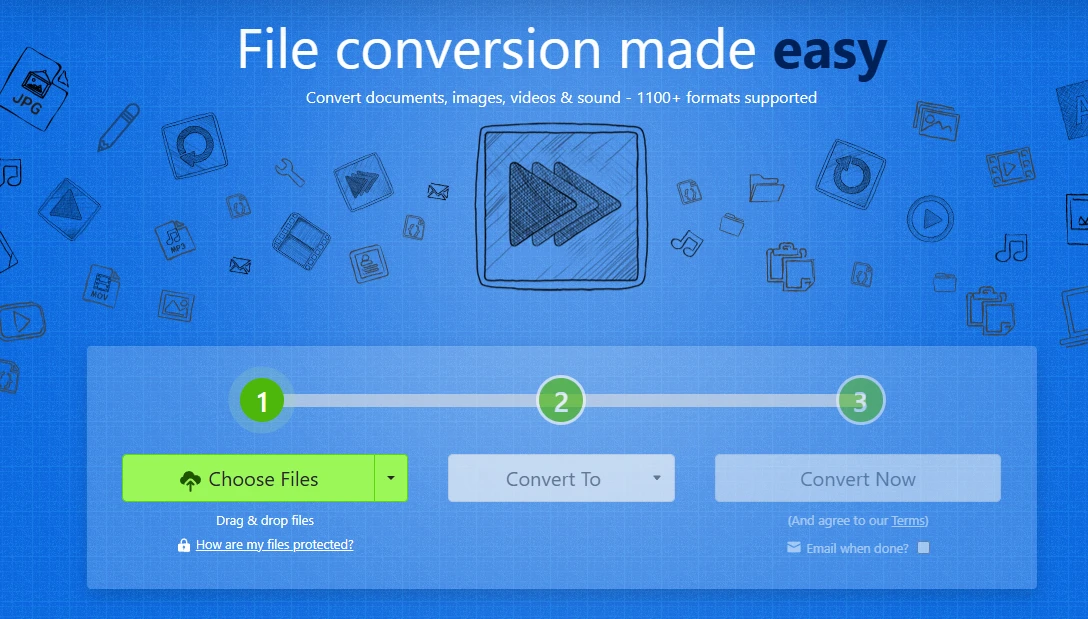
An online service fits that moment exactly because it asks nothing of your machine. Open a page, upload the file, choose the target format, and the result is ready to download when it finishes; the link can also be mailed to you, which is convenient when the conversion takes longer than your patience. Coverage of more than a thousand formats is the reason it works as a general answer rather than a narrow one: the odds are good that whatever the file claims to be, there is a path out of it here.
Twenty years is a track record in this category
Online tools have two characteristic failures: they vanish, or they escalate. A service that disappears takes your workflow with it; one that escalates quietly starts charging for what used to be free, or buries the limits until you hit them mid-task. Zamzar has been operating since 2006, which in this corner of the web is close to geological age, and it states its rules in plain language: the free tier allows two files per day with a cap on the size of each, usable without registering an account. Anything beyond that goes to a subscription with a published price rather than a hidden funnel.
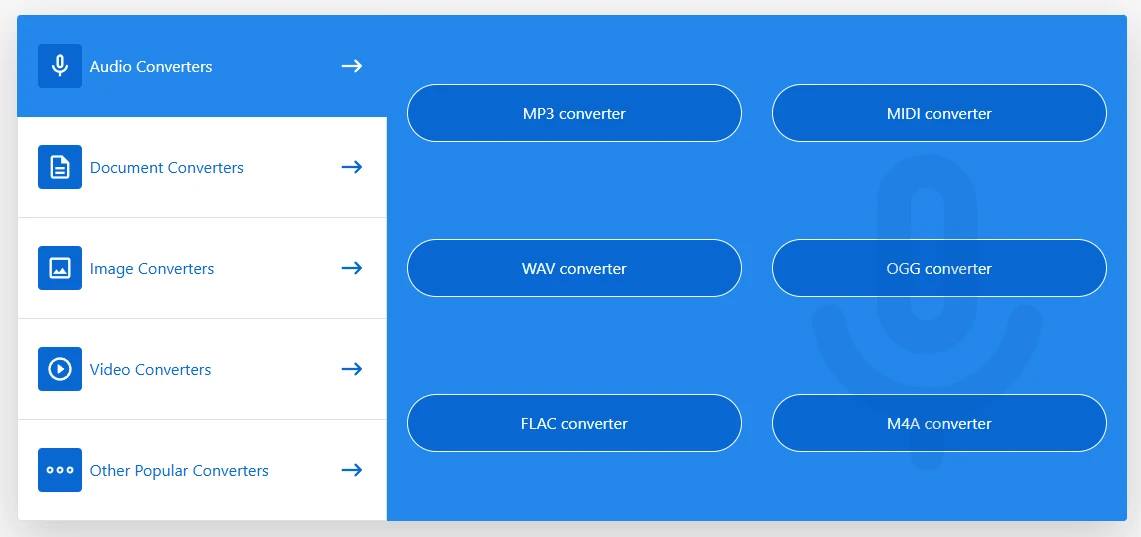
The extras are available when the task needs them: extracting an archive online, converting in batches, and an interface for programmatic use. None of those are advertised as the main event, and that is the correct posture for a utility. You arrive with one file and one deadline, and the service should not turn that into a negotiation.
It resembles the copy shop on the corner: unglamorous, but it has been there for twenty years and it takes your job whenever you walk in. The highest praise for an emergency tool is that it is still there when the emergency arrives.
Where it belongs in your habits
One caveat deserves emphasis. Anything sensitive, a contract, an identity document, a medical record, should not be uploaded to a web service at all, however reputable. Those files belong to a local tool where nothing leaves the machine, even if the interface is clumsier and the setup takes twenty minutes. The browser route is for the ordinary, non-sensitive documents and media that make up most of the urgent requests.
Treat the free quota as the design constraint rather than an obstacle. Two files a day is plenty for emergencies and nowhere near enough to become a daily workflow, and that is exactly the right shape: it keeps the service available for the moment you need it instead of turning it into a habit that ends in a subscription. If you find yourself converting batches every week, that is the signal to install something local or pay for the tier that matches the volume.
Before converting, confirm the version of the target format as well as its name. Producing the right extension at the wrong revision is the most common way to do the work twice, and it is entirely avoidable with one extra look at the requirements. Then bookmark the site and forget about it. It will earn its place on the day something unopenable arrives with a deadline attached.