
Flashrom 1.6: reading and writing flash chips from the command line
Summary
Flashrom identifies and reads or writes the flash chip on a board, either through the internal interface or with an external programmer, and asks for a backup first.
Recommend- Name
- Flashrom
- Version
- 1.6
- Pricing
- Free
- Open source
- Open source
- Operating system
- LinuxWindowsmacOS
- Website
- https://www.flashrom.org/
- Updated
- 2026-10-06 18:12
What it does is narrow and clear
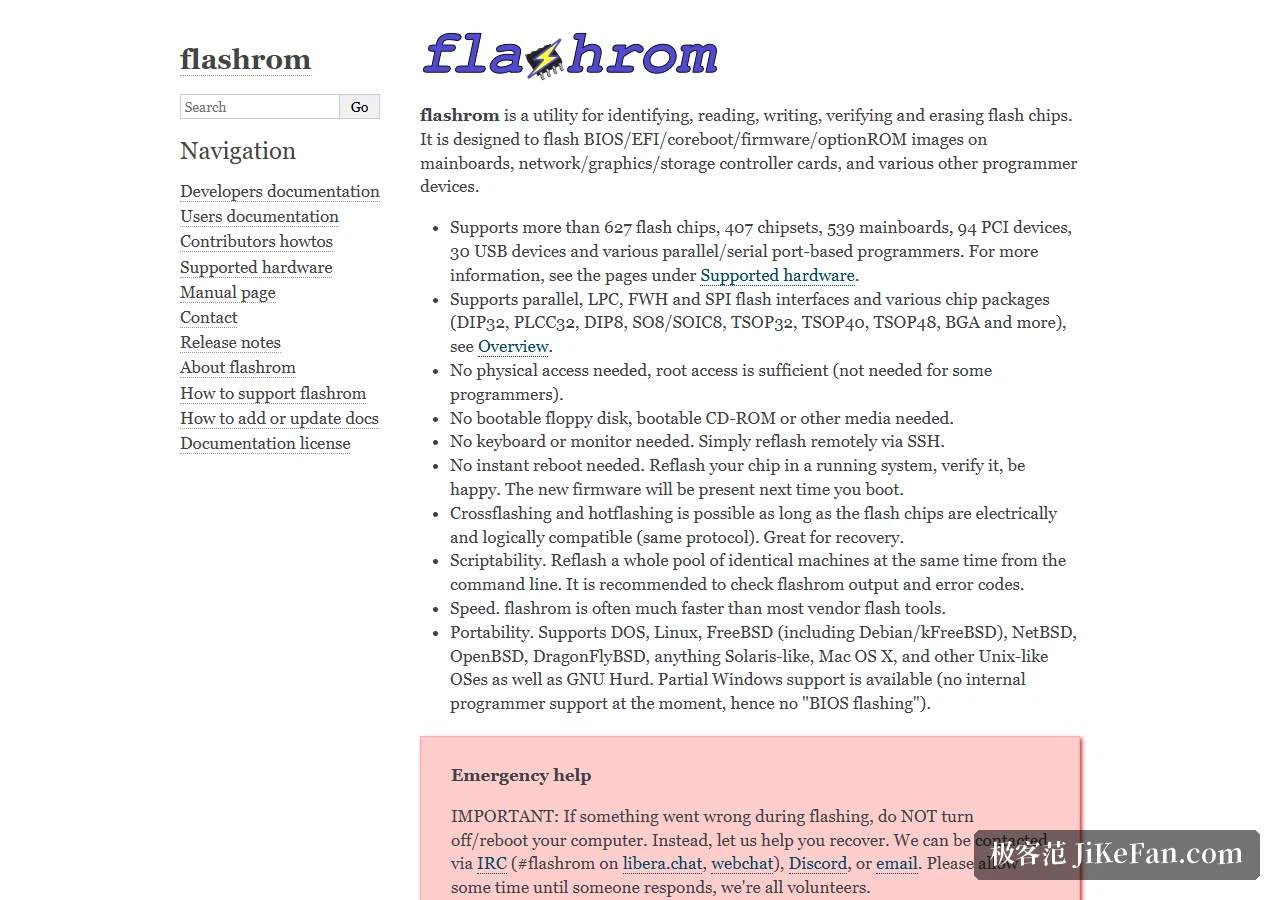
Flashrom is an open-source tool for writing firmware, and its job is specific: identify and then read or write the flash chip on a motherboard or inside a device. It covers a large number of chip models and several programmers, so it can work through the internal programming interface on the board itself, or with an external programmer on a chip that has been taken off. Flashing firmware, updating the BIOS, recovering a board after a bad flash — this is the category of work it belongs to.
That narrowness is the point. A tool with one job can be checked, scripted and trusted in a way that a graphical suite with forty buttons cannot, and for work that can leave a machine unable to start, a small surface is a feature rather than a limitation.
Read first, write later
The standard sequence is not negotiable: probe the chip, read a complete image, store it somewhere safe, and confirm that the image is usable before anything is written. Reading is a low-risk operation; writing is not. An interruption in power, the wrong chip model, parameters that do not match the hardware — any of these can leave the board unable to boot.
So the preparation matters as much as the command. Have a way back before starting, and confirm that the chip in front of you appears in the list of supported parts. The two minutes that takes are the cheapest insurance in this whole area of work, and they are also the step people skip when they are in a hurry to fix something.
Command line, and the platforms
The interface is a command line with few parameters: probe, read, write and verify are the actions that get used, and everything else is detail around them. That makes scripting and batch handling easy — a series of boards can be treated the same way, and a procedure written down as commands is a procedure that can be repeated exactly.
The project is open source and builds and runs on Linux, Windows and macOS, and it is also a familiar component inside the coreboot ecosystem, which is where a good part of its reputation comes from. Version 1.6 appeared in July 2025, and the development version in the repository keeps moving.
The risk, stated plainly
Writing firmware is a high-risk operation: a mistake can leave a device that will not power on, and on some models the firmware contains data bound to that specific hardware, so replacing it casually causes problems that a reflash will not solve. Use it only where the consequences are understood and where the device is one you are allowed to flash yourself, and keep the original image.
For anyone who does not work at this level, the vendor's own update tool remains the safer route, and there is no shame in that. Flashrom is a professional instrument; the honest way to use it is as a procedure — back up, then act — rather than as a single command typed in a hurry.
Two situations that look alike from outside deserve to be separated. On a desktop board the chip is usually reachable through the board's own interface, so nothing has to be removed; in a laptop or a device that refuses that route, the chip has to be reached with an external programmer, which is a different job with a different kind of risk. Both are supported, and knowing which one is in front of you is the first real decision.
Reading first has a second use beyond the backup: it proves that the chip is recognised at all. If the probe or the read fails, the write will certainly fail.
Warranty belongs in the calculation too. Flashing a device yourself usually ends the warranty, and that is something to know before starting rather than afterwards.
Flashrom is a professional tool at the firmware level: narrow in purpose, open in code, and available across platforms. Treating it as a procedure rather than a command is what keeps the risk down — read an image out and keep it, and only then decide whether to write.