
FilmCraft is an open source video editor written from scratch in Rust, down to its own codecs
Summary
From the ArtCraft team, an open source non linear video editor written from scratch in Rust: H.264, HEVC and ProRes codecs, the timeline, grading, audio and subtitles are all implemented in house.
Recommend- Name
- FilmCraft
- Version
- 0.5
- Pricing
- Free
- Open source
- Open source
- Operating system
- WindowsmacOSLinux
- Updated
- 2026-10-10 14:40
FilmCraft is an open source non linear video editor written from scratch in Rust by the ArtCraft team: from codecs to timeline, not one layer is handed off to a ready made black box.
On 30 September 2026 the storytold organisation on GitHub created the repository. Over the ten days that followed it moved at nearly a release a day, reached v0.5.0 by 10 October, and 98.83 percent of the code in the repository is Rust. What it wants is unambiguous: build a professional grade non linear editor, then reimplement every layer underneath. That goal put it on the expensive road from the start.
Starting with the codecs, written in house
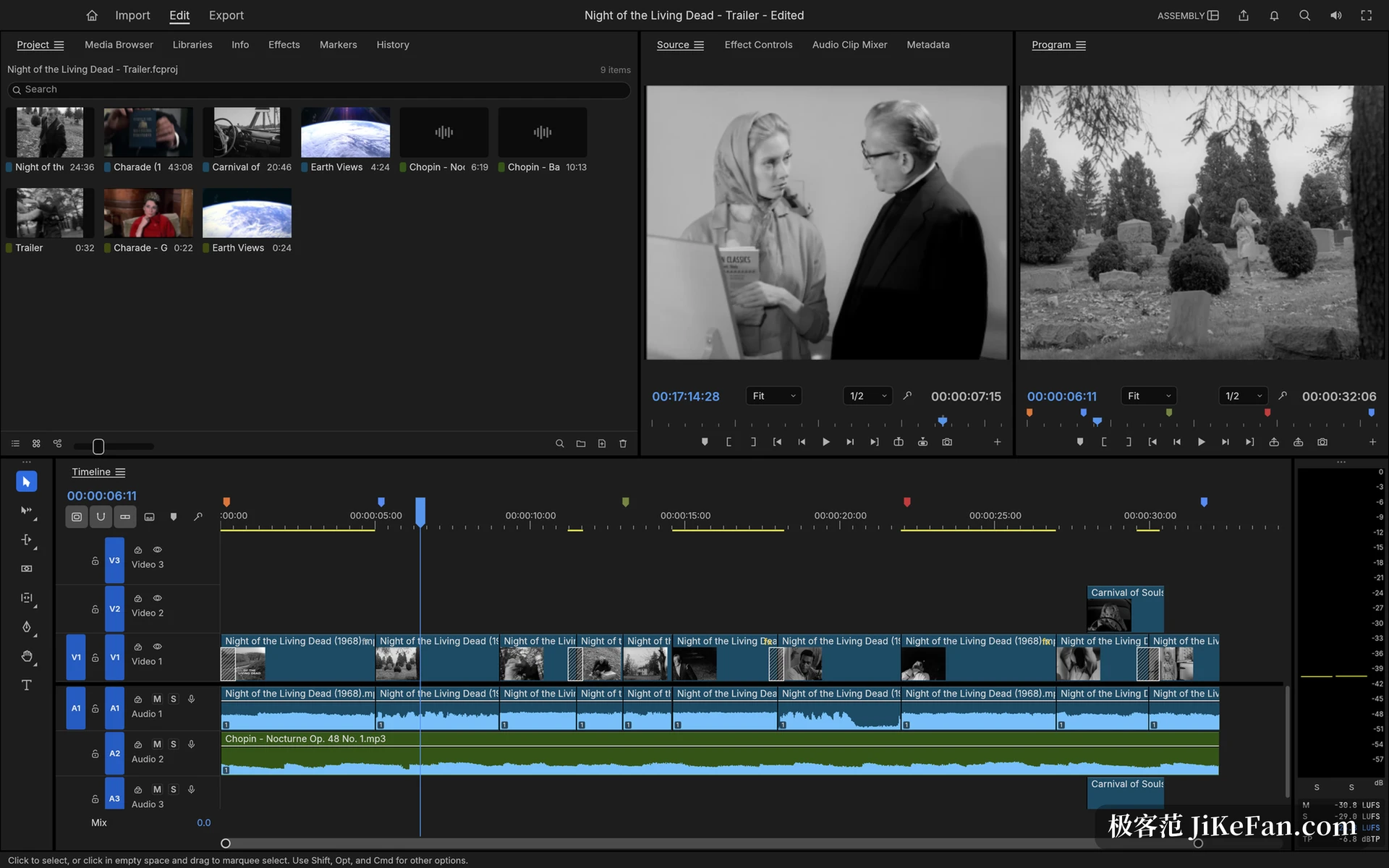
The codec layer shows the trade off best. There is no FFmpeg inside FilmCraft: H.264, HEVC, VP9, AV1, ProRes, AAC and Opus are all implemented in Rust against the published specifications from ITU-T, ISO and the IETF. The vendor method of proof is a frame by frame comparison against ffmpeg as an external reference: bit exact on more than 37 H.264 streams, bit exact on 41 HEVC streams, and AV1 matching libdav1d on the test vectors. Keeping that layer in house pays back in reading frames, normalising colour ranges and converting to linear light all inside one body of code, with no external process and no intermediate loss from format conversion.
Timeline: an integer time base and a full set of trim tools
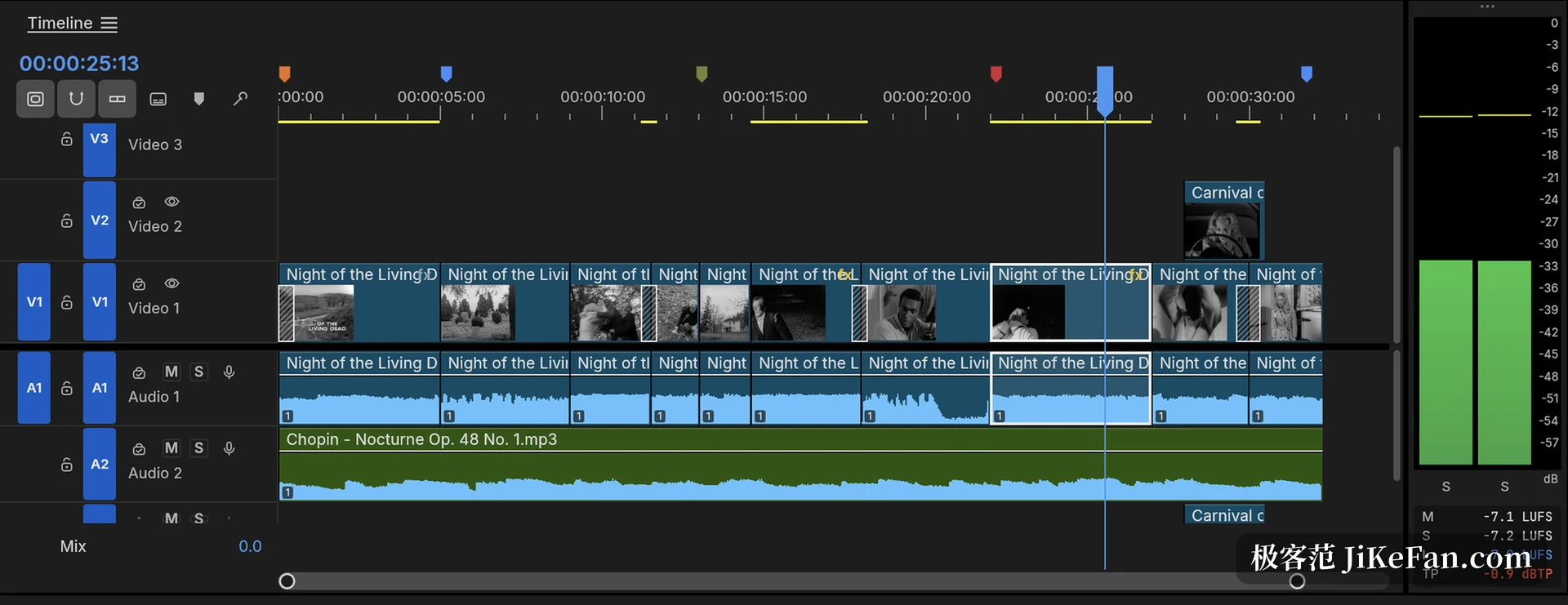
At the centre of the timeline is an integer time base: a second is cut into 254,016,000,000 ticks. That number divides evenly by the common frame rates and sample rates, so 23.976, 29.97 drop frame and 59.94 are exact values inside, and edit points do not drift from floating point rounding. On top of it sits a complete set of habits: source and programme monitors, three point editing, seven trim modes including ripple and roll, a trim monitor that shows both sides of the edit at once, and a dynamic mode where J, K and L play and cut as you go and stop merges the pass into a single undo. Coloured markers, nested sequences, ripple delete with snapping and unlimited undo with a history panel are all there.
Grading, effects and keyframes
The grading panel is arranged in the order a colourist works: basic correction covers temperature, tint, exposure, contrast and highlights and shadows; the creative section offers eight built in looks, which are colour transforms written in code rather than external LUT files; below that sit RGB curves with monotone cubic interpolation plus a few curve groups for hue and saturation, and it closes with colour wheels, HSL secondaries and vignette. The waveform and vectorscope beside them read the picture after grading, and the whole chain runs in linear light at 32 bit float.
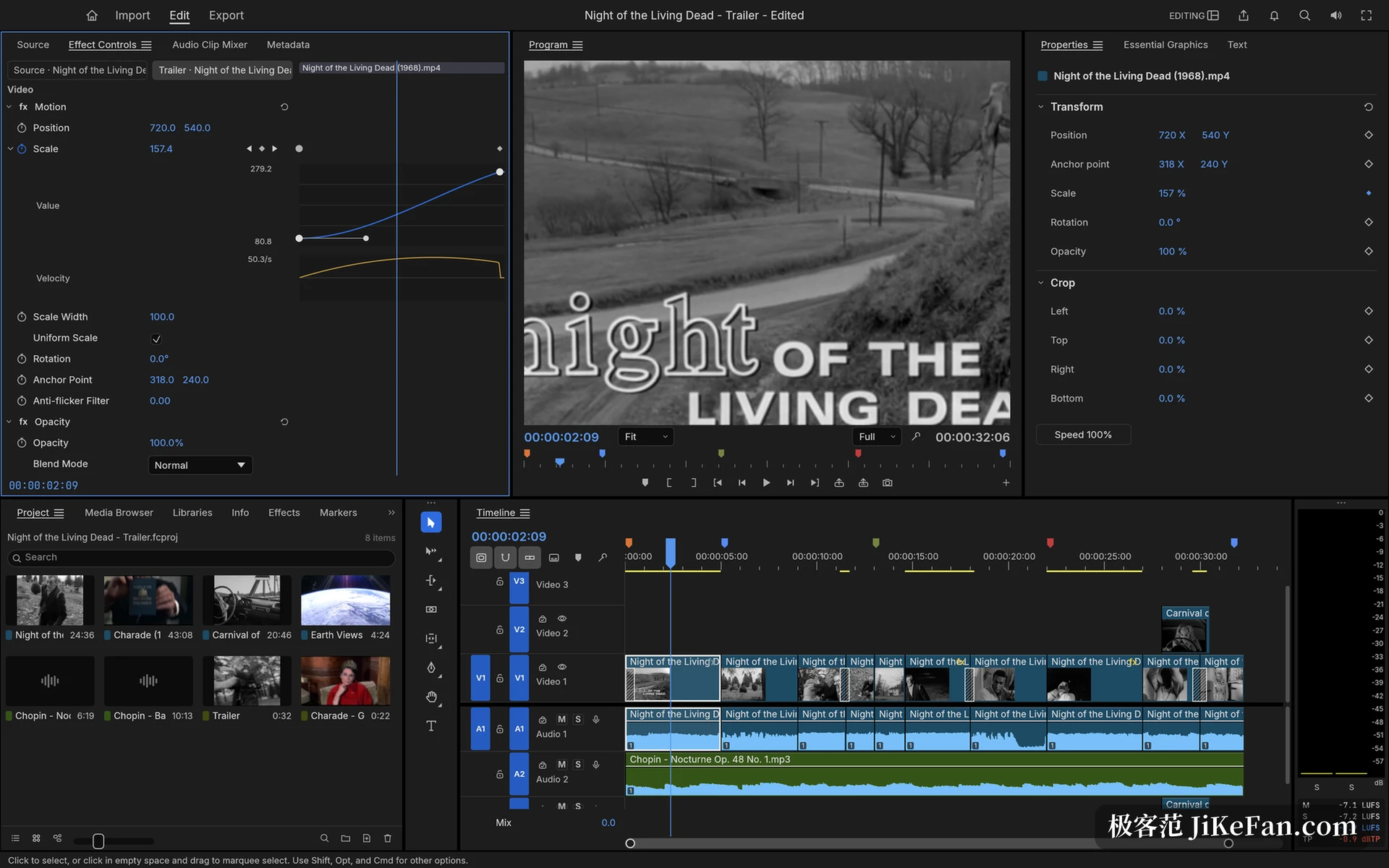
Effects and keyframes are built around a GPU compositor on wgpu, with backends covering Metal, Vulkan, DirectX 12 and WebGPU, and a CPU render path kept alongside to check it; the vendor puts the scale at about 55 video effects and 30 transitions. Keyframes support linear, bezier, automatic and continuous bezier, hold, and ease in and out, and every animated parameter expands into a value graph and a speed graph, where dragging the influence handles on the curve reshapes the easing.
Sound, subtitles and delivery
The weight of the audio work is loudness: the meter follows ITU-R BS.1770 and EBU R128 and reports momentary, short term and integrated loudness together with true peak. On the mixing side there are track and clip mixers, five insert slots per track, sends and submixes, and automation in Read, Latch, Touch and Write modes so fader moves can be recorded while playing; the effect chain runs on an in house DSP library covering parametric EQ, high and low pass, dynamics, limiting and noise reduction. Subtitle tracks support Subtitle, CEA-608, CEA-708 and Teletext, SRT, WebVTT and SCC import and export are frame accurate, and captions can be burned into the picture.
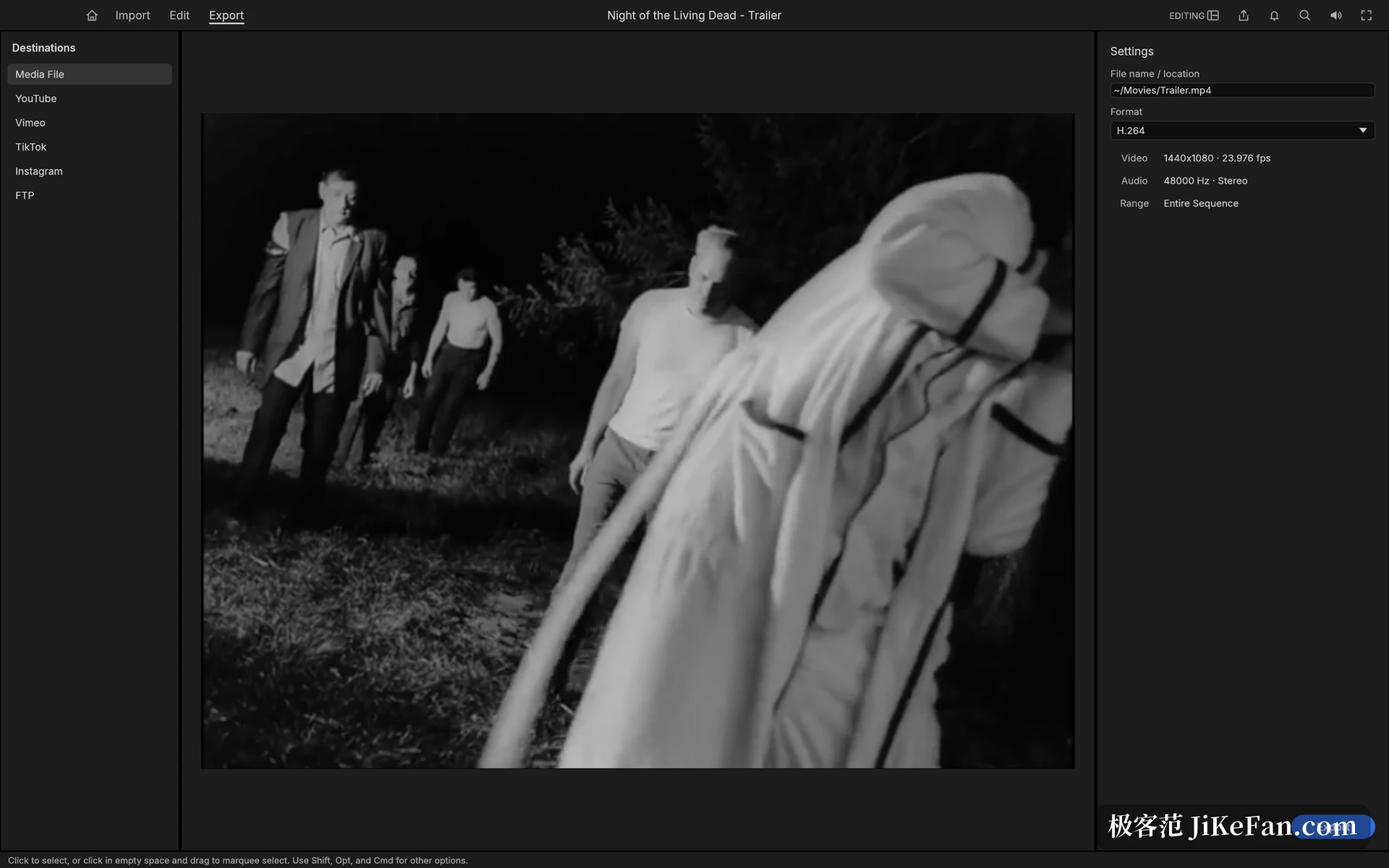
For interchange it supports OpenTimelineIO, CMX 3600 EDL, AAF and OMF 2.0, and an import merges bins, media and sequences into one undoable action. Export centres on H.264 MP4 with AAC, with ProRes 422 HQ, DNxHR, PNG sequences, animated GIF and WAV alongside; rendering runs as background jobs and the render bar is cached by content, so a change only invalidates the segments it touches.
What ties these abilities together is the command system: every menu item, button, slider and even a drag is a command with an identifier and typed parameters, more than 650 of them on the engine side, and the interface, the command line, the JSON control channel and an MCP server all dispatch the same set. Which means an AI agent can cut, trim, grade and export the way a person does. It runs natively on macOS, Windows and Linux, and can also run in a browser through WebAssembly. The team gives two self assessments in the roadmap: about 87 percent feature complete, and about 50 to 60 percent ready for real work, with the gaps in speed, plugins and delivery encoding stated plainly.
Ten days of dense iteration prove that rewriting codecs, timeline, grading and mixing layer by layer is not out of reach; it is still short of maturity, but every line of code sits in the open.