
Figma puts design, code and AI agents on one canvas, free to start
Summary
One file holds the mockup, the prototype and the code that ships it, and agents work in the same space as the team. The free tier carries a daily allowance of 150 AI credits, capped at 500 a month.
Recommend- Name
- Figma
- Version
- 126.8.18
- Pricing
- Free
- Open source
- Proprietary
- Operating system
- WindowsmacOSiOSAndroid
- Website
- https://www.figma.com/
- Updated
- 2026-10-06 08:16
Figma calls itself a collaborative canvas for design, code and AI, and that phrasing has stopped being marketing and become a description. Two founders built the first version in 2012; on 31 July 2025 the company began trading on the New York Stock Exchange. The investor pages cite figures from March 2025: 95% of the five hundred largest American companies by revenue, and 78% of a two-thousand-company global list, run design and product work inside it.
Ten product lines, one file underneath
The home page and the pricing page lay the catalogue out neatly. Design covers mockups and prototypes in one place. Make turns a prompt into code. Weave is an AI workflow aimed at image, video and audio. Dev Mode translates a design into code. Motion handles animation, FigJam is a whiteboard, Slides is a deck editor, Draw is for vector illustration, and Sites and Buzz are still in beta, one publishing responsive pages and the other producing brand material at volume. Ten capabilities sound like ten separate tools; what they actually share is a single file, one design system and one library of components.
AI sits on the canvas rather than in a side panel
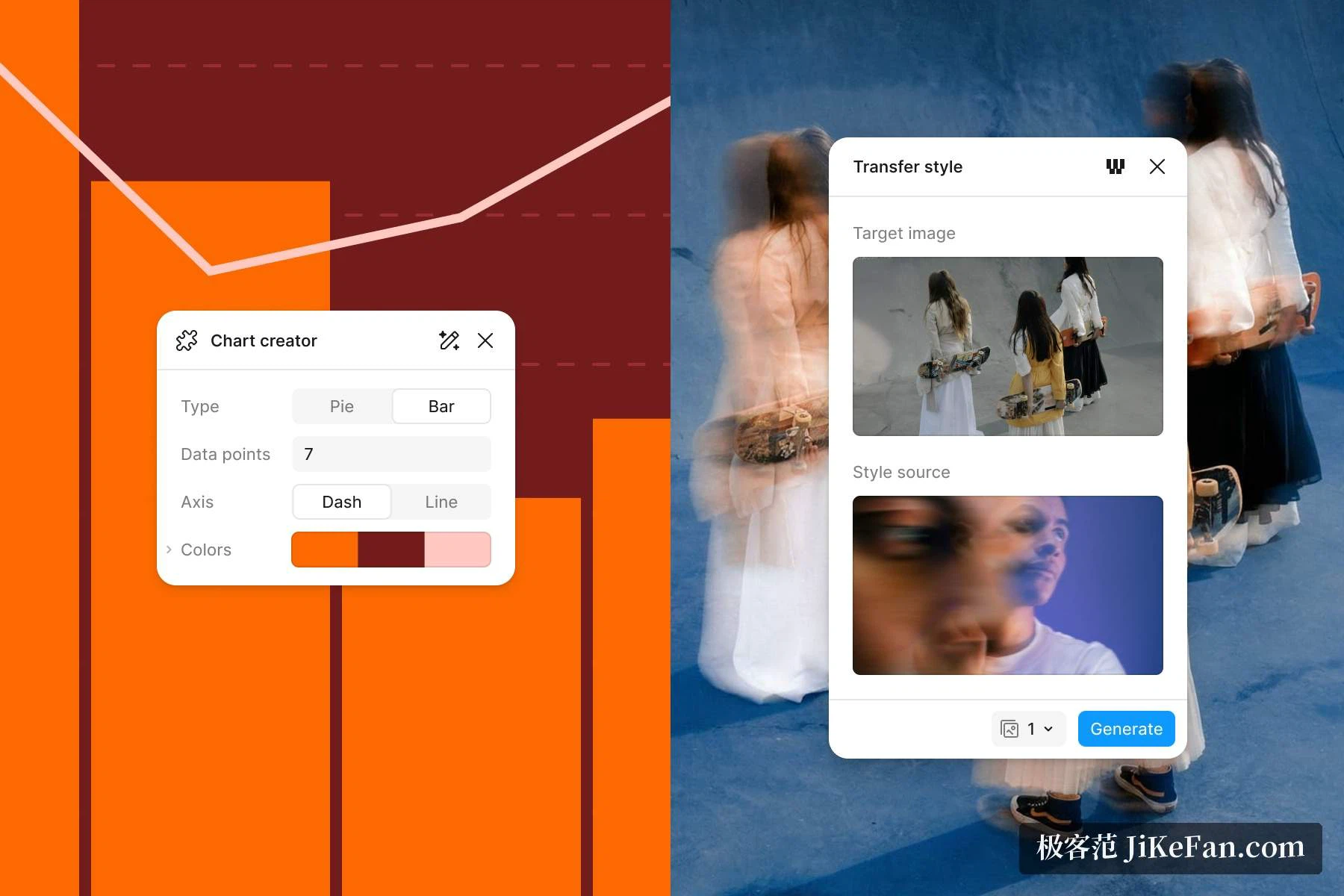
Figma splits the work into three stages. The first is exploring: an agent opens up new directions, draws charts, edits pictures, hunts down files. The second is polishing, where several directions sit side by side and the team refines details together with the agent. The third is shipping, turning a design into a prototype with code behind it, or pushing it into a production environment through an MCP server. The home page puts it plainly: colleagues and AI agents share the same context and work in the same room. Beyond the agent, the documentation lists prompts that write custom generative plugins, prompts that produce custom shaders and fills, background removal, image expansion, object separation and automatic layer renaming.
Make turns a sentence into a page that runs
The official description of Make is that it converts an idea, or an existing design, into prototypes and web apps through prompts. Three constraints define it. The output carries your own design context, from the design system down to the images. The result is both backed by code and visually editable, so you can move between the code and the canvas. When a project needs a backend, an outside service can supply sign-in, data storage and private interfaces, and the finished work can be published on its own address. There is also a plan mode that produces a structured proposal before generation starts, plus support for attaching mockups, images, video or PDF files, dictating a prompt out loud, and copying a preview back onto the canvas as layers to keep editing.

Images come from a preset workflow plus a prompt
The entrance for image generation is a beta tool called Weave. You pick one entry from a list of preset AI workflows and get images or vectors inside Figma without leaving the window. The same page notes that you can ask the agent to build a reusable plugin, for instance by requesting a record player whose disc spins while the music plays, and that you can describe a custom shader effect, blur or mesh gradient or pattern, and see it applied to the canvas at once. General foundation models and tuned models drive all of this, and the documentation stresses protection for confidential material along with administrator controls over AI training.

From design to code, the thread is an MCP server
Figma exposes an MCP server so outside AI agents can read, reference and act on your designs, carrying design context into coding tools. Administrators on the organization and enterprise plans manage those connections centrally through an identity provider. Paired with Dev Mode and Code Connect, components in a design system can point straight at real code. For teams that have spent years watching mockups and production drift apart, this is the most valuable stretch of the pipeline right now.
A free tier with credits, paid tiers by the seat
There are four plans, priced in US dollars. Starter costs nothing and includes unlimited drafts, the interface kits and templates, and 150 AI credits a day with a ceiling of 500 a month. Professional is billed per seat: a full seat is USD 16 a month with 3000 credits, a developer seat is USD 12 and a collaborator seat is USD 3, each carrying 500 credits. Organization charges USD 55 for a full seat and Enterprise charges USD 90. Credits can be pooled across a whole team and paid for by usage or by subscription, and the enterprise plan lets an administrator split the allowance between departments and check consumption through an interface.
Three boundaries worth stating up front
Credits get consumed: the agent, Make and the Weave tools all draw on them, the free allowance stops at 150 a day and 500 a month, so anyone generating heavily should do the arithmetic first. Prices are quoted in US dollars and plans and add-ons change, so check the pricing page at the moment of purchase rather than a screenshot from last quarter. Several capabilities still carry a beta label, among them the Weave tool, generative plugins, shaders, the agent itself, Sites and Buzz, which argues for a small trial before any of it touches a production workflow.
The summary writes itself. What Figma sells is not one more doorway for AI to produce pictures; it is one canvas where design, prototype, code and agent meet. An individual can start on the free plan, a team adds capacity one seat at a time, and a design that an AI touched still travels the same road all the way to code.