
FFmpegFreeUI Puts a Face on the Command Line Tool
Summary
A graphical shell around a very capable command line encoder. Format conversion, audio extraction and simple cutting become form fields and buttons, which means the power underneath is available to people who would never type the commands.
Recommend- Name
- FFmpegFreeUI Media Frontend
- Version
- 6.2.28
- Pricing
- Free
- Open source
- Open source
- Operating system
- WindowsmacOSLinux
- Updated
- 2026-10-15 22:00
The gap between capability and reach
There is a command line encoder that can do almost anything with a media file, and it has been doing it for long enough that a great deal of software depends on it. It is also unusable for most people, not because the documentation is missing but because a correct invocation is a long line of flags whose order matters. The tool described here exists to close that gap: the same engine, wrapped in a window where the choices are visible, so that a person who needs to convert a file can do it without learning a syntax first.
What a graphical layer actually has to do
Wrapping a powerful engine is not a matter of drawing forms over it. The interface has to expose the decisions that matter, hide the ones that do not, and produce a valid invocation whatever the user chooses. When that works, something interesting happens: tasks that used to require trust in a copied command become adjustable. You can see that a bitrate is being set, change it, and understand that the change is what altered the result. The window turns a ritual into a set of decisions.
Conversion as the entry point
The most common task is moving material from one format to another, because a device refuses one container or a platform prefers another. The familiar containers are all covered, and so are the audio formats that people extract rather than convert. Because the work is done by the same engine that servers and pipelines use, the output is standard rather than approximate, which matters when the file is going somewhere that will inspect it.
Pulling the sound out of a picture
Extracting an audio track is a small task that comes up constantly: a recording of a talk, a piece of music inside a clip, a lecture worth keeping as sound only. Doing it by command line is one flag too many for most people, and doing it through a website is a privacy decision. Having it as a button in a tool you already have removes both objections, and this is the sort of task where the wrapper earns its place most clearly.
Cutting, which is usually all that is needed
Not every edit needs a timeline. Trimming the beginning and the end of a recording, removing a section in the middle, keeping a fragment for a message: these are the operations that most often get called editing, and they do not require a full editor. Doing them here avoids a round trip through software that will re-encode the file twice and cost more quality than the edit was worth.
Batches, because files arrive in groups
Media work rarely involves one file. A folder of recordings, a set of clips for the same destination, an archive that has to be brought into one format: these want a queue rather than repeated attention. Processing them together is where a tool like this saves an evening, and it is also where a graphical interface beats the command line even for people who know the syntax, because writing the loop is more work than pressing a button.
What the window is not
It is worth being precise about the ceiling. This is a way to reach an encoder, not a replacement for a non-linear editor, and it has no ambition to become one. Colour work, multi-track composition, keyframes and grading belong in software built for them. What this does is take the most common operations and make them available at the moment they are needed, which is a narrower claim and a more frequently useful one.
Free, open and inspectable
It costs nothing and its source sits on a public code hosting platform, which for a tool that processes your files is a reasonable thing to be able to check. It runs on the three desktop systems, so the same window is available whichever machine the files happen to be on. Updates are visible in the same place the code is, which is a different relationship with software than waiting to be told a version changed.
Who should keep it
Anyone who handles media files more than occasionally and does not want to maintain a mental library of encoder flags. Content creators preparing material for a platform, people converting a collection for a device, anyone who needs the audio out of a video once a month. It suits exactly the person the command line tool has always been wrong for, and it does so without taking anything away from the people who use that tool well.
The test of a good wrapper
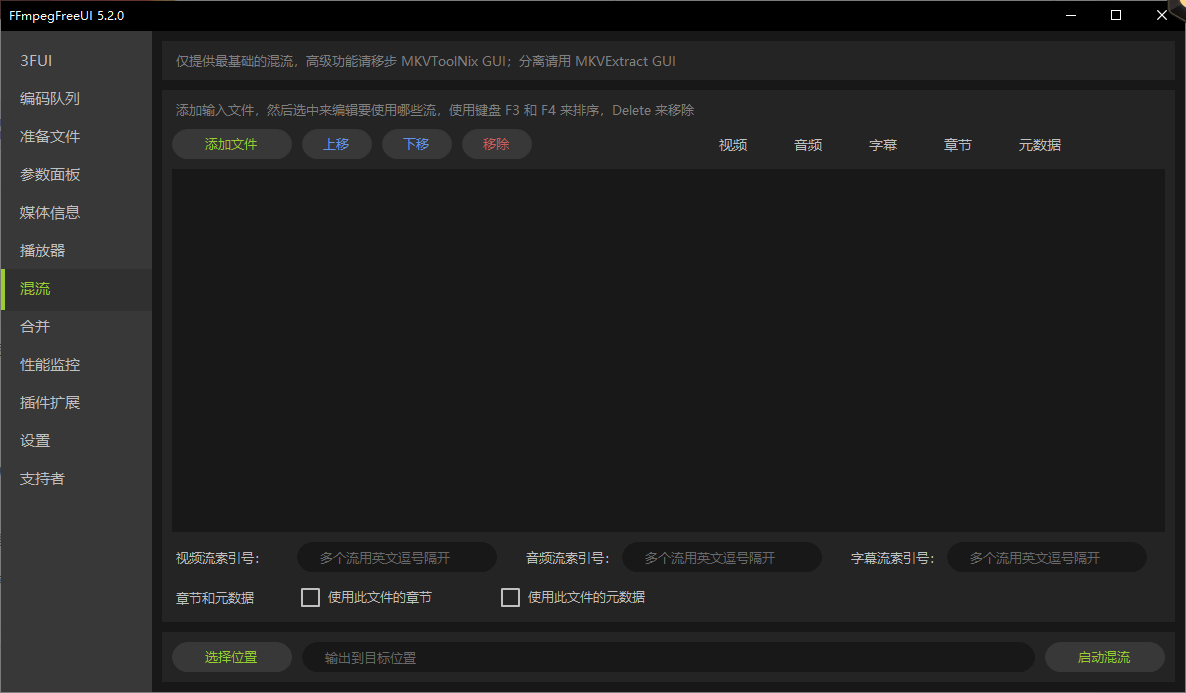
The measure of an interface like this is whether it lets you forget it exists. When the task is routine, it should take two clicks and no thought. When the task is unusual, it should either offer the setting or get out of the way rather than refuse. Getting both right is harder than it looks, because the temptation is to expose everything and call it power. This tool errs toward the first goal, and the result is that the engine underneath finally reaches the people who needed it.