
Vivaldi Browser Lets You Rebuild the Window
Summary
A browser that treats its interface as something the user may rearrange: themes, icons, layout, the contents of a new tab. Tab stacking keeps a crowd of pages manageable, a notepad and a screenshot tool sit inside the window, and ad blocking is on by default.
Recommend- Name
- Vivaldi Browser
- Version
- 8.2.4147.93
- Pricing
- Free
- Open source
- Proprietary
- Operating system
- WindowsmacOSLinuxAndroidiOS
- Website
- https://vivaldi.com/
- Updated
- 2026-10-15 22:00
A browser that assumes you have opinions
Most browsers arrive with a fixed arrangement and a short list of settings. The logic is that a smaller surface is easier to learn, and it holds until someone works with twenty tabs open every day and needs the window to fit that work. Vivaldi starts from the other premise: the interface belongs to the person using it, and if moving a button helps, the button should move. That position has cost it a reputation for being busy, and it has earned it a following that does not want a browser deciding how they browse.
The window as a workspace
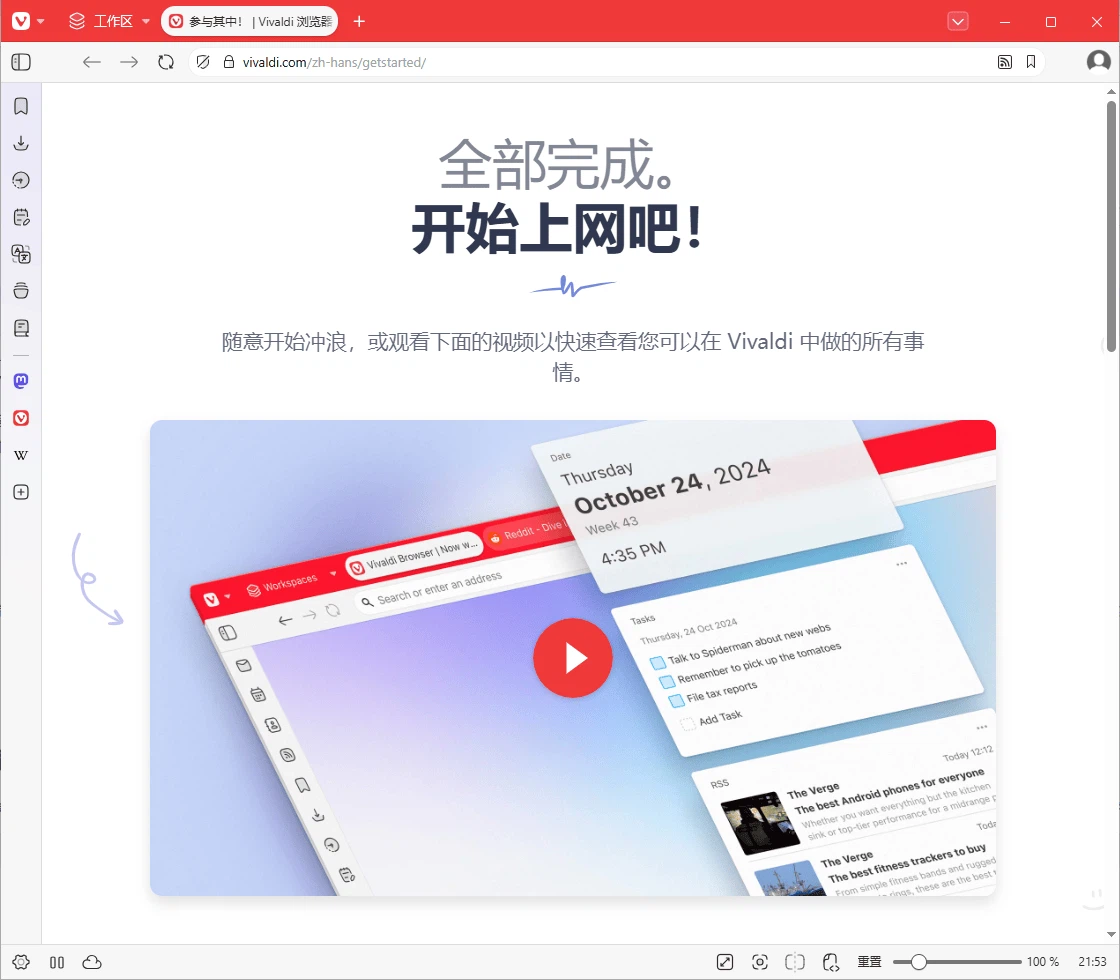
Themes, icon sets and layout are all adjustable, and so is what a new tab shows, which is where a lot of daily friction actually lives. A new tab that displays what you were about to do is faster than one that displays somebody else's idea of a start page. The point is not decoration. Someone who opens the browser to read documentation, someone who opens it to check a dashboard, and someone who opens it to write all want different things in that space, and the tool allows the difference rather than resolving it centrally.
Tabs, taken seriously as a problem
Tabs are the part of a browser that fails most visibly at scale. Past a certain count they become a strip of indistinguishable slivers and the only remaining strategy is to open another window. Vivaldi offers grouping and stacking, so related pages can be gathered into one item that expands when needed, and dragging one page onto another creates that relationship directly. For research work, where a task produces fifteen pages that belong together, this changes the shape of the day rather than the look of the window.
Tools inside the window, not beside it
A notepad and a screenshot function are built in, and their value is positional. Writing down a line from a page usually means switching to another application, which means losing the place you were reading. Capturing part of a page usually means a separate tool, a save dialog and a folder to search later. Keeping both inside the browser removes a context switch from each of those actions, and context switches are the small tax that accumulates into a tiring afternoon.
Privacy as the default state
Advertising and tracking are blocked by default rather than offered as an option to enable, which is the right way round. The stated position is also that browsing habits are not profiled, so the browser does not build a picture of the person using it. For a program that sees essentially every page someone reads, that is a meaningful promise and worth stating plainly, because the opposite is common enough that users have stopped expecting anything else.
The same browser on every machine
It runs on Windows, macOS and Linux, and there are versions for phones and tablets as well. Bookmarks, history and settings synchronise between them, so the arrangement you built on the desktop is not something you leave behind. That consistency matters more than it sounds: a browser is the application people spend the most hours in, and having to relearn its layout on a second device is a small but constant cost.
Who ends up staying
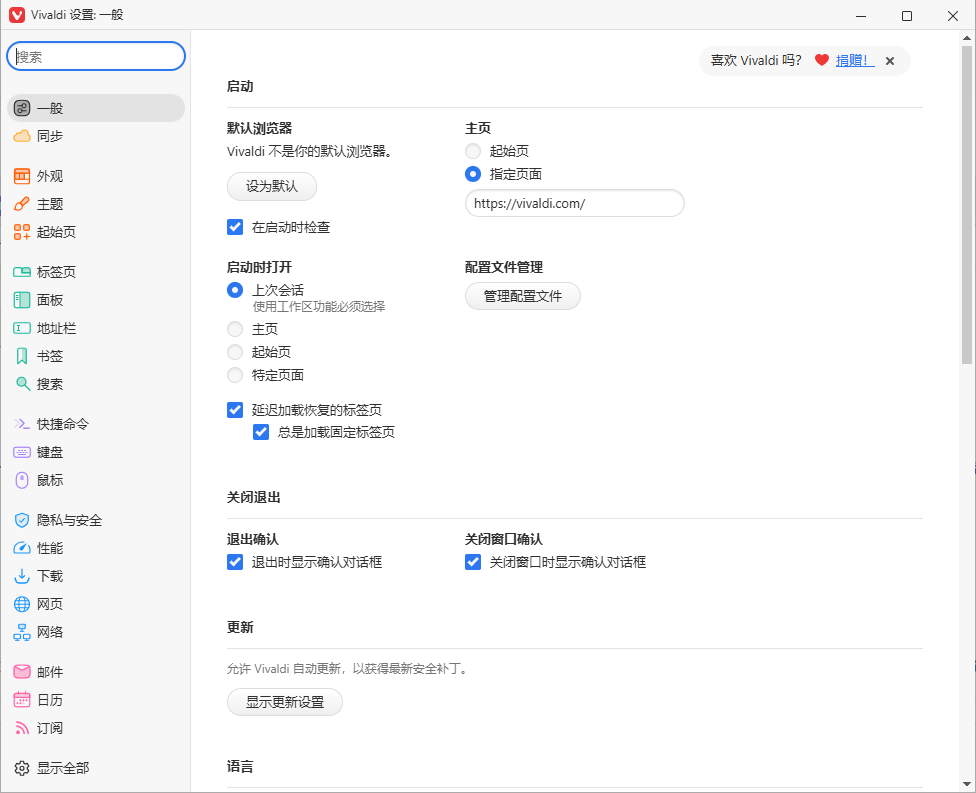
The people who stay tend to have a specific reason rather than a general preference. Someone who keeps forty tabs across three projects; someone who wants the interface on one side of the screen because the other side is their work; someone who has decided that not being profiled is a requirement rather than a bonus. The browser existing since the middle of the last decade means it has had time to accumulate those answers, and the length of its settings list is the visible cost of that accumulation.
The honest trade
All that configurability is also the main objection. A first launch presents more choices than most people want, and a user who never opens the settings will not see most of the value. It is not the fastest browser on every benchmark and does not claim to be; it is the one that fits a working style once that style has been expressed. For anyone whose browsing is a substantial part of their work, that trade is worth making explicitly rather than by default.
Where it fits
It suits people who live in the browser for hours: researchers, writers, anyone running several web applications at once. It also suits anyone who has decided that privacy settings should be somewhere they never have to think about. It is less suited to someone who wants the smallest possible number of decisions before reading a page, and that is a fair thing to want. The difference is that this browser does not pretend those two users are the same person.