
Evernote: notes across five platforms, free tier holds 50 notes and one notebook
Summary
Evernote keeps notes, tasks and calendar in one place, and version 11 adds an AI assistant, semantic search and meeting transcription; the free tier is capped at 50 notes and a single notebook across five platforms.
Recommend- Name
- Evernote
- Version
- 11
- Pricing
- Free
- Open source
- Proprietary
- Operating system
- WindowsmacOSiOSAndroidWeb
- Website
- https://evernote.com/
- Updated
- 2026-10-11 17:15
The real dividing line for note software was never how many notes it holds. It is whether you can still find them three months later.
Three things in one place
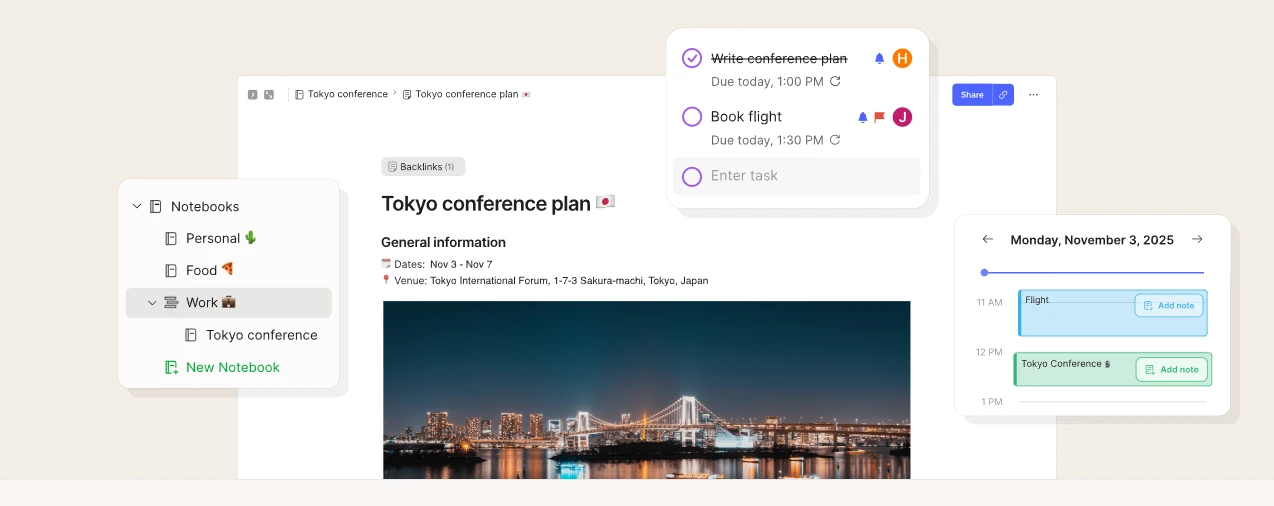
Evernote is a cross platform app that gathers notes, tasks and calendar together. The home page headline calls it your second brain, and the subtitle states it plainly: keep notes, tasks and calendars in one place, to remember everything and move any project forward. That sentence marks the difference from a plain document tool, since the end point of a note is not archiving but getting something done.
The site groups the capabilities into eight: templates, notebooks and spaces, search, tasks, calendar, web clipping, collaboration and AI. Tasks and calendar deserve separate attention, because they mean a note can carry a date and a reminder, and can be connected to an outside calendar. The official comparison confirms that external calendars can link to Google or Microsoft Office calendars, with the number allowed varying by tier. Loose ends and schedule no longer sit in two applications, which is the most direct benefit of this structure.
What version 11 added is retrieval and tidying
The home page sums up this round of updates in one line: Evernote version 11 introduces new artificial intelligence features. The comparison table lists them clearly in the AI column. The assistant is described as searching, organising and enriching notes through conversation; semantic search is described as finding related notes based on what they contain, comparing content itself, so that even when the original wording is forgotten there is still a chance of turning the right note up.
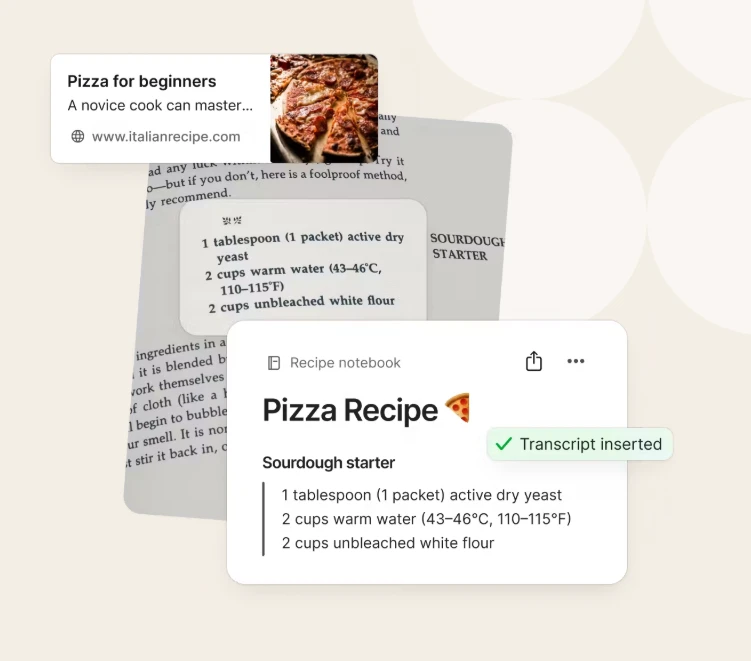
Transcription handles what happens after a meeting: the official text says it can record a meeting and produce a summary and a transcript. Rewriting and cleanup are the other two, with cleanup noted as available on mobile only. This group targets the same pain, that once notes accumulate, the cost of retrieval and reprocessing quickly exceeds the cost of writing them down.
Item | Official description |
|---|---|
Position | Notes, tasks and calendar in one cross platform app |
Capability groups | Templates, notebooks and spaces, search, tasks, calendar, clipping, collaboration, AI |
Added in v11 | AI assistant, semantic search, transcription, rewriting, cleanup on mobile |
Free tier limits | 50 notes, 1 notebook, 1 device, 1 GB |
Clients | iOS, Android, web, Windows, Mac |
Where the free tier draws its boundary
The official pricing page lists limits across five tiers. The free column reads: 50 notes, 1 notebook, 5 spaces, 20 tags, 200 attachments, 1 device syncing, 1 GB of storage. That figure of fifty notes decides what the free tier really is, a place to try the product and note lightly, because taking on an existing library of any size still means paying. Paid plans come with a seven day trial, and students get the advanced plan at forty percent off the annual price.
One capability is easily missed, the MCP connection. The official text says Evernote can be connected to AI tools and names using your own notes from Claude, ChatGPT and any tool compatible with MCP. For someone with a large accumulated library, the point is that notes are no longer searchable only inside the vendor's client but can be read as context by an outside assistant. On security, two step verification and in note encryption are offered, the latter noted as limited to the Mac and Windows clients.
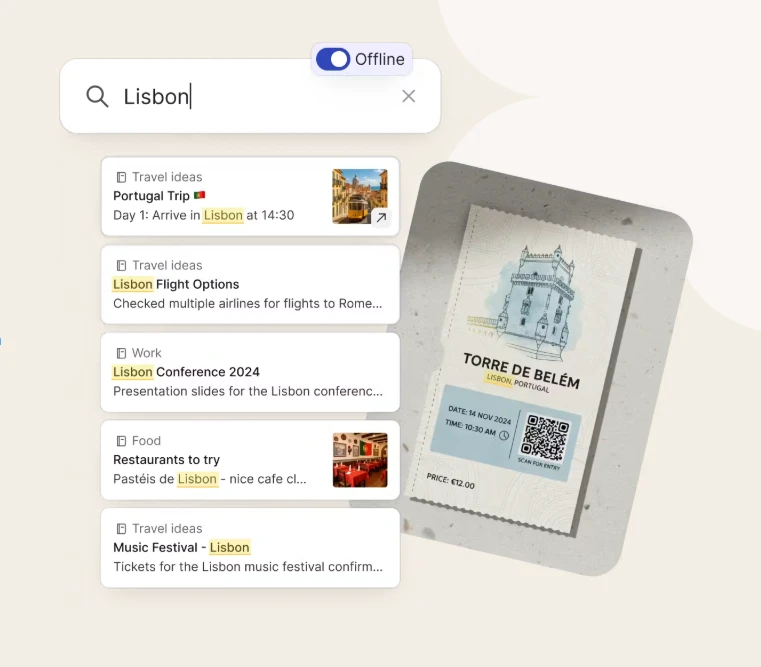
Collecting notes, tasks and schedule in one place is only the start. Being able to turn them up when needed is the reason to keep using it.
How to use it well: turn the few content types used most into templates so every new note costs less to start; avoid building a deep tag and notebook hierarchy at the beginning, and consolidate later once real retrieval habits show; and check the free tier limits periodically, deciding about an upgrade when they come close.