
Termius: cross platform SSH terminal, SFTP already in the free tier
Summary
Termius is a cross platform SSH client, formerly Serverauditor, that gathers hosts, keys and snippets into an end to end encrypted vault; the free tier already covers SSH, SFTP and port forwarding.
Recommend- Name
- Termius
- Version
- 10.1.3
- Pricing
- Free
- Open source
- Proprietary
- Operating system
- WindowsmacOSLinuxiOSAndroid
- Website
- https://termius.com/
- Updated
- 2026-10-11 17:17
Once there are many hosts, the time never goes into typing commands. It goes into remembering what that machine is called and where the key lives.
Gathering scattered hosts into one vault
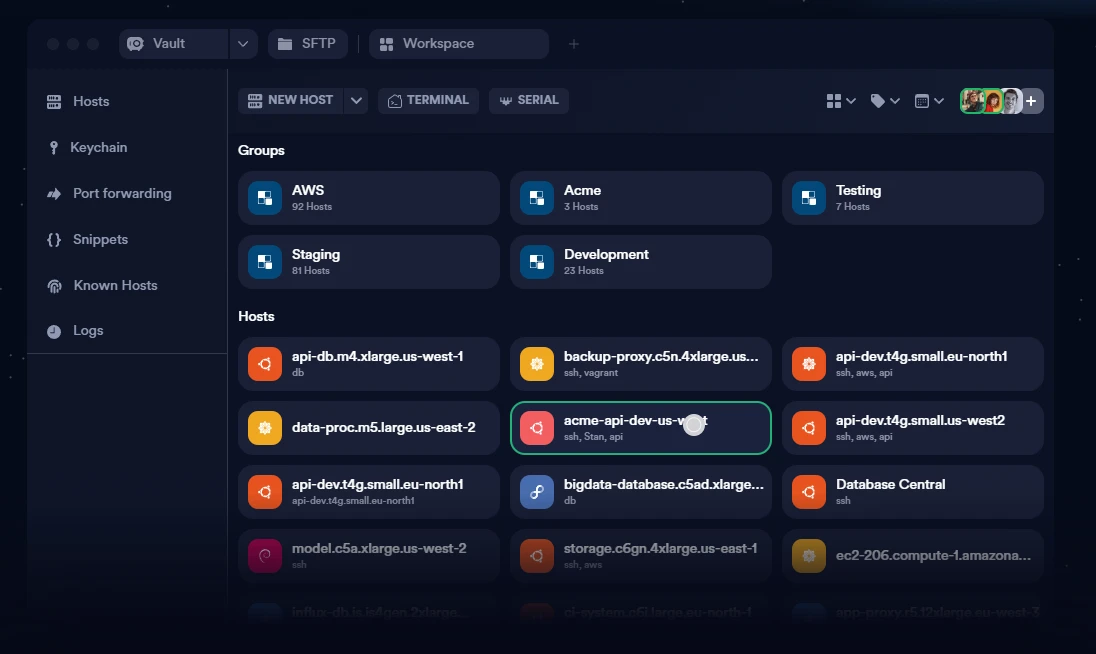
Termius is a cross platform SSH client with builds for macOS, Windows, Linux, iOS and Android. The first thing it puts in order is the mess itself: the official home page lists the workspace modules as hosts, keychain, vault, SFTP, port forwarding, snippets, known hosts and logs, and hosts can be grouped under headings such as AWS, Acme, Testing and Staging. Once address, port and credentials are stored, connecting becomes one click rather than retyping everything each time.
The vault is the core of that structure. It is described officially as the single source of truth for a team's infrastructure, supported by three claims: an end to end encrypted vault that keeps a team in sync, multiple vaults to divide access, and secure sharing. For an individual the shape is simpler, a local vault or a cloud vault, the latter requiring a paid tier.
Whose device does the encryption happen on
This is the question worth settling when choosing an SSH client. Under end to end encryption the official text is explicit: all infrastructure data is encrypted end to end on the user's own device, Termius does not access plaintext data, and therefore only the user can decrypt it. Put another way, the server holds ciphertext and responsibility for the key sits on the client side. The FAQ carries an entry on whether storing passwords and SSH keys in Termius is safe, listed next to a question about offline use, both pointing at the same design premise.
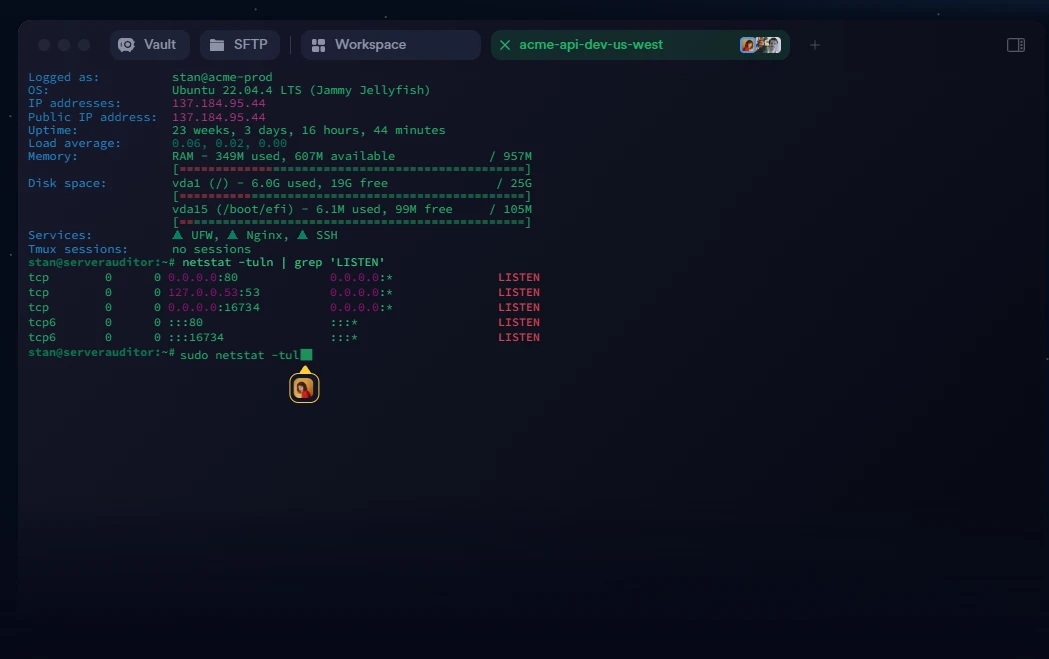
At the working level, file transfer and port forwarding are both confirmed. SFTP sits inside the workspace, and port forwarding is provided in the free tier already, which is worth noting because many comparable tools file it under paid. Once the channel is open and files can move, what remains is compressing the repetitive work.
Item
Official description
Position
Modern SSH client, productivity and collaboration
Platforms
macOS, Windows, Linux, iOS, Android
Core modules
Vault, hosts, keychain, SFTP, forwarding, snippets, logs
Encryption
End to end, no plaintext access per the official text
Free tier
Local vault, SSH and SFTP, port forwarding, commercial use
The line between free and paid
The pricing page names the free tier Starter, prices it at zero, marks it usable for commercial work, and positions it for the home lab enthusiast looking for a modern SSH client. It includes the local vault, SSH and SFTP, AI driven autocomplete and port forwarding. Pro runs ten dollars a month billed yearly, adding a personal cloud vault, sync across mobile and desktop, session logs and snippet automation. Moving from free to paid therefore buys consistency across devices and traceability, not the basic ability to connect.
Above that sit Team, Business and Enterprise at twenty and thirty dollars per member per month and quoted on demand, adding team vaults, real time collaboration, shared session logs, fine grained access control and single sign on. The changelog shows the newest release as 10.1.3 on 30 September 2026, and one entry deserves attention: version 10.1.0 on 21 September brought proxying, agent forwarding, host chaining and serial connections into the free range, which means the free boundary keeps expanding.
Once hosts, keys and commands are collected in one place, what is saved is not a few keystrokes but the hesitation before every action.
How to use it well: start with the free local vault to sort out the hosts and keys actually used, and think about cloud sync only after the connecting habit settles; name key groups by purpose rather than by environment, which makes migration easier; and in a team, settle the vault permission boundaries before talking about sharing.