
Descript review: cutting video by editing words, dubbing into 30+ languages
Summary
Descript transcribes a recording into an editable script first, so deleting a word deletes the matching footage, filler words and dead takes clear in one click, and a flubbed line can be re-spoken in your own cloned voice. Exports carry no watermark, up to 4K.
Recommend- Name
- Descript
- Version
- 20260917
- Open source
- Proprietary
- Operating system
- WebWindowsmacOS
- Website
- https://www.descript.com/
- Updated
- 2026-10-06 04:53
The slowest part of cutting a talking-head video is rarely the cutting. It is the hunting. To remove a three-second flub you drag along the waveform, listen again and again, and try to pin down which syllable the sentence fell apart on. A podcast makes it worse: a forty-minute episode costs forty minutes just to hear once.
Descript starts from the other end. Instead of making people search a waveform, it turns the voice into text first and lets the transcript become the surface you edit on.
Turn the recording into a script first
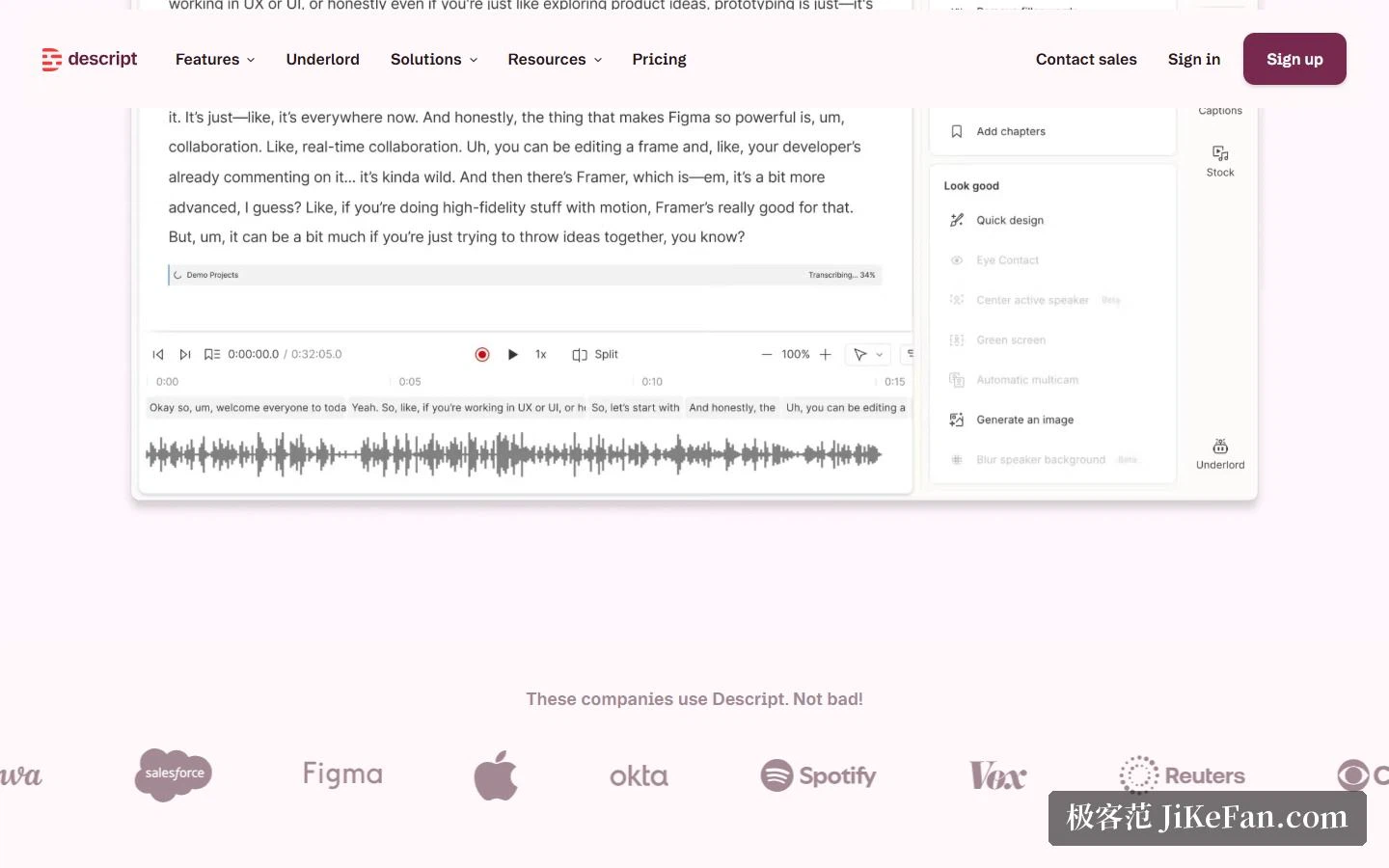
Drop a video or an audio file into Descript and the platform transcribes it, producing a time-aligned script within seconds. The official figure is accuracy up to 95 percent across 25 languages. After that, the main surface of the interface is no longer the timeline but this script.
Then comes the core of the product: editing words edits the picture. Delete a word from the script and that instant disappears from the video. Drag a sentence somewhere else and the footage travels with it. Copy a passage and the underlying media is duplicated too. The company puts it plainly — edit video the way you edit a document.
The timeline has not been abolished, only demoted. Most people can finish a cut without touching it at all, and switch back when they need frame-level control.
Flubs, filler and dead takes, cleared in one pass
The second gain from a script is that the mechanical cleanup can be automated. The ums and ahs and you-knows that pepper spoken delivery are detected and marked automatically, and one click clears all of them. If you recorded the same line five times, Remove Retakes keeps the best pass. Edit for Clarity goes further and strips filler, tangents and the stretches that obviously should have been cut, in a single sweep.
Audio gets the same treatment. Studio Sound takes a single click: noise out, voice up, so material recorded in an ordinary room comes close to a booth. If you were reading a prompter or a script while recording, Eye Contact nudges the gaze with AI so the shot reads as a straight look into the lens, which saves a re-shoot. A green-screen feature removes the need to dress a physical background at all.
Said it wrong? Type the line again
The most surprising feature is called Regenerate. If a sentence came out wrong, or a name was mispronounced, you do not re-record. You correct the line in the script, and Regenerate synthesises that stretch in your own cloned voice, adjusting the mouth shapes in the picture to match.
That rests on voice cloning. Once the clone exists, a pickup becomes a typing task. The old choice was to live with the flub or re-record the whole segment; now one corrected sentence is enough. Such capability carries its own risks, so the business tier exposes controls for opting out of model training and for custom retention periods.
Underlord, an assistant that takes instructions
Over the past year Descript moved its AI assistant Underlord to the centre of the product. It is not just a chat box: it operates on the project itself. Tell it to turn a segment into a one-minute short, or ask how a transition should work, and it returns a finished cut or a suggestion. The official description says it can turn raw footage into a tight edit in minutes.
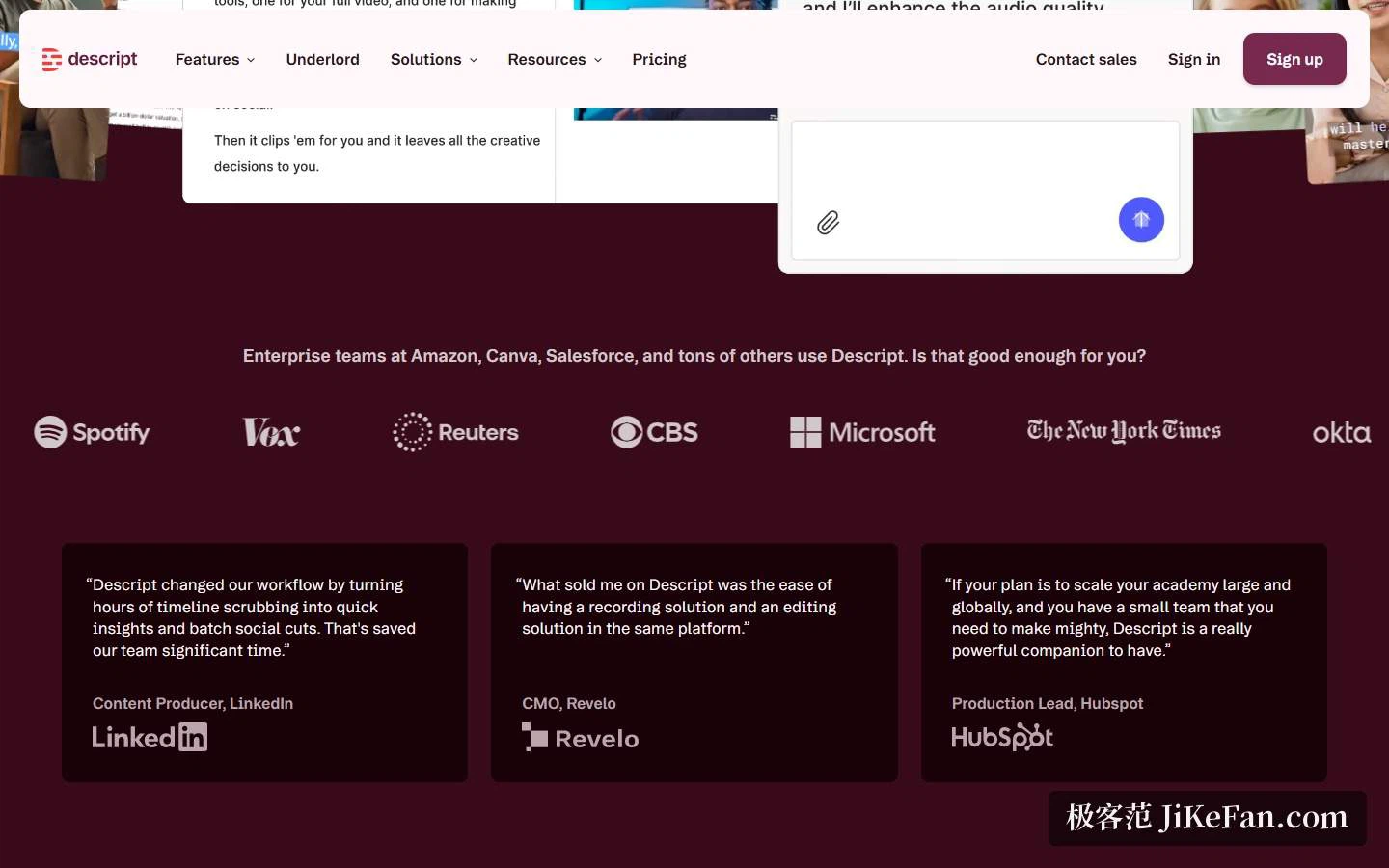
Underlord also covers re-use: pulling the shareable moments out of a long video, writing the episode description and the social copy, generating a thumbnail and a description for YouTube, so that one long piece seeds a batch of short ones.
Capture, remote recording and other languages
Descript is not only an editor; capture is built in. Screen recording can take screen, camera and microphone at once, with picture-in-picture, system audio and mic audio on separate tracks, and the result lands in the same project ready to cut — one export step saved for anyone building demos or tutorials.
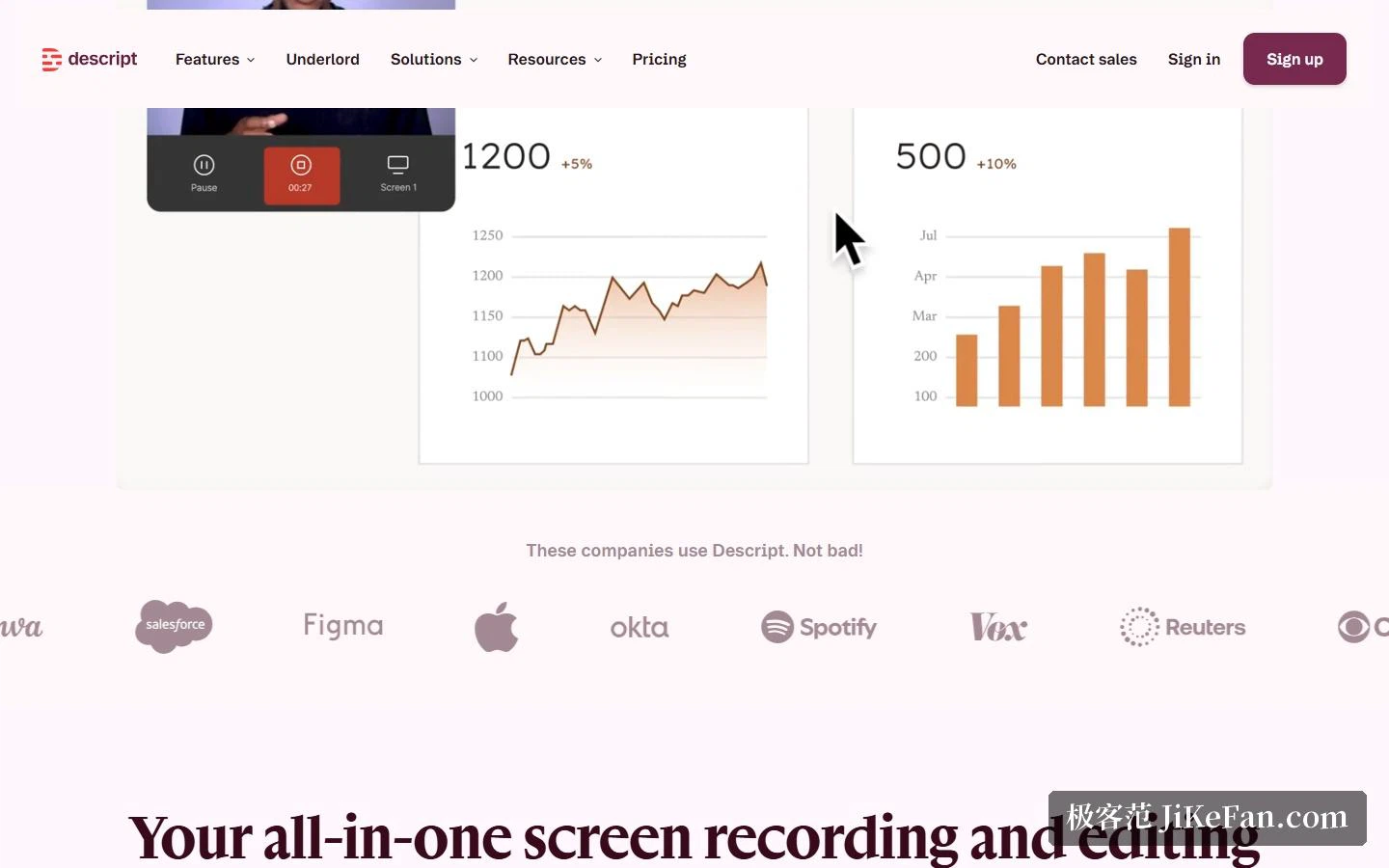
Remote interviews run through Rooms: the guest installs nothing, the recording splits into tracks and transcribes automatically, and if their connection drops the upload can resume within seven days. For panel conversations, Automatic Multicam picks the angle and the layout.
On language, beyond transcription in 25 languages, a finished piece can be translated and dubbed into more than 30, with subtitles generated alongside. The business tier adds a list of terms exempt from translation, so brand names and proper nouns are not rendered literally.
Plans and the real entry price
Descript is subscription-based, and usage is governed by two separate allowances: media hours, which measure imported or recorded material, and AI credits, which pay for the AI features. Either can be bought on top.
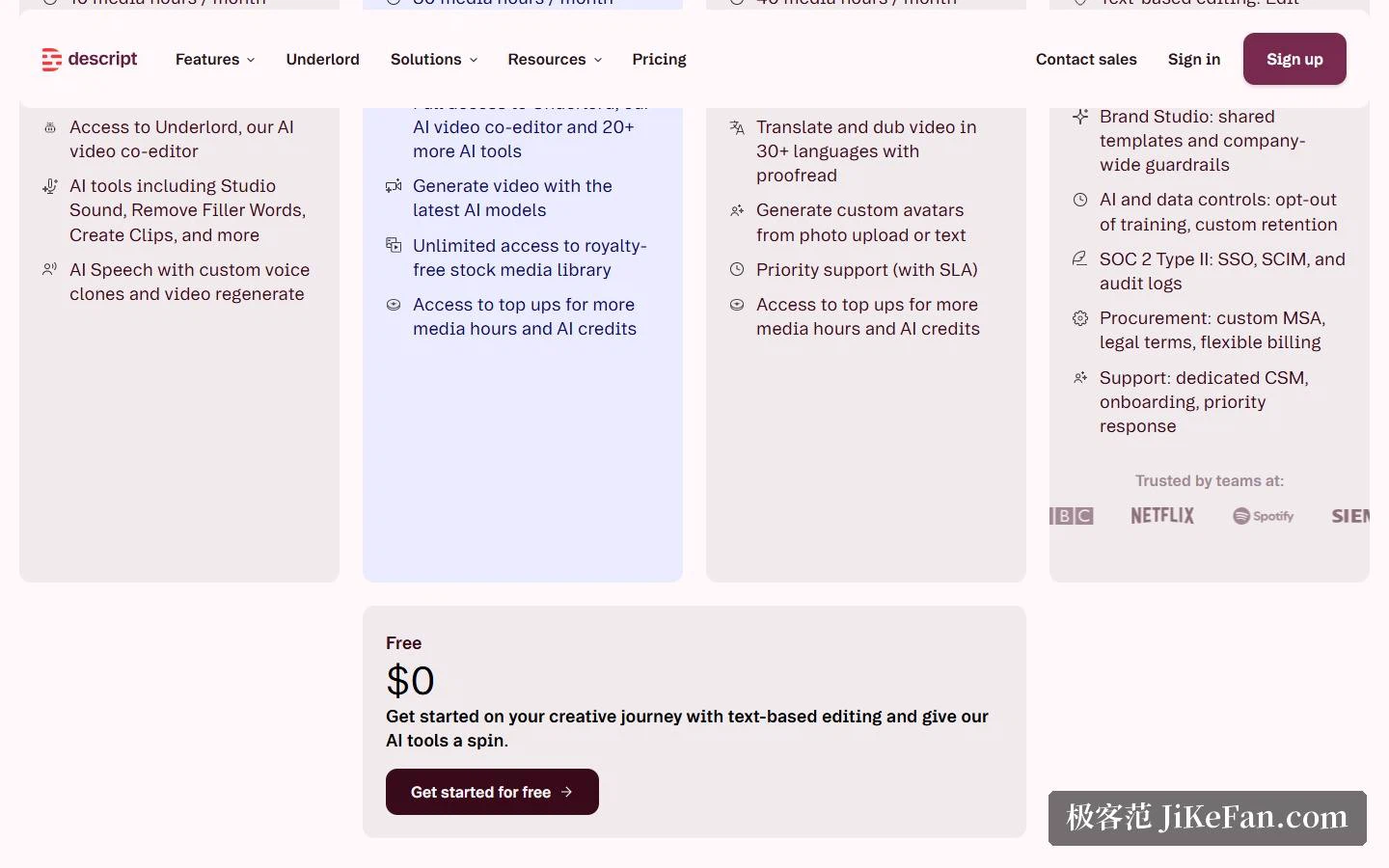
Free gives one hour a month and 100 credits as a one-off, exported at 720p with no watermark. Hobbyist is 16 dollars a month billed yearly for 10 hours and 400 credits a month, at 1080p. Creator is 35 dollars for 30 hours and 800 credits, and unlocks 4K. Business is 50 dollars for 40 hours and 1500 credits, still 4K, plus a brand studio. Enterprise is quoted individually, with adjustable volume and credits, SSO and audit logs.
Two things are worth noticing. Commercial-grade allowance starts at Hobbyist, so the free hour is a trial in practice. And the monthly price of Hobbyist and Creator runs above the yearly one, so steady usage favours the annual plan. Every tier exports without a watermark, which is not common among comparable tools.
On the enterprise side, Descript holds SOC 2 Type II, supports SAML single sign-on and SCIM, and offers GDPR-compliant data processing; the business tier can opt out of model training, set custom retention, and use a brand studio to keep templates and visual rules consistent.
Who it fits
If your output is mostly talk — podcasts, interviews, commentary, tutorials, product demos — Descript looks designed around exactly that, and the gain is hard to miss. On G2 it carries 837 reviews with an average of four point six out of five, and the users range from solo creators to teams at Amazon, Canva and Salesforce.
It fits less well when a project needs complex visuals: multi-camera storytelling, careful grading or elaborate motion still belong in a conventional editor. Descript's stated position is to push the cost of cutting talk-driven content as low as possible, not to replace a full post-production pipeline.
One thing deserves a decision before you start. The deeper you lean on AI that rewrites picture and voice, the more you need an internal line. What may be changed, and how far, is better settled as a team rule than decided case by case.
Whether a tool like this earns its place is not really about how much faster one cut goes. It is about whether the material people were afraid to touch, too lazy to touch, or could not afford to touch becomes something they can iterate on casually.