
D-ID makes one photo speak, then carries the same face into more than 120 languages
Summary
One portrait plus a script is the whole input: no scan, no capture rig, nobody on set. The same face then holds across more than 120 languages, and a second product turns it into something that answers questions live.
Recommend- Name
- D-ID
- Version
- 20260916
- Open source
- Proprietary
- Operating system
- Web
- Website
- https://www.d-id.com/
- Updated
- 2026-10-06 21:17
A few years ago a certain kind of clip kept turning up on social feeds: someone in an old black-and-white photograph blinked and started talking. For a lot of people that was the first sign that a still image could speak. The technique behind it is not mysterious — the field calls it talking head generation. Give it a face and a voice track and it predicts the mouth, the blinking, the eyebrows and the head movement, then renders a picture that lines up with the audio.
D-ID is one of the earliest and most systematic companies on that path, and it has packaged the ability into a working platform: offline avatar videos on one side, realtime conversational agents on the other.
One photograph is the whole input
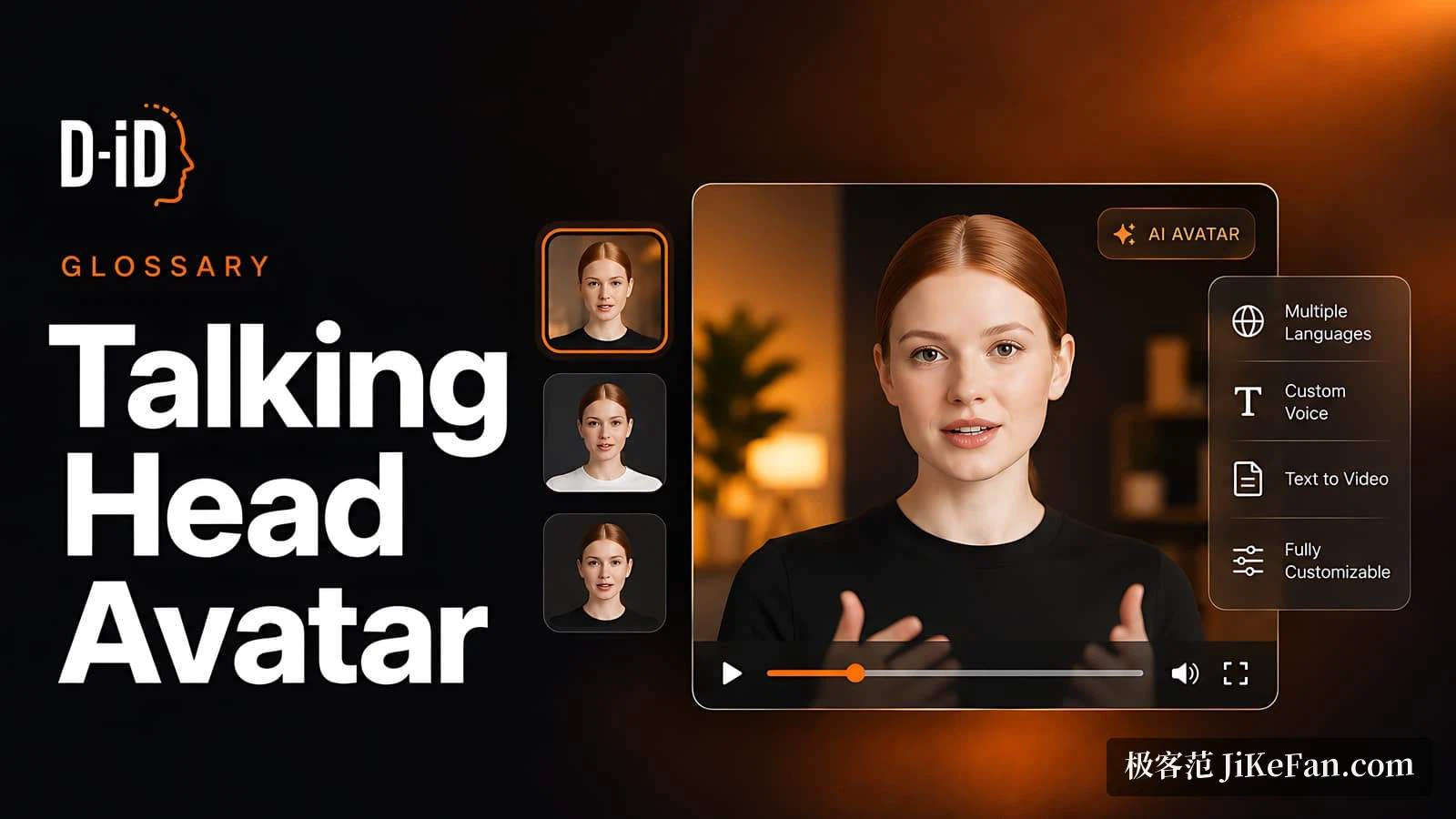
The entry bar is almost counter-intuitive. Upload a photograph of a face, attach a written script or an audio track, and get a video of that person speaking. The API documentation puts it plainly: a single image is enough to create a talking head video. No 3D modelling, no motion capture rig, and no need for the person to be present.
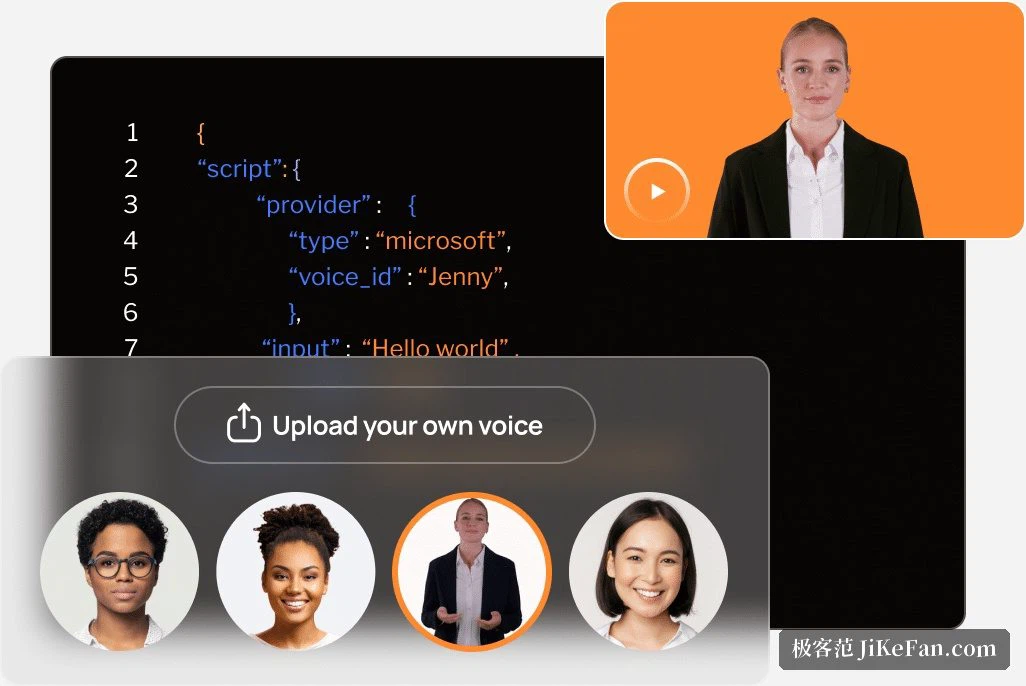
The input has firm limits: one image up to 10 MB, in JPEG, JPG or PNG. Output is always MP4, and a standard avatar tops out at 1280×1280. Reaching 1080p requires a Premium avatar carrying the HQ mark.
A second limit is easier to miss and shapes what the tool is for: whether you work in the studio or through the API, a single video is capped at 5 minutes. That suits explainers, walkthroughs and greetings. Producing a full course in one pass is not realistic; long material has to be split into segments and generated piece by piece.
Chinese today, another 119 languages tomorrow
Generation is only the first step. What makes D-ID usable inside companies is localisation. The platform supports generation and live interaction in more than 120 languages, and the same face stays the same face across all of them — a change of language does not become a change of person.
Where footage already exists, translation takes over: a few clicks turn a finished video into several languages, cloning the original speaker's voice and adapting lip movement to the new language, rather than laying a dub over the top. For a team doing a global release, that is the most time-saving part — one source, one session, several versions at once.
A presenter you can talk to
Over the last two years the emphasis has moved visibly to Visual Agents: not a fixed video but a realtime avatar that listens, answers and has expressions.

The published performance figures are answer accuracy above 90% and responses inside two seconds. Building one runs through a few steps: pick a presenter, either a ready-made figure or your own avatar; choose a voice, whether a synthesised timbre, a clone of your own or an uploaded track; define role and personality; attach knowledge; and wire up a webhook so the agent can trigger an outside action.
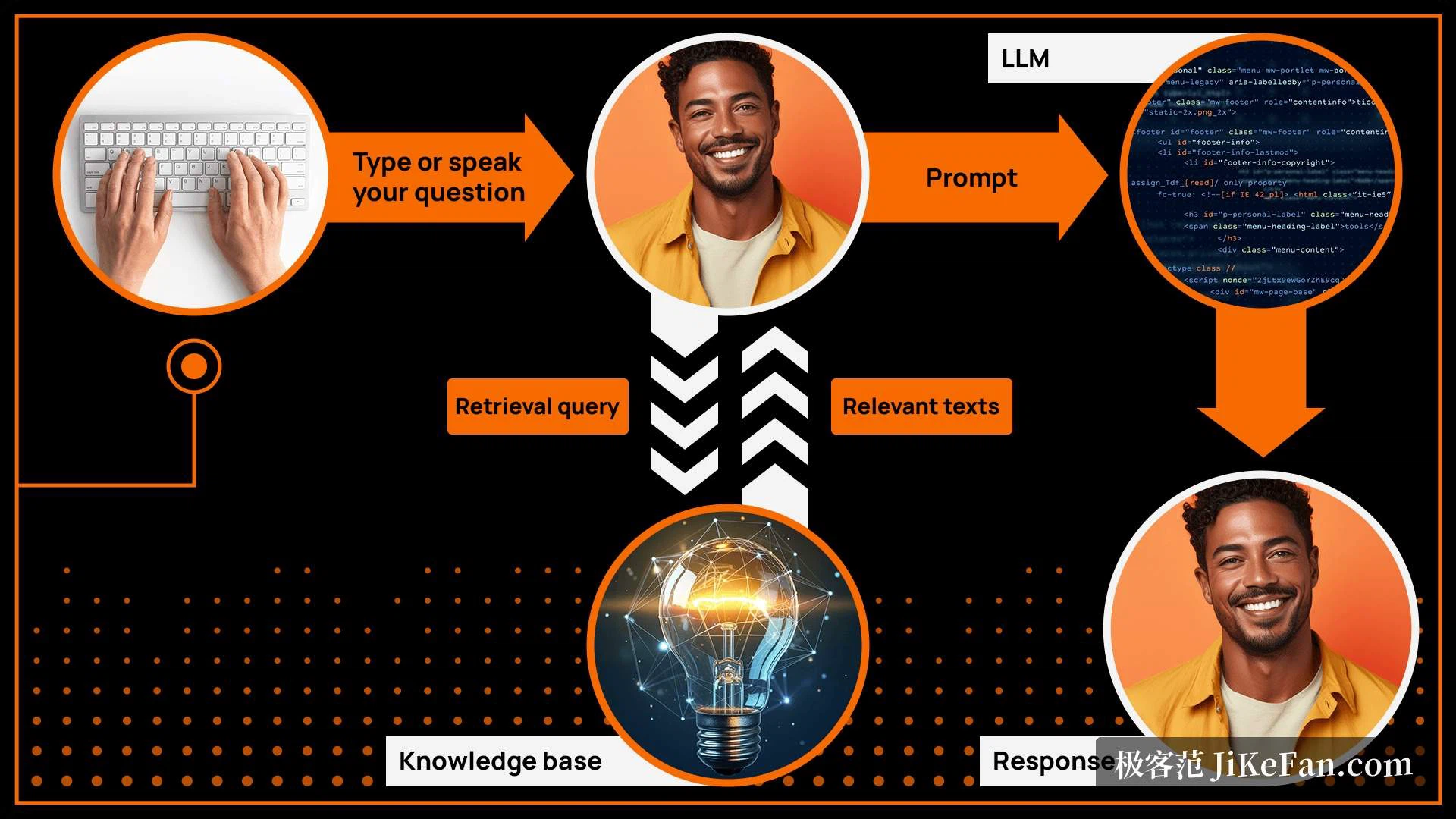
The knowledge side accepts documents, up to 5 of them with a maximum of 500,000 characters each. An LLM can come from any vendor or from your own deployment. Those documents are not absorbed into the model — they serve as retrieval sources only, which is what makes it workable to feed it internal material.
Deployment is broad: embed the agent in a website, an app, a learning management system, a support portal, a mobile build or a kiosk on a shop floor. Everyone gets 200 free conversational sessions to try it, after which plans apply, with agent usage counted at half a credit for every 15 seconds.
The compliance line
Making a stranger's face speak carries obvious abuse risk, and D-ID has spent more effort on compliance than most peers. It holds ISO/IEC 27001, ISO/IEC 27017, ISO/IEC 27018 and ISO/IEC 42001, plus SOC 2 certification; 27018 covers personally identifiable information in cloud environments and ties directly to GDPR. The studio page also mentions TISAX and being fully GDPR ready.
A more practical commitment sits alongside the certificates: your videos, scripts, documents and avatars remain yours, the platform does not train models on them, and data is encrypted in transit and at rest. For a company putting internal training material or customer information through it, that sentence carries more weight than a list of numbers.
For developers, and what the plans allow
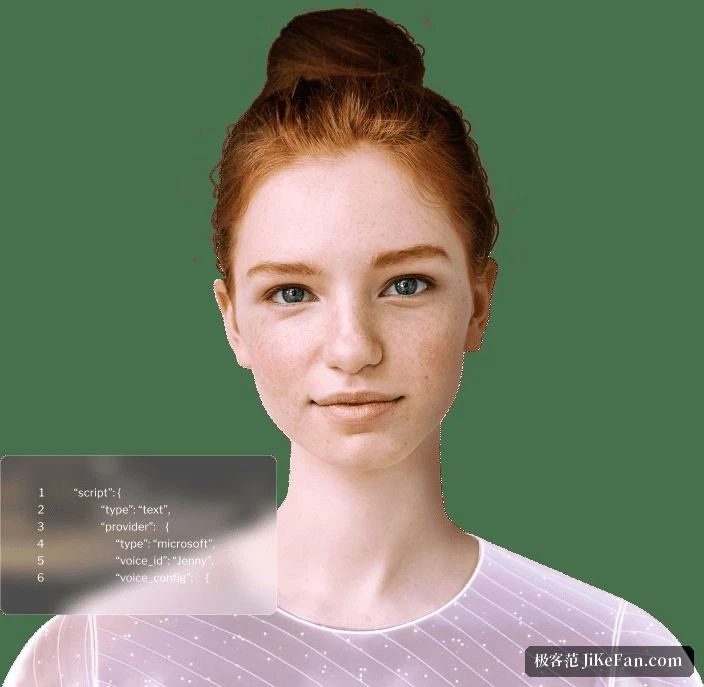
Beyond the browser studio there is a full generative API for embedding into your own product and producing at volume. The documentation splits video generation into generations: V4 Expressive handles emotional delivery, V3 Pro outputs Full HD with natural body movement, V3 Instant builds a custom avatar from your own footage, and V2 Photo does talking head from a single picture. Realtime streaming interfaces, an SDK and embeddable components round it out.
Plans come in five tiers — Trial, Lite, Pro, Advanced and Enterprise — with prices and included minutes listed on the pricing page. The differences that decide a purchase are narrower than the names suggest. Trial carries a full-screen watermark but does allow a 1080p Premium avatar. Lite still watermarks and does not support Premium avatars at all, holding resolution at that 1280×1280 ceiling. Pro removes the watermark and unlocks 1080p, which makes it the practical commercial entry. Advanced adds volume and entitlements, and Enterprise brings custom usage, private deployment and dedicated support.
Two billing details matter: included minutes are counted monthly and do not roll over, and API consumption draws on the same balance as the studio. A team with spiky demand should size the plan below its peak and accept splitting work, rather than buying for a burst it will never repeat.
Who it fits, and where it stops
The advantage is the low floor and the flexibility: a single image to start, a few minutes in the browser to a finished clip, an API for bulk work, and a live agent that can sit on a website around the clock. For a team pushing one body of content into several language markets, or wanting an explainer available 24 hours a day, that combination is genuinely practical.
The edges are just as clear. The 5 minute ceiling rules out long courses. Lite cannot use Premium avatars and pays for it in resolution. Taking the watermark off and getting 1080p means starting at Pro. And the expressiveness is concentrated on speaking — anything needing real performance or a real location is out of scope.
One question is worth settling before any of that: whose face is going to speak. Using someone else's photograph makes authorisation the harder problem, which the ethics terms on the site also keep repeating.
The best use of a tool like this is to hand over the repetitive on-camera material and leave real presence for real people. What gets saved is not production budget, it is the wait for a schedule.