
Synthesia builds a presenter from one photo and redubs a finished course into 140 languages
Summary
The expensive part of an induction or compliance video is rarely the shoot. It is finding the presenter again, shipping six language versions and getting past legal, which is exactly the loop a browser-based studio with 240 avatars is aimed at.
- Name
- Synthesia
- Version
- 20260916
- Open source
- Proprietary
- Operating system
- Web
- Website
- https://www.synthesia.io/
- Updated
- 2026-10-06 21:16
Inside most companies there is a category of video that gets redone almost every year: onboarding, compliance training, product update briefings. The content barely changes, but the presenter has moved on, three overseas markets need their own version, so the studio is rented again, the slides recorded again, the edit scheduled again. The hard part is never the shooting. It is the three things behind it — a person who is not available, a language nobody on the team speaks, and a legal review that will not pass.
Synthesia is built against those three. It is a browser-based AI video studio that swaps the on-camera instructor for a digital presenter, the recording booth for a text script, and multi-language re-shoots for a single translation pass. The published numbers are large: more than one million users, over 50,000 teams, 90% of the Fortune 100 having cleared its compliance review, and more than 2,000 five-star reviews on G2.
A fixed instructor without a shoot

The editor starts with a choice of presenter. More than 240 stock figures are built in, spanning ages, skin tones and dress styles, and they are full-body rather than the usual head-and-shoulders crop, with gestures and expressions included. They are ready to use on the spot — no filming, no consent process, no configuration, as the page puts it — and they can start speaking immediately.
What companies actually reach for is the personal avatar. Synthesia builds one from a single photograph, and optionally from a short video that brings the movement and micro-expressions closer to the real person. The voice can be cloned in the same session, or picked from more than 1000 stock voices.
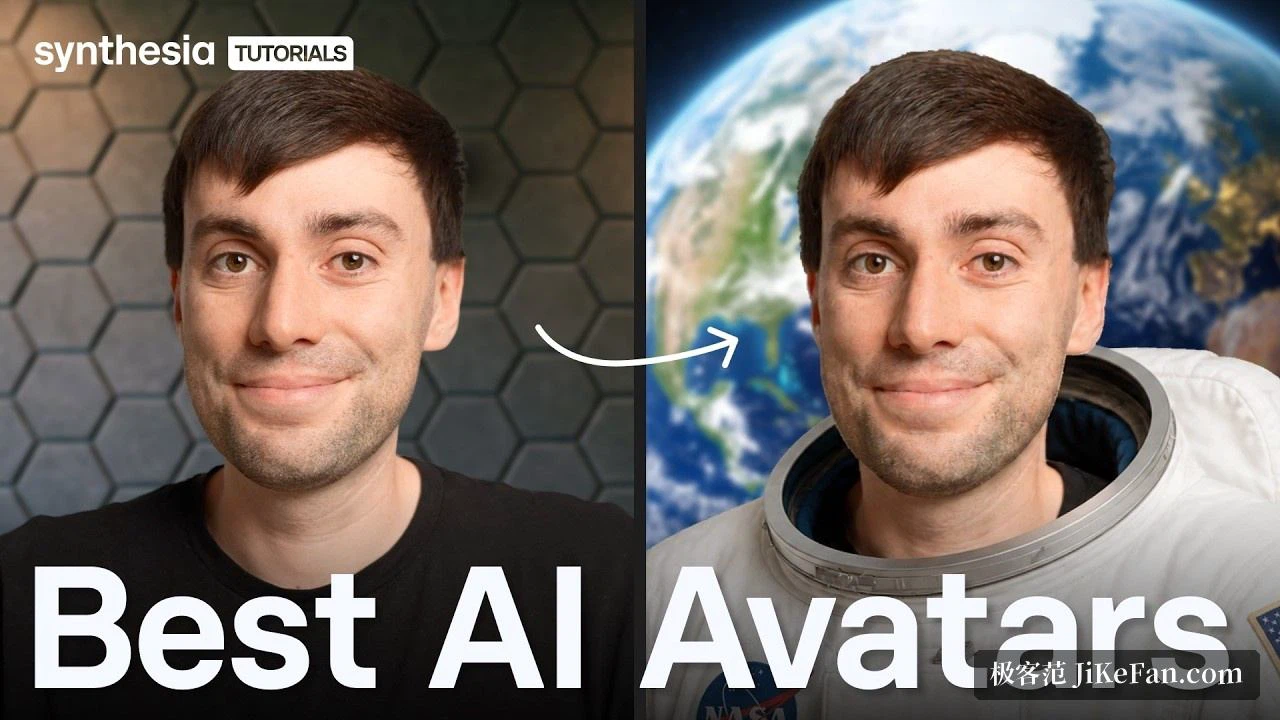
One step here is easy to overlook and matters later: creating a personal avatar requires the person to record a consent statement on camera, rather than uploading a photo and being done. The platform treats a personal likeness as that person's digital self, which needs their explicit authorisation before it can be generated. For anyone producing instructor figures at scale inside a company, that step is both a gate and the most useful piece of evidence to have when internal audit comes asking.
Once built, an avatar reads any script in more than 160 languages, including different narration styles and regional accents. Swapping a course into another language therefore needs no new voice, and no new schedule.
Footage you already have can change language too
Nothing has to start from zero. Where a finished video already exists, the dubbing tool translates it into more than 140 languages and matches the mouth of the person on screen to the new audio, rather than simply lowering the original voice under a second track. The original speaker's timbre, accent and intonation can be kept.
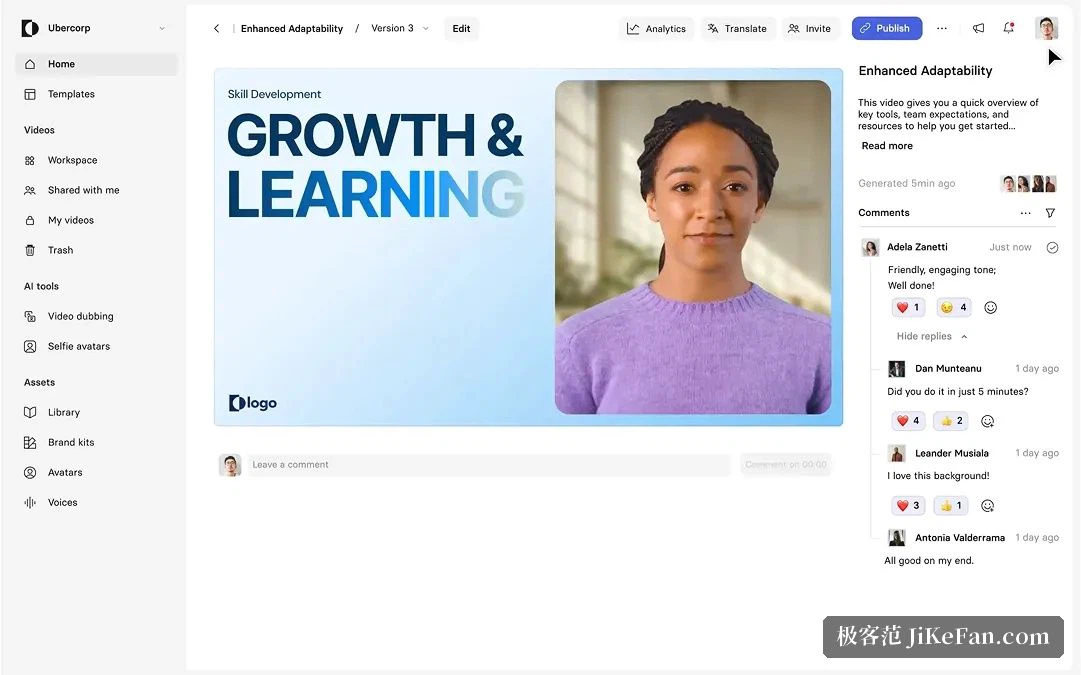
The result can ship two ways: as separate files, or inside a multilingual player where the viewer picks a language and one link covers every version. The enterprise tier adds bulk translation into more than 80 languages and a custom glossary, so brand names, product names and industry terms are locked in advance instead of being translated literally by a machine.
One cost detail is worth knowing before planning: lip synchronisation consumes double credits while it is switched on. When the goal is simply internal comprehension, turning it off halves the usage.
Making every video look like one company
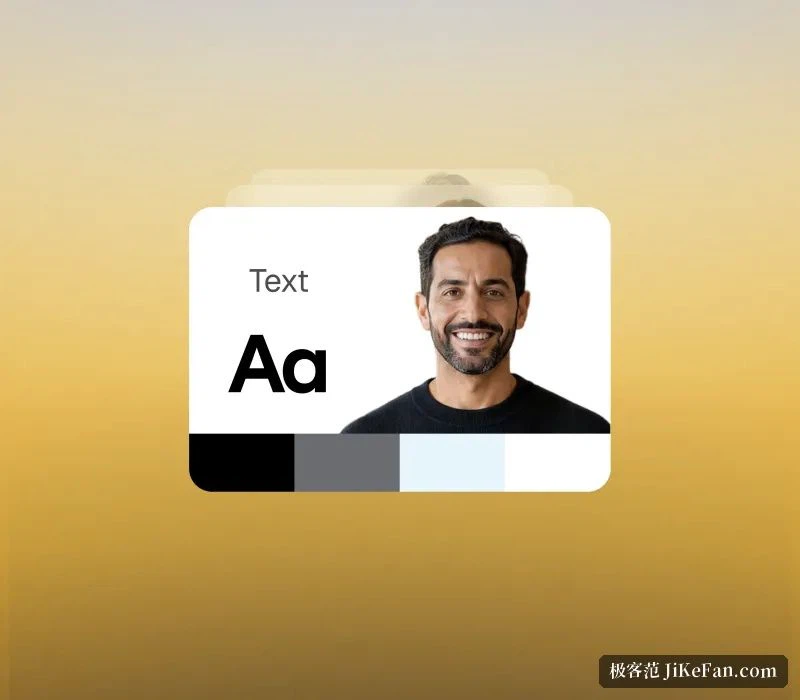
Translation solves being understood; the brand kit solves looking like the same organisation. Once the logo, colours, fonts and go-to presenters are set as a kit, every new video created by anyone on the team inherits them, so nobody has to align visual identity by hand.
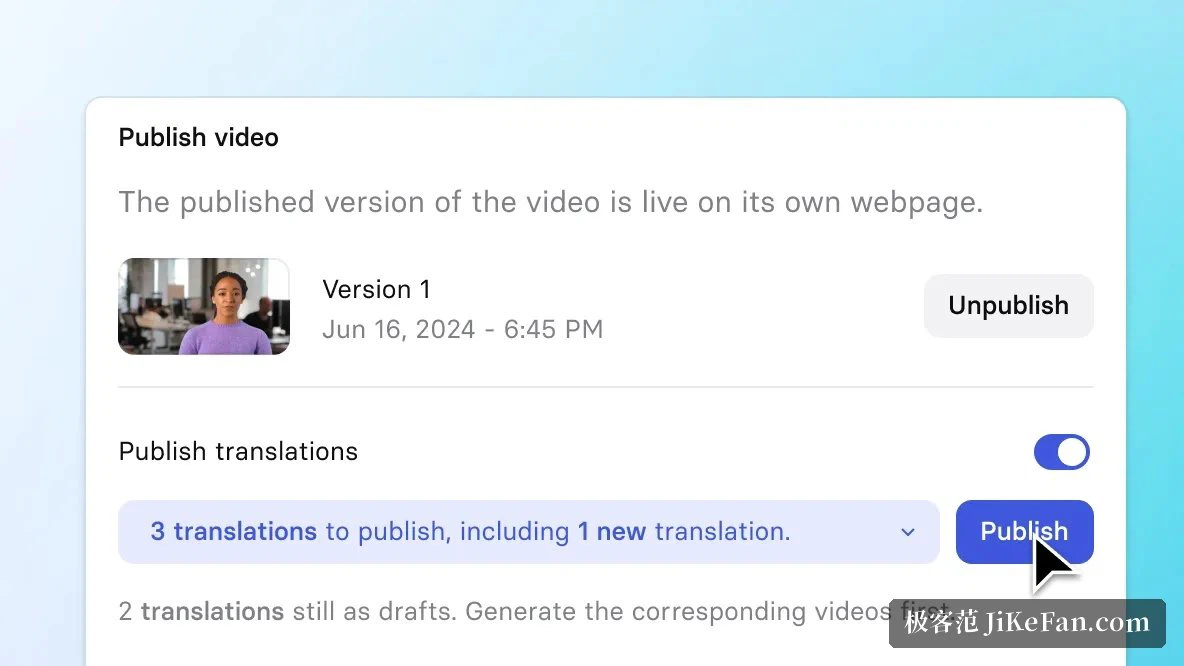
Version control is the other quietly useful piece. The traditional route exports a new file for every revision, which leaves stale links in the learning system and three copies circulating in chat. Here, a video delivered by embed code or share link updates in place when you edit it: old links keep working and no duplicates pile up. Synthesia calls it Smart Updates and can push a revision straight into a learning management system without re-uploading the course package.
Paired with built-in figures for views, watch time, drop-off point and completion rate, a training lead can see the minute where learners leave, then go back and fix that segment instead of rebuilding the course.
Getting through compliance
Enterprise purchases usually stall on compliance rather than features, and the public details here are unusually complete: SOC 2 Type II, ISO 42001 and GDPR certification, SAML and single sign-on support, and audit logs. The page states that 90% of the Fortune 100 have cleared its security and compliance review.
The content side has limits too. Every generated video passes review, combining human and automated checks, backed by a dedicated trust and safety team. The idea that an avatar can be made to say anything does not hold on this platform — which, for a company that has to satisfy legal and a brand committee, counts in its favour.
Export is shaped around training as well: the enterprise tier exports SCORM packages with every translation inside, ready to upload into a learning management system, so multilingual courses do not have to be maintained separately.
Pricing and the limits that matter
Pricing is a subscription, monthly or annual, not per video. Usage is counted in credits: generation, dubbing and lip synchronisation all draw on one pool.
Basic is free, gives 10 minutes a month within 1200 credits, 9 avatars, desktop only and a platform watermark. Starter is 29 dollars a month, or 18 a month billed annually: 10 minutes a month, more than 125 avatars, the watermark removed, an AI video assistant and 3 personal avatars. Creator is 89 dollars a month, or 64 annually: 30 minutes a month, more than 180 avatars, API access, 5 personal avatars and interactive video. Enterprise is quoted individually with unlimited minutes, more than 240 avatars, single sign-on, the brand kit, SCORM export and bulk translation into 80 or more languages.
Two restrictions matter more than they look. Unused credits do not roll over, and once the cap is hit, production locks until the next billing cycle unless the plan is upgraded. The free tier also cannot download an MP4 and always carries the watermark, so anything meant for a real course starts at Starter. Personal avatars are capped by tier as well — 3 on Starter, 5 on Creator, unlimited on Enterprise — which is the number to work out first if a whole instructor team is getting one.
How to read it
The positioning is clear: this is not a toy for short-video creators, it is infrastructure for organisations that must produce training, internal communication and marketing content in volume. The strength is not that one video looks stunning; it is that one body of content can be replicated into dozens of language versions cheaply, and that the process survives a security and legal review.
The reverse also holds. If the brief is a cinematic brand film with complex camera work and on-location performance, a digital presenter is the wrong tool. What it does well is transfer information — state the point clearly, walk through the process, and let staff in different countries see the same material.
When weighing a tool like this, the number that matters is not what one video saves. It is whether, when the content changes, the markets multiply and the instructor leaves, the whole pipeline has to be walked again.