
Veo 3.1 puts sound inside the same generation, and hands shot control back to the creator
Summary
Effects, ambience and spoken lines come out of one pass instead of being laid on afterwards, and the clip lands in 1080p or 4K with the frame, the movement and even objects inside it editable. A studio layer wraps the model in tools and a daily credit allowance.
Recommend- Name
- Google Veo
- Version
- 3.1
- Pricing
- Free
- Open source
- Proprietary
- Operating system
- WindowsmacOSiOSAndroid
- Updated
- 2026-10-06 14:20
Veo is DeepMind's video generation model, and the pitch for Veo 3.1 fits in four words: video, meet audio. It is aimed at filmmakers and storytellers, with native sound, tighter creative control and consistency as the selling points, and it reaches users through several doors — the Gemini app, Google Flow, Google Vids, Google AI Studio and the Gemini API.
Sound is generated with the picture
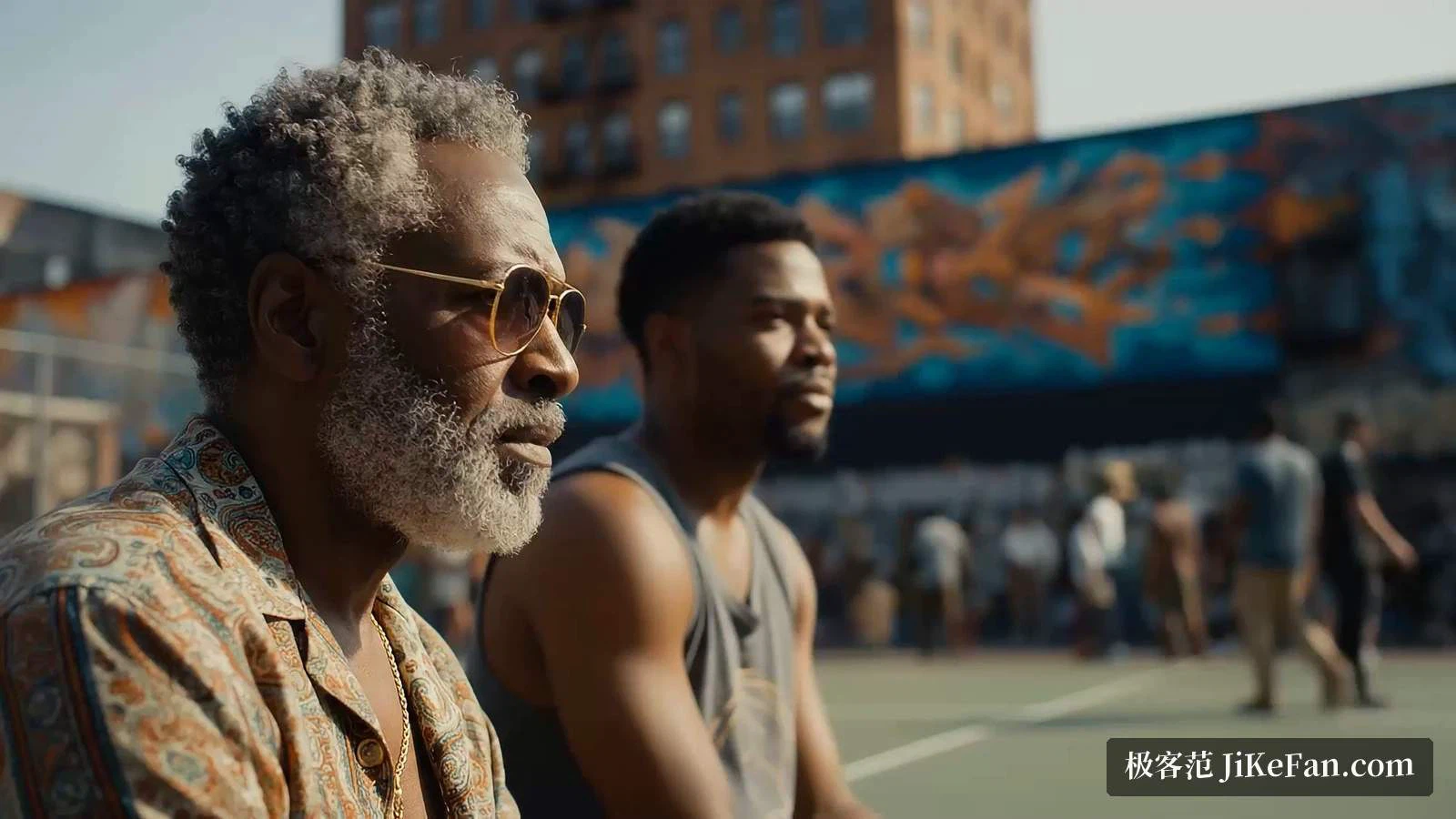
Native audio is the item the capability list keeps returning to. Effects, ambience and even spoken dialogue come out of the same generation rather than being laid on afterwards. The sample prompt shows how that reads in practice: a description of the shot, then a description of the sound — city noise, conversation in the distance, a low rap beat, a line delivered by a character — all inside one prompt. The earlier generation lists a redesign for realism among its changes, and the reason given is that real-world physics and audio are now modelled together.
Output and camera control
On resolution the page states 1080p and 4K. 1080p gives a sharper, cleaner image for the edit; 4K keeps more texture and detail for higher-end production.
On control the list is concrete. Camera control pins both the framing and the movement, with pull back, zoom in, move up and move right given as examples. Outpainting fills in new content beyond the frame that matches and looks plausible, so a finished clip fits different screen shapes. Adding an object to a shot accounts for scale, interaction and shadow; removing one preserves the composition, interactions and shadows already there. Taken together those answer a practical question — how much rework follows the generation.
Consistency, extension, first and last frame
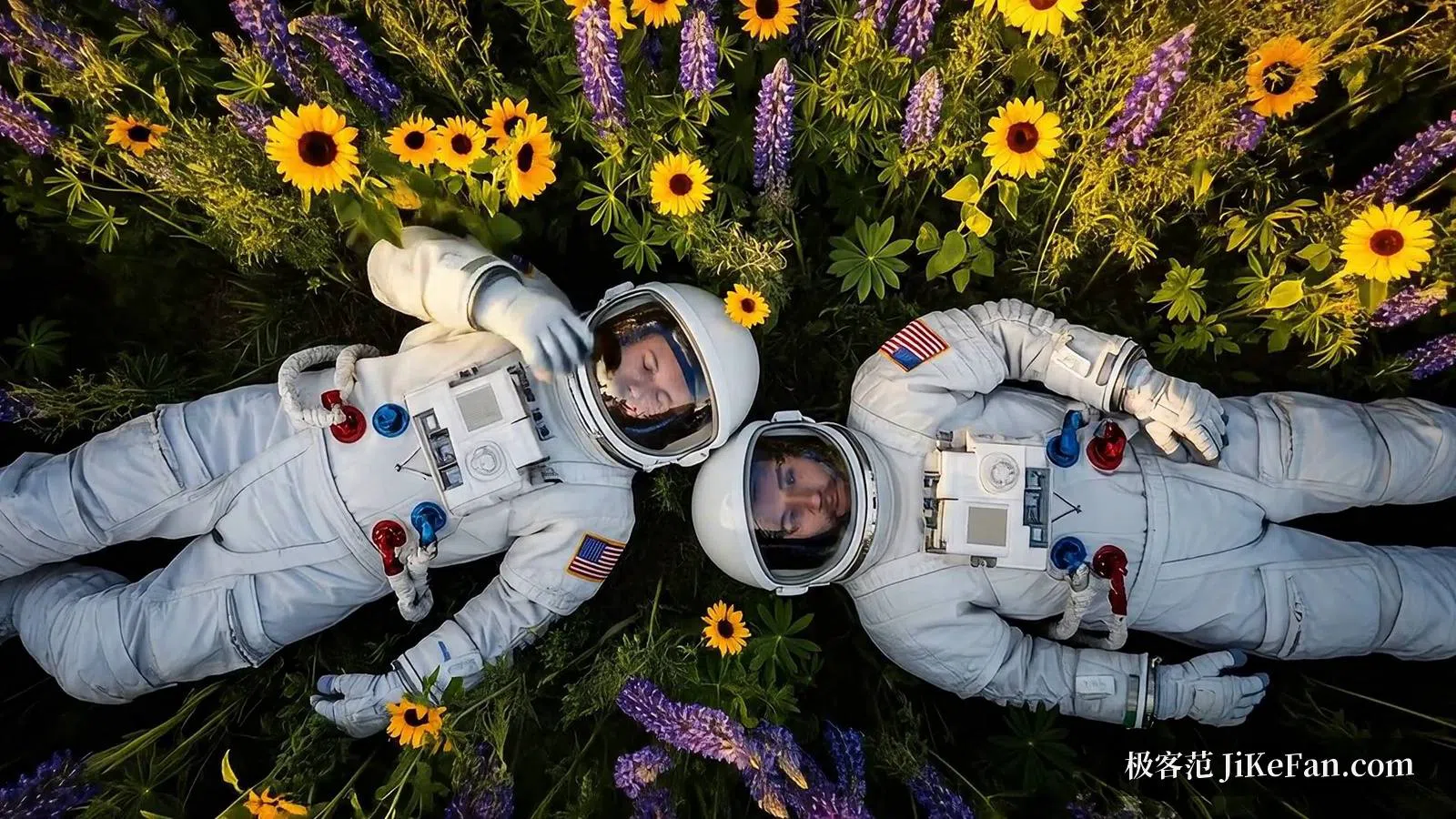
Three abilities carry continuity across shots. Character consistency runs off a reference image: the page shows the same character walking toward the camera, swimming underwater and stepping into a candy world, looking the same throughout. Scene extension picks up from the last second of a shot and keeps telling the story, stretching a clip longer while holding picture and audio together — a dance example on the page extends one scene across four successive prompts. First and last frame generates a smooth transition between two given images, which the page calls smooth, inventive and epic.

Driving a character with body, face and voice
A more advanced group puts the performer inside the pipeline. Character control drives a generated character with body movement, facial expression and voice, while motion control selects an object in the video and then defines its path. Both push the prompt from describing a shot to performing it, which matters when a fixed character has to appear repeatedly.

The evaluation claims
The strengths are grouped into four task types: text-to-video, image-to-video, text-to-audio-video and real-world physics. The benchmark section says raters watched 1,003 prompts and their clips from a published movie-generation data set, where Veo 3.1 led on overall preference, text alignment and visual quality. Image-to-video used 355 image-text pairs from a public benchmark; text-to-video with audio used 527 prompts, where raters judged the synchronisation better; on the physics subset raters found the behaviour more realistic. Four named abilities — ingredients to video, scene extension, first and last frame, object insertion — are separately said to lead in internal human comparisons. Every one of those conclusions carries a date of October 2025.
Flow: model, tools and credits
Inside Flow, Veo 3.1 is the main video model. Flow is described as an AI creative studio built on advanced generation models, and alongside Veo 3.1 it draws on Gemini Omni for text, image and video generation with conversational editing, and Nano Banana for image work. An agent is one of its distinguishing pieces: it reads project context and iterates ideas with the creator.
The tool layer is meant to be extended by hand. The page lists text overlay, frame adjustment, an image editor, a storyboard studio, shader effects, visual drafts and a set of experiment-style tools, and lets people build their own tools in natural language, share them and remix them. A residency programme for artists sits on top.
Free tier and paid plans
The pricing page gives the free plan 50 Flow credits a day, with Gemini Omni Flash, Nano Banana Pro and Veo 3.1 behind it — enough for text-to-video, image-to-video, asset-to-video, extension, video-to-video editing, scene creation, 2K upscaling and avatars using ready-made tools. Three paid tiers sit above. AI Plus is 4.99 dollars a month and adds 200 credits monthly on top of the daily 50, plus 1080p upscaling and custom tools. AI Pro is 19.99 dollars a month for 1,000 credits monthly and allows buying more. AI Ultra is 99.99 dollars a month for 10,000 credits monthly with 4K image and video upscaling. Prices vary by market, features vary by tier, platform and region, and users must be 18 or over.
Watermark, safety and what is still rough
Generated video carries a SynthID watermark, a technology for marking and detecting AI output; results also pass safety evaluation and a check for memorised material, with harmful requests and outputs blocked. The same page names what is still being improved: natural, consistent speech, especially in short segments, where the team keeps working on synchronisation and vocal continuity.
Already in production
Case studies cover a studio using it for storyboards and previsualisation inside its own platform, an AI role-playing game that generates static cutscenes and assets that shift with player progress, and a clip-editing agent that turns to it for motion graphics and promotional videos aimed at small merchants. An earlier thread is a collaboration with a film director's studio exploring how live-action footage and generated frames can be combined; three short films by emerging directors came out of it.
Boundaries
Resolution, audio and control features vary by plan and by entry point, so check the live page before buying. The benchmark numbers are human ratings and internal comparisons quoted on the vendor page, sampled in October 2025, and both task definitions and the models compared can change. Flow credits are not one-to-one with finished clips, so cost has to be estimated from your own usage. Commercial use must follow the service terms and the generative AI policy, with rights on real people and copyrighted material checked separately.
Summed up: the point of this release is that sound joins the same generation, and that 1080p and 4K output, scene extension, first and last frame, camera moves, outpainting and object editing hand control back to the creator. Flow then gathers model, tools and credit billing into one workbench.