
Opus Clip review: one long video into ten shorts, out to every platform
Summary
Opus Clip transcribes a long video, picks the passages worth publishing, reframes them for vertical and subtitles them, then schedules the batch across platforms. ClipAnything and ReframeAnything are its own models, and every clip gets a virality score.
Recommend- Name
- Opus Clip
- Version
- 20260917
- Open source
- Proprietary
- Operating system
- Web
- Website
- https://www.opus.pro/
- Updated
- 2026-10-06 09:43
Anyone who makes long content hits the same contradiction. A forty-minute podcast or stream recording may hold only three or four passages worth putting out on their own, yet finding them, cutting them, subtitling them, turning them vertical and posting them to three platforms eats half a day. Most people do not lack material; they lack the time to take it apart.
Opus Clip exists for exactly that step, and its pitch is blunt: one long video, ten shareable shorts.
One long video, ten shorts
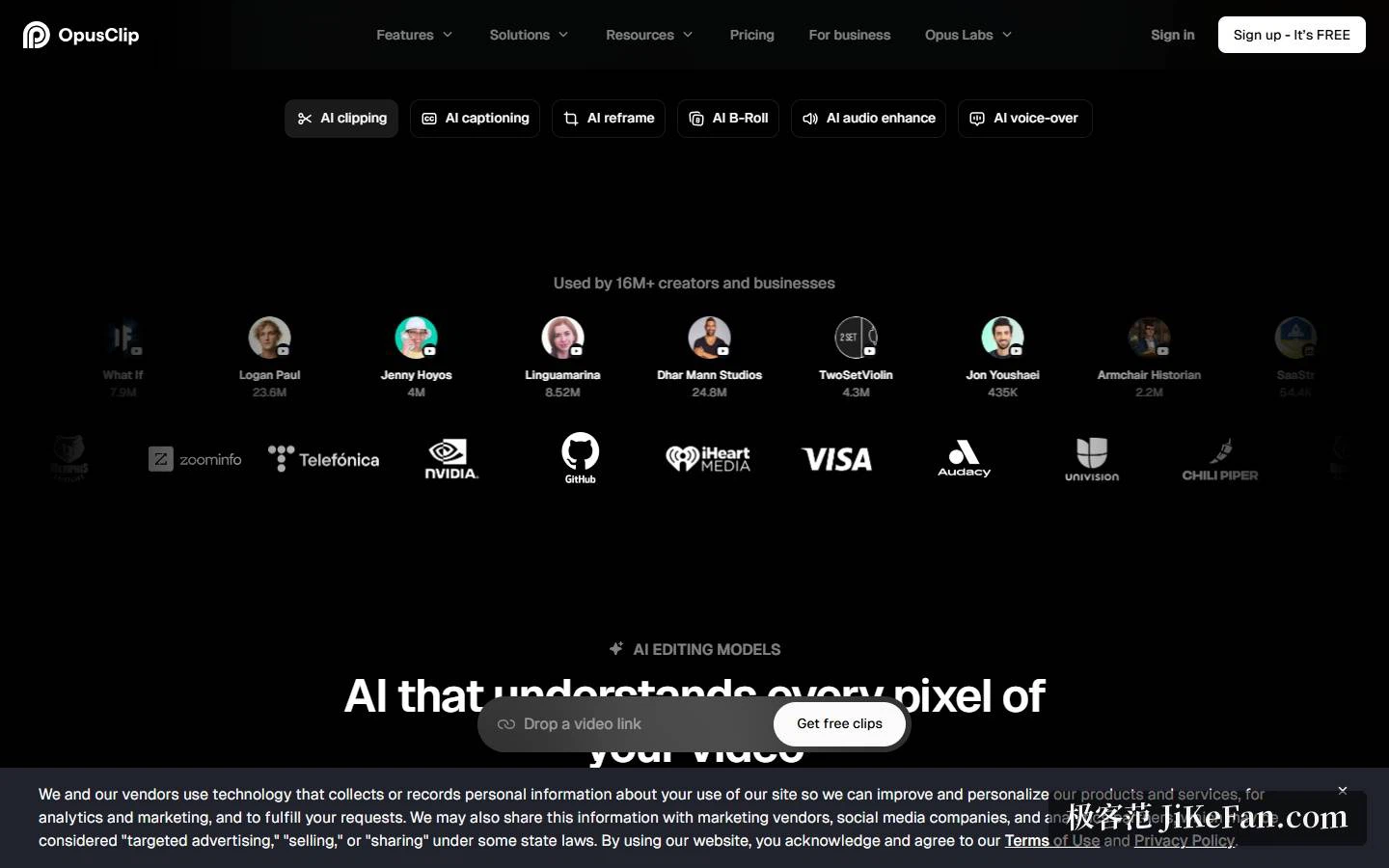
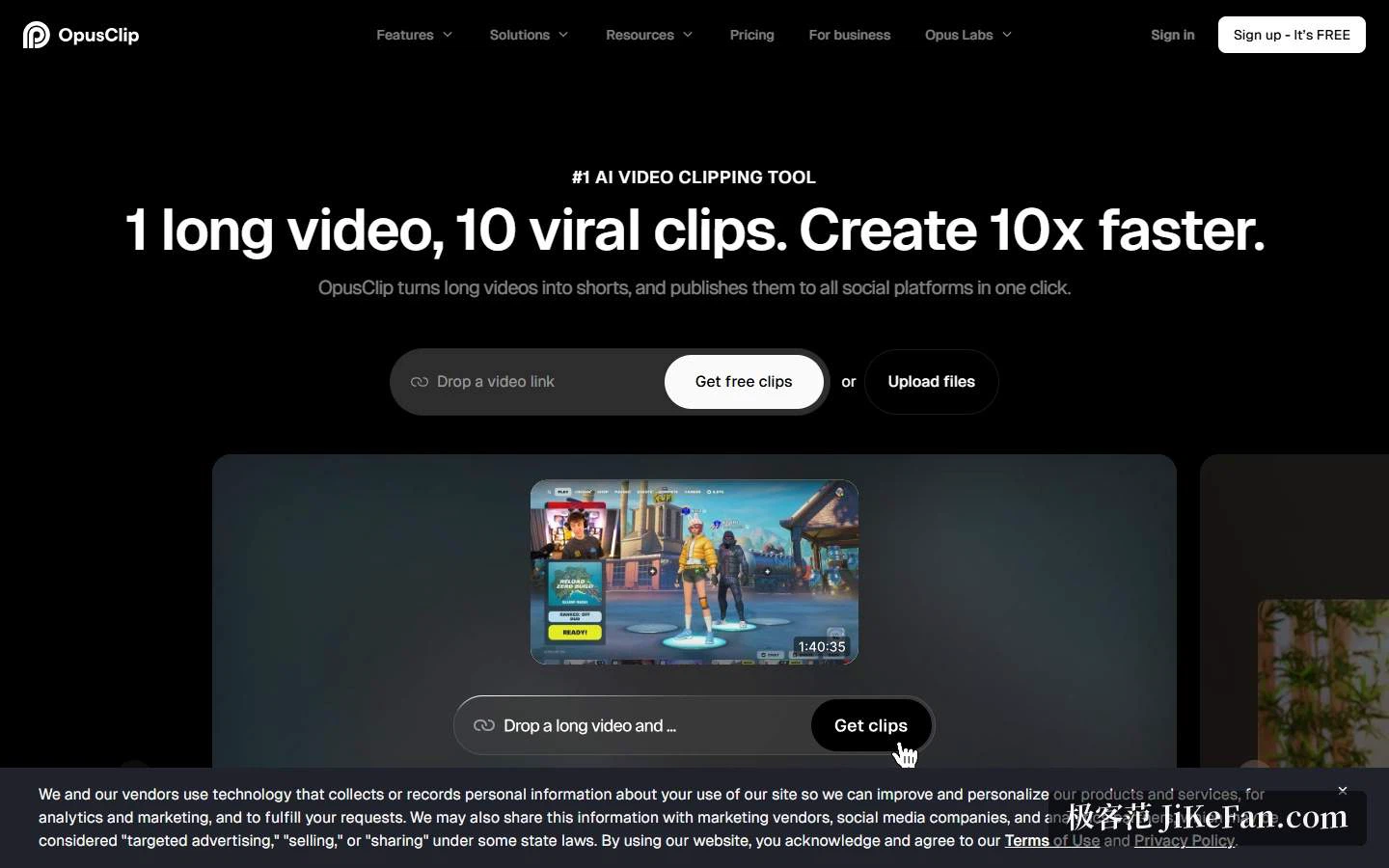
The workflow has almost no threshold. Paste a video link or upload a file, and the platform runs the whole chain itself — transcribe, pick the passages, crop and reframe, add subtitles — then hands back a batch of shorts ready to publish. The home page states that more than sixteen million creators and businesses use it.
The hard part is deciding which passage to take, and Opus Clip ships two models of its own for it.
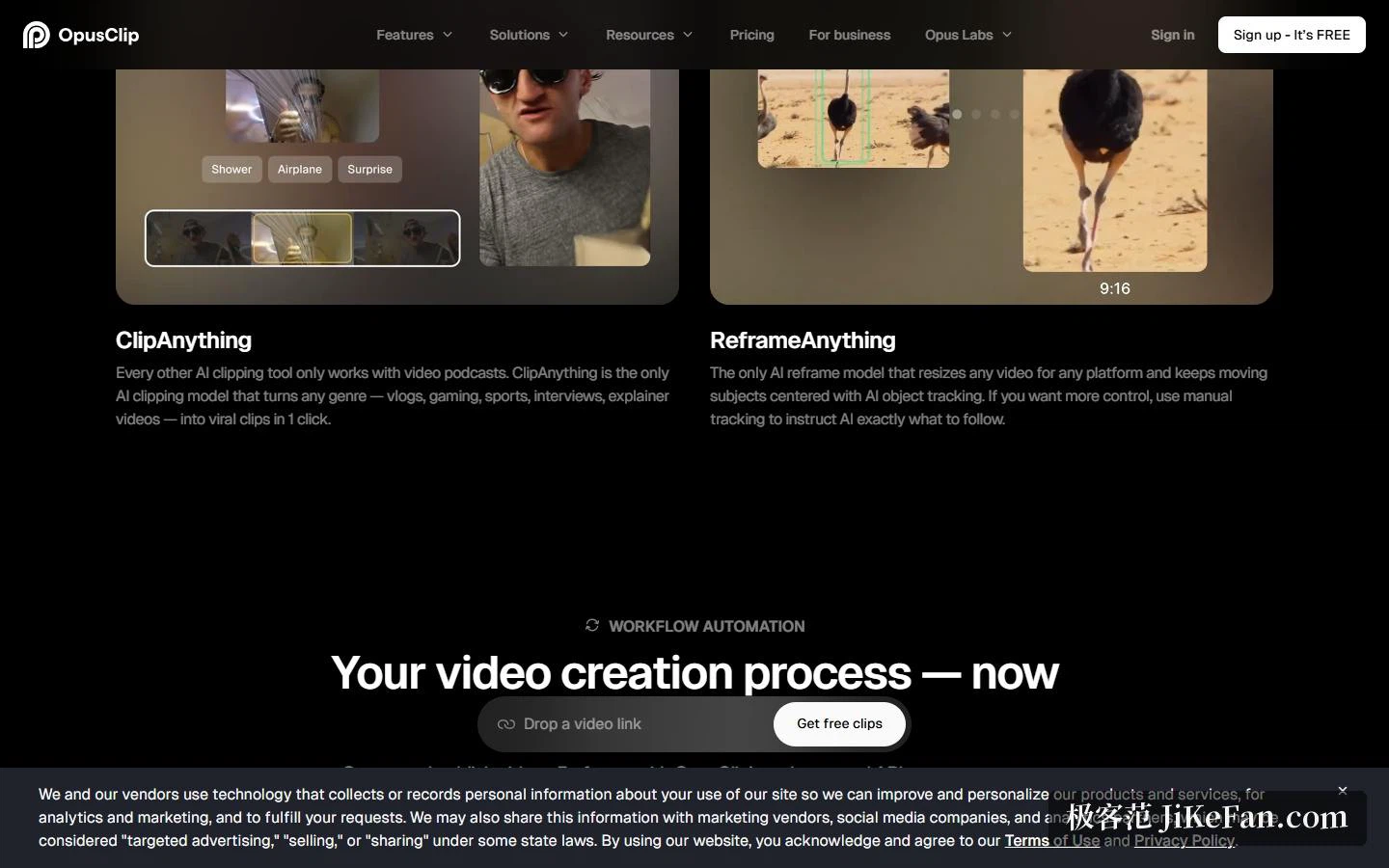
ClipAnything starts from the observation that most AI clipping tools only work on video podcasts, while this one handles vlogs, games, sport, interviews, commentary and other formats. That matters for creators outside the interview shape: sport and gameplay have no clean conversational structure, so hunting highlights through a transcript simply does not work.
ReframeAnything attacks the usual failure of turning landscape material vertical, where the subject walks out of frame. The model tracks objects with AI to keep a moving subject centred, and lets you name the subject to follow by hand. It also applies different reframing strategies by content type, so a screen share and a game feed each get a layout that suits them.
A score that says what to publish first
Every short gets a Virality Score. Its value is not in whether the prediction turns out right but in the ordering: an hour of video yields a dozen segments, nobody has time to polish all of them, and the score tells you which few to touch first.
Subtitles carry a lot of detail. The official accuracy figure is above 97 percent, more than 20 languages are supported, and there are animated templates, emoji and keyword highlighting, colour coding by speaker and automatic handling of profanity. These look like small features, yet they move completion rates more than they appear to: most people scroll muted on a phone, so the subtitle is what decides whether they stop.
On audio and assets, the Pro tier adds AI B-Roll, which can generate images or video or draw on a stock library, plus voice enhancement and AI dubbing, including dubbing a video into other languages. When B-roll is missing there is no need to trawl a stock site for half an hour.
Publish without leaving the tool
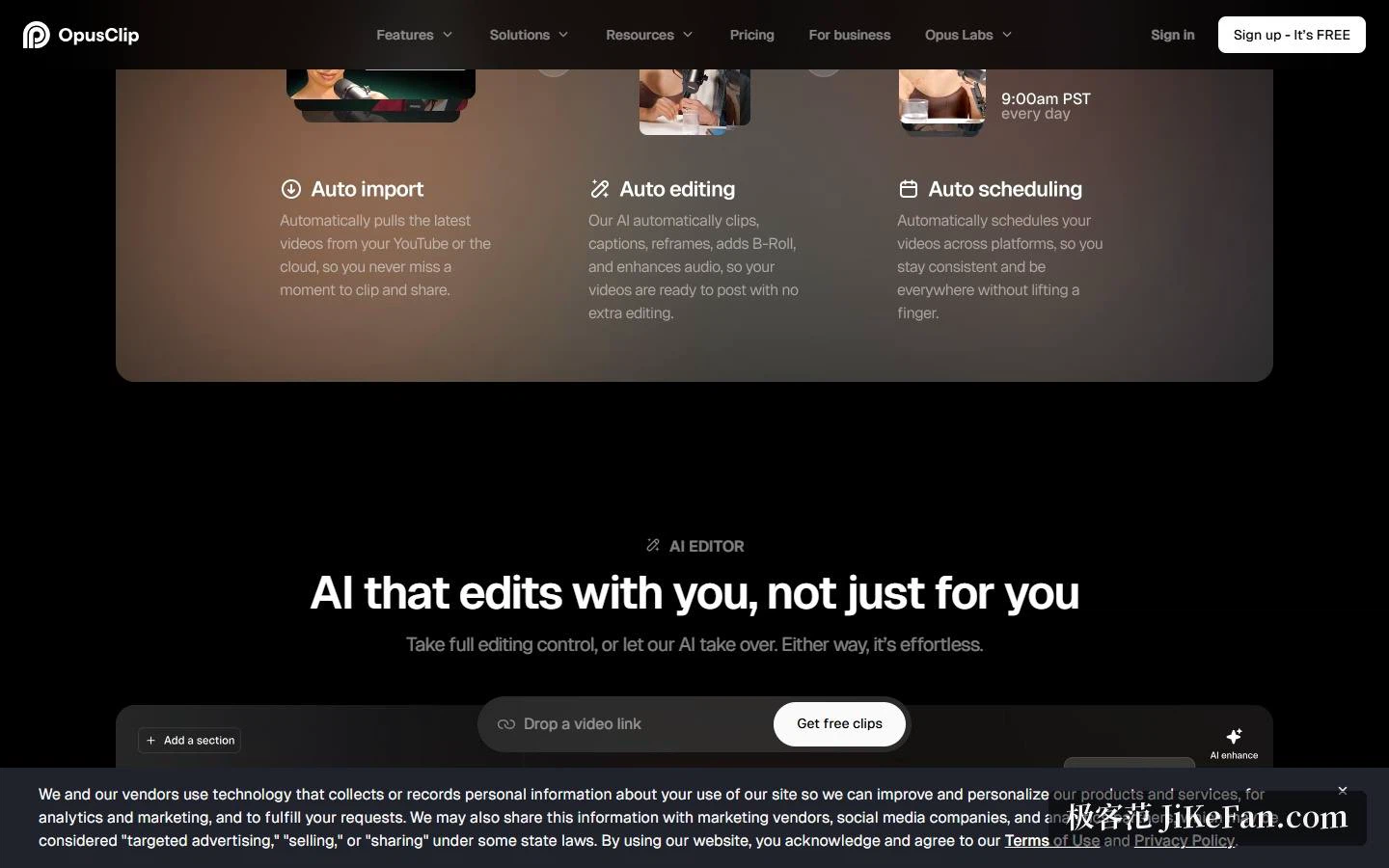
Opus Clip does not stop at producing files. A social scheduler is built in: queue a month of posts for YouTube Shorts, TikTok, Instagram Reels and similar, with titles, descriptions and hashtags generated along the way. Pro connects six social accounts, and Starter can auto-publish directly.
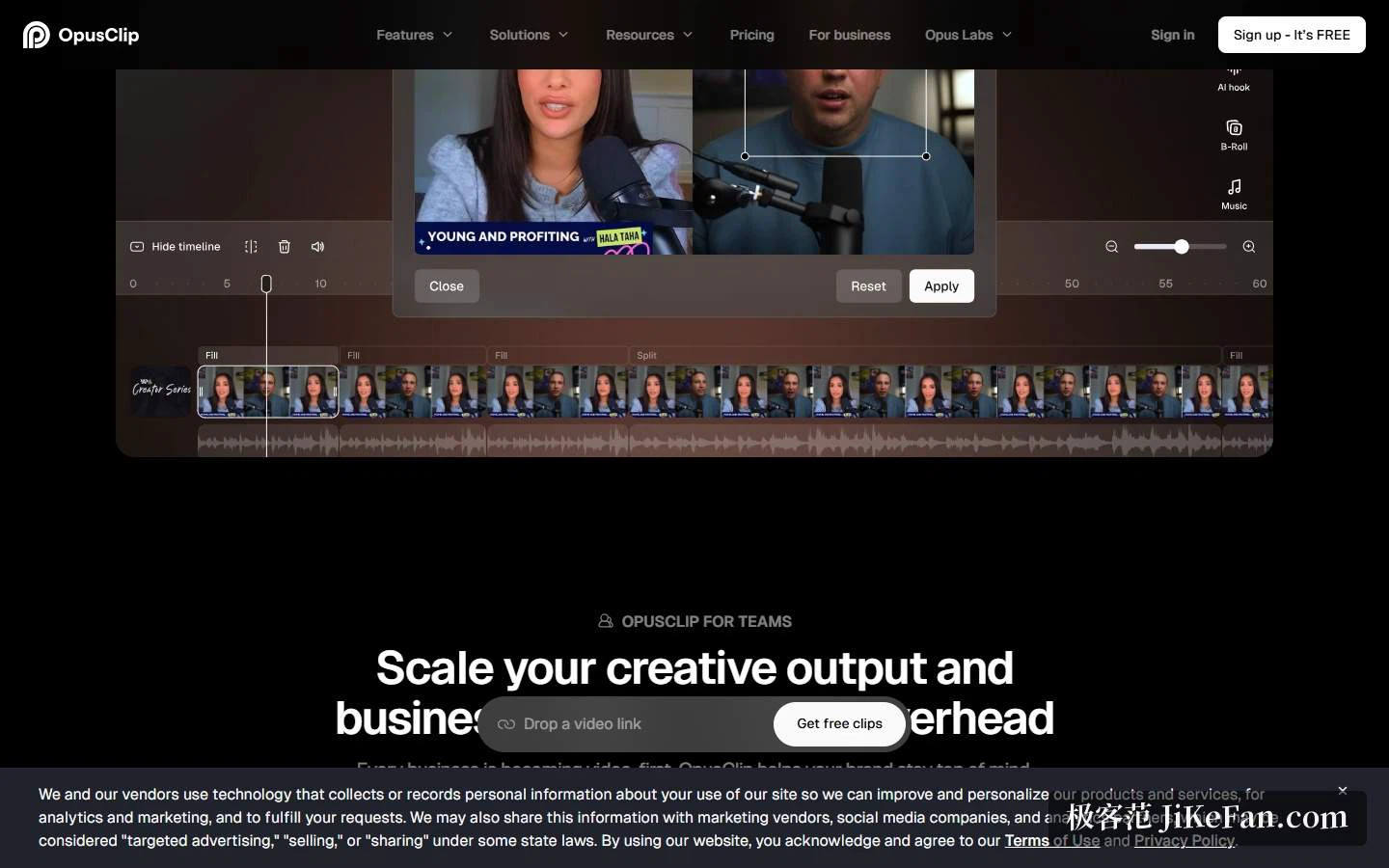
If the cut is only a first draft, a project exports as XML and continues in a professional editor instead of starting over. For teams there are workspaces, seat management, brand templates and asset libraries, so visual rules do not drift when several people work on the same material. API and MCP connectors address teams that want clipping inside their own systems.
Price and what the free tier withholds
Opus Clip runs on credits, and processing time consumes them. There are four tiers.
Free costs nothing and gives 60 credits a month, exports at 1080p with a watermark, offers no editing, and stops allowing exports three days after generation. Starter is 15 dollars a month for 150 credits, drops the watermark and adds the virality score, subtitles in more than 20 languages and one brand template. Pro is 29 dollars a month, or half that billed yearly, for 3600 credits a year, and adds AI B-Roll, multiple aspect ratios, scheduled publishing, export to editing software and two seats. Business is quoted individually, with the API and custom integration, SSO, enterprise security and dedicated support.
The free tier does run the whole workflow, so it works for a first test, but three limits are worth knowing beforehand: exports carry a watermark, editing is unavailable, and a generated clip can no longer be exported after three days. In other words the free tier behaves like a timed trial and is a poor fit as a long-term workflow.
New accounts receive a seven-day Pro trial covering 90 minutes of processing, roughly 30 downloadable clips, which is enough to judge whether it works for your kind of content. On size, a single local upload is capped at 10 GB on free and 30 GB on Pro, so long recordings can be dropped in directly.
On compliance, the platform reports SOC II Type 2, and Business adds single sign-on, a master services agreement and a dedicated support channel.
Who it suits
If you keep producing long material — podcasts, interviews, stream replays, course recordings, webinars — and want shorts to feed traffic back, the gain is real: a clipping job that used to eat half a day compresses into about ten minutes.
It fits two situations badly. Films that need careful storytelling and complex packaging only get a usable first draft from AI clipping and still need hands on them. And content without obvious high points, such as a process walkthrough or an internal training video, tends to yield clips with no hook.
One more caution: the score is an ordering aid, not a guarantee. What decides whether something travels is still whether the content holds the second that makes someone stop; the tool only puts the candidates in front of you faster.
A clipping tool never solves the inability to make good content. It solves good content being buried inside a long video where nobody sees it. Put the candidates on the table first, then talk about choosing and polishing.