
Cubase review: three decades of MIDI work, still a professional default
Summary
A key editor that reads like notation, an expression system that survives complex arrangements, and a bundled instrument library good enough to finish a track without buying anything else.
Recommend- Name
- Cubase
- Version
- 20260923
- Pricing
- Paid
- Open source
- Proprietary
- Operating system
- WindowsmacOS
- Updated
- 2026-10-08 20:45
The name that defined a standard
Desktop music production has a short history and a handful of names that shaped it, and Cubase is the one that spent the longest time defining how MIDI editing should work. The conventions it established in the nineties — the arrangement window, the key editor with its velocity lanes, the idea of a project as a timeline with tracks — are still what most software in this category imitates. That history is not nostalgia; it is the reason the keyboard shortcuts feel like a language rather than a list.
What keeps it relevant is that the underlying engine has been rebuilt repeatedly while the working surface stayed recognisable. Someone returning after ten years away can find the arrangement window and start working within an hour, then discover that everything underneath is faster and more capable than what they left.
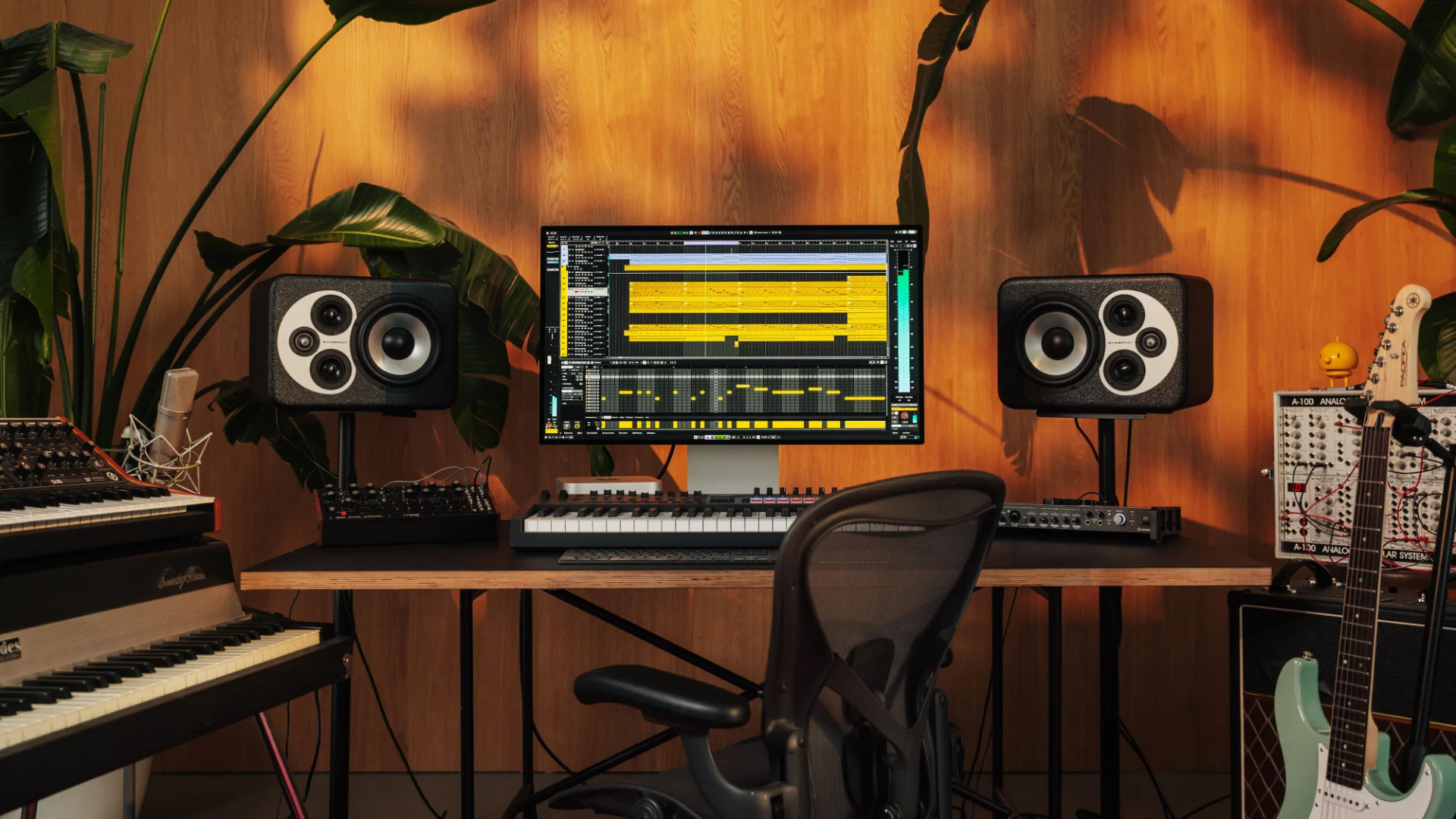
Where it still leads
MIDI editing remains the strongest argument. The key editor draws notes on a grid that can switch between musical and absolute time, handles multiple parts at once, and offers the kind of detail that only matters when you are working on an orchestral arrangement: expression curves per note, articulation switching, and a logical editor that can transform a selection by rule rather than by hand. The score view sits on the same data, so a part written with a mouse can be printed as notation without leaving the project.
The chord track is the feature that surprises people who have not looked recently. Harmonic information lives on its own track, audio and MIDI parts follow it, and changing a chord can move an entire arrangement. For anyone writing for picture, where a cue has to be shortened by eight seconds without rewriting it, that is not a convenience but a way of working.
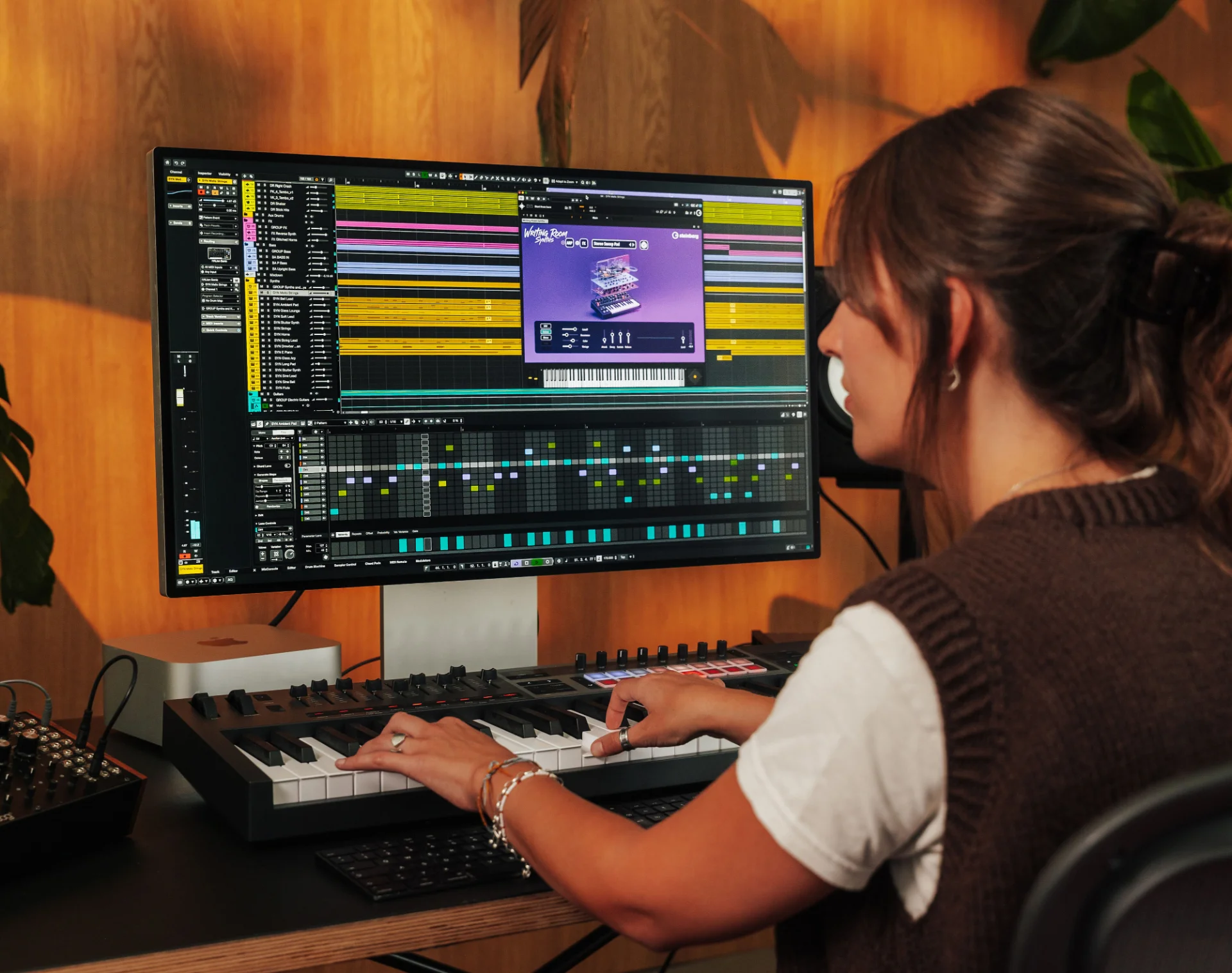
The bundle and the ladder
The professional edition ships with a serious instrument and effect collection: synthesizers, drums, an orchestral library, and a chain of processors from equalisation to reverb that are usable without qualification. The practical consequence is that a complete piece can be finished without buying a single third-party plugin, which changes the real cost of entry considerably for someone starting out.
The version ladder is unusually clear. The entry edition covers learning and simple productions, artist editions sit in the middle, and the professional edition removes the limits on track counts and bundled content. Since projects move between them, buying the smallest version you need now and upgrading when the limits bite is a legitimate strategy rather than a compromise.
Audio work deserves a mention beyond the MIDI focus here. Recording is straightforward, a control room handles latency without drama, and assembling take after take into a single performance is a well-designed routine rather than a puzzle. Mixing includes channel strip processing on every track, which means a usable sound comes from the console rather than from a plugin chain, and the metering gives an honest picture of what is happening to the signal.
Longevity in creative software comes from respecting the people who use it: no chasing of trends, no removal of functions that professionals rely on, and decades of refinement until the tool stops being visible.
Practical advice for a first project. Learn the keyboard shortcuts before learning the menus, because this software rewards muscle memory more than any other in the category and the payoff is immediate. Set up a template with your usual tracks, routing and effects so that starting a new piece takes seconds rather than an hour. Save versions rather than overwriting, since a project file is cheap and a lost arrangement is not. And resist the temptation to buy more instruments in the first month: the bundled library is deep enough that most people never exhaust it.