
CorelDRAW Graphics Suite 2026: a veteran vector suite that let generative AI into the workflow
Summary
CorelDRAW Graphics Suite dates back to 1989 and still bundles vector drawing, page layout, an image editor and a font manager in one package. The 2026 release adds text-to-image in March and text-to-vector in September, with AI features billed by credits.
- Name
- CorelDRAW Graphics Suite
- Version
- 2026
- Pricing
- Paid
- Open source
- Proprietary
- Operating system
- WindowsmacOS
- Updated
- 2026-10-06 17:52
A suite that has been around for more than three decades
CorelDRAW Graphics Suite is a graphic design package from Corel whose earliest version goes back to 1989, and it has been used for a long time in prepress, print work and vector editing. It is not a single program. The main application handles vector drawing and page layout, and the package also contains an image editor for photo work and retouching, a font manager for keeping typefaces in order, and a library of content. Besides the desktop versions for Windows and macOS, subscribers also get a web version.
That bundling is the argument the product has always made. A designer working on a printed brochure needs drawn shapes, placed photographs, a page grid and a licenced typeface in the same afternoon; a suite answers that with one purchase and one set of habits rather than four unrelated tools that each need their own licence and their own way of doing things.
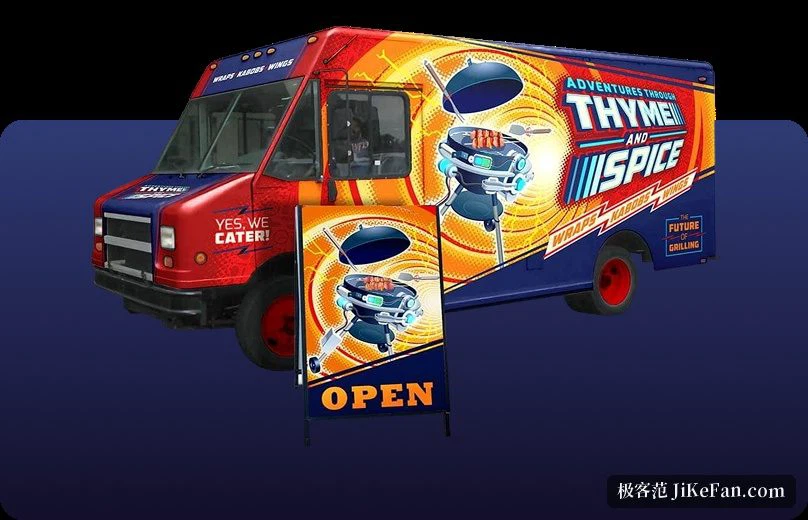
Vectors and page layout
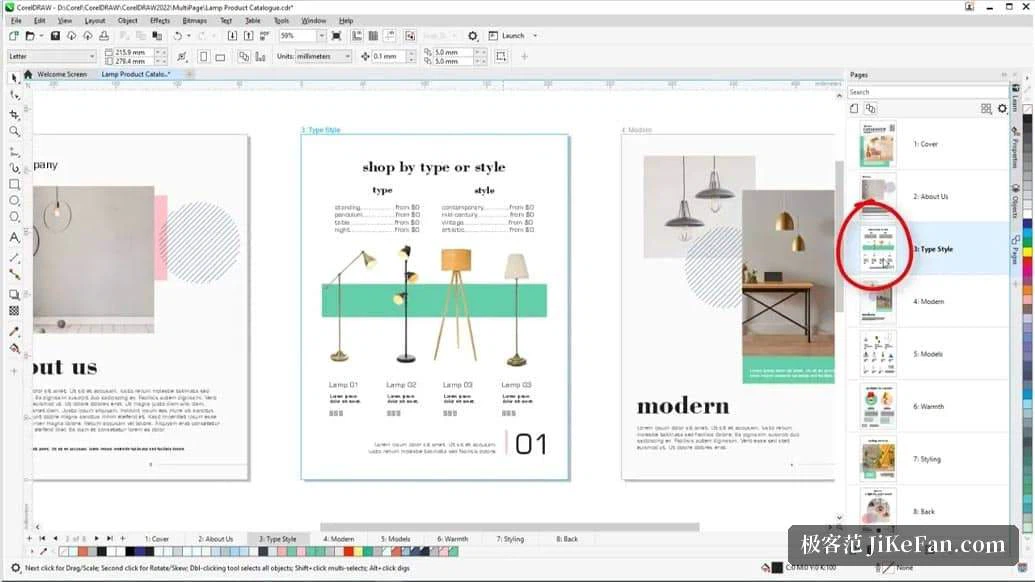
The drawing side covers shaping tools that run from simple lines to complicated forms, and the effect tools around them: contour, envelope, blend, mesh fill. Layout supports switching between single-page and multi-page views, which is what makes the suite usable for brochures and other multi-page material rather than only for single-sheet artwork.
Typography is where the package is more complete than most. It handles variable fonts, type set along a path, and text effects such as block shadow and outline. The font manager can use typefaces from the network or from the local machine without installing each one first, and the vendor says access to more than a thousand font families is built in. Colour libraries are integrated as well, which matters more than it sounds once work has to match a printed reference.
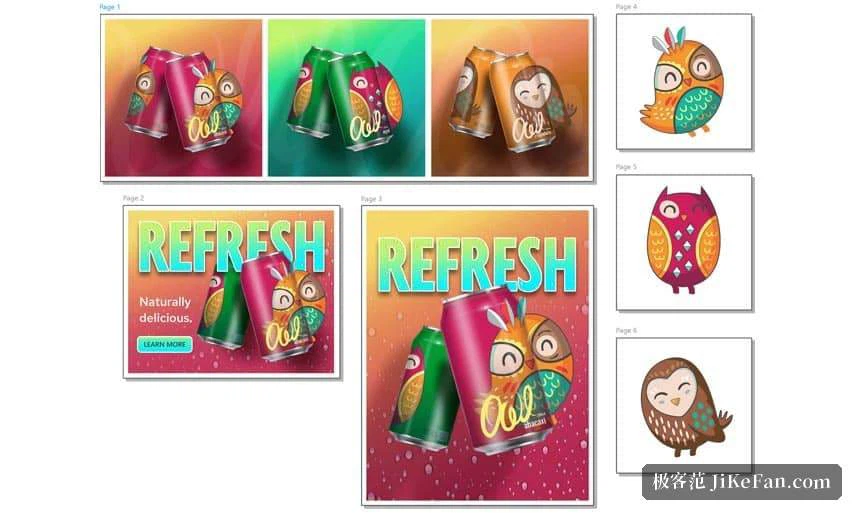
What generative AI adds in the 2026 release
The 2026 release puts its changes mostly into generative capability. The March update brought text-to-image: you write a prompt, choose a model, an aspect ratio and how many images to produce, and you can apply a style or a colour palette. Alongside it came image remixing, which uses a prompt to edit an existing picture and replace elements in it, background removal in a single step, and image masks. The vendor also says the interface was modernised and that startup is noticeably faster.
The September update added text-to-vector, turning a prompt or existing artwork into editable and scalable vector shapes, and strengthened the tracing that converts a bitmap into vectors. The web version gained the ability to upload a custom typeface and to export a project format. Read together, the two updates say something about intent: the generated material is meant to land in an editable document rather than stay a picture in a chat window.
Licensing and what comes in the box
This is commercial software sold two ways, by subscription and as a one-time purchase, and the vendor offers a 15-day trial that does not ask for a card. AI features are billed by credits: subscribers receive an allowance each month, while a one-time purchase comes with a single allowance. Content is part of the offer too, with the vendor citing thousands of clipart pieces and digital images, over a thousand high-resolution photographs, over a thousand fonts and hundreds of templates, plus more material reserved for subscribers.
For anyone who only opens vector files now and then, trying it before deciding is the sensible order, not least because the credit model only becomes clear once you know how often you would reach for the generative tools.
For designers who spend their weeks on printed material, signs or layout, CorelDRAW remains a complete production set: vectors, layout, image editing and font management in one package. The 2026 release threads generative AI into the workflow that was already there, and it is worth a trial to see whether the result fits the way you work.