
IntelliJ IDEA: the Java IDE whose free half now carries most of the work
Summary
IntelliJ IDEA folded its free and paid editions into one product from the 2025.3 release: the core is free, its source is published under the Apache 2.0 licence, and a paid subscription covers web and enterprise framework work.
Recommend- Name
- IntelliJ IDEA
- Version
- 2026.2
- Pricing
- Free
- Open source
- Open source
- Operating system
- WindowsmacOSLinux
- Website
- https://www.jetbrains.com/idea/
- Updated
- 2026-10-06 14:53
An environment that has stayed tied to Java work
IntelliJ IDEA is an integrated development environment from JetBrains, and for most of its life the centre of gravity has been Java. The part that matters most to anyone deciding today is not a feature but the shape of the licence: from the 2025.3 release the separate free and paid editions were folded into a single product. The core is free to use and its source is published under the Apache 2.0 licence, and a paid subscription is what unlocks the web and enterprise framework work on top. Official builds exist for all three desktop platforms, and the experience on Windows, macOS and Linux is close enough that switching between them costs very little.
That arrangement is unusual enough to be worth pausing on. Tools in this category usually keep the useful half behind a licence and leave the free edition as a demonstration, whereas here the free half is the one most people would actually work in every day. It also changes how the decision goes: the question is no longer whether to pay for an editor, but whether the specific stack you work in needs the commercial half.
What it does with code
The selling point is understanding rather than text editing. Completion does not simply match a variable name; it infers intent from the surrounding context and offers what the code is about to need. Refactoring covers renaming, extracting a method, changing a signature and the usual neighbours, and every reference is updated in the same pass, which is the difference between a safe edit and a nervous search. Static inspection marks potential problems while you type and pairs each with a single-click fix.
Navigation is usually where people become attached to the tool: jumping to a definition, finding every usage, searching by symbol instead of by file. The debugger handles breakpoints, expression evaluation and a view of several thread stacks at once. Version control, build tooling and a terminal sit inside the same window, so the day stops being a sequence of switches between applications.
Languages, frameworks and the plugin layer
The free part covers Java and Kotlin together with the other languages that run on the JVM, plus the basic build and test tooling around them. The paid subscription builds on that and aims at web and enterprise development: the mainstream front-end frameworks, server-side frameworks, database and SQL tooling, remote development. The exact list belongs on the vendor's own feature page rather than in a summary like this one, because it moves with each release.
Plugins are the second layer of extension. Themes, keymap schemes, language support and integrations for particular tools all arrive that way, which means the environment can be trimmed to the stack you actually use instead of carrying every capability at once. A trimmed environment is also a faster one, and that is the practical reason people spend an evening on it.
Versions and the cost of getting started
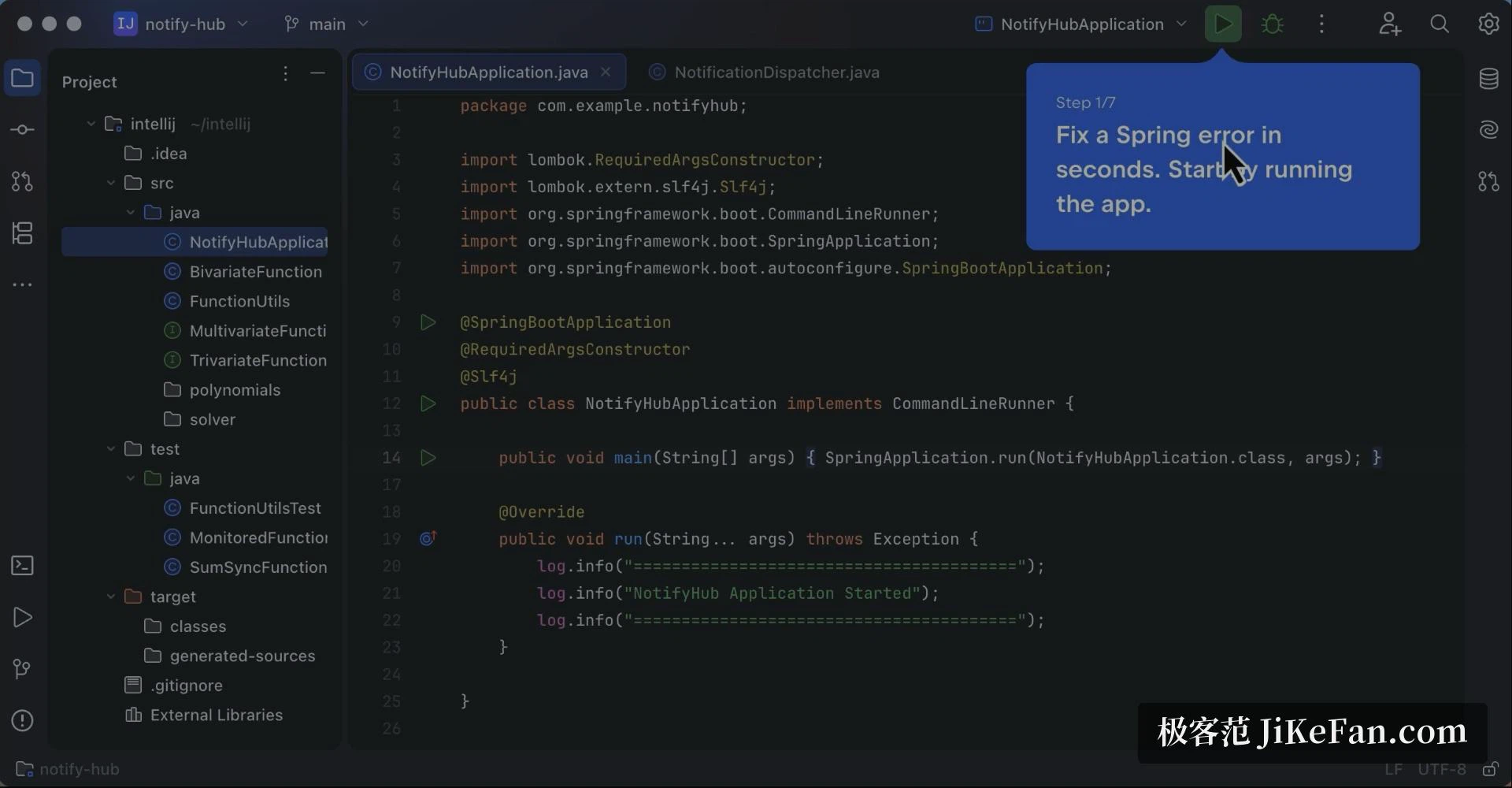
Releases follow a year-based major version with minor updates in between; as of September 2026 the current stable major is 2026.2. The environment is dense, and opening it for the first time presents a great deal of interface at once. In daily use, most of the work concentrates in three places: the editor, the project view and the run window. On a modest machine, switching off plugins and inspections you do not need helps noticeably, and the experience settles once indexing has finished its first pass.
For Java or Kotlin work, the free part and the Apache 2.0 source already cover the great majority of daily needs; the paid subscription earns its place when web, enterprise frameworks or database tooling come into it. The learning curve is steeper than a lightweight editor, and what you get in return is the gap in refactoring and navigation speed.