
Codex CLI ships with the network off and a sandbox around your files
Summary
The network is off by default and writes stop at the working directory, with edits and commands passing an approval step; rewritten in Rust it is one static binary that also runs unattended in a pipeline.
Recommend- Name
- Codex CLI
- Version
- 0.154
- Open source
- Open source
- Operating system
- WindowsmacOSLinux
- Website
- https://openai.com/codex/
- Updated
- 2026-10-29 22:00
Codex CLI is an open source coding agent that runs in your own terminal. You type a command inside the project directory and it reads files, edits code and executes commands, while every change it makes stays an ordinary working tree change: git diff shows it, git checkout undoes it.
Same terminal, same Git habits, with an assistant beside you that can actually reach for the keyboard.
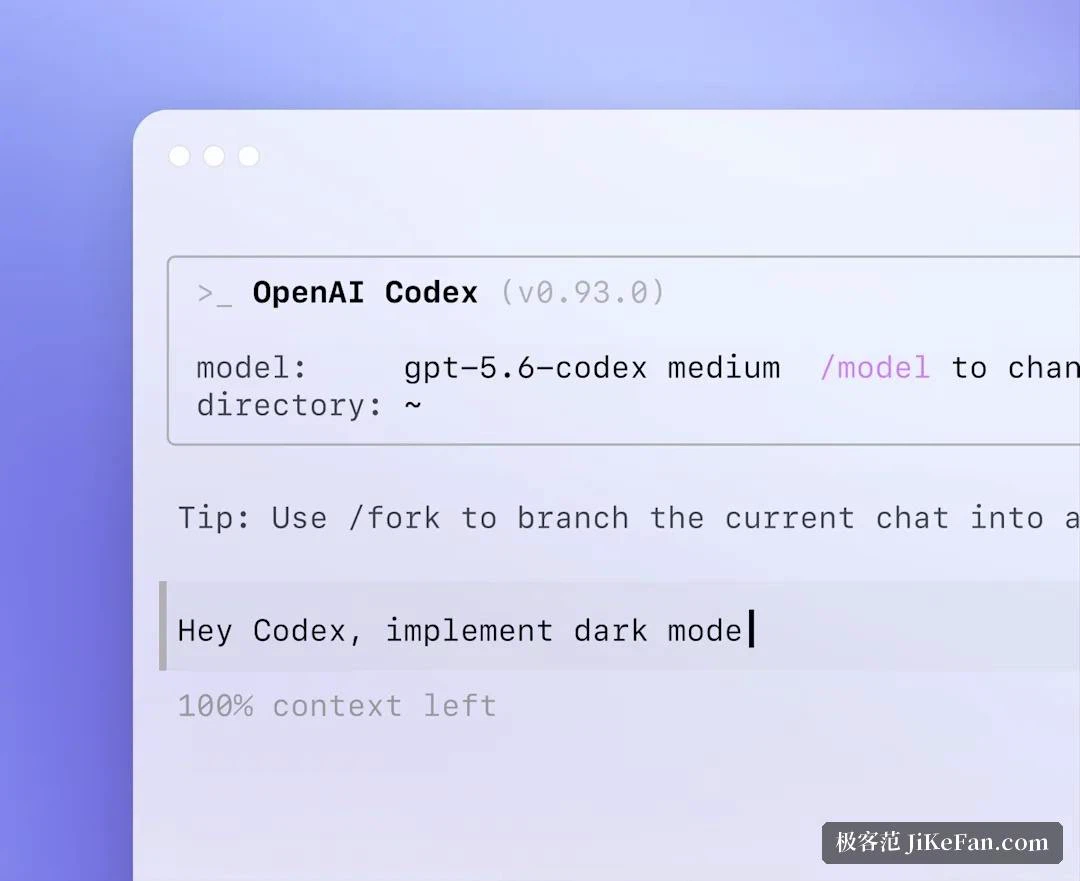
No network out of the box
On a first run it does not rush to ship your code anywhere. The official documentation is blunt about it: network access is off by default, and writes are confined to the current working directory. That default says more about where the tool positions itself than any marketing sentence would, because it assumes you do not trust it yet.
Keeping it in check works through two separate gates, and they are configured independently. One is the sandbox, which governs what it may touch. The other is approval, which governs when it has to stop and ask.
The sandbox comes in three settings. A read-only mode permits no writes at all. A workspace-write mode allows edits inside the current directory and leaves the network off by default. A full access mode removes the limits entirely, which the documentation recommends only inside an environment that is already isolated, such as a container.
Approval has three settings of its own. The strictest asks before any command it is not confident about. The middle setting lets routine operations proceed and raises a hand only when a step goes out of bounds. The last never interrupts, and belongs to environments that are properly prepared for that.
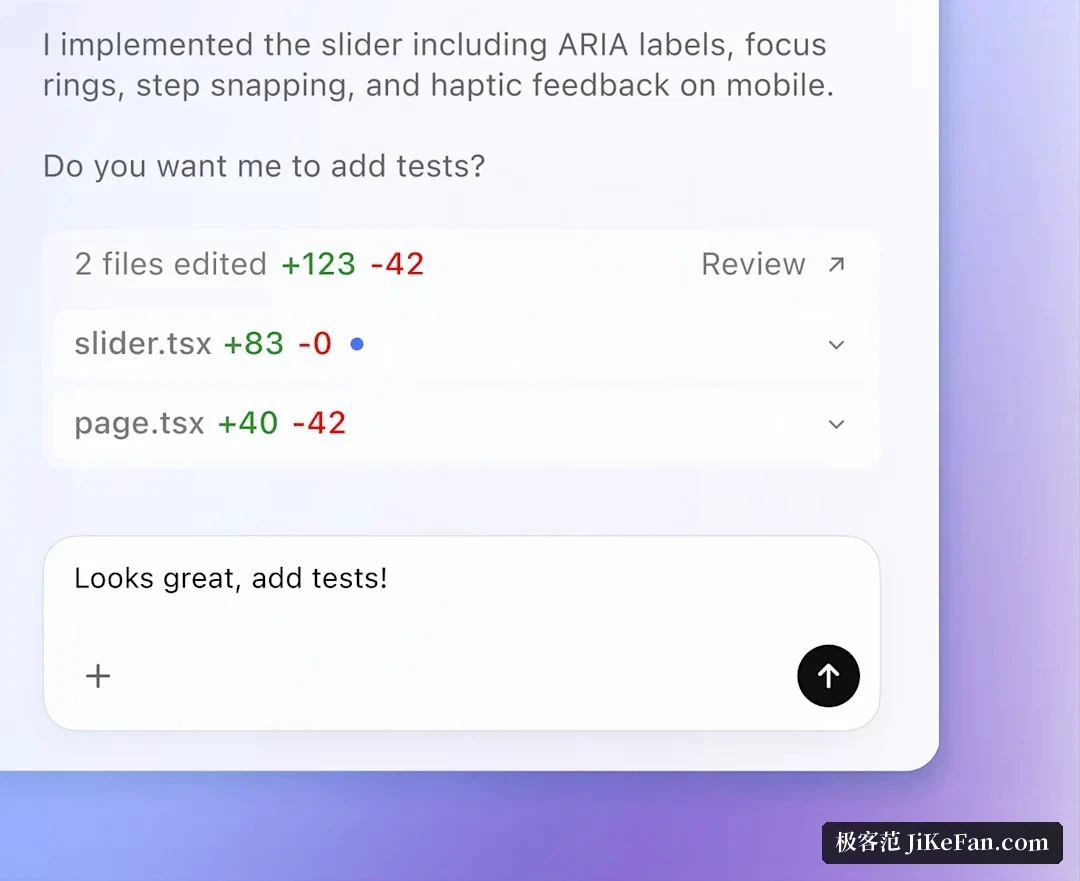
Day to day the practical split is obvious: let it edit code and run tests on its own, and have it pause for a click when a dependency has to be installed or the network is needed. Widening the scope does not require turning the sandbox off wholesale; adding the directories that need access to an allowlist is enough.
What the Rust rewrite changed
It began life as a Node.js project and was rewritten in Rust in the second half of 2025; the mainline is now that Rust implementation. The difference shows in a concrete way: what ships is a statically compiled single-file executable, so no separate runtime has to be prepared alongside it, which is welcome on a machine that has just had its operating system installed and nothing else. The project publishes its own builds per platform, with Apple Silicon and Intel separated on macOS and the two common architectures separated on Linux.
It is released under the Apache licence, written in Rust, and the repository describes it in one line as a lightweight coding agent that runs in your terminal. By mid-September 2026 the project had collected more than a hundred and twenty thousand stars and close to twenty thousand forks.
Give it a project memory
Explaining the house rules from zero every single time gets tiring fast. The answer is an AGENTS.md file in the repository, spelling out how to build, how to run tests, which directories to leave alone and which way the code style leans. The file is read automatically, so the same instructions never have to be repeated.
Lookup is layered: your own global defaults first, then the repository root, then the current subdirectory, merging downward from the outer layer. Personal habits therefore live in the global file, team agreements in the repository, and rules specific to one module inside that module, each minding its own stretch. Type /init inside a session and it reads through the repository and drafts the file for you.
Sitting beside it, or hanging it on a pipeline
The everyday mode is the interactive one: describe a task in ordinary language and it plans, edits files and runs commands while you watch progress and cut in whenever you like. A set of slash commands handles the routine from the same screen. One reports the current model, the permission settings and how much context is left. One shows what this session has touched. One has it review its own changes first. One compresses the context when a long session starts to strain.
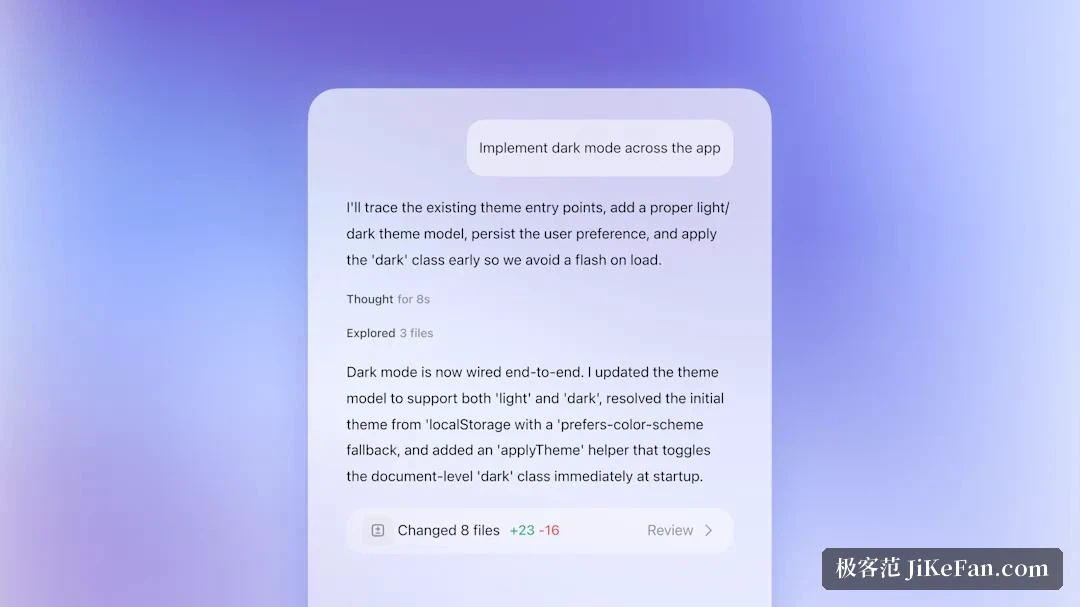
To put it inside a pipeline, reach for codex exec. No interface opens: it takes a task, finishes it and exits, with output a downstream step can consume directly, whether that is a read-only audit of a repository, a conclusion written to a file, or a stream of JSON events fed to a script. A session can also continue from the previous one, so the context need not be retold. Scheduled jobs and the unattended stretches of continuous integration are exactly what this path is for.
Signing in, and what it costs
There are two ways in: sign in with a ChatGPT account, or configure an API key of your own. Going through the account route, Codex now sits inside the ChatGPT subscription tiers, with Plus, Pro, Business, Edu and Enterprise all including it and the Free and Go tiers open for the time being on a limited basis. Allowances are tiered by plan, and overage can be bought as credits; the API key route bills by usage on a separate account.
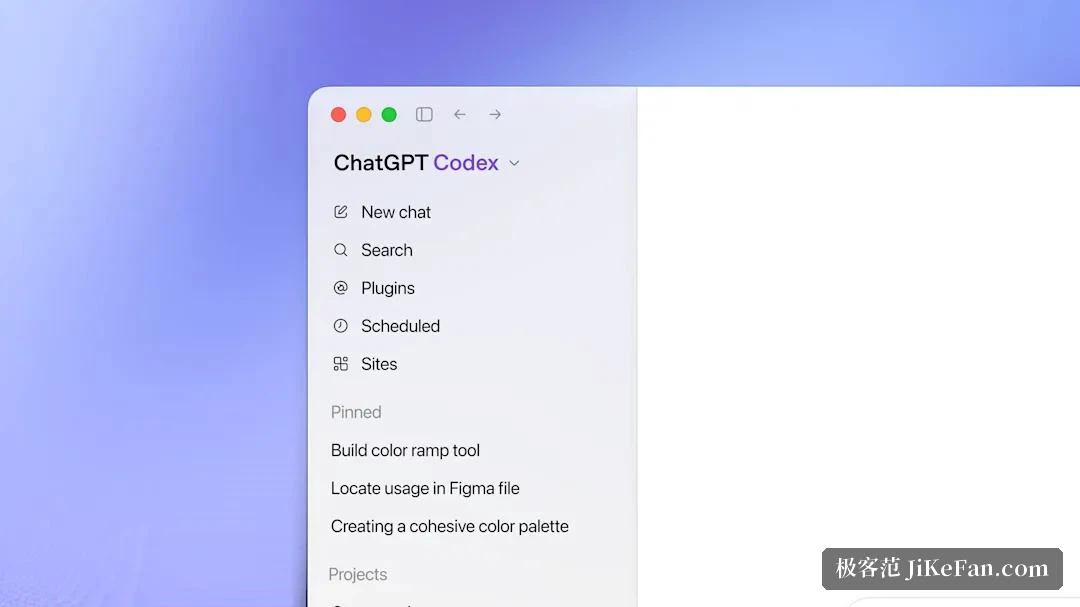
It puts an agent inside the terminal you already use, and splits what it may touch from when it must ask into two separate dials. To get help from it, first close it into a sandbox, which is not a lack of trust but the precondition for letting it run for a long time without worry.