
Antigravity CLI: Google rewrote its terminal agent in Go, and the free tier still runs
Summary
A single compiled Go binary replaces the old Node-based entry point, sharing one agent harness and one set of settings with the desktop app, running sub-agents in parallel inside an operating-system sandbox.
Recommend- Name
- Antigravity CLI
- Version
- 1.2.3
- Open source
- Proprietary
- Operating system
- WindowsmacOSLinux
- Website
- https://antigravity.google
- Updated
- 2026-10-29 22:00
Google rewrote the AI agent that lives in the terminal from scratch: one Go binary, and
agyis the way in.
Pair-programming with a model inside a terminal is not a new idea, but Google changed its approach to it. At the 2026 developer conference in May the company pulled its scattered developer tools under a single Antigravity brand, and Antigravity CLI is the terminal-shaped part of it. According to the official announcement, the older command line service that had served free individual users and AI Pro and AI Ultra subscribers was shut down in the middle of June 2026, and from then on the way to reach Google's agent from a shell is this new agy entry point.
This is not the old project wearing a new name. Once it is running, it is plainly a different kind of thing.
One Go binary, no runtime to prepare first
The predecessor was a Node project, which meant a runtime had to exist before anything else could. Antigravity CLI is delivered as a compiled single-file Go executable, so no package manager has to be wrestled with and no separate language runtime has to be stood up on its behalf. The direct consequences are a fast start and very little to depend on.
A first run asks you to sign in with a Google account, and the credential lands in the system keychain, meaning each of the three platforms' own credential store. In a remote SSH session there is no browser to open, so it prints an authorisation link, you complete the sign-in in a browser on your own machine, and paste the code back. The official documentation treats that flow as a first-class path rather than an afterthought, which matters for anyone whose work happens on a remote box.
One agent core, shared with the desktop app
Antigravity now has four faces: a desktop application, this command line tool, an SDK for programmatic use, and an IDE. The official blog states it plainly: the CLI and the desktop version run on the same agent harness and share their settings. The practical reading is that a permission rule tuned on one side takes effect on the other, and no one maintains two allowlists.
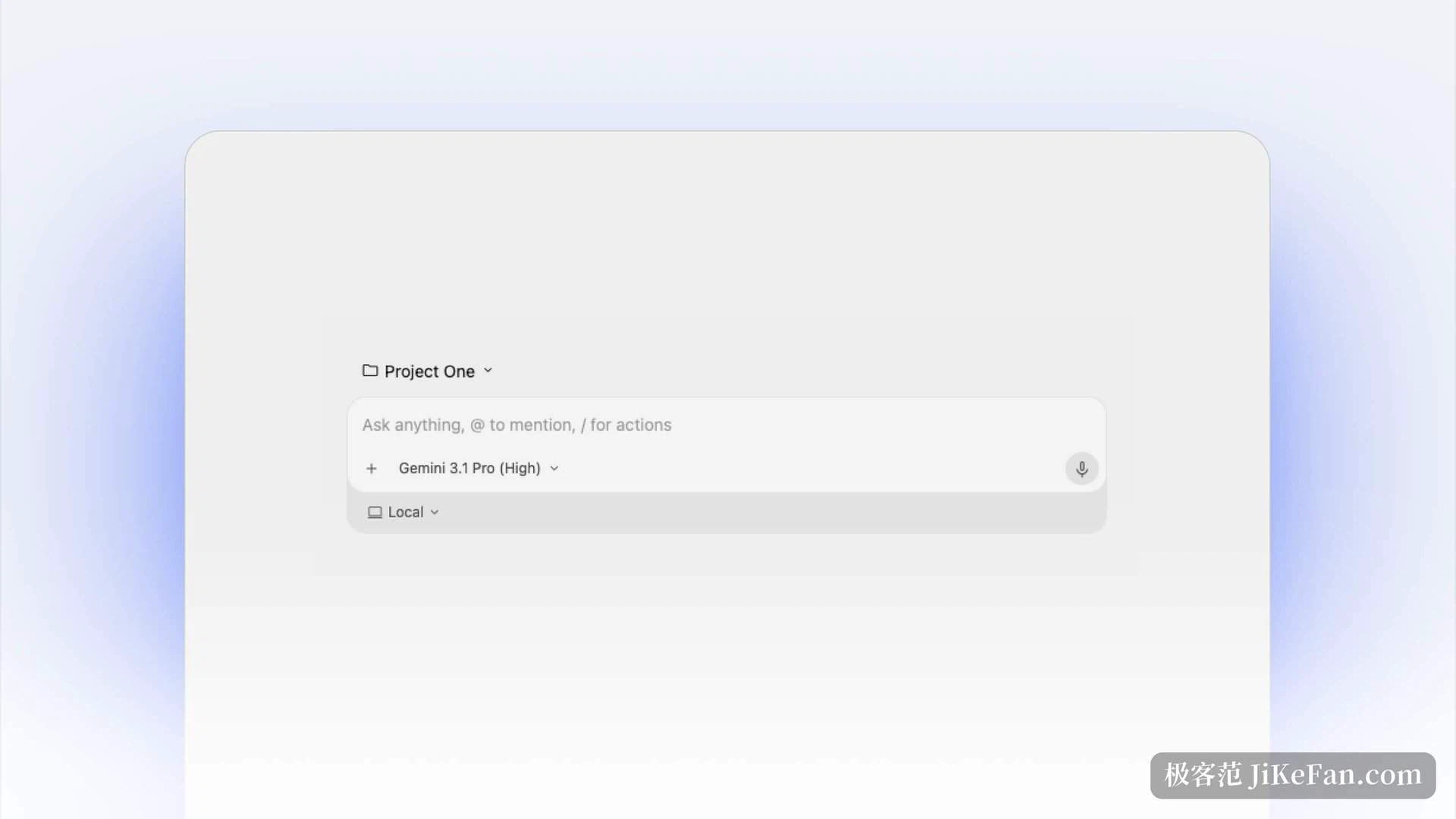
What follows from that is that improvements land everywhere at once. When tool routing or planning logic inside the core is upgraded, both interfaces get it the same day, and there is no command line version waiting for a port. Sessions are not shared by default, but a session opened in the terminal can be pulled into the desktop app and continued there.
A lead agent up front, sub-agents working in parallel
This is where it differs most from earlier command line agents. The documentation describes a multi-threaded asynchronous architecture: builds that take a long time, wide code searches, changes that span many files are dispatched to parallel sub-agents or background tasks instead of locking the terminal while you wait. You can keep writing code, ask a new question, read through files, and the background threads run their own verification.
Those sub-agents are managed from an /agents panel, where the list shows each one's identifier, role, state and the step it is currently executing, with a full reasoning log one level down. When a tool needs your approval the status bar flashes a notice: one shortcut jumps from the current conversation straight to the details of the next sub-agent waiting on approval, another approves in place without leaving the screen. Custom specialised agents can be defined too, for fixed jobs such as code review or continuous integration.
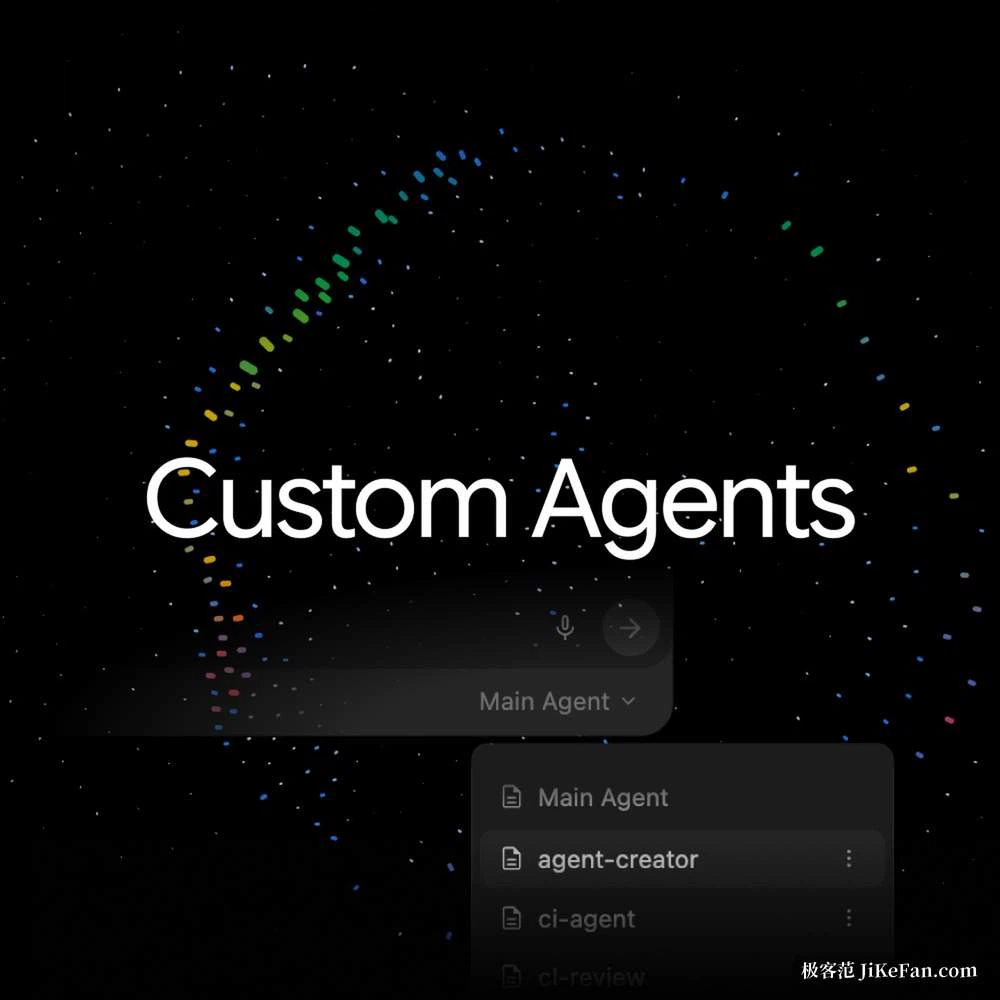
The slash commands that come with it are built around how much autonomy you want to hand over. One is a hands-off mode: give it a goal and the agent decomposes it, approves its own implementation plan and works until the goal is met. Another reverses the direction, having the agent interrogate you until the requirement is clear before it touches anything, which suits vague boundaries or destructive operations. A third manages schedules, either a one-off delay or a recurring interval, such as checking every hour whether the build still passes.
The terminal sandbox: locked before it moves
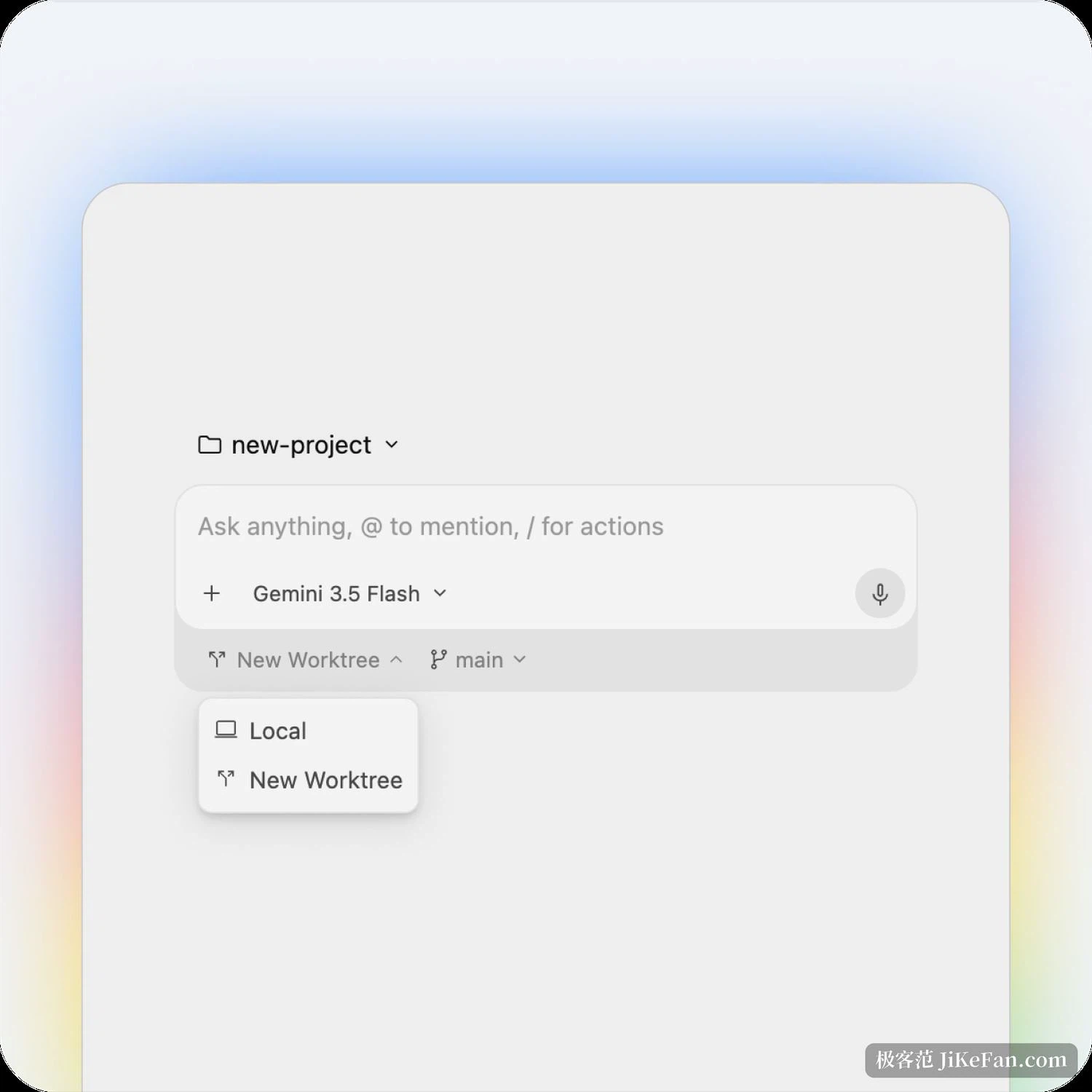
Letting an AI run commands on your own machine needs a brake. The sandbox here borrows the isolation the operating system already provides, which avoids the cost of running a virtual machine or container layer on top, so startup is essentially unnoticeable.
Concretely, each platform contributes its own native mechanism: a sandbox facility on macOS, a jail on Linux, an app container on Windows. With it switched on in settings, the commands the agent executes are confined to the isolated environment and separated from your real file system.
Tool permissions come in adjustable steps. The default asks before any action that affects the system or project files and can record the command as permanently allowed while it is at it. A stricter setting releases only read-only tools. A third allows automatic execution but only inside the sandbox. The last lets everything through, and belongs in a repository under version control. A workspace also has to be trusted separately, and the first visit to a directory raises that question.
Free to run, but know your allowance
Individual use starts at zero. The free tier is not a timed trial but a standing basic allowance, and it is not crippled in features: the core models are all reachable. Above it sit two subscription levels with larger allowances, and the top one also opens third-party models. Trying it out costs nothing up front.
One thing is worth saying in advance. The free allowance refreshes on a cycle, the official wording about exact numbers stays vague, phrased as being within the limits of spare computing capacity, and there is no promise that the tier will exist forever. Parallel sub-agents draw on the allowance simultaneously, and one loosely stated goal can trigger a dozen or more model calls, so it drains faster than expected. Anyone planning to make this a daily tool should first learn their own consumption rhythm rather than run out halfway through a task.
Coming over from the old entry point
Existing users do not start from zero. Import capability is built in: extensions from the previous tool convert into plugins here, and skills, MCP servers and hooks mostly carry over. Version information lives in a changelog command and the command list is one help command away. Two places trip people up. Workspace skills have to be moved into their new directory, and if they are not moved they simply do not appear, without any error being raised. Context files are the easy part: the existing one keeps working.
What is worth flagging is that this is a migration rather than a version bump: the binary changed, the authentication changed, the plugin model changed. Anyone with scripts or pipelines calling the old command line entry has to walk through that part by hand.
Also, this tool is closed source for now, with only documentation and a changelog published. That is a difference from the open source project it replaces, and it is worth knowing before committing.
The problem Antigravity CLI sets out to solve is not writing code for you, it is organising its own process inside a terminal. One Go binary removes the environment burden, a shared core keeps it aligned with the desktop version, and parallel sub-agents plus a terminal sandbox put both the letting go and the taking back on the table. Whether the free tier is enough depends on the size of the task you hand it, and one real project tells you more than any review.