
Clipchamp review: a video editor that was already on your PC
Summary
A timeline that behaves the way a beginner expects, a stock library that is ready when you open it, and automatic voiceover, background removal and recording: an editor you can finish something with before you learn it.
Recommend- Name
- Clipchamp
- Version
- 20260923
- Pricing
- Free
- Open source
- Proprietary
- Operating system
- WindowsWeb
- Website
- https://clipchamp.com/
- Updated
- 2026-10-08 16:59
There is already an editor on the machine
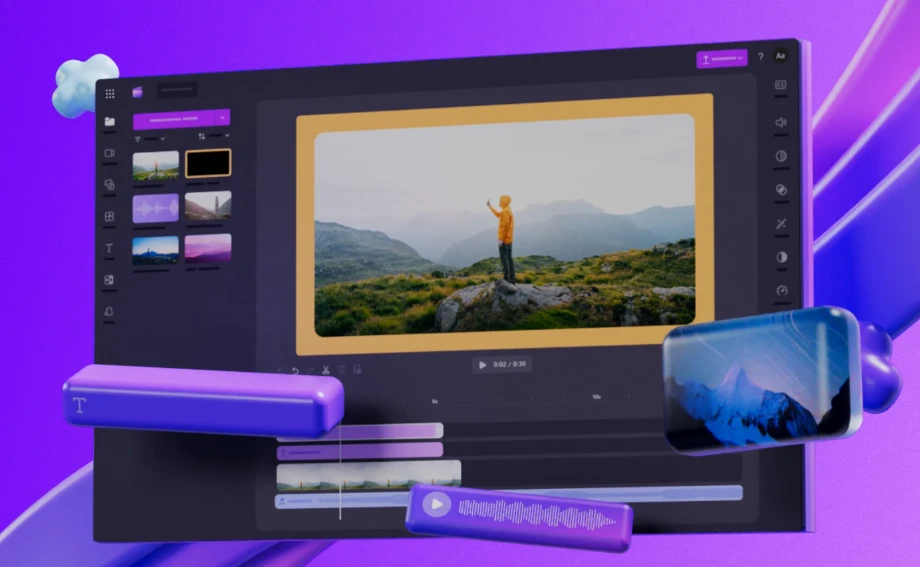
Most people who say they cannot edit video have never looked at what shipped with their computer. Clipchamp arrived with recent Windows installations, and its positioning is narrow on purpose: take somebody who has never cut a clip and get a finished video out of them in about ten minutes. The timeline drags and drops the way a person expects without training, the media library is stocked when you open it, and the pieces that used to require a course, such as recording a voiceover, removing a background or capturing the screen, are buttons in a panel.
What makes it a real editor rather than a toy is the export. The free tier writes a high-definition file without a watermark, which is the single most useful thing a beginner tool can offer: the first attempt costs nothing, so the first attempt actually happens. Plenty of capable editors lose people at exactly that gate.
What it is genuinely good at
Its comfort zone is light editing: a vlog, a product walkthrough, a recorded lesson, a recap of a meeting. Projects with a clear structure and a handful of clips, where the work is trimming, ordering and adding a caption rather than compositing layers. Templates carry a lot of that weight. Pick one that matches the shape of your material, drop your clips into the slots, replace the text, and the result looks deliberate even if you have no sense of timing yet.
The connection to office work is the part that surprises people. Footage stored in the cloud can be pulled in directly, finished videos share straight into the tools a team already uses, and the browser version means someone on a borrowed laptop can open the project without installing anything. The desktop build is more stable for long sessions, and projects stay in sync between the two.
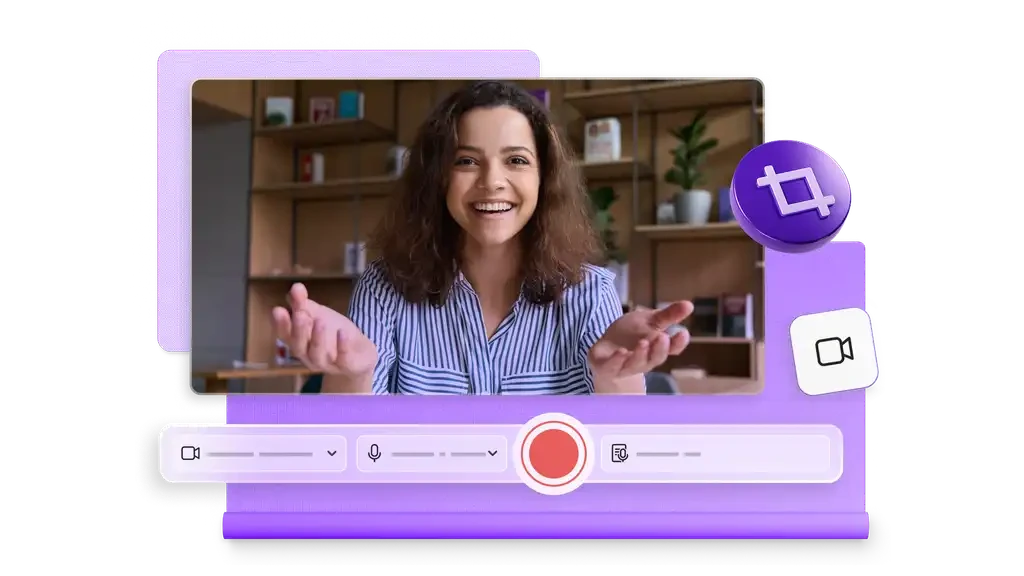
The automatic features deserve an honest description. Speech-based captions are accurate enough to fix by hand in a few minutes rather than retype from scratch. Background removal works best against a plain wall and struggles with messy rooms, which is normal for the technique rather than a flaw in this product. The stock library is decent rather than vast, and the music selection is the weakest part: usable, but recognisable if you watch enough videos made by other people using the same tool.
Where it stops, and what that means
Advanced users will hit the ceiling quickly. Multi-camera synchronisation, detailed colour work, keyframe animation and audio mixing with proper buses are not here, and no update is going to add them, because the product is not aimed at that. The paid tier adds higher resolution, premium stock and some brand kit features, which matters for a small business producing regular content and not much for anyone else.
The honest summary is that this is the right tool for a specific moment in a person's life: the first five videos. After that, the limitations become the reason to move on, and that is fine. Software does not have to be the last thing you use to be worth using.
The interesting thing about a built-in editor is what it does to excuses. When the tool is already installed and the export is already free, "I would like to make videos but I cannot" stops being a technical statement.
A few habits that save time. Build one complete video from a template before starting a blank project, because finishing teaches more than assembling. Keep source footage in one cloud folder so the same project opens on any machine. And watch the whole thing once before exporting, with attention to captions and transitions, since those are the two things that break when you are moving quickly and the two things an audience notices first.