
CamScanner: turning a phone camera into a working document scanner
Summary
A scanning application that detects the edges of a page, cleans the background and produces a sharp document, with text recognition in more than forty languages, a PDF toolbox for merging, splitting, compressing and signing, and cloud backup across devices.
Recommend- Name
- CamScanner
- Version
- 20260614
- Open source
- Proprietary
- Operating system
- WindowsAndroidiOSWeb
- Website
- https://www.camscanner.com/
- Updated
- 2026-10-24 22:00
The gap between a photograph of a page and a scan of a page is not resolution. It is geometry, lighting and the removal of everything that is not the page.
Why a photograph is not a scan
Pointing a phone at a document produces something technically legible and practically useless: the page is trapezoidal because the camera was not square to it, the paper is grey because the room light is not even, a hand and a corner of the desk are in the frame, and the shadow of the phone itself falls across one side. Sending that file to an office is a small embarrassment. Fixing it by hand in an image editor is ten minutes of work for a result that a proper scanner would have produced instantly.
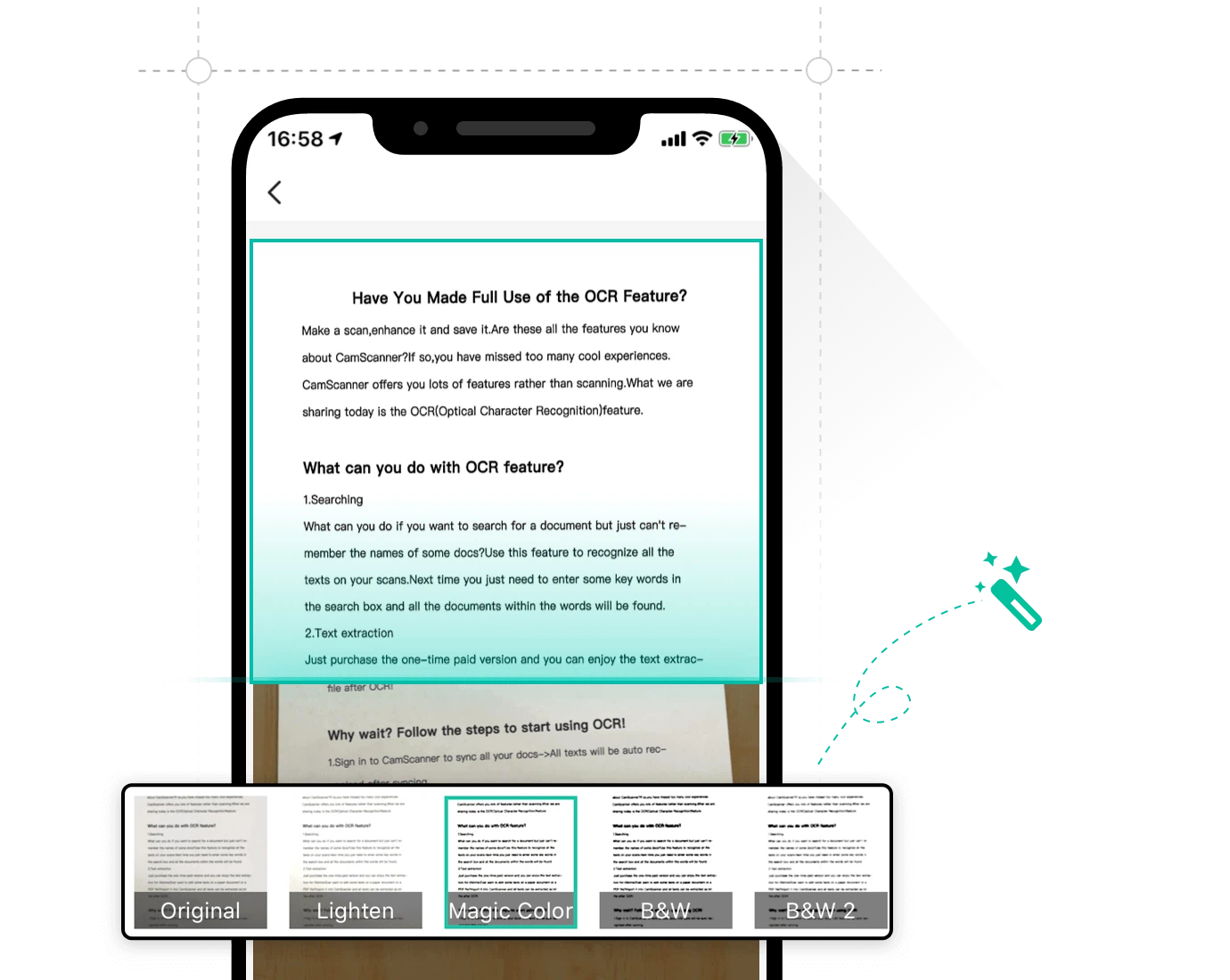
The whole value of a scanning application is in automating those four corrections. This one locates the edges of the page, applies a perspective transform so the rectangle becomes a rectangle again, evens out the lighting, and offers several output treatments: an enhanced mode that keeps shading, a greyscale mode, and a high-contrast mode where the background becomes pure white and the text pure black. That last mode is what people mean when they ask for a scan rather than a picture, and it is also the mode that produces the smallest file for a text-only page.
Documents that are not pages of text
Identity papers have their own requirements. A card has a fixed aspect ratio, and a scan of one is only acceptable if that ratio is preserved rather than distorted to fill a frame. A dedicated mode handles identification cards, household registration documents and property certificates by producing a copy at the correct proportions rather than a free-form crop, which is the difference between a document that is accepted and one that is rejected.
Recognising the text, and the table
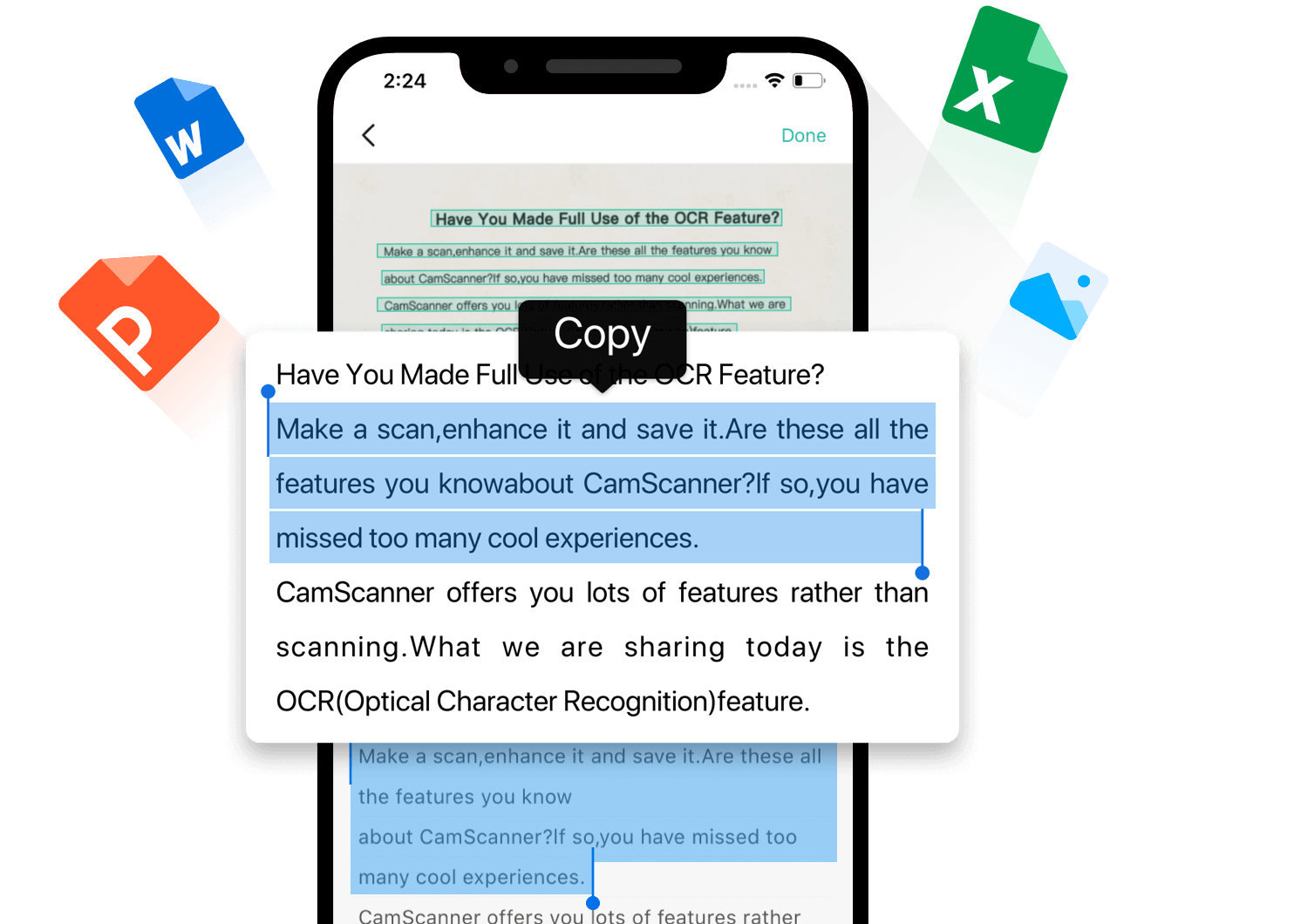
Recognition covers more than forty languages, which in practice means that the marginal cases people actually encounter are covered: a Japanese receipt, a German invoice, a French contract. Text in a photograph becomes editable text that can be copied out, and the export can go straight to a word processor rather than through a clipboard. Tables are treated separately and reconstructed as tables rather than as lines of text, which matters because a table flattened into text has to be rebuilt by hand and is often not worth the effort.
The PDF toolbox
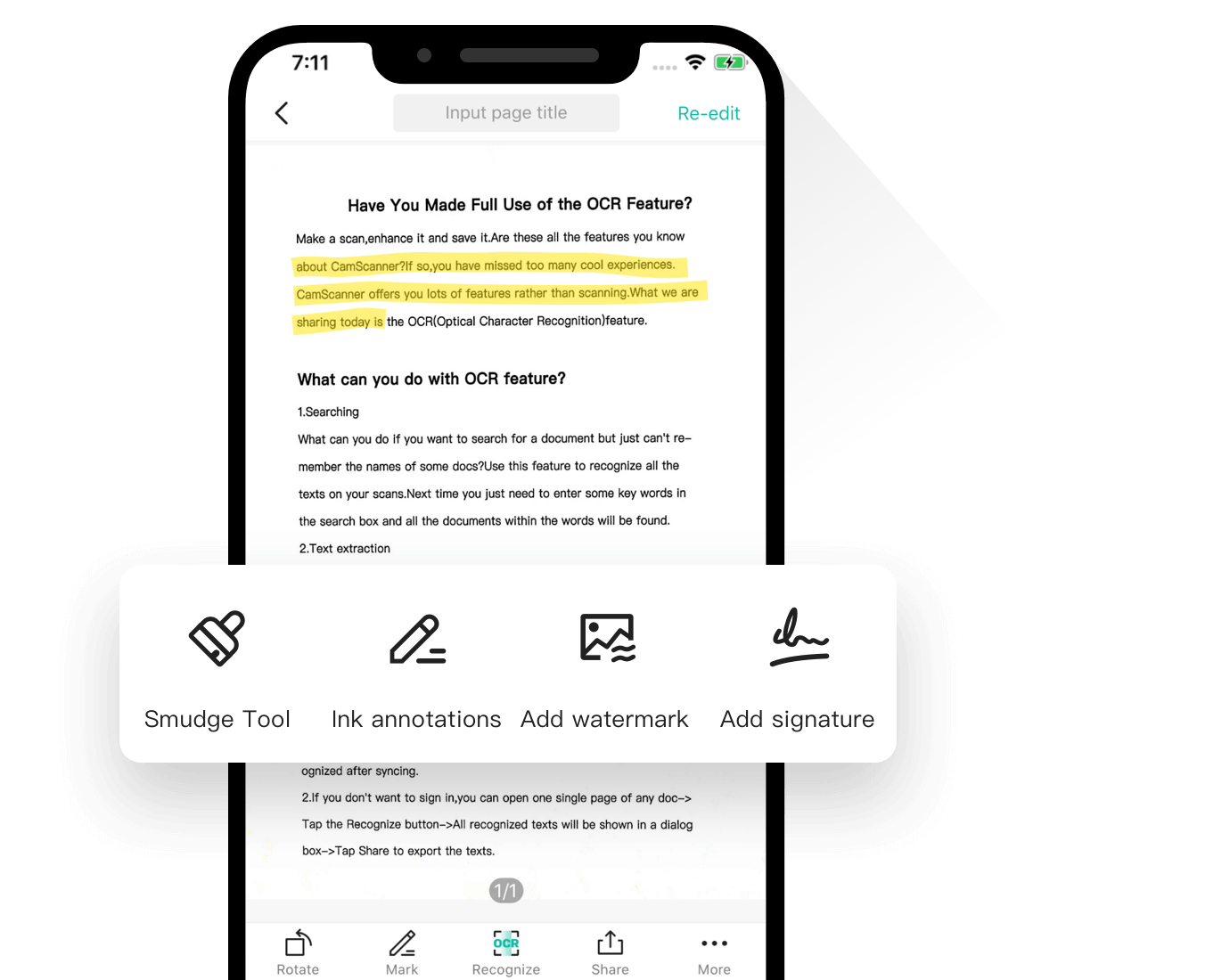
Most of the PDF operations people need are assembled in one place: merging several files into one, splitting one into several, compressing a file that has grown too large to send, reordering and rotating pages, adding a watermark, adding a password, and signing. Conversion runs in both directions between PDF and the common office formats as well as images. None of these is a rare capability, but having them in the same application as the scanner removes the step of finding a separate utility for each one, which is where most of the time in document work is actually spent.
Where the artificial intelligence is genuinely useful
Translation of a scanned page, reconstruction of the original layout, and reconstruction of tables have all become unremarkable. The unusual one is forgery detection: examining an image for signs that it has been edited, such as inconsistencies in compression artefacts or in lighting direction. In a period when a screenshot is offered as evidence in ordinary conversations, a tool that answers the question of whether the screenshot is genuine has some practical weight, even if it can only ever give an indication rather than a certificate.
Across devices, and the honest note about cost
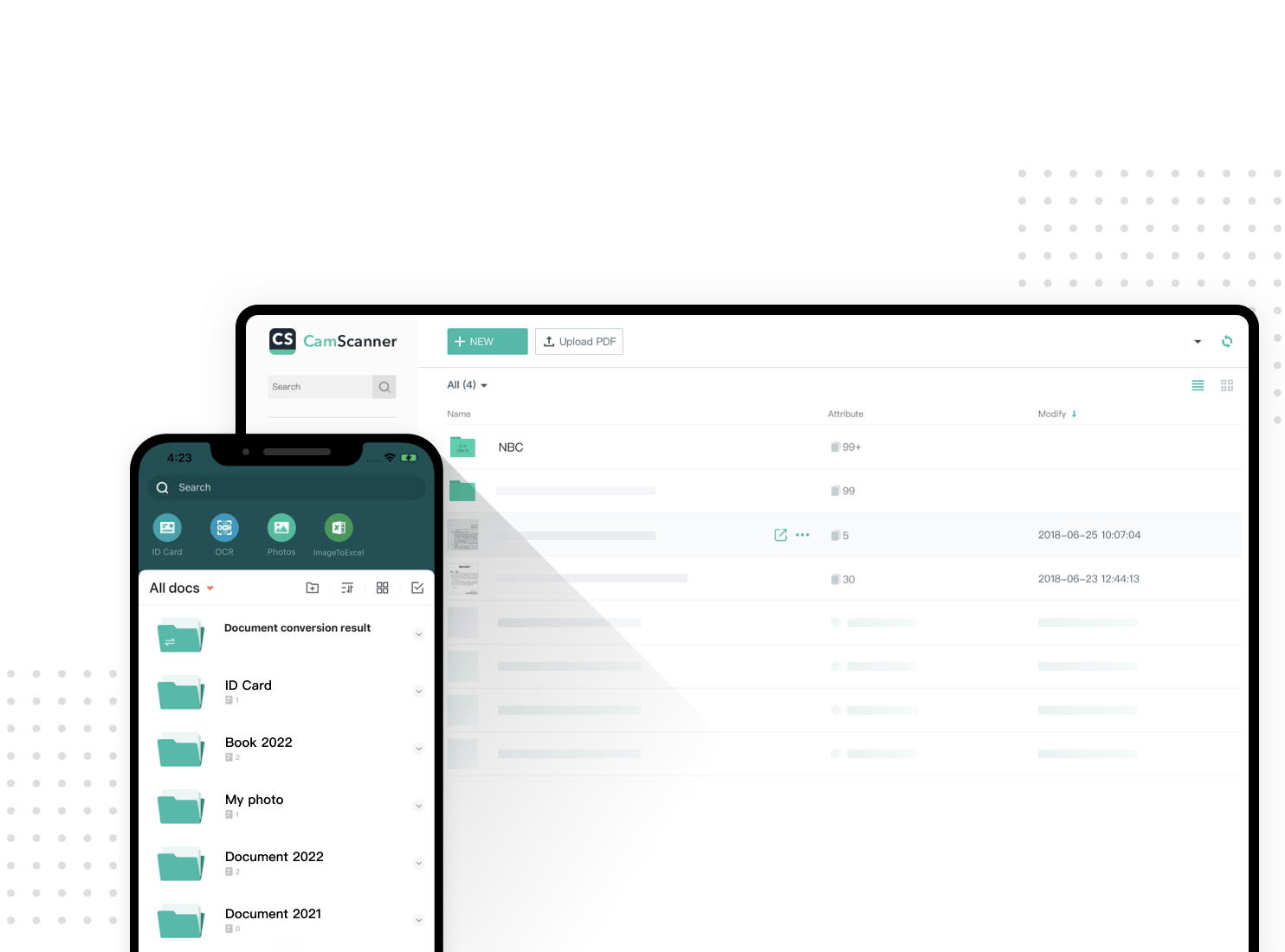
The application exists on phones, on the web, where the conversion tools work without an installation, and on the desktop, with documents synchronised through a cloud account so a page captured in a meeting is available at a desk. Wireless printing is supported, and fax sending to a long list of countries, a capability that sounds obsolete until the one institution that still demands a fax appears.
The free tier covers scanning, recognition and the basic tools; the more advanced operations and larger volumes belong to a paid subscription, and the boundary moves over time, which is worth knowing before building a workflow on it.
Judged as a camera application it is unremarkable. Judged as the fastest way to turn a piece of paper into a file that another person will accept, it earns its enormous user base.