
RSS Guard: taking the feed reader back from the algorithm
Summary
A free and open-source desktop feed reader for RSS, Atom and JSON feeds that also synchronises with several online reading services, filters articles through user-written JavaScript, plays podcasts offline and fetches full article text into a local cache.
Recommend- Name
- RSS Guard
- Version
- 5.1.2
- Pricing
- Free
- Open source
- Open source
- Operating system
- WindowsLinuxmacOS
- Website
- https://rssguard.com/
- Updated
- 2026-10-24 22:00
A feed reader is a small act of refusal. It says that the decision about what to read belongs to the reader, not to a ranking system optimised for time spent.
Why the category came back
Subscription feeds were declared dead roughly when social platforms became the place people got their news, and the diagnosis was correct about the business model and wrong about the need. What replaced feeds was a stream ordered by predicted engagement, where the same item surfaces four times, older items vanish unread, and following a publication means trusting an intermediary to decide which of its articles you deserve to see. A reader restores the arrangement that feeds always had: everything a source published, in order, with an unread count that only goes down when you read.
This program is one of the more complete attempts at that restoration, free, with open source, running on the three desktop systems that matter and a couple that barely exist anymore. It is not a polished product in the commercial sense; it is a tool with an unusual number of capabilities, some of them deep enough to be worth the whole installation on their own.
Three formats and automatic discovery
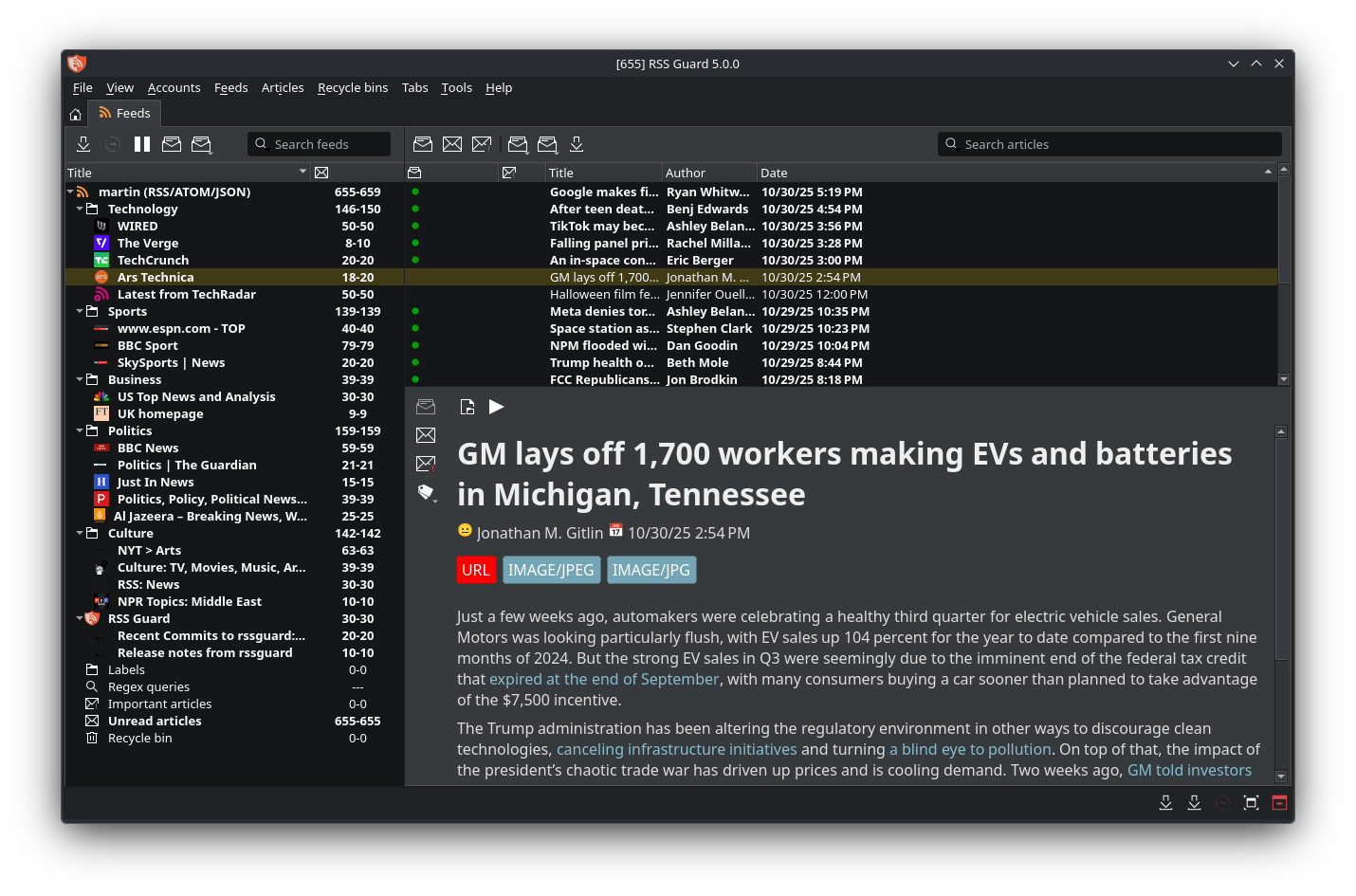
Feeds can arrive as RSS, as Atom, or as the JSON variant that some modern sites publish instead. Supporting all three matters less for the reader's sake than for the publisher's: any site that exposes any of them can be subscribed to. Discovery goes further by reading the sitemap a site publishes for search engines and deriving feed addresses from it, which means a site without a visible subscribe link can often still be added by pasting its address and letting the program look.
Sync with services, not only with files
Local feeds live in a database on the machine, and that is the default mode: nobody else knows what you read. For people who also read on a phone, the program can sign in to several online reading services and treat them as sources, so that an article read on the commute is already marked as read at the desk, and saved items appear in both places. Several accounts of different services can coexist in the same sidebar, which is the practical answer for anyone who never settled on a single one.
A scripting engine in the middle of the pipeline
This is the feature that distinguishes the program from every other reader. Articles pass through a JavaScript filter that the user writes, with access to the article object before it reaches the list. That allows rules that no checkbox could express: dropping duplicates that syndicate under different addresses, keeping only items whose title contains a term, assigning labels from the content, rewriting a title, discarding the promotional footer that a particular site appends to every post. It is a small programming environment rather than a filter dialog, and it repays the effort of learning it within a week of reading.
Audio, offline, and the text behind the link
An audio player handles podcast feeds, and downloads can be cached so that episodes are available on a train with no signal. That alone would justify the installation for anyone who listens to long-form audio, since it removes the need for a second application whose only job is downloading files.
The reading pane offers a choice between two rendering engines: a lightweight one that is fast and refuses scripts, and a full browser engine that renders a page as a browser would. Full article text can be fetched and cached locally, with extraction based on a readability algorithm that identifies the body of an article and discards navigation, advertising and comment sections. Remote images can be blocked by default and loaded on request, which keeps a feed from announcing to a dozen servers that you are reading it. For a feed that publishes only a summary, the difference between clicking through to a browser tab and reading in place is the difference between reading the feed and not reading it.
Systems and storage
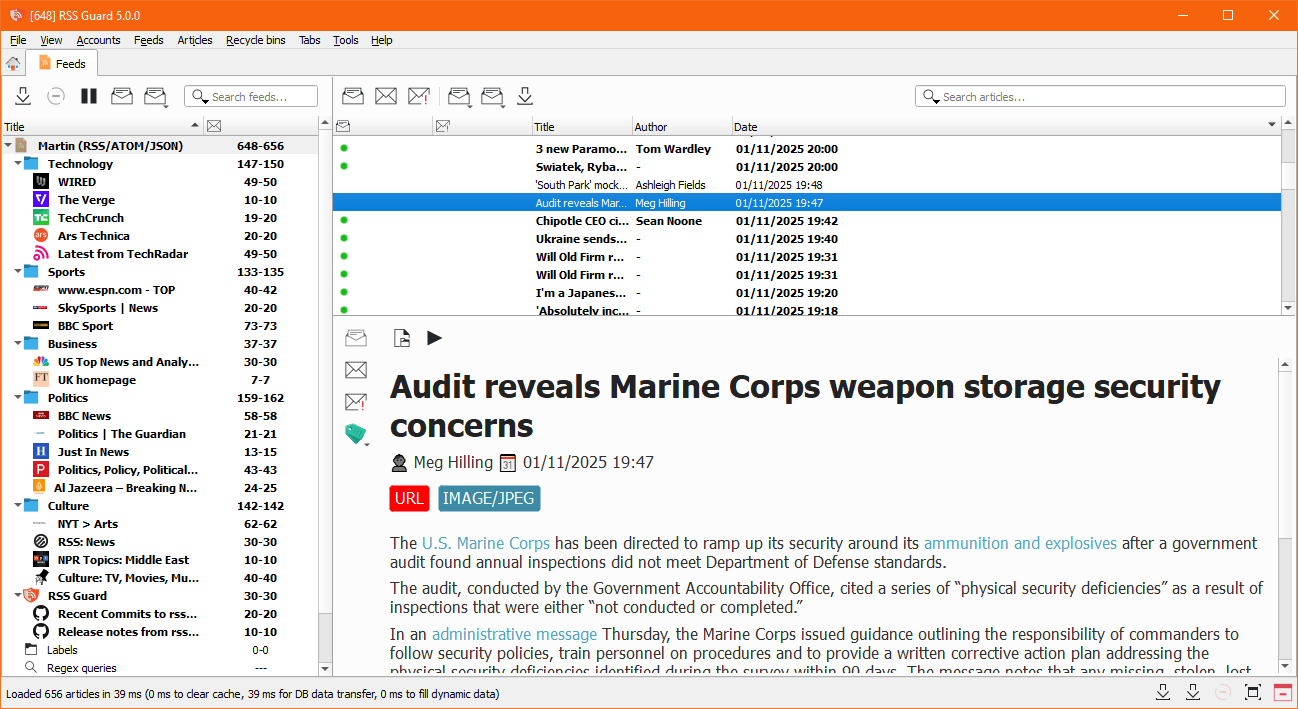
Builds exist for Windows, macOS and Linux, with packages for the usual Linux distribution formats, plus ports for two systems that most software has abandoned, which is either irrelevant or the only reason someone will choose this program. Storage can be an embedded file-based database, appropriate for one person on one machine, or a server-based database shared by several people. The second option is what makes it usable in a small office where a team wants a common set of feeds without a cloud service in the middle.
Nothing about this program is fashionable. It is a reader for people who have decided that the ordering of their reading matter should be visible, editable and their own. That is a narrow audience, and for that audience there is very little competition.