
bolt.diy: a whole Node.js runtime inside one browser tab, generating full stack apps with your own model
Summary
An open version of a well-known online tool, rebuilt so the model is yours to choose: code runs inside a Node.js sandbox in the browser tab, dependencies install, a development server starts, and the result appears in a preview beside the conversation. Output arrives as discrete steps, so a failure can be repaired at the step that broke.
Recommend- Name
- bolt.diy
- Version
- 0.0.7
- Pricing
- Free
- Open source
- Open source
- Operating system
- WindowsmacOSLinuxWeb
- Website
- https://bolt.diy/
- Updated
- 2026-10-06 22:45
Generating an application through conversation stopped being novel a while ago. What makes people hesitate is the price attached to it: the platform decides which model you may use, credit is counted per call, and the generated code and the conversation history stay on somebody else's server. For an individual developer that is a poor bargain; for a team with confidential work it is a wall. This project addresses exactly those three things — pick your own model, pay according to your own bill, keep the code in your own environment.
A whole Node.js inside one browser tab
The foundation is a technology that moves the Node.js runtime into the browser. The dependency installation progress, the development server log and the terminal output you see in the interface are no different from working locally, except that they happen inside a single tab. The chain assembles itself: the model writes code, the code lands in a virtual file system in the browser, dependencies install, the service starts, and the rendered result goes into the preview window alongside.
How the output is organised matters more. What comes back is not a block of chat text but a set of artefacts, and each artefact holds a series of executable actions — create this file, run this command, start this service. Executing them one by one is what makes the process both traceable and correctable: when the application will not run, you can see which step failed and have only that step redone, instead of tearing the project down and starting again. Every change to a file opens as a difference view, and a file lock stops the model from stepping on itself when it edits several files in a row.
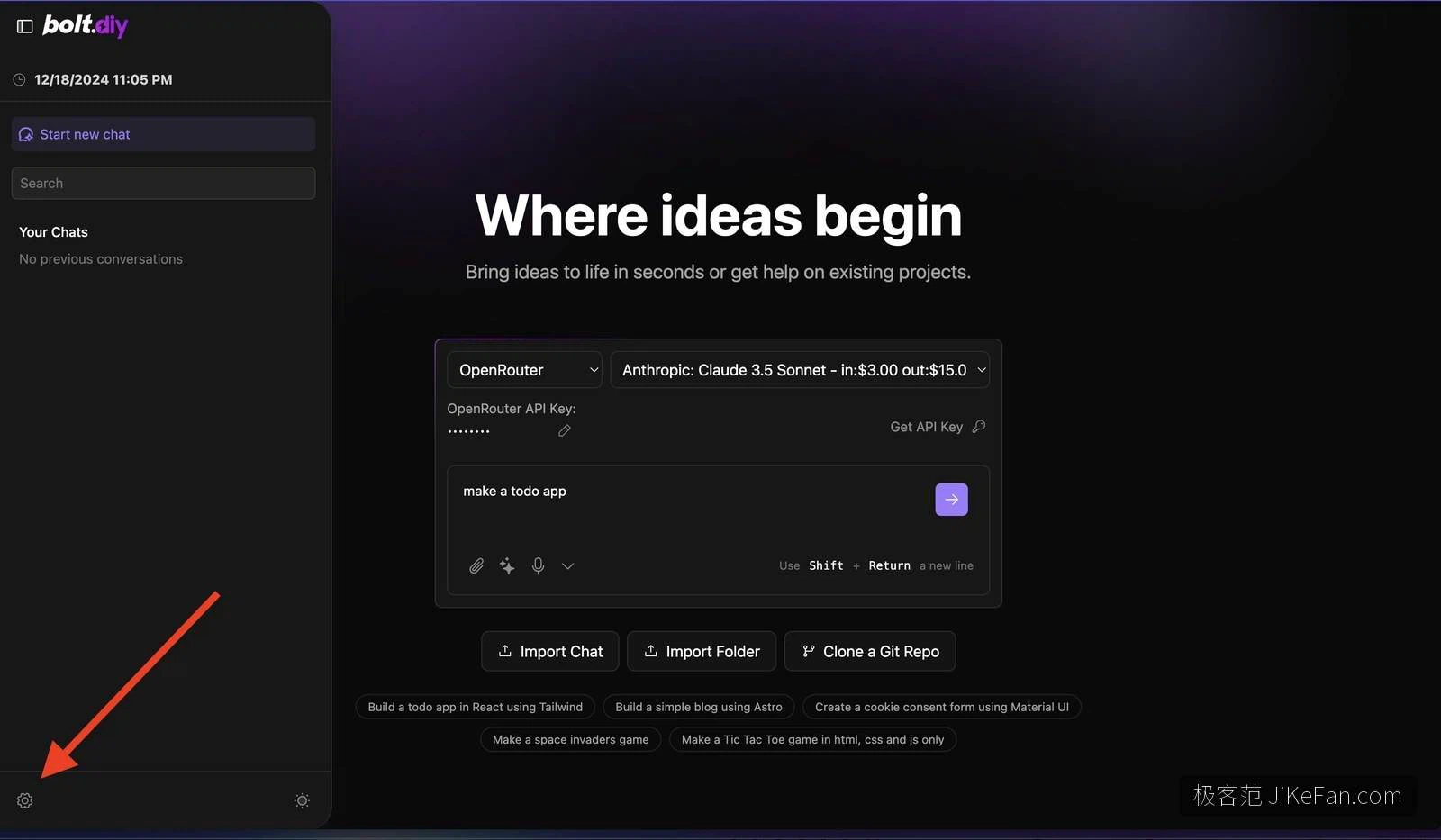
The model is not rented, it is brought
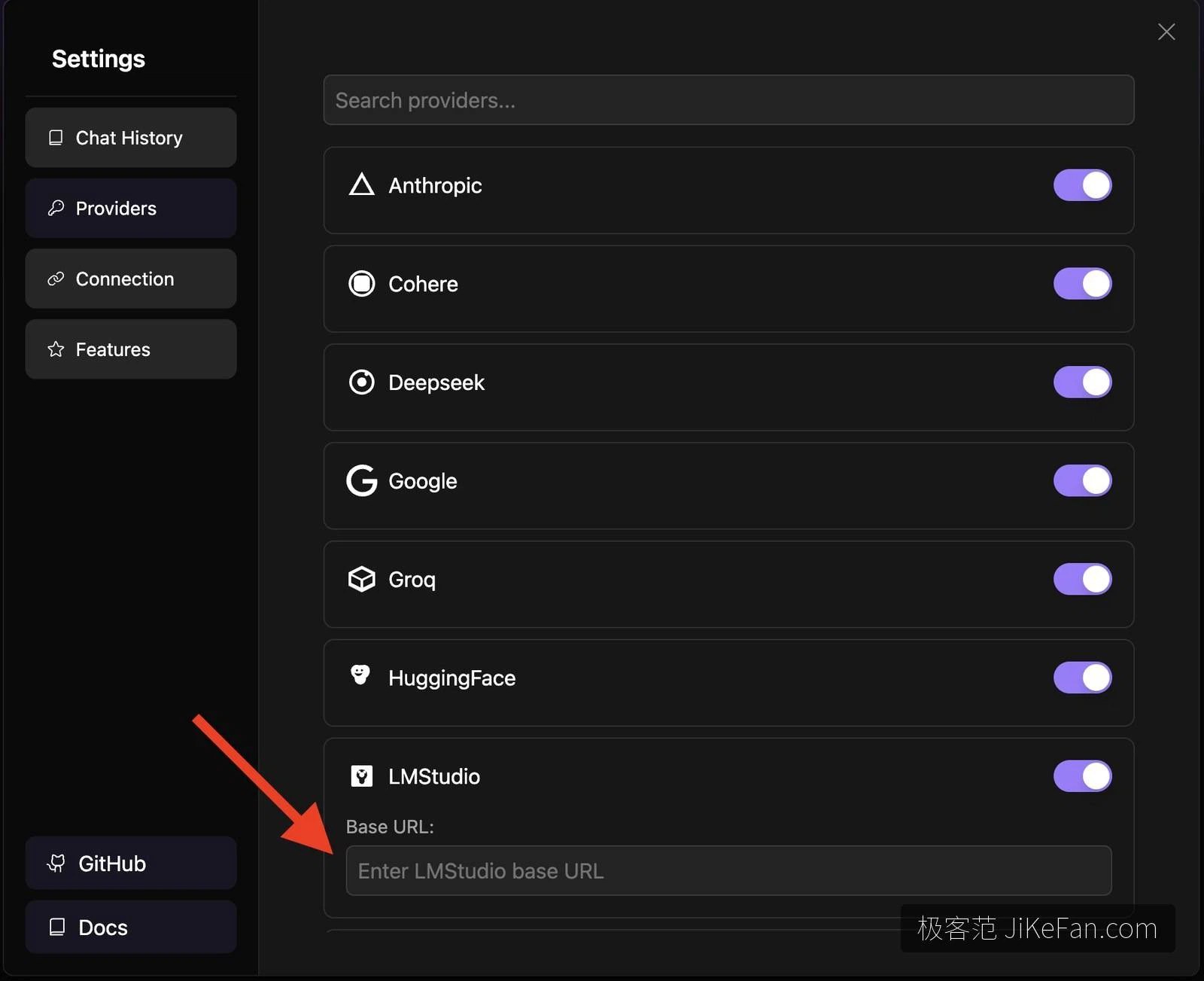
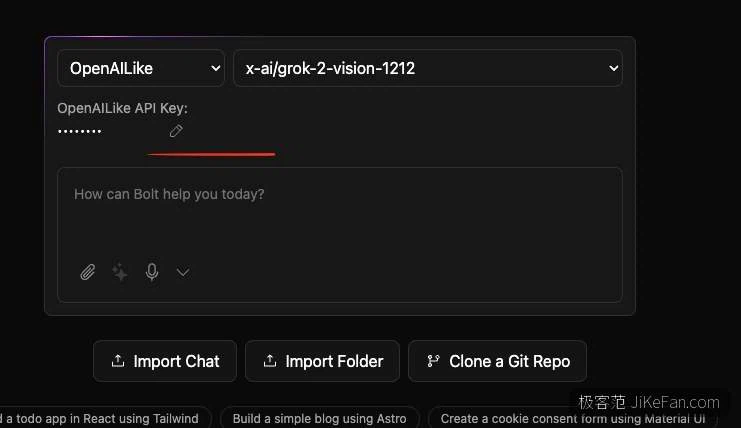
Nineteen providers are wired in, and any service that speaks the same interface as the dominant commercial one can be attached directly. Switching does not mean touching code; it is a dropdown. A key can live in a local configuration file or be typed into the settings panel, and a green tick confirms it works.
For anyone who cares where data goes, the real point is that local models work here too. With a model service running on the same machine, the code never leaves it and the inference happens locally: speed depends on your hardware, and what you get in return is a development loop with no external dependency at all.
Generation is only the beginning. Versions, dependencies and going live are handled as well: a repository can be cloned in and edited, a project exported as an archive or pushed to a code host, a database attached for back-end queries, and external tools handed to the model through an open protocol. Deployment is one button to a common host. A dozen or so starter templates cover the mainstream front-end frameworks and a mobile option, so a new idea need not begin in an empty folder. Prompts accept images and files, and dictation works.
Where its limits are
Several constraints are worth knowing before starting. The sandbox runs Node.js and only Node.js — a Python or Go back end will not fit, and neither will anything depending on native binaries. Its lifetime follows the browser tab: close the tab and the running service stops, so it is not the place for a long-lived background process. Project size has a ceiling too, and dragging a large multi-package repository into a browser simply produces something slow and sluggish.
Quality depends entirely on the model you attach, and a small model tends to hand back work that needs several rounds of redoing. One last point is easy to miss: the source is under a permissive licence, but the underlying browser sandbox technology needs a separate commercial licence for production use, while personal prototyping is unaffected.
Three ways to run it
There are three official routes. For people at home in a terminal: install the runtime and a package manager, take the repository, install dependencies and start it, which opens on a local port. For a clean environment: a container image is provided. For treating it as ordinary software: a desktop build packaged for Windows, macOS and Linux. All three present the same interface, so the choice is only about habit.
The project was started in October 2024 by an individual developer and is now a community effort under an online development platform's umbrella, with close to twenty thousand stars and more than ten thousand forks by late 2026. The software is free; the model usage is billed by whichever provider you point it at. If the need is precisely this — your own model credit, on your own machine, turning an idea into something clickable — it is worth installing once.