
Bing Wallpaper Changes the Desktop Every Morning and Then Stays Quiet
Summary
A free tool from Microsoft that swaps the desktop background once a day with a photograph curated for the search engine's front page. It runs silently in the background, keeps a few days of history to browse back through, and does nothing else.
Recommend- Name
- Bing Wallpaper
- Version
- 20260613
- Pricing
- Free
- Open source
- Proprietary
- Operating system
- Windows
- Updated
- 2026-10-20 22:00
Changing a wallpaper used to take half an hour
The procedure is familiar to anyone who has tried. Search for wallpaper sites, scroll through dozens of pages of thumbnails, download something, discover the resolution is wrong for the screen, start again. Half an hour later the desktop is still on the default, which is why most people give up and stop noticing what their background looks like at all.
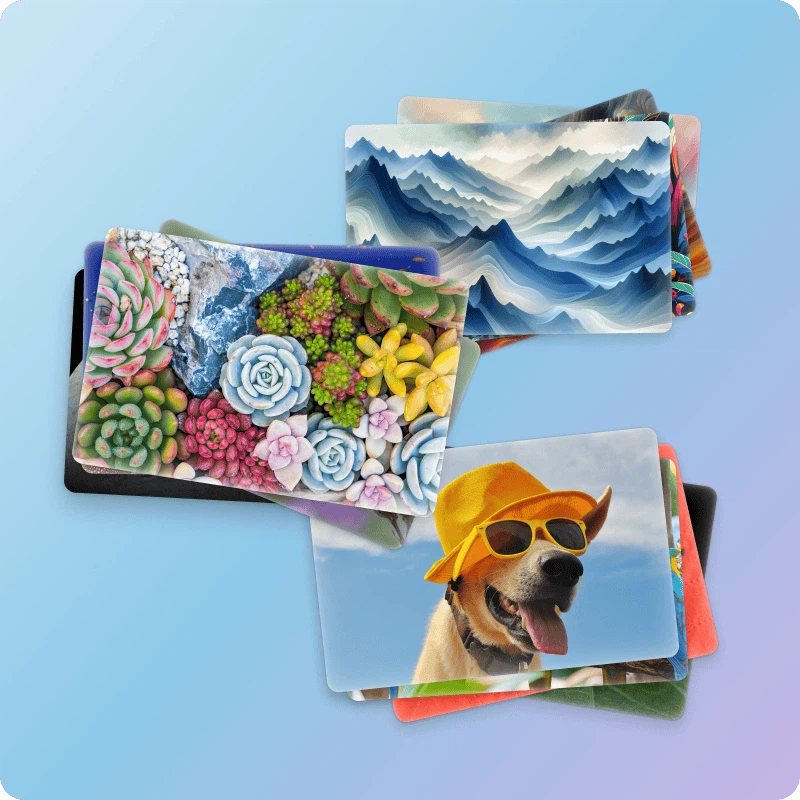
Bing Wallpaper compresses that to a single step: install it, and the background changes every day from then on. The photographs come from the curated image the search engine puts on its front page each morning, so the selection work has already been done by someone whose job is picking one good picture out of a very large pile.
How it behaves
Once installed it runs silently in the background with nothing to configure. Right-clicking the tray icon shows where the current photograph was taken and what it shows, which is a small thing that changes how the image reads: a mountain is a mountain, but a mountain with a place name and a sentence of context becomes somewhere you might go.
The same menu goes back through the last several days. That history is the feature people use more than they expect to, because the daily image occasionally arrives at exactly the wrong moment — a bright landscape on a morning when something dark would have been better — and being able to step back one day solves it without uninstalling anything.

Why the picture quality is the point
The daily images lean towards landscapes, wildlife and architecture, and they arrive at resolutions above the common desktop size, so nothing is upscaled and soft. The colour treatment is restrained, which matters more than it sounds: a background competes with every icon sitting on top of it, and an over-saturated photograph makes a desktop harder to use rather than prettier to look at.
Because it comes from the platform vendor itself, there is no bundled offer, no toolbar installed alongside, no second piece of software that arrives uninvited. That sounds like a low bar and it is a bar that an surprising number of wallpaper utilities fail to clear.
Who it is for, and what it is not
This is for people who do not want a desktop customisation hobby. If the requirement is simply to see a different good photograph each time the machine wakes up, the job is done and there is nothing further to learn. The footprint matches that ambition: the installer is under twenty megabytes, and the resident memory is small enough that it never shows up on a list of things worth closing.
It is not for anyone who wants motion, interaction or a wallpaper that reacts to music. Everything here is a still photograph, one per day, and the program has no ambition beyond that. The single defining characteristic is quietness, and it is worth being clear that quietness is the entire product rather than a feature of it.
Two practical limitations belong in the same breath. It is a Windows program only, so a household with mixed machines gets the daily photograph on one of them. And installation goes through the official installer, which in a managed corporate environment may need administrative rights that an individual employee does not have. Neither is a defect; both are worth knowing before planning around it.
There is one more thing worth noting about the format: it is a single image, not a slideshow. That sounds like a limitation and behaves like a discipline. A rotating set of backgrounds turns the desktop into a moving thing you notice; one image a day becomes part of the room and stops being noticed at all, which is what most people actually want from a background.
This is not a dramatic tool, and it does not try to be. It does one small thing — one high resolution photograph per day, changed without being asked — and it does it with no attention required. If the only requirement for a desktop background is that it looks good and stays out of the way, install it and forget it exists.