
BoxPlayer Puts Several Cloud Drives and a Media Server Into One Client
Summary
An open source client that mounts several cloud drives at once, pulls film and series metadata from a public database to build a poster wall, and connects to an existing media server as a full playback client. Downloads and a command line tool for bulk file work are included.
Recommend- Name
- BoxPlayer
- Version
- 20260613
- Pricing
- Free
- Open source
- Open source
- Operating system
- WindowsmacOSLinux
- Website
- https://xbyvideohub.com
- Updated
- 2026-10-20 22:00
One cloud drive per client, and that should have ended years ago
One client for the first drive, a second for the next, another for the one that came with an office subscription, and then a separate player for the media server. The result is a row of icons that all do the same kind of thing badly. Switching accounts, hunting for one file, watching one episode means hopping between windows, and file management, which ought to be a single activity, gets sliced into four.
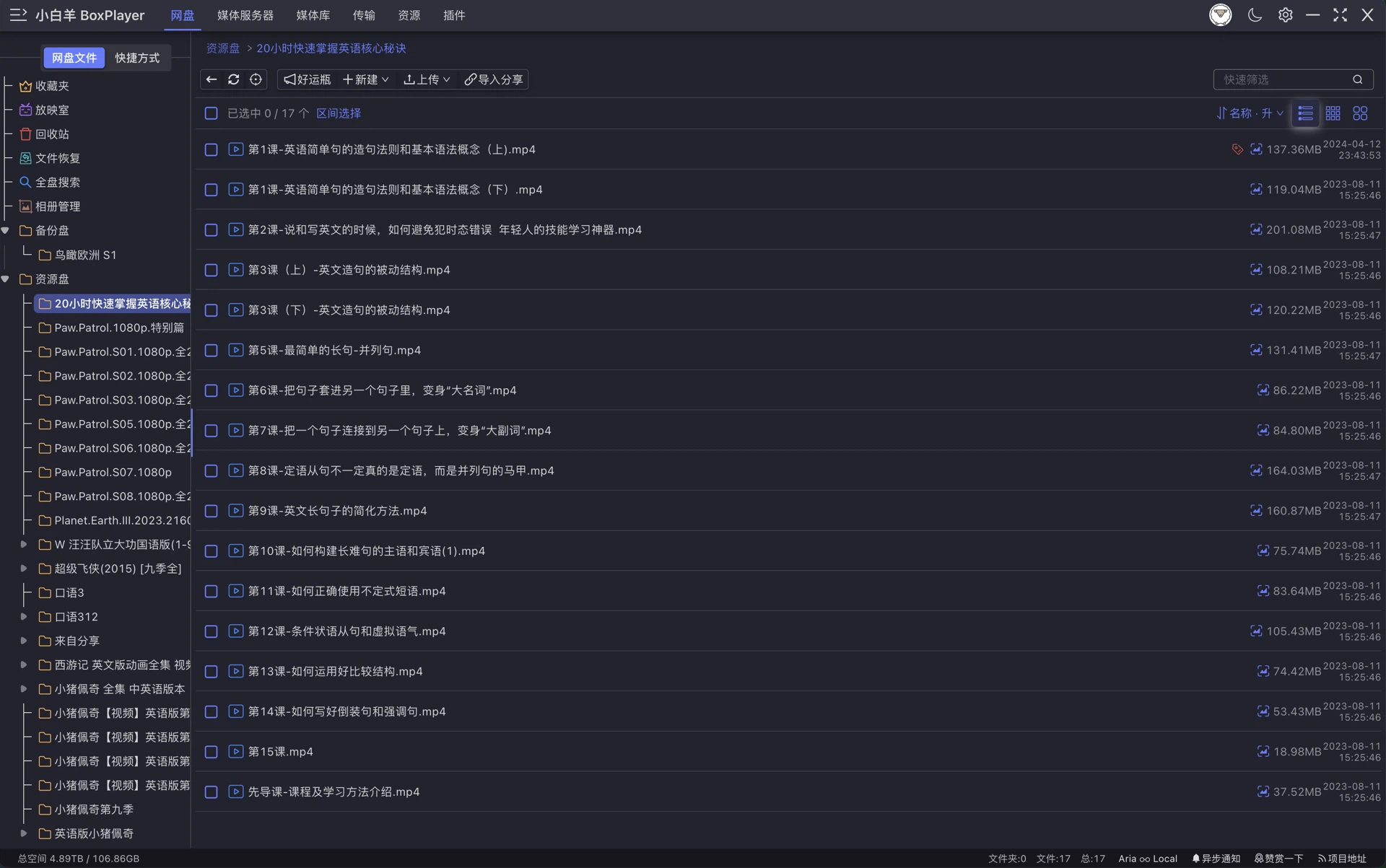
BoxPlayer is an attempt to end that. One client mounts several cloud drives at the same time, covering the large domestic services and the international ones people end up with through work or family, and it also speaks WebDAV, which pulls in any storage that offers that protocol including the ones it has no specific support for. From the user's side the effect is that a folder tree appears once, in one window, and the question of which provider a file lives on stops mattering.
Turning a drive into a personal library
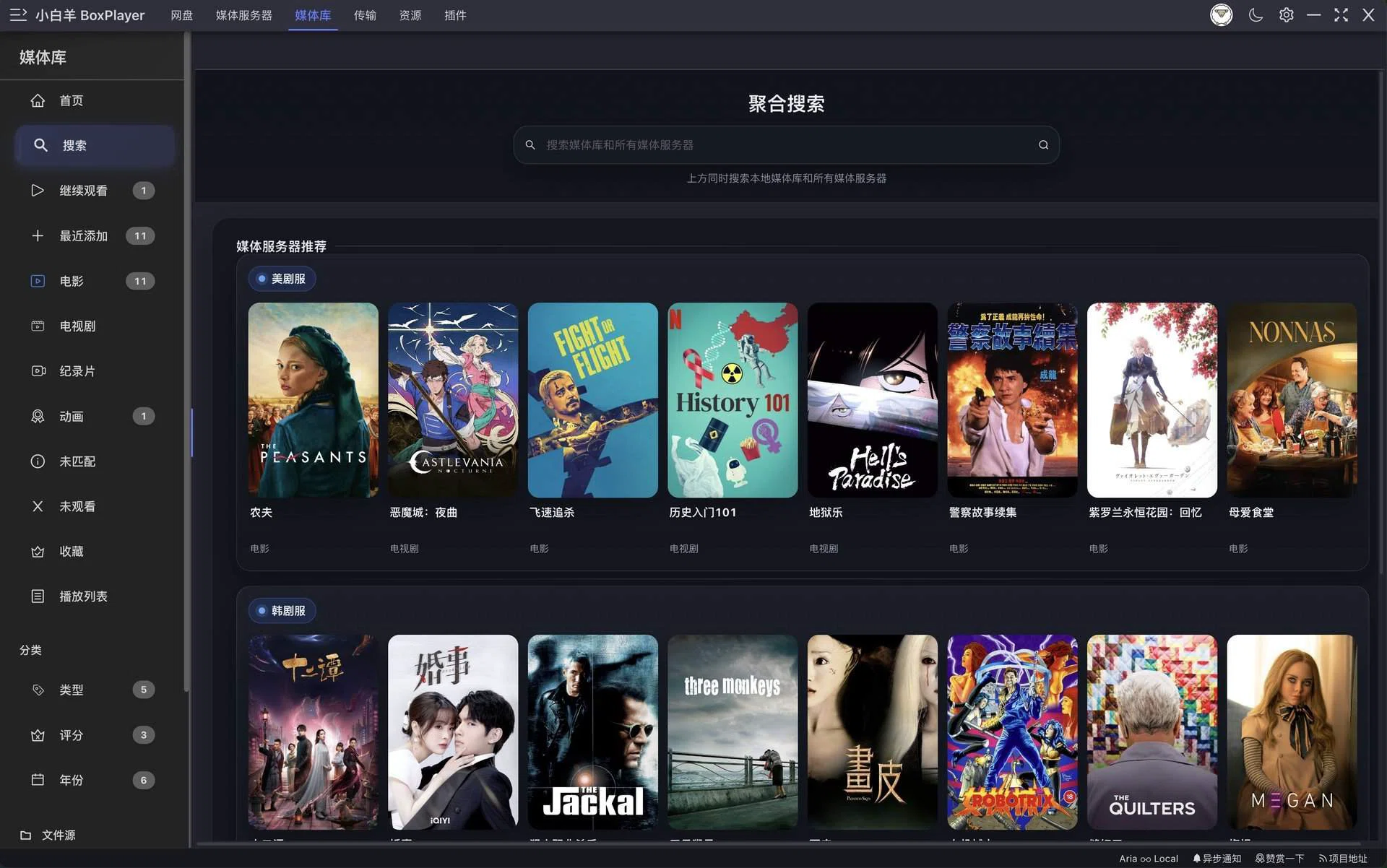
File management and media playback are usually two different programs, because most tools handle one end of it. This one joins them. Films and series sitting in a drive are matched against a public film database, and the metadata comes back filled in: poster, rating, cast and crew, and episode listings for a series. Everything across all the mounted drives is then aggregated into a single poster wall, so a library scattered across three providers reads as one collection.
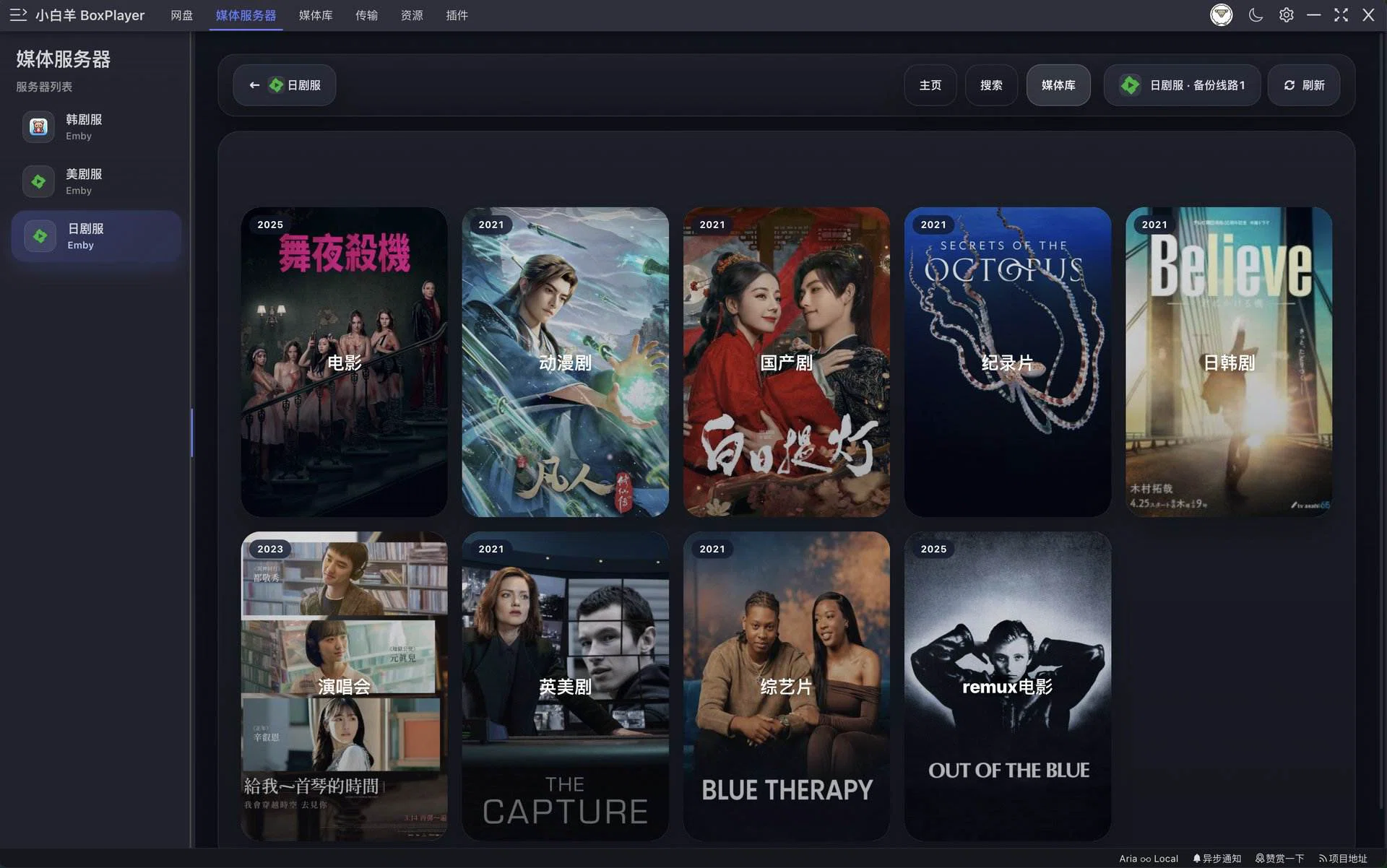
If a media server is already running on the network, the client connects to it and behaves as a full playback client rather than a file browser. Continue watching, recently added, and progress synchronised across devices all work, which is the difference between a viewer and something you can actually use every evening.
Downloads and playback are not afterthoughts
Downloading is handled by a built-in multi-threaded engine, and it can also be pointed at a remote instance of the same engine, so files come down onto a NAS or a rented server instead of the laptop. Playback covers what people actually ask for: video streamed from the drive without downloading first, multiple audio tracks, external subtitle files, resolution switching and playback speed, all inside the player rather than through a separate utility.
The part that will appeal to anyone with a large library is a companion command line tool. It walks cloud directories from a terminal, renames files, and reorganises folders in bulk, which is how a few hundred episodes get sorted in one pass instead of an evening of dragging. It also speaks MCP, so an AI assistant that supports the protocol can drive it: asking for several hundred episodes to be renamed to a media server's naming convention becomes one instruction instead of a script someone has to write.
Cross platform, and open source
The application is built on web technology with a modern front-end framework, runs on the three desktop systems, and has companion builds for mobile and television devices. The source is published under the GPL, and the project has accumulated several thousand stars on its open hosting platform, which for a tool in this category is a meaningful signal: people keep coming back to it and keep filing issues.
One honest caveat belongs here. It is a third-party client, calling the official interfaces each provider publishes, and the author states plainly that it does not intercept data or alter traffic. That is the right behaviour, and it still does not remove the structural risk of using any third-party client to reach an account: the provider's terms are the provider's to interpret, and every tool of this kind carries that same exposure. If an account matters enough that a suspension would hurt, keep the irreplaceable material somewhere else as well.
The everyday loop is what sells it rather than any single feature. Open the client and every drive appears in one tree; find the file, press play, and it streams from wherever it lives without a download step. When something needs tidying on a larger scale, the command line tool takes the part that is tedious by hand, and the poster wall quietly keeps the library looking like one collection instead of three.
For anyone running two or three drives and a home media centre, this is the piece that gathers the scattered tools into one. It is not flawless, but it is open, free and updated often, which for the work of a single independent developer is a strong showing.