
Apple Reminders: a free built in to do app with three view styles and subtasks
Summary
The to do app that ships with Apple devices costs nothing and covers a whole workflow according to the official guide: subtasks carry detail, list and column views switch freely, smart and pinned lists keep things grouped, and grocery lists sort themselves.
Recommend- Name
- Apple Reminders
- Version
- 20261011
- Pricing
- Free
- Open source
- Proprietary
- Operating system
- iOSmacOS
- Updated
- 2026-10-11 11:17
The step people abandon in a to do app is rarely the writing down. It is what comes after, when nobody looks again. What brings someone back the next morning is usually a way of organising that costs almost nothing.
It arrives with the system, and grows with it
Apple Reminders is the to do app built into Apple devices. Nothing to pay for, no selection among competing tools. Apple maintains a full user guide for it, opening with the promise that you can pick it up quickly and use it to keep track of what needs doing. The guide then works through the modules: adding a reminder from inside another app, marking one complete or not complete, attaching a date or a location, which together cover the life of a task from arrival to close.
One note at the end of the guide deserves attention. Everything described requires the updated iCloud reminders, and some features are unavailable when the account is provided by another service. That explains why the same app behaves differently across devices, and it suggests using one account system throughout.
A reminder can stop being a single line
The most useful design hides in the hierarchy. The guide suggests using subtasks when a reminder needs more detail. A reminder then stops being one line of text and can carry a set of ordered actions: split a trip into booking, packing and confirming a time, split a project into stages. Finishing one records progress, and nothing has to be reconstructed from memory.
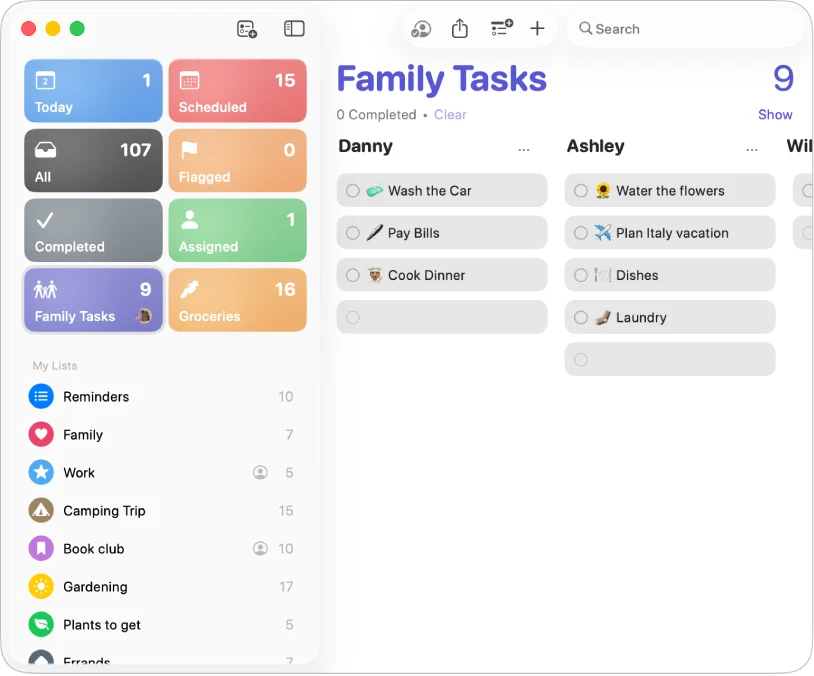
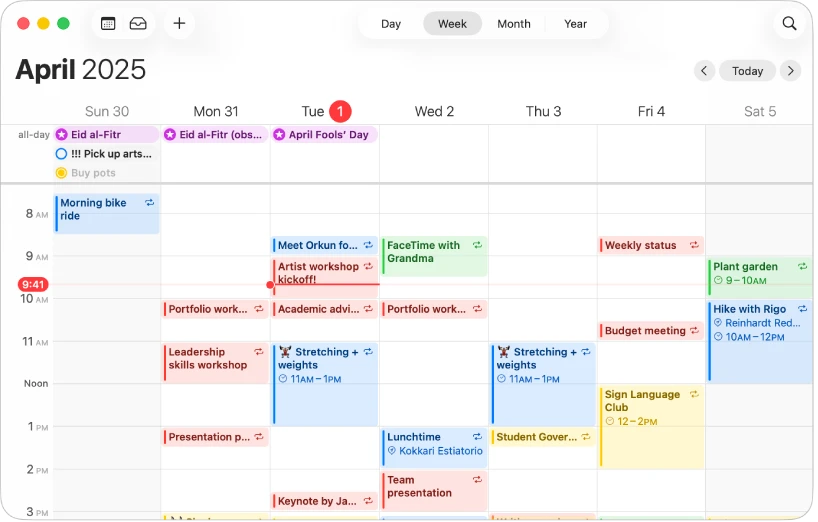
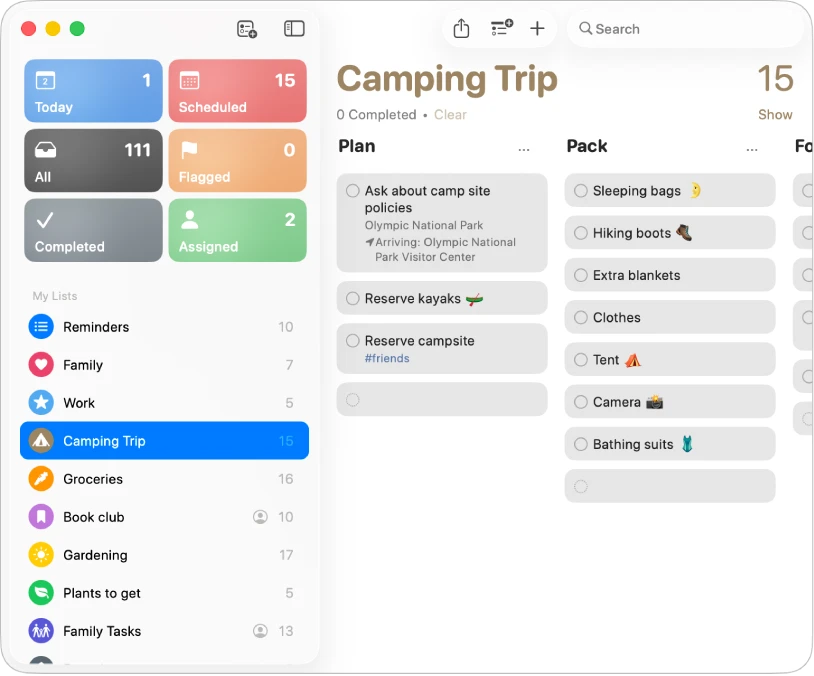
Organisation gets several answers too. Views can be chosen freely between list or column, smart lists and pinned lists. A list view suits going item by item through one list; a column view spreads several lists side by side for comparison; a smart list gathers reminders scattered across different lists by condition, without moving anything by hand; a pinned list holds the frequently used ones in a visible place and cuts the number of switches.
Feature
What it solves
Subtasks
One reminder split into ordered actions
List or column view
Item by item, or several lists side by side
Smart lists
Scattered reminders gathered by condition
Pinned lists
Frequent lists kept in a visible place
Grocery auto grouping
Shopping items sorted by category
Buying groceries is where it shows
The guide singles out one capability: when a grocery list is created, items are placed into the matching category automatically, making the shopping easier. That targets the most practical problem of the scenario, a dozen things jotted down in a jumble that still have to be hunted for in the shop. Grouped automatically, similar goods sit together and can be collected category by category. Optimising the situation people actually return to daily tends to hold them better than stacking abstract features.
The guide also carries a chapter on using Apple Intelligence inside Reminders, which says the built in app keeps moving with the system's capabilities. For anyone already inside the Apple ecosystem, its greatest advantage is arriving at no cost: it shares one account and one notification mechanism with the calendar and the system, so remembering one thing never requires learning another tool.
Handling the most ordinary thing well, getting everything on the shopping list, may prove the value of a to do app better than adding ten abstract features.
How to use it well: break long term goals into subtasks so progress is visible; pin the lists used most often instead of switching between many; and use one account system across devices so the features stay complete.