
TinyPNG: twenty images free per upload, up to eighty percent smaller
Summary
TinyPNG compresses and converts images in the browser using a smart lossy method on AVIF, WebP, JPEG and PNG; the official claim is up to eighty percent smaller, the free tier takes twenty images at five megabytes each.
Recommend- Name
- TinyPNG
- Version
- 20261011
- Pricing
- Free
- Open source
- Proprietary
- Operating system
- Web
- Website
- https://tinypng.com/
- Updated
- 2026-10-11 11:15
The trade between image weight and picture quality has long been left to the person doing the work. Handing that judgement to an algorithm is what makes compression something you can do without thinking.
It does exactly one thing
TinyPNG is an image compression and conversion service that runs in a browser, operated by Tinify, positioned bluntly around making websites load faster. It does one thing: make images smaller. The method is not complicated. The stated principle is to reduce the number of colours selectively, so the same picture needs fewer bytes to store, and beyond quantisation unnecessary metadata is stripped out. The effect is described as invisible to the eye while very different in file size.
Lossy compression is usually challenged on quality, and the way the algorithm decides answers that challenge: it does not apply one set of parameters to every image but judges each picture by its own content, looking at colour distribution, texture and pattern. A photograph with rich gradients is handled conservatively, a large area of flat colour can be pushed much harder, which is why the size differences often exceed expectations.
Formats and the free allowance
Supported formats currently include JPEG XL, AVIF, WebP, JPG, PNG and animated PNG. The list grew in stages: the product began with PNG only, added smart compression for JPEG in 2014, brought in animated PNG in 2016, and has kept pace with newer formats since. Uploading HEIC produces a JPG automatically, because HEIC compresses well but is not widely supported by devices and platforms, so converting to a common format saves trouble. The transparency channel of a PNG survives compression intact, which matters for assets that get layered over a background.
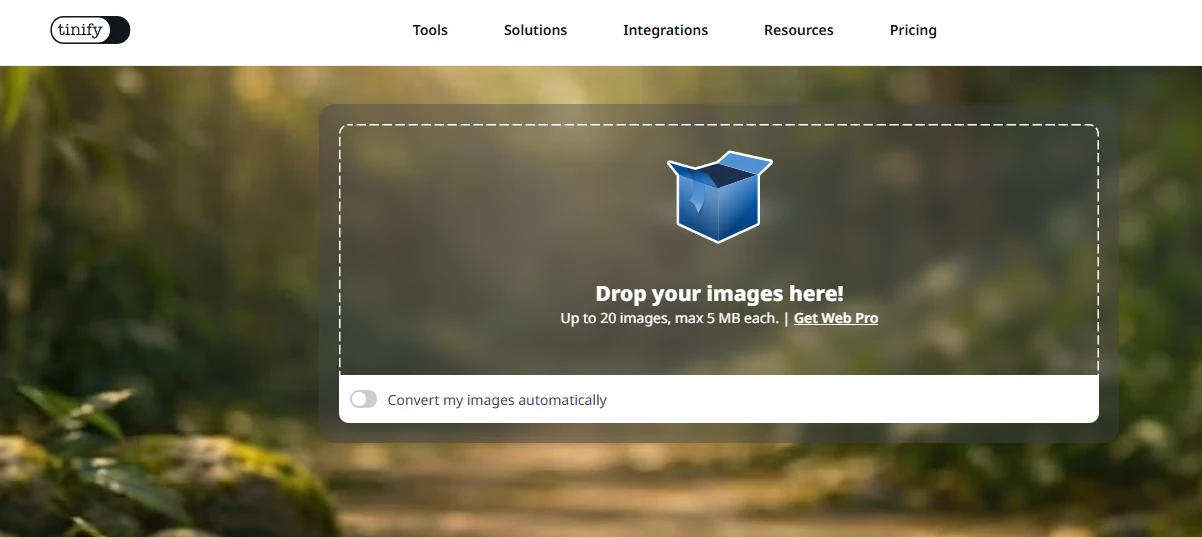
The web version is free for everyone, a point the official material stresses. Free users can drop in up to twenty images at once, each up to five megabytes; converting images into another format is limited to three. Beyond that the site offers a subscription and a developer interface, the latter aimed at teams who want compression inside an automated pipeline.
Item | Free tier |
|---|---|
Images per upload | Up to 20 |
Size per image | 5 MB |
Format conversions | 3 images |
Files kept for | Up to 48 hours |
Supported formats | JXL / AVIF / WebP / JPG / PNG / APNG |
Privacy, and where it fits
Images uploaded to an online service naturally raise a question of trust. The official statement is that only the uploader can reach their own images, and that files are kept at most forty eight hours before being permanently deleted. Where copyright or location metadata has to survive compression, the site recommends the developer interface, which offers options for preserving specific fields.
As for fit, this behaves more like a small tool inside a development and design process than software to keep installed. Taking product shots, interface captures and illustrations from several megabytes down to a few hundred kilobytes changes page load times immediately; what to keep in mind is that compression alters some detail, so it is a poor match for print work with strict quality demands. Stripping metadata carries its own side effect, since the official text warns that dpi and colour profiles may shift after processing, defaults being applied where information went missing.
Giving the question of how small is small enough to an algorithm saves not only bytes but the few minutes of hesitation before every export.
How to use it well: work in batches of twenty to avoid repeated waiting; switch to the developer interface when colour profiles or copyright fields have to be preserved; and store compressed images separately from the originals so an earlier version can be recovered later.