
Adobe Acrobat splits the work: Reader reads and signs, Pro edits and runs OCR
Summary
The long standing PDF tool split across tiers: Reader reads, annotates and signs for free, the paid tiers add editing, OCR, redaction and document comparison, and the top one brings an AI assistant. Current build 26.002.21901.
Recommend- Name
- Adobe Acrobat
- Version
- 26.002.21901
- Open source
- Proprietary
- Operating system
- WindowsmacOS
- Updated
- 2026-10-06 23:13
Editing the text, the pictures and the running order
Acrobat keeps its editing behind the paid tiers. Text and images inside the body can be changed directly, so there is no trip back to the original document to redo the layout, and the same view handles paragraph reflowing, watermarking, dragging the running order into place, and deleting, extracting or merging whole documents. For anyone who spends the day on PDFs sent by other people, that removes the dead end of hunting for a source file that will never arrive and rebuilding the thing from screenshots. Reader stays free and covers the everyday actions of reading, annotating, filling and signing, and the installers ship separately for 32 bit and 64 bit systems on both Windows and macOS.
Round trips with office documents
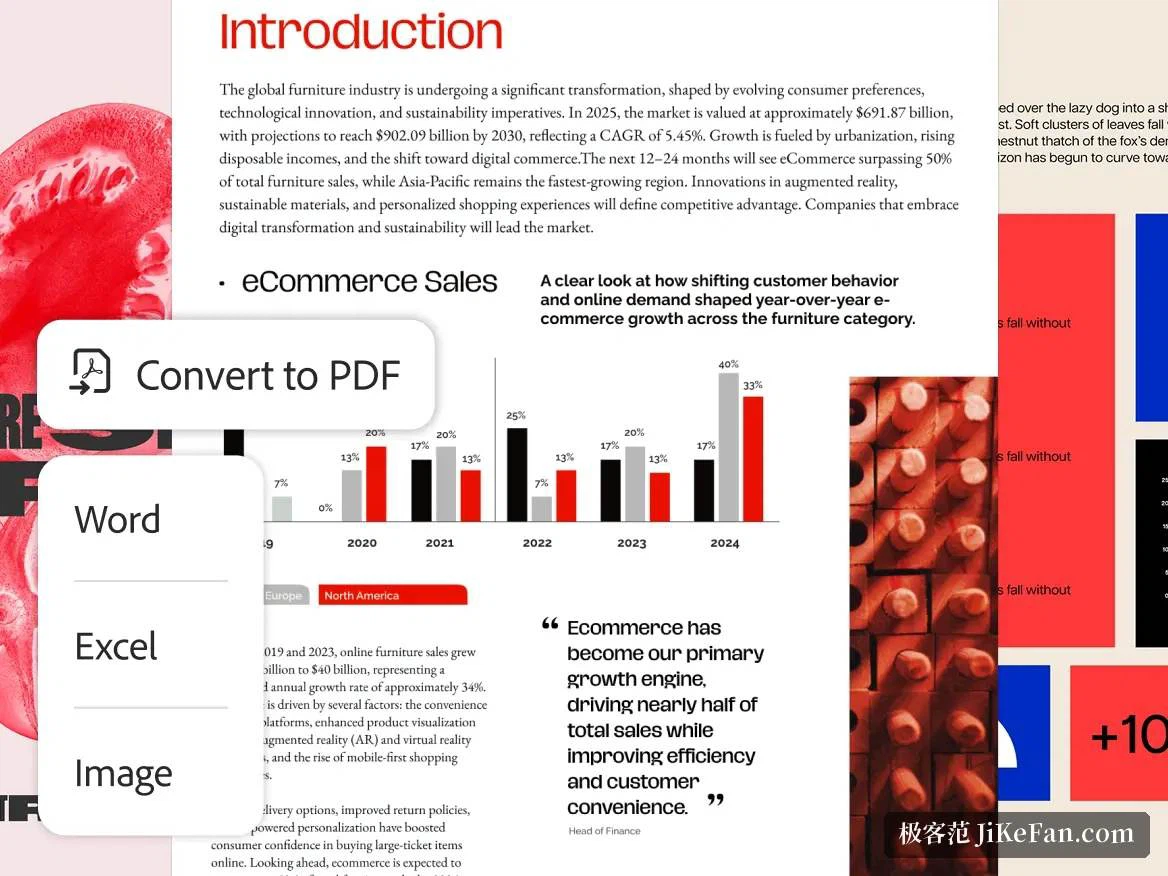
Creation and conversion are the other high traffic corner. Word, PowerPoint and Excel files convert to PDF, and pictures go the same way; in the other direction a PDF exports to Word, Excel or PowerPoint so the content can be worked on again. Forms can be created, filled, signed and sent, and an existing PDF can be turned into a web form that people fill in online. The quality of a conversion depends on how complicated the original layout was, but ordinary document traffic gets through, and the export tries to keep the fonts and page elements where they were, which is what makes it usable for sending a finished piece to someone who has no office suite installed.
Signatures, and knowing who has signed
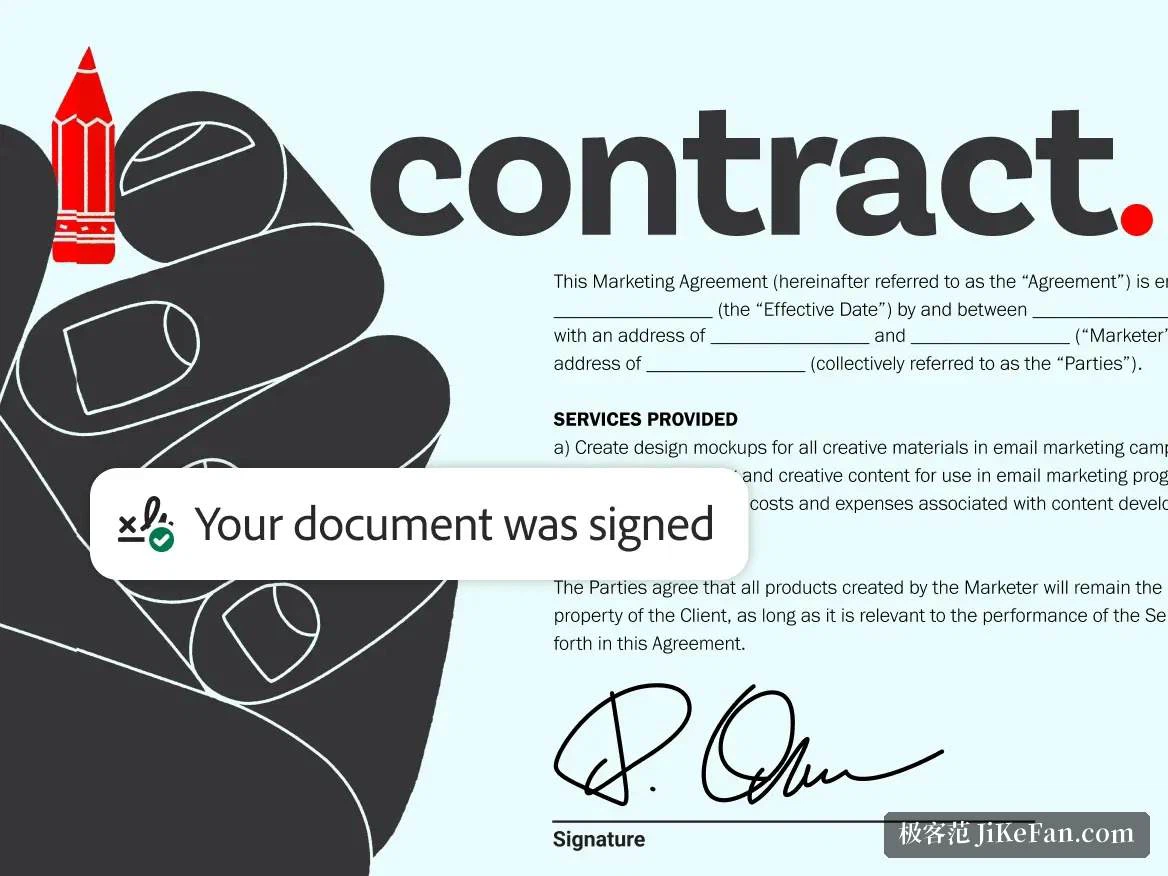
Everything about signing sits behind one entry: a document can be signed on the spot, or a request for signature can go out to the other party, and the interface shows who has signed and who has not. The paid tiers also put a brand logo on an agreement so that contracts leaving the building look consistent, and a comparison mode lines up two PDFs side by side with the changed spots visible at a glance. For two parties in different offices this beats scanning paper back and forth by a wide margin.
Turning dense material into something legible
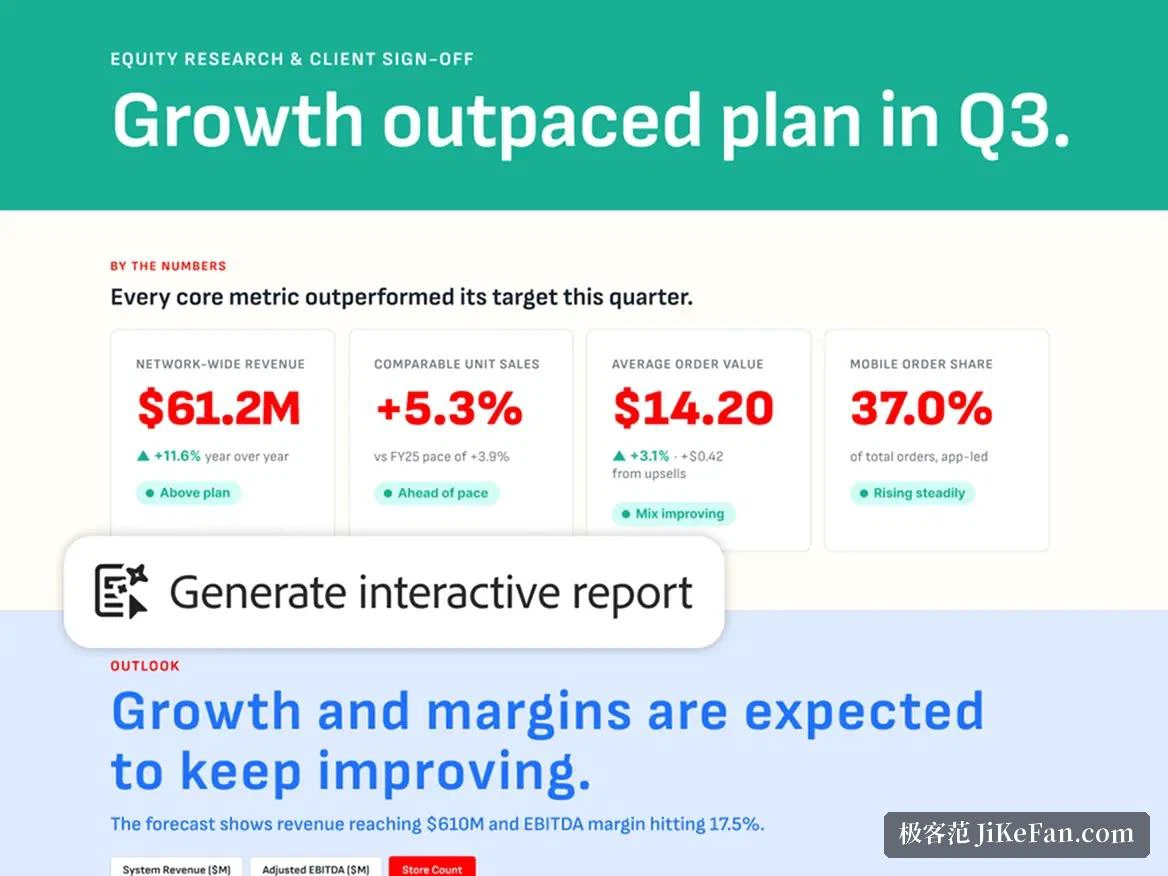
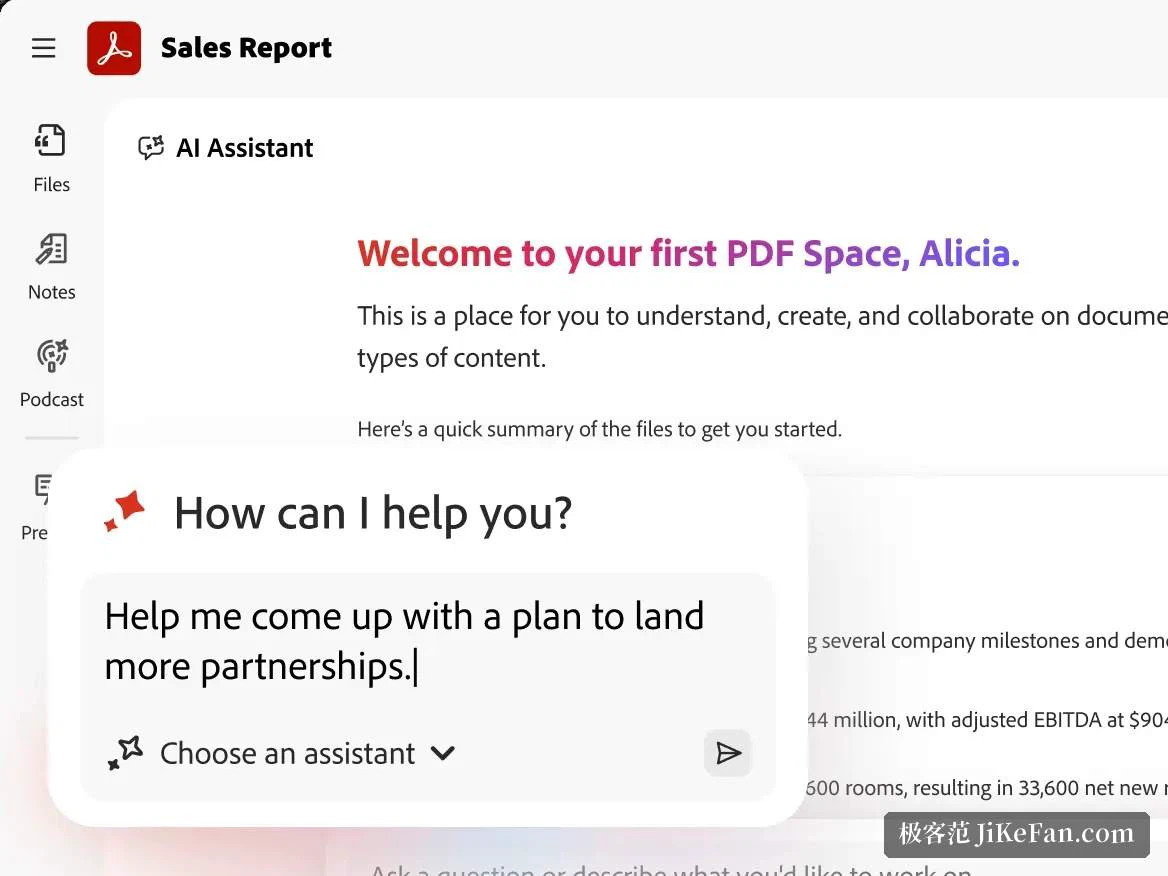
The 2026 release puts its weight on the AI assistant. A conversation can ask it to revise a document, convert a format or shrink a file, and it will produce summaries, key points and answers that cite their source. Material can also be gathered into a PDF Space, where several documents sit together in their original formatting with a summary, an audio overview and a custom assistant attached before the whole thing is shared. Scanned paper goes through OCR into text that can be edited and searched, and sensitive passages can be blacked out in solid blocks before a document is sent outside.
A long document becomes a deck someone can present
Compressing a densely typeset report into slides that can actually be talked over is the most visible trick of the higher tier. Built in templates apply to resumes, reports and invoices, rearranging long stretches of text into a clearer structure, and beyond the deck itself the tool can produce an audio overview so the material can be heard on the way to work. That tier also includes the vendor's design service at its premium level, so layouts and social images no longer need a second subscription.

Versions, pricing and where it runs
Acrobat follows a continuous update track; the build released on 2026-09-08 carries the number 26.002.21901, installers exist for Windows and macOS, and the mobile apps and the browser version cover the rest. Reader is free. The three paid tiers are subscriptions, billed monthly or prepaid for a year, with prices varying by region and billing period, and the upper two include a trial. On the choice: reading, annotating and signing is already covered by Reader; editing the body of a PDF, making a scan searchable, blacking out sensitive material or comparing two versions points at the middle tier; an AI assistant and collaboration inside a shared space are what the top tier adds. The official page notes that more than five million companies treat it as their everyday document tool.