
ClickMonitorDDC: brightness, contrast and colour temperature, moved to a corner of the bar
Summary
A free little program of less than a megabyte that takes the standard channel between a screen and a graphics card and uses it to lift the knobs buried in the screen menu out into the corner of the bar: brightness, contrast, colour temperature and volume can all be pulled from there, screens are handled one by one, and profiles follow whichever program is open.
Recommend- Name
- ClickMonitorDDC
- Version
- 7.33
- Pricing
- Free
- Open source
- Proprietary
- Operating system
- Windows
- Website
- http://clickmonitorddc.com
- Updated
- 2026-10-05 21:41
The buttons under the screen were never a good idea
Reaching down to the physical buttons under a screen to change the brightness is a ritual that should have ended years ago, and walking through a menu one step at a time while hunting for the right key by touch is worse. ClickMonitorDDC is a small free program for Windows that takes the channel most screens already offer and uses it to move brightness, contrast, colour temperature and volume out of the menu on the screen and into the corner of the bar, where a couple of clicks settles it. The channel in question is a standard way for a screen and a graphics card to talk: the card sends an instruction, the screen reports its state, and that is what lets software reach a hardware setting. The installer is under a megabyte, the memory it holds while running is a few megabytes, it works from Windows 7 to Windows 11, and as of September 2026 it is still being updated.
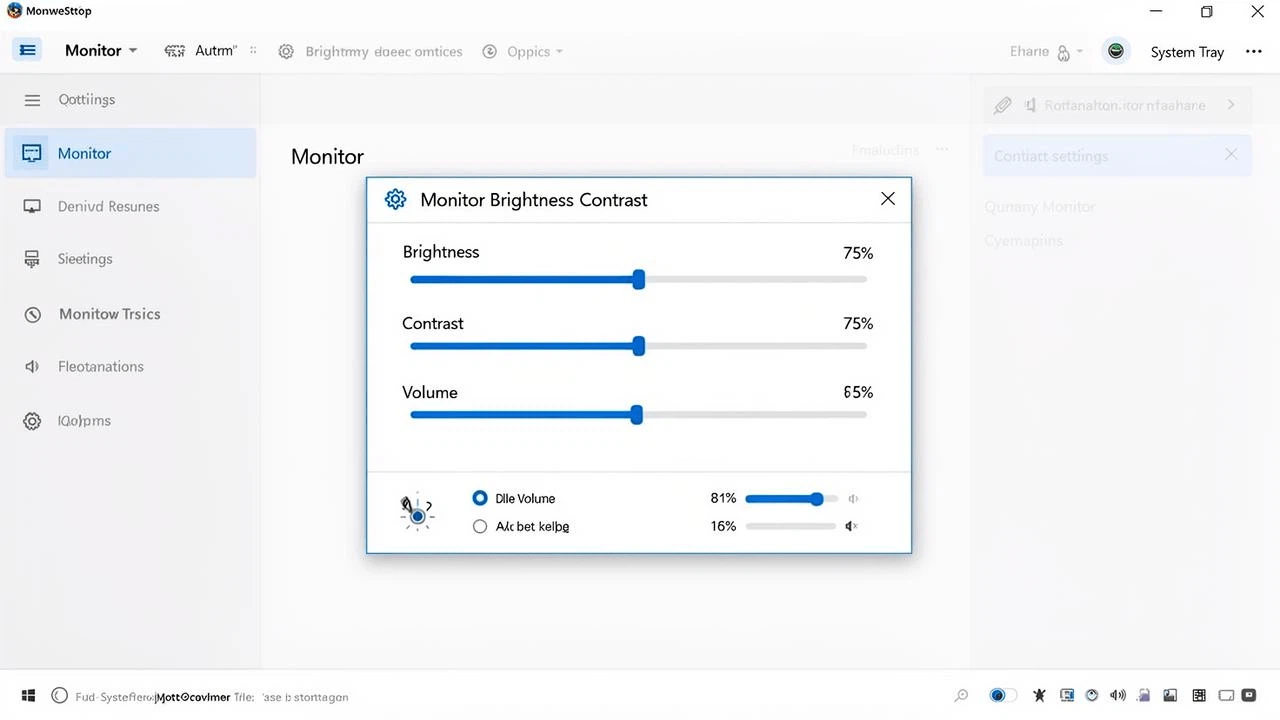
A console for the screen, sitting in the bar
Once started it lives in the tray, and the icon itself shows the current brightness and contrast, so hovering or turning the wheel adjusts them there and then. Opening the main panel brings a separate slider for each of brightness, contrast, volume and colour temperature, and the three colour channels and the saturation can each be trimmed on their own. Anyone with more than one screen can set each of them separately, and a large panel or a very wide one is no obstacle. It will even switch a screen off or send it to sleep in place of the physical button, and the modes a screen keeps inside itself, the standard one, the one for films and the one for games, can be changed with a single click.
Profiles and shortcuts, so the change does not have to wait for morning
The more interesting side of it is automation. A profile can be built for each situation, one set of values for office work in daylight and another for watching something at night, and a shortcut then swaps between them in one press. Commands can also be run at particular times of day, which produces the gradual shift of a day and night mode. The neatest trick is following the programs: when a particular game or player is opened the matching values are applied, and when it closes the defaults come back. A command line interface is exposed as well, so a script can take charge of a whole set of screens.
Light, portable, and no noise at all
The whole program needs no installation, runs from the folder it was unpacked into, carries no advertising and no bundled extras, and does not quietly reach for the network behind your back. The colour of the tray icon and the colours of the sliders can both be set, so it does not clash with whatever the desktop is wearing. One thing is worth knowing before starting: it depends on the screen supporting the channel in hardware. Nearly every modern screen does, but the internal panel of some laptops and some old screens are limited or have the feature removed, and it is as well to check that the switch in the screen menu is on. For anyone tired of reaching for the screen, this is worth the try.
What it does not do
It is fair to say what the program is not. It does not calibrate a screen, it does not profile one for print work, and it will not fix a panel whose backlight is failing. What it does is put the few controls that people actually touch every day within reach of a mouse, and it does that with so little ceremony that after a week the physical buttons feel like an antique. That is a narrow job, done well, which is usually the best kind of small tool.