
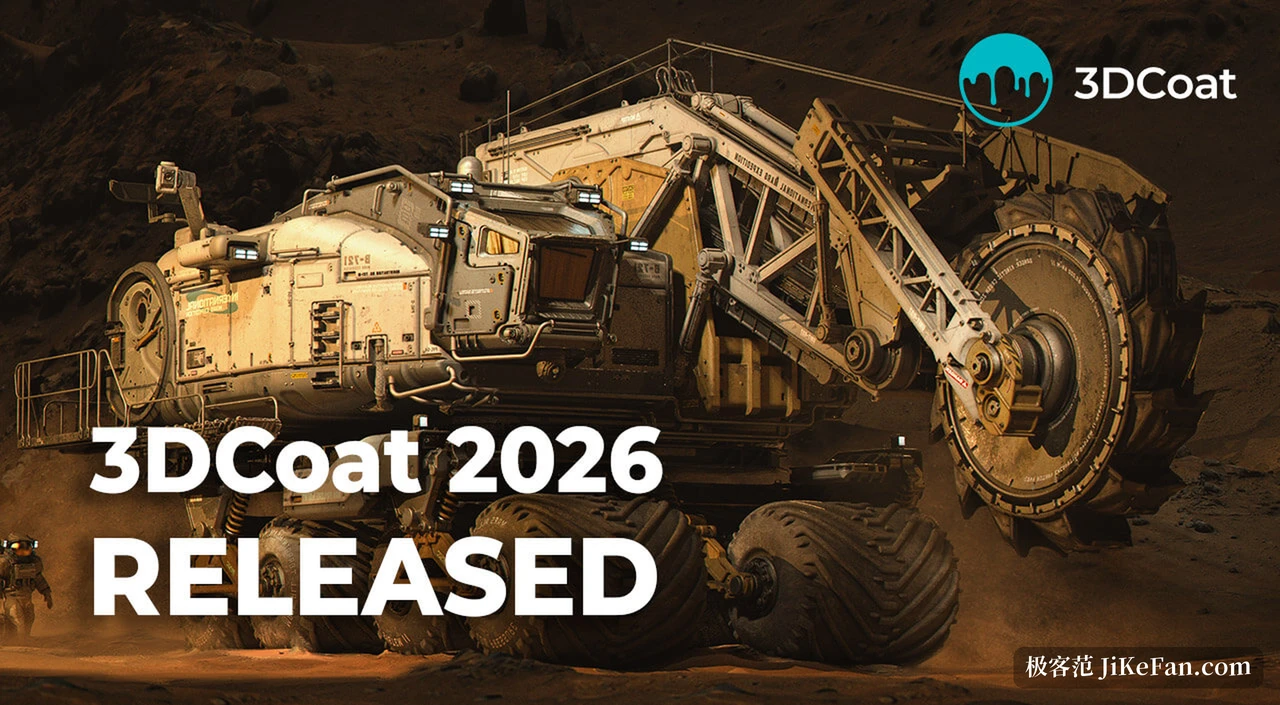
3DCoat 2026.11: Node-Based Texturing Inside the Sculpt, 30 Material Channels and Voxel Lattices
Summary
3DCoat 2026.11 builds a node-based texturing system into the sculpting stage, so materials show up on the voxel surface before retopology or UV work, and adds voxel lattices plus 30 material channels.
Recommend- Name
- 3DCoat
- Version
- 2026.11
- Pricing
- Paid
- Open source
- Proprietary
- Operating system
- WindowsmacOSLinux
- Website
- https://3dcoat.com/
- Updated
- 2026-11-03 20:17
3DCoat 2026.11 is a paid modelling and sculpting application for Windows, macOS and Linux from Pilgway. The release moves materials earlier in the pipeline: a node-based texturing system now runs inside the sculpting stage, so a material can be judged on the voxel surface before retopology and before any UV work. Voxel lattice structures, a rebuilt material library and 30 material channels arrive with it.
Materials leave the end of the queue
The usual order separates the two jobs. Form is pushed out in the sculpting room, then UVs are laid out, then the texturing room gets colour. Change the form and the earlier texturing is mostly wasted. Here the node system is turned toward texture painting: a visual editor builds materials, masks, filters, deformers and procedural effects, and parameters such as rust strength, base colour, glossiness or scratch depth can be revisited at any stage with the result shown on the model.
The nodes are not a panel bolted onto a corner of the interface. According to the release notes the system rests on a node graph language, NGL, which compiles nodes into optimised shaders; procedural effects, maths and noise generators are computed on the graphics card rather than queued back to the processor. That is what decides whether a node material survives real-time preview at all.
A material on the model before retopology
This is the item worth separating out. The vendor describes it as the first time a node system serves both as Per-Pixel Painting and as the shader for sculpt objects, so a material can sit on the voxel surface during sculpting for preview, with no retopology and no UV unwrap first.
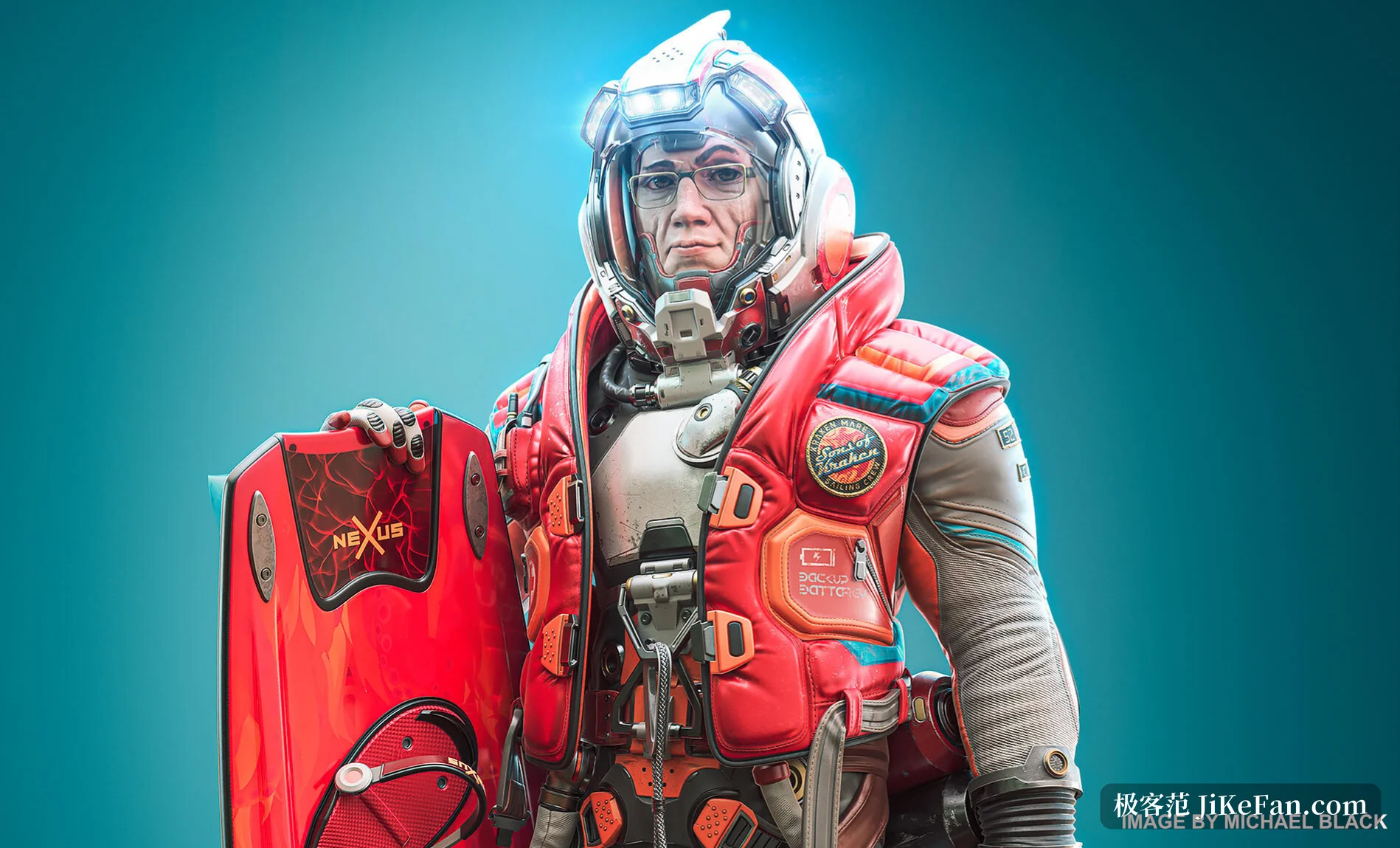
The difference is concrete: while the thickness of a shoulder plate is being argued with, the scratches and the highlights change with the form; whether a curve is smooth enough is judged by how a real material runs across it rather than by the shading of a grey model. For hard-surface and character work that iterates on form and finish together, the saved rework is substantial. The preview still has to be baked onto the final UVs, though, and whether the node logic carries over unchanged depends on the project.
A lattice grown inside the voxels
3D lattice voxel structures are the other new direction. Voxel representation generates a complex volumetric lattice inside the model, which sounds abstract until it meets a use: a printed part with a lattice skeleton inside keeps its strength while using far less material and weighing far less. The same mechanism produces decorative dense lattice work and repeating three-dimensional patterns, the internal ornament that is nearly impossible to carve by hand.
Node-based procedural sculpt patterns come alongside. Volumes and surface patterns generated by nodes can be converted through a pattern-to-volume step into ordinary sculpt objects, which are then picked up with normal brushes. That last part matters: the procedural result is not trapped inside a graph, it returns to the traditional sculpting workflow for further work.
Thirty channels and a library of its own
The material system grows to 30 channels. The release notes say the total supported channel count is 30, while the front page of the site says close to 30; both point at the same thing, an updated PBR/PBM system that adds advanced light interaction and refraction channels on top of the standard set, for surfaces with more complicated physical structure. For glass, coated or wet surfaces, the extra channels are room to work.

The library was rebuilt as well. Every default smart material, new and old, moved to the node-based system, and a built-in mask library covers several categories, so a mask is one click after choosing a material. The vendor says the fabric materials were 3D-scanned by SCANIMAT, the sort of detail that decides whether cloth sits on a model with real relief or as a flat picture.
Smaller changes scattered through daily work
The quick access panel in the sculpt and modeling rooms gained text search, which settles the problem of a tool hiding three menu levels down. A new inGizmoTransform node wired to UVWTexture, TriPlanar and FragCoord lets texture, lattice and volume patterns be dragged, rotated and scaled in the viewport instead of typed into number fields.
The split tool places every piece it cuts onto its own layer, saving the cleanup when a model has many parts. The plane tool lofts a surface from curves, which can then be sculpted directly with voxel brushes; a retopology mesh can become a hybrid mesh and serve in turn as the reference surface for voxel sculpting, a regular low-polygon form guiding an irregular sculpt, the reverse of the usual direction. Parametric hybrid modelling builds editable models from curves, handles and adjustable parameters.

The retopo and modeling room gains a group tree that organises objects hierarchically, so a whole branch can be transformed, copied or managed together. The pose tool adds deformation modes and can snap a mesh to a surface; the bevel tool adds a profile shape option, so a bevel cross-section is no longer limited to one curve. For file exchange there is LWO3 import, a new route for anyone still maintaining LightWave assets, and GLB export, which packs geometry, materials and related data into one binary file and is easier to hand to Blender, engines and web viewers than loose models and textures.
Licensing and the entry price
3DCoat comes from Pilgway and 2026.11 ships for Windows, macOS and Linux; the product pages list Windows 7 through 11, and macOS 10.15 or newer. Licensing is a perpetual purchase: the personal licence allows commercial use, is not tied to a platform and includes twelve months of free updates, after which paid upgrades are tiered from month 13 and from month 25. Subscription, education, student and teacher licences exist as well. New users get a complete 30-day trial, after which the install becomes a learning mode with limited features and non-commercial output, which the vendor describes as free unlimited learning.
The limits deserve stating. Real-time preview eats graphics card time, and calling high-performance GPU nodes a selling point says the same thing from the other side. How the node graph behaves on the final bake, how much video memory it occupies and how faithfully GLB export reproduces materials all need testing on your own assets. The change is large enough that a parallel install, run against one representative project, is the sensible route before replacing a production version.
What 2026.11 really reorders is sequence: material moves from the end of the pipeline to the first look at the sculpt. When form and finish can be tried together, what is saved is not a few steps but the whole round of rework that used to begin with changing the shape and finding the textures dead.