
ZTools 1.1.8.8: One Search Box for Apps, Files, Plugins and Clipboard History
Summary
ZTools is a free, open-source keyboard launcher for Windows and macOS that folds app launching, file search, plugins and clipboard history into a single input box.
Recommend- Name
- ZTools
- Version
- 1.1.8.8
- Pricing
- Free
- Open source
- Open source
- Operating system
- WindowsmacOS
- Website
- https://www.ztools.cn
- Updated
- 2026-11-03 20:17
ZTools is a free, open-source launcher for Windows and macOS built around one input box. App launching, file search, plugin commands and clipboard history all run through it, and version 1.1.8.8 spends its changes on the installer and the updater rather than on new features. The client is published under GPL-3.0 and the plugin repository under MIT.
More windows open than tasks to do
Desktop icons reach a third row, the start menu is nested deeper than memory manages, and a paragraph copied a few minutes ago can no longer be found. Each of those gestures costs seconds, and together they eat the stretch of the morning when concentration is best. ZTools addresses that stretch by folding four jobs, launching, searching, plugins and clipboard, into one field.
One box that reads names and pinyin
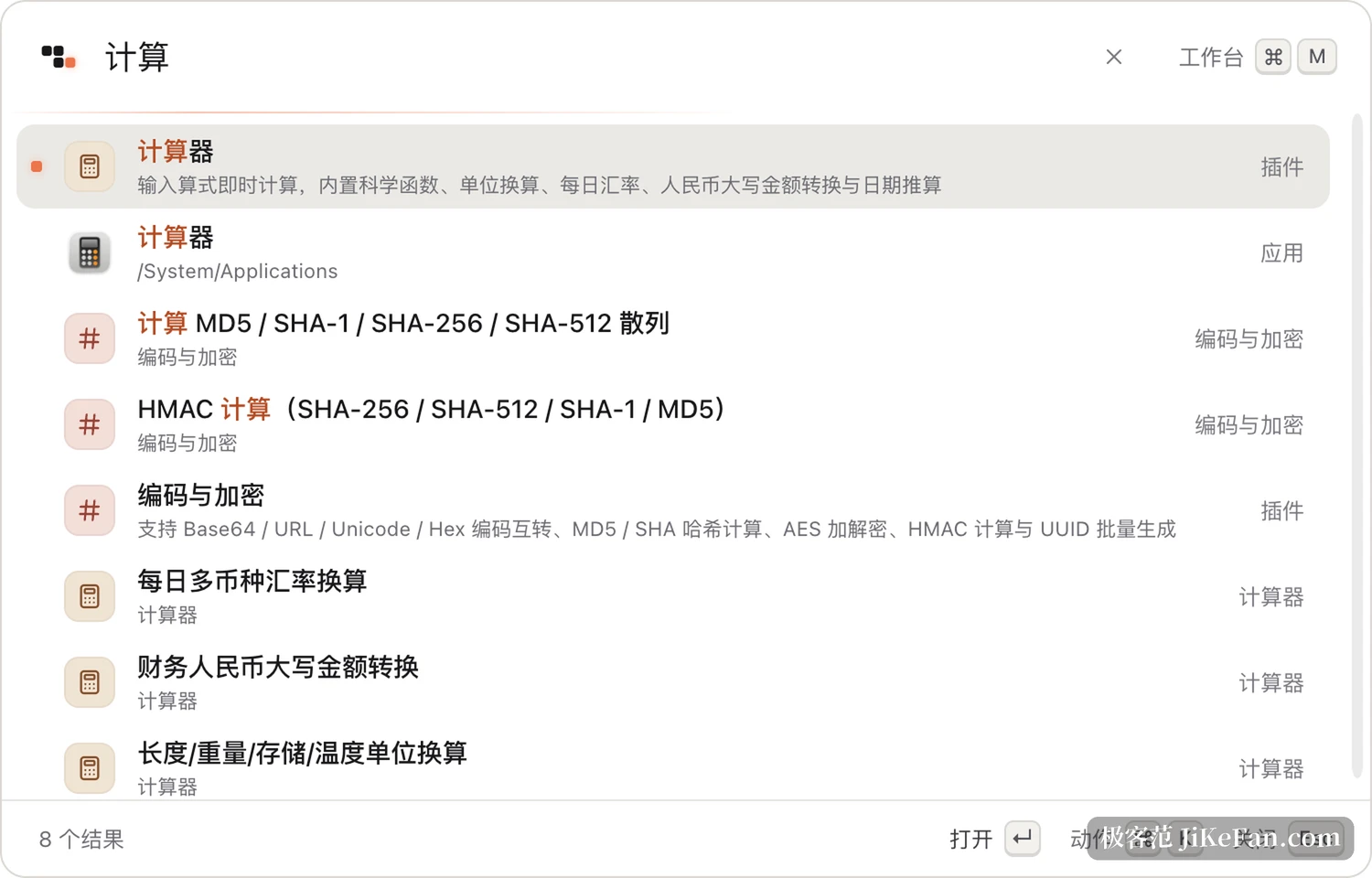
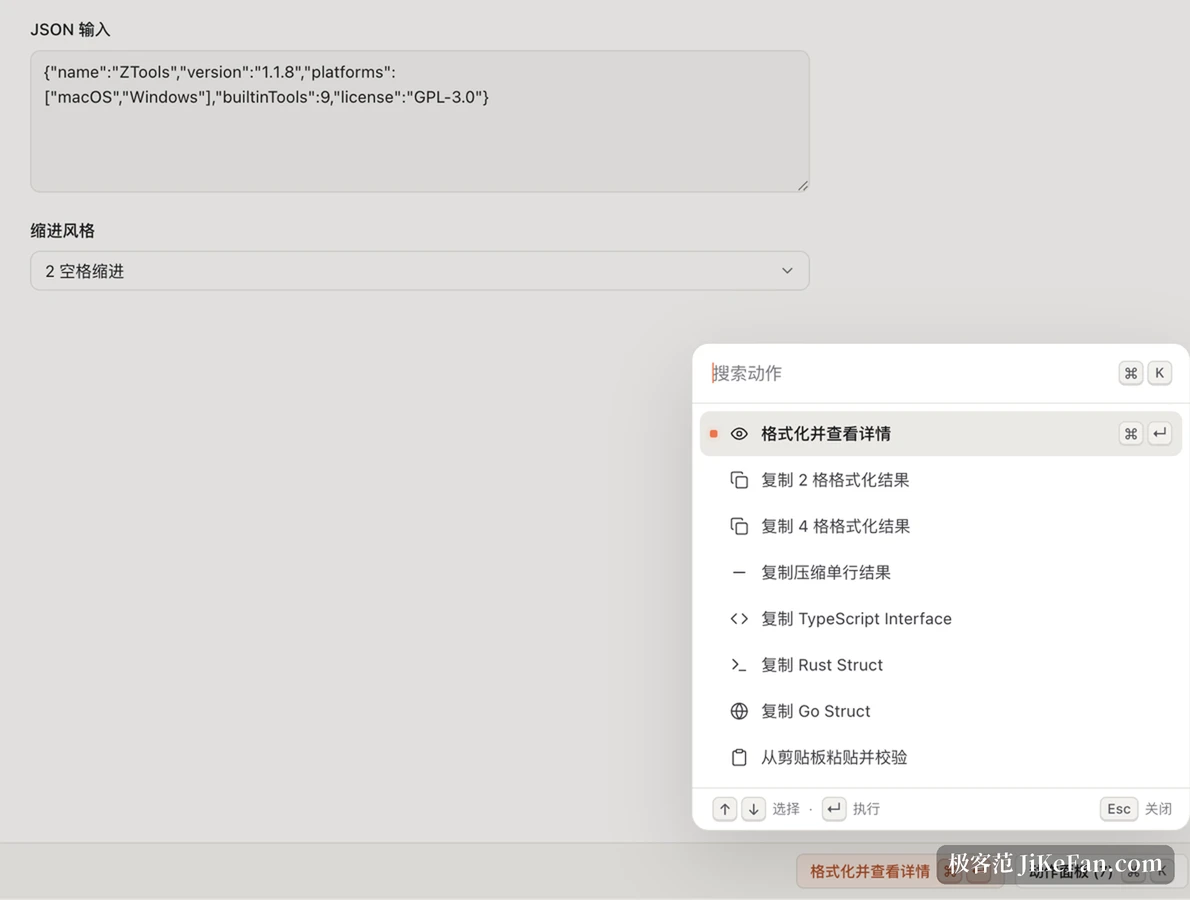
Alt+Space on Windows or Option+Space on macOS brings up a floating bar in the middle of the screen. Type an application name, a file name or the name of a specific plugin action, and candidates are ranked as you type; Enter runs the selection, Escape dismisses it. Chinese characters, pinyin and pinyin initials all work, so typing jsq reaches the calculator without first recalling what the thing is actually called. Ctrl+K opens an action panel for the selected item, listing every operation it supports, which is then filtered by typing and run with Enter.
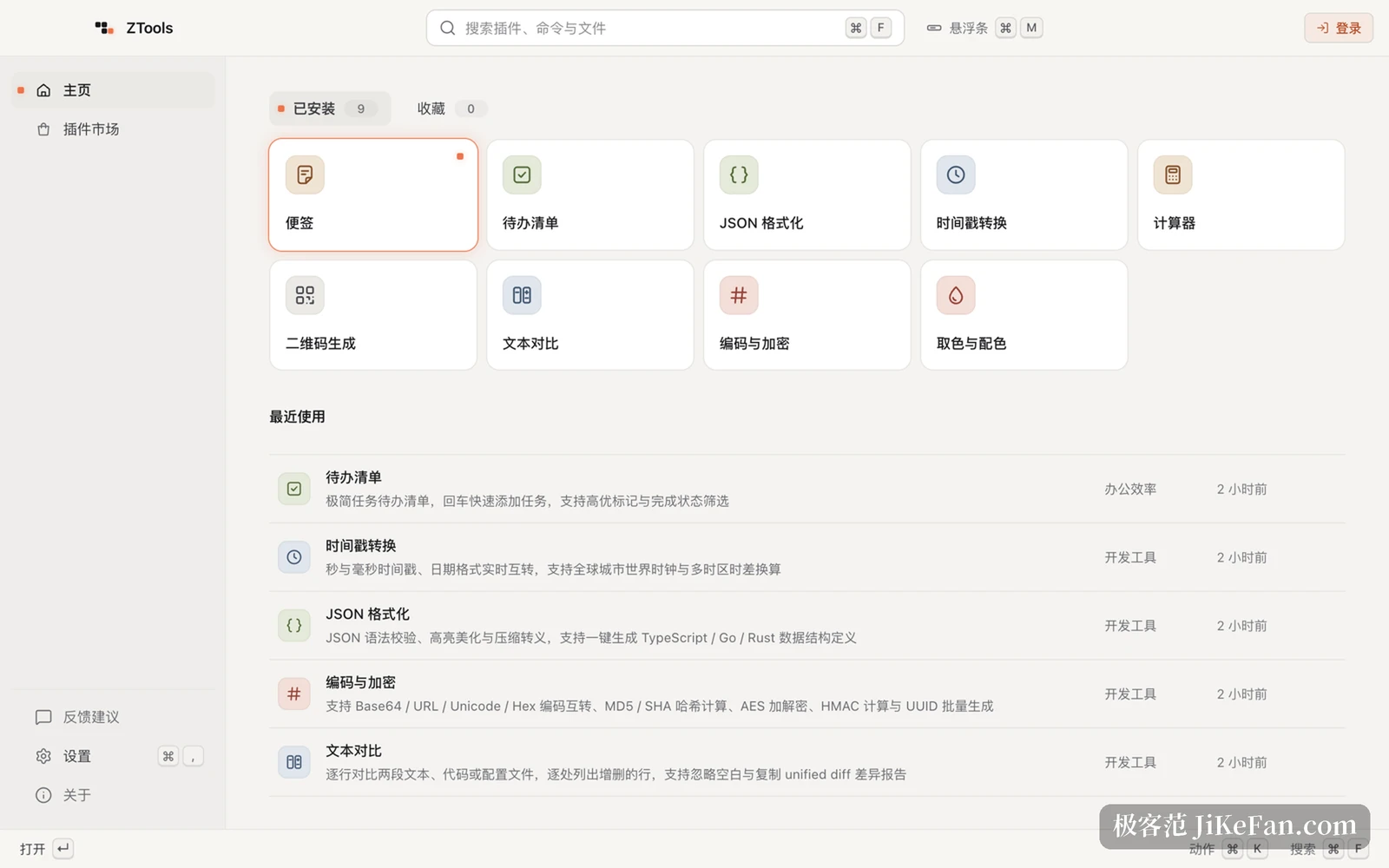
The floating bar disappears when it is done; Ctrl+M switches to a workbench when more room is needed. The workbench arranges installed plugins in blocks, lists recent items beside them, and keeps the plugin marketplace, settings and feedback on the same page. Both surfaces share one search core, and the cursor stays where it was across the switch, so nothing has to be retyped.
The file index stays on the machine
File search does not open a second window; it uses the same box. On Windows a local index process reads NTFS change records, and on macOS the system Spotlight index is used, both read and written locally with nothing uploaded. Clipboard history keeps copied text, links and images, all searchable, with frequently used entries pinned for repeated pasting; sensitive content such as API keys is masked in the list so it is not readable by anyone walking past.
Nine tools out of the box and a plugin market
Nine built-in tools work immediately after installation: a calculator with scientific functions, unit conversion, exchange rates and date arithmetic; a JSON formatter that validates, pretty-prints and minifies and can emit type definitions for TypeScript, Go and Rust; a timestamp converter across seconds, milliseconds and time zones; a QR code generator for links, text and Wi-Fi joining codes; a text diff that reports line-level differences; encoding and encryption covering Base64, URL and Hex along with MD5 and SHA hashes and AES; a colour picker converting between HEX, RGB, HSL and CMYK with a WCAG contrast reading; plus Markdown notes and a to-do list that adds on Enter. None of them needs downloading, they sit in the results already.
More capability comes from the plugin market. Plugins describe their interface with a set of declarative components, and the client renders lists, details, forms and action panels uniformly, so authors write logic and no CSS or DOM work. Light and dark themes, keyboard behaviour and window handling belong to the host, which keeps plugins from drifting into wildly different looks and spares authors from chasing a theme change.
What 1.1.8.8 fixes is installing and updating
Released on 2 November, 1.1.8.8 stacks no new features and focuses on installation and upgrading on Windows. The install, update and uninstall screens were rebuilt with a compact layout, high-DPI handling and keyboard focus worked out; cleanup and error reporting for over-installs, moving the install directory and rollback after failure were repaired, so a failure partway through no longer leaves a litter of broken files. A case where a digitally signed package could not be read was fixed while integrity checking stayed. The floating bar's corner radius and border were adjusted and switching between installed and favourite lists no longer jumps; plugin comments past ten can be paged through; and the update download address gained a trusted-source check on both macOS and Windows.

Open source, free, and honest about the edges
The client ships under GPL-3.0 and the plugin repository under MIT, so the source can be read before deciding to use it. The vendor states that the personal core features are free permanently, without ads or bundled software. The official package and an offline build compiled from source are not identical: the official one adds closed components for account sign-in, feedback, plugin ratings and cloud sync, while the offline build skips the vendor backend and keeps the plugin market working. Anyone who wants full control can take the source route; anyone who just wants to use it can take the official package.
Who it suits is fairly clear: people who switch between a dozen applications all day, accumulate small requests that each need a tool once, and do not want to install a separate program for each of them. It does not promise to think for you, it folds the repeated clicks into one keystroke.