
XYplorer 28.30.2700: a tabbed file manager that also takes scripts
Summary
XYplorer 28.30.2700 is a portable file manager from a small German software house, with tabs, an optional dual pane and a built-in scripting language. A 30-day trial is offered before the licence at 34.95 dollars.
Recommend- Name
- XYplorer
- Version
- 28.30.2700
- Pricing
- Paid
- Open source
- Proprietary
- Operating system
- Windows
- Website
- https://www.xyplorer.com/
- Updated
- 2026-10-06 15:07
The file manager that ships with the system is serviceable, but after a while most people start looking for something more like a tool. XYplorer is one of the reference points in that direction, and what it does deeply is the specific work of tabs, dual panes, scripts and batch operations. It comes from a small software house in Cologne, Germany, and it is commercial software that has to be licensed.
Versions and portability
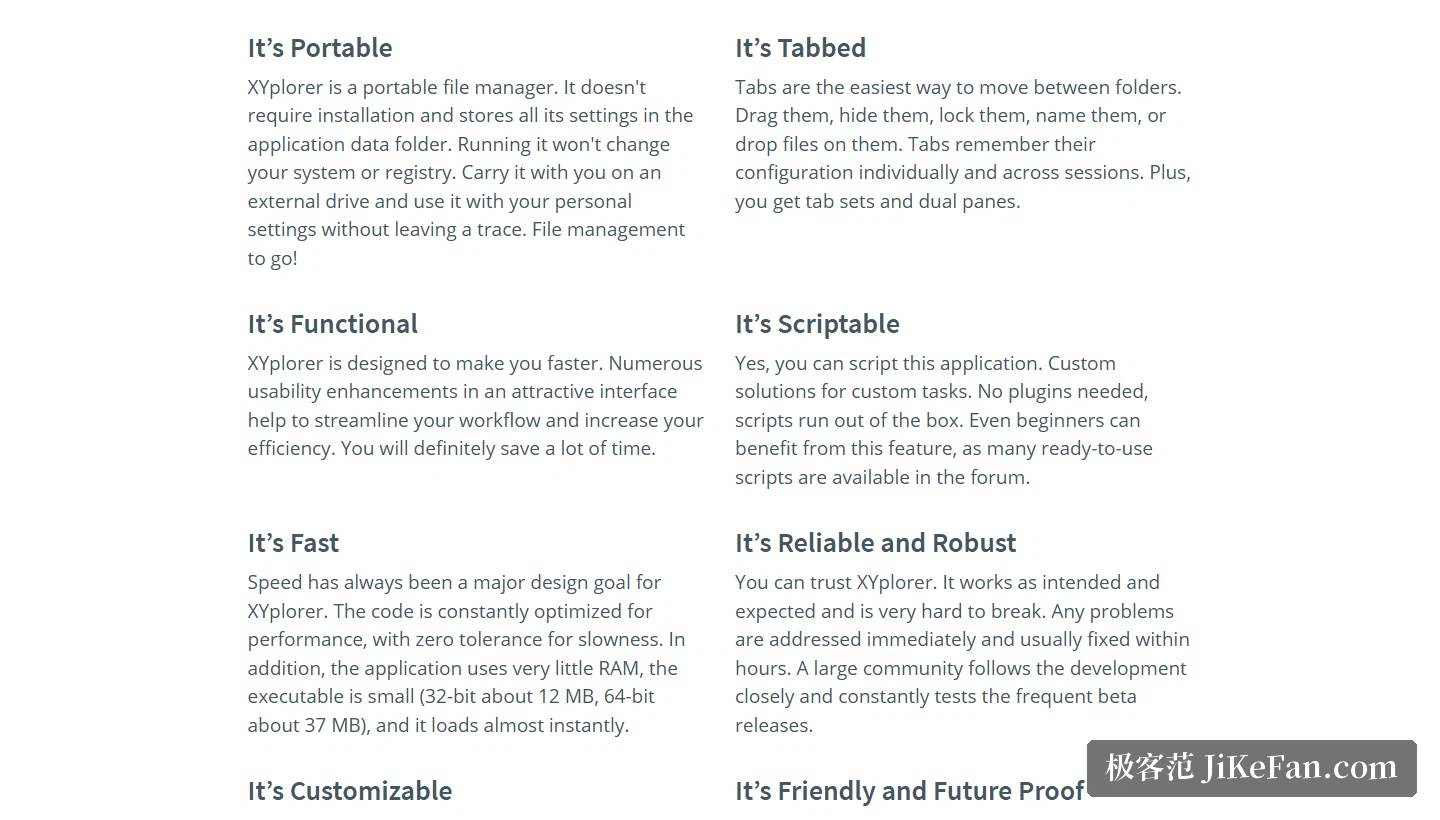
The 64-bit version currently listed on the site is 28.30.2700, released on 2026-09-15; the 32-bit version is still maintained, at 27.20.1600. The download package is about 10.2 MB, the 64-bit program itself about 37 MB and the 32-bit one about 12 MB, and the site puts a full installation at roughly 15 MB of disk space with under 20 MB of memory in use. One point to note: the 28.30 64-bit branch supports 64-bit Windows only.
The portable design is the more unusual part. The site states plainly that XYplorer is a portable file manager. It needs no installation, all settings live in the application data folder, and running it changes neither the system nor the registry. Put it on a USB stick and it opens on another machine with your own configuration, leaving no trace behind.
Ways of navigating, and the scripting
Tabbed browsing is the most direct source of speed: tabs can be dragged, hidden, locked and named, they can serve as drop targets themselves, and each one remembers both its own configuration and its state across sessions. On top of that sit tabsets and an optional dual pane. The site also mentions 6 Key Navigation, a Live Filter Box, dual breadcrumb bars and the Mini Tree, which shows only the paths you have actually used and keeps the tree light.
Scripting is the other distinguishing feature. The stated approach is that no plugins are needed and scripts work out of the box, so even a beginner can take ready-made scripts from the forum and use them. On file operations, batch rename supports wildcards, variables and regular expressions with a preview attached; for searching there is a duplicate file finder, a similar image finder and Branch View for flattening a folder tree; and on safety there is multi-level undo and redo, with the undo history surviving across sessions.
Tag based file management
The site lists tag based file management as a capability in its own right: any file or folder can carry tags, markers and comments, and colour filters then colour files by name, size, date or attributes. There are also Paper Folders, which organise entries from different locations into a virtual collection and are often used to keep search results around. On the interface side there is a dark mode, 30 interface languages, and custom keyboard shortcuts for nearly 600 functions.
Licensing and price
XYplorer is licensed per person. One licence covers all of that user's computers, has no expiry date, and covers the 32-bit and 64-bit versions alike. There are two prices: Standard License Professional at 34.95 dollars, which includes a year of version upgrades, and Lifetime License Professional at 69.95 dollars, where the upgrade entitlement never runs out. The features are identical in both, and the only difference is how long upgrades are covered. The site describes payment as a one-time purchase, offers a 25% upgrade discount to existing users, and points to a site licence for 18 users and above, with a Mini Site License Professional for up to 50 users at 995 dollars.

Try it for 30 days first
A 30-day free trial is offered, the trial is functionally complete with very few limits, and that is the most direct way to judge whether the tool suits you. If files are only tidied up occasionally, the built-in file manager is already enough. If the working day revolves around large numbers of files, the tabs, the scripting and the batch rename add up to a considerable saving in time.

The thinking behind XYplorer is to treat a file manager as a programmable workbench. Tabs answer the question of seeing several places at once, scripts answer repeated labour, and tags plus colours answer where the thing you remember is kept. What it really changes is the number of small decisions per hour: the same work gets done with fewer window switches and fewer repeated keystrokes, and that is why people who live inside a file manager care about it at all.
Before buying, run the 30-day trial to the end and put the few things you do every day through it. That is more direct than reading any review, and it also settles the real question, which is whether the built-in file manager was ever the bottleneck.