
Wox 2.4: a free open source launcher that runs on three platforms
Summary
Wox 2.4.4 is a cross-platform launcher for Windows, macOS and Linux, with clipboard history, a calculator, conversion tools and plugins written in Python or Node.js.
Recommend- Name
- Wox
- Version
- 2.4.4
- Pricing
- Free
- Open source
- Open source
- Operating system
- WindowsmacOSLinux
- Website
- https://www.woxlauncher.com/
- Updated
- 2026-10-06 18:42
Wox is a cross-platform launcher, with a build for each of Windows, macOS and Linux. The official description squeezes it into one line: the desktop is only a few keystrokes away, with opening applications, finding files and running commands all happening in the same input box. It is an open source project under GPL-3.0, and it has been maintained from 2013 through to the present day.
The three things you do most in a day
The site boils daily use down to three steps. The first is finding and opening: type a name and an application, a file, or a project you had open recently comes up. The second is never touching the mouse: copy one of the results, locate a file inside its folder, or pick another command from an action panel and run it. The third is adding tools as needed: install a community plugin where something is missing, or write one yourself, which the project supports as well.

What works without any plugin
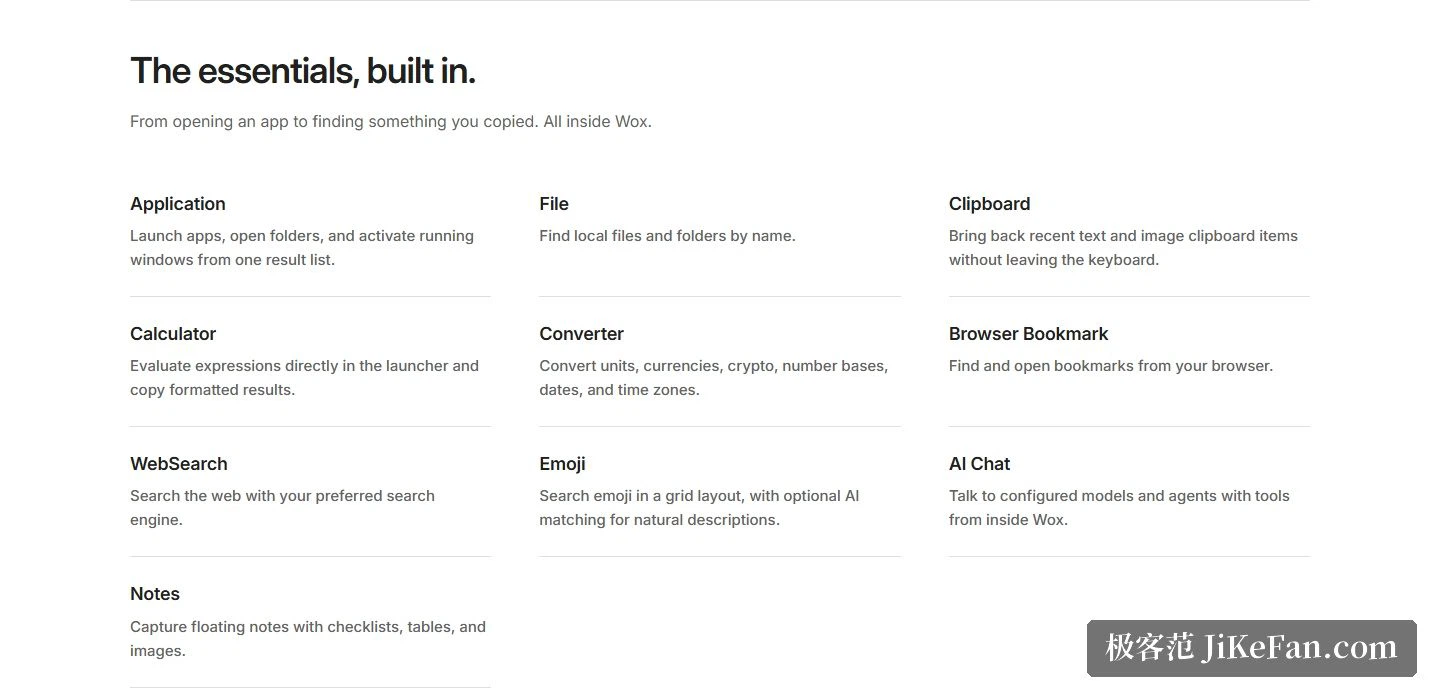
Application launches programs, opens folders and brings an already running window to the front; File looks up local files and folders by name; Clipboard remembers recent clipboard contents, with text and images both retrievable. The site puts these ten built-in abilities on the home page, and the first three of them are those three steps.
Then comes a batch of small tools. The calculator evaluates an expression and copies the result out; Converter handles units, currencies, cryptocurrencies, number bases, dates and time zones; browser bookmarks and web search each get an entry; Emoji is laid out as a grid and can also be found by describing it in natural language; AI Chat lets you talk to a configured model or agent from inside the launcher; and Notes offers floating notes with checklists, tables and images. All of it works out of the box, with nothing to install first.
Appearance, plugins and languages
Appearance can follow the system, or a community theme can replace the colours and window styling wholesale. The site's navigation lists a plugin store and a theme store separately, so plugins and themes each have their own shop; for developers the path is equally clear, writing plugins in Python or Node.js, or simply hooking in a script.
The interface itself comes in English and Simplified Chinese. The navigation also sits a guide, a changelog, a development section and a blog side by side: read the guide before installing if the usage should be clear first, watch the changelog to track version changes, and development notes have a section of their own.
Versions, platforms and licence
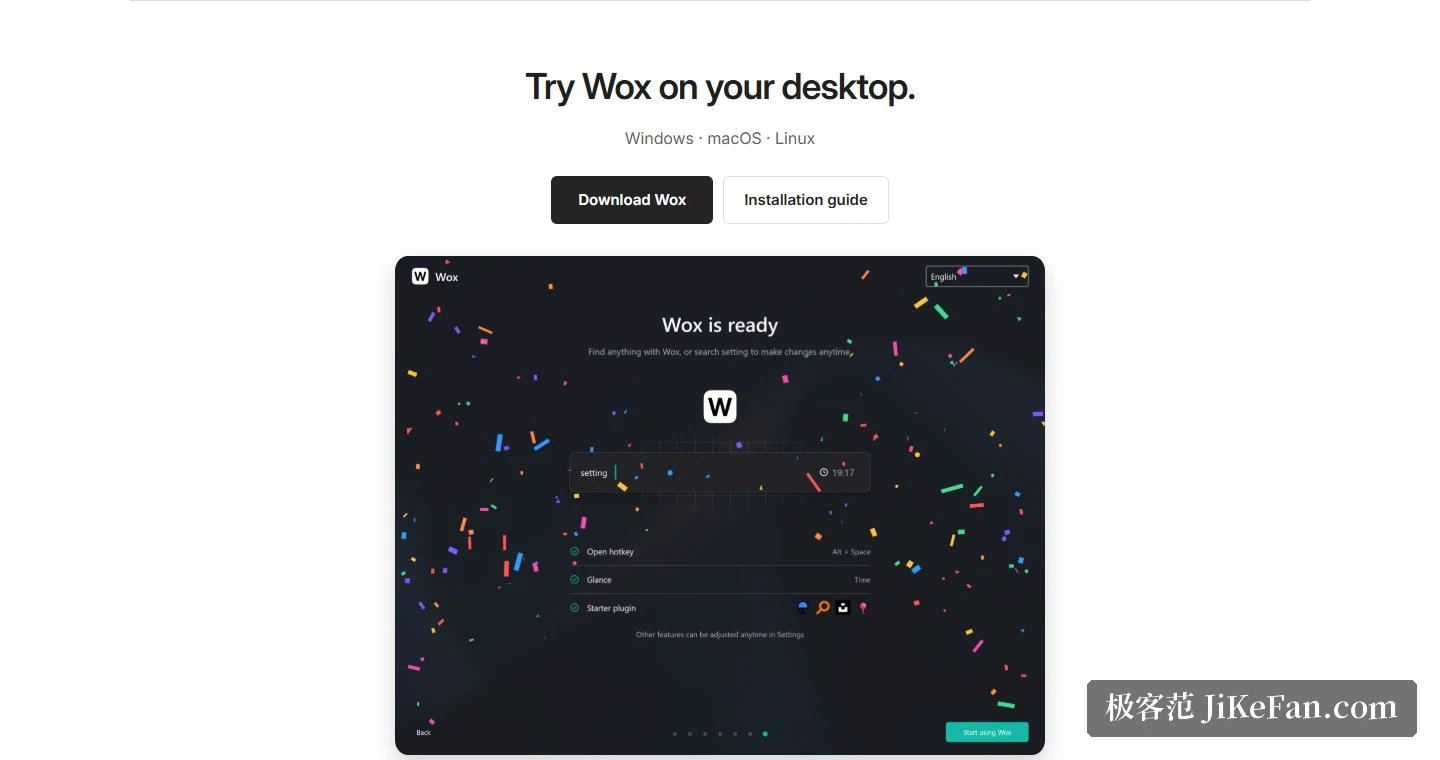
The current version is 2.4.4, published in 2026-09. The release page has a separate file for each platform: a single installer of about 115 MB for Windows, two dmg builds for macOS in arm64 and amd64, and three package forms for Linux in AppImage, deb and rpm. The site adds an installation guide, and the download entries are laid out side by side for the three platforms.
The project is developed on a public code hosting service, with the repository opened in 2013-12, more than 2.7 × 10⁴ stars and Go as the main language. Licensing is GPL-3.0, and the copyright line in the site footer runs from 2013 to today, which for a launcher is not a short stretch. The home page also quotes feedback from a community user, to the effect that after trying a number of similar tools, the completeness of this one and the playfulness of its themes had him considering a switch.
Wox gathers opening programs, finding files and looking things up into a single input box, then hands the rest of the demand to plugins and themes. It runs on three platforms, is open source under GPL-3.0, and a few keystrokes after installing will tell you whether it suits your hands.