
Wise Data Recovery 6.2.2: 2 GB free, from an 11.4 MB installer
Summary
Wise Data Recovery is at version 6.2.2 with an installer of 11.4 MB. The free edition recovers up to 2 GB, covers more than 1000 file types, and comes in a portable build that needs no installation.
Recommend- Name
- Wise Data Recovery
- Version
- 6.2.2
- Open source
- Proprietary
- Operating system
- WindowsmacOS
- Updated
- 2026-10-06 05:05
How a recovery tool feels to use usually comes down to two things: whether installing it is a nuisance, and whether the free allowance is enough to establish the facts. Wise Data Recovery is fairly direct on both counts. The current version is 6.2.2, the installer is only 11.4 MB, and the free edition comes with an allowance of 2 GB.
The rules of the free edition are written plainly
The site lays the difference between the free and the paid edition out in a comparison table. The free edition recovers 2 GB, but there is no limit on how long it can be used and no limit on how many computers it can be installed on, which is to say the only limit sits on how much can be recovered at a time rather than on time or on devices. The paid edition is licensed by the year with unlimited recovery, offered as 1 year for 1 computer and 1 year for 3 computers, and it carries a 30-day money back guarantee; the wider product line adds a 60-day refund policy and email support.
What it can bring back
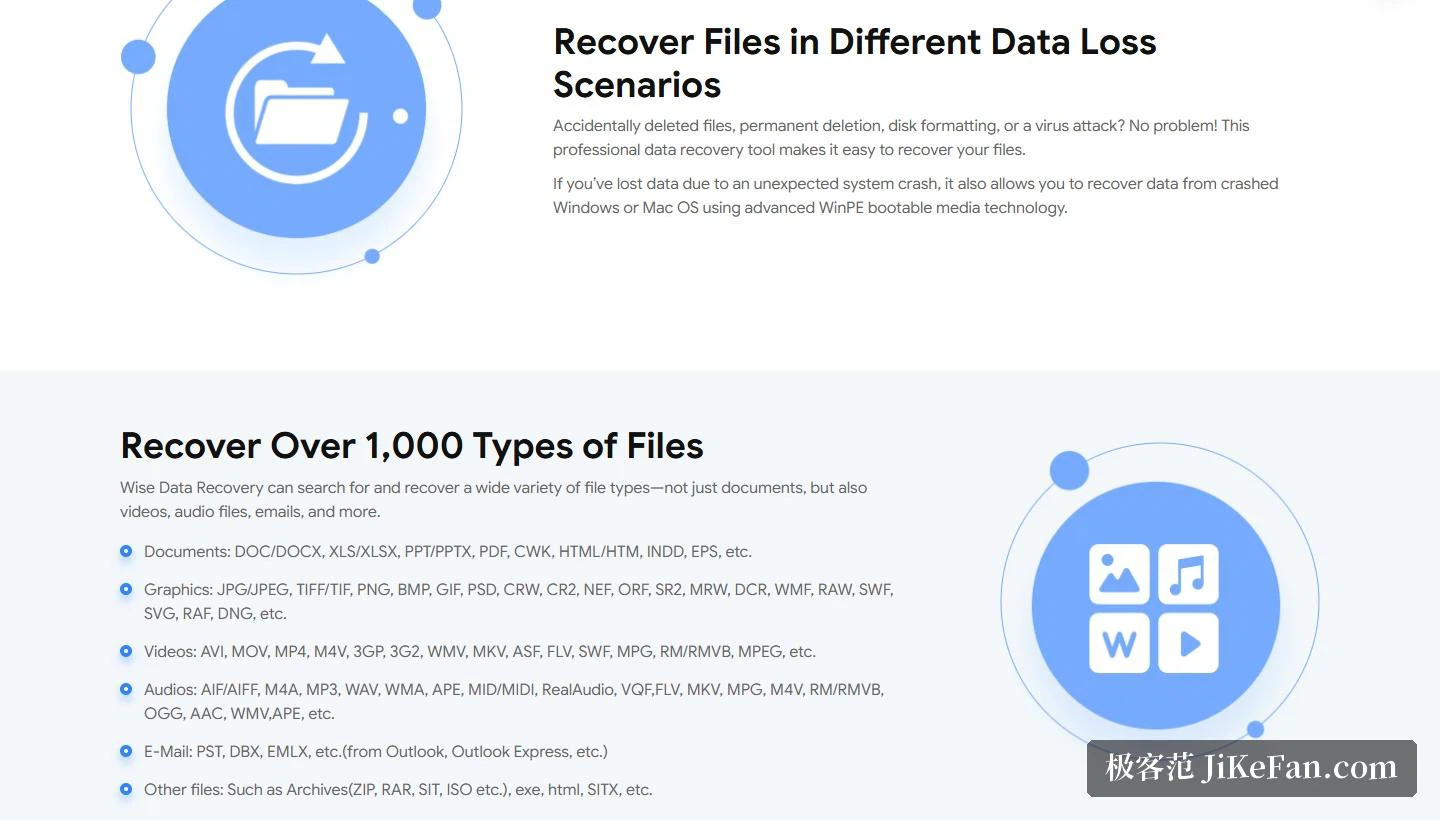
The claim is more than 1000 file types, and the site lists the formats category by category. Documents cover the familiar office formats such as DOC and DOCX, XLS and XLSX, PPT and PPTX, and PDF. Images include JPG, PNG, BMP, GIF, PSD and the RAW formats of the various camera makers. Video covers AVI, MOV, MP4, MKV and WMV, and audio and email each have their own list. The site stresses that this is not only about documents, since video, audio and email sit inside the recovery range too.
Devices and file systems
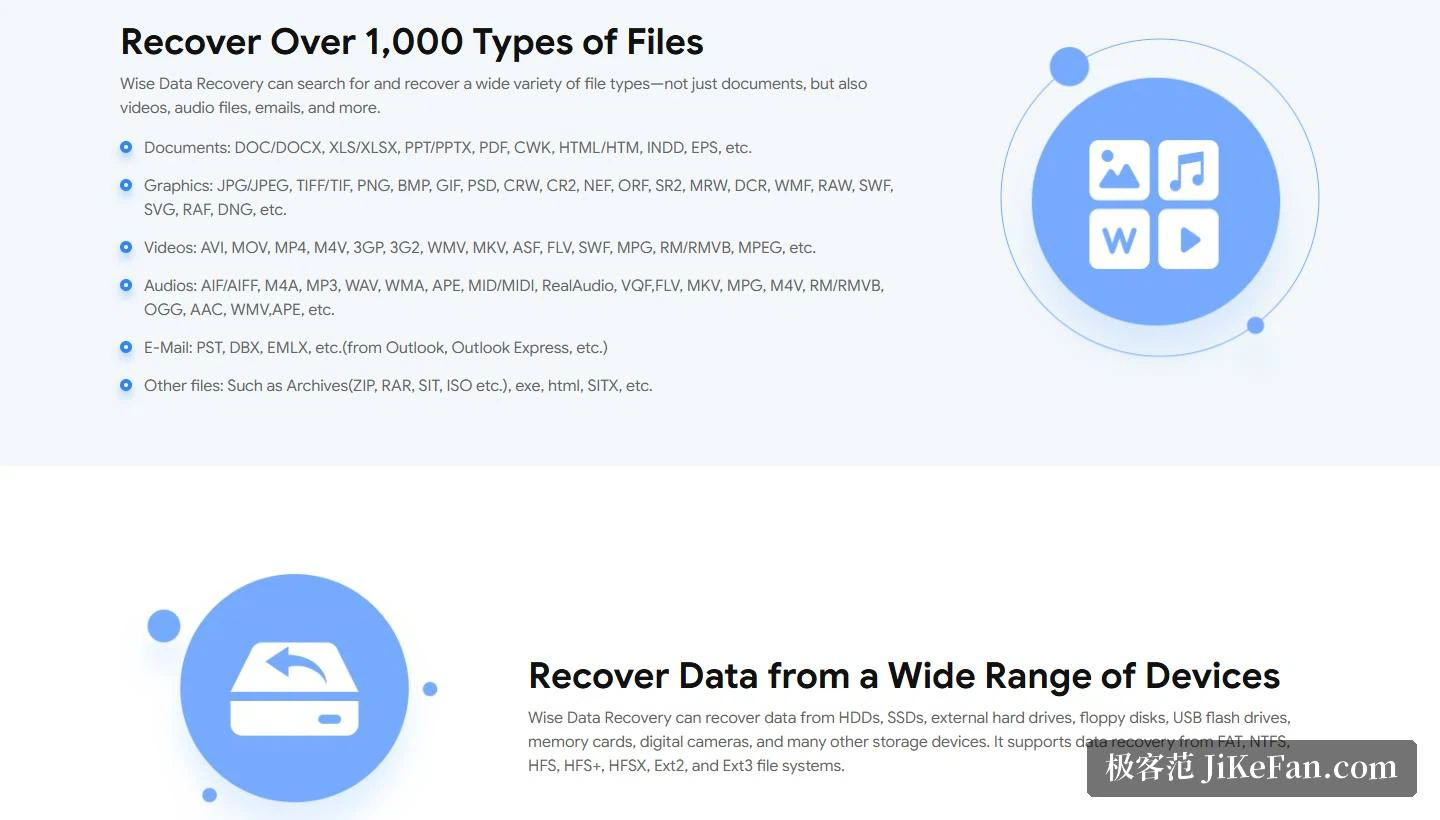
On devices the list names hard disks, SSDs, external drives, floppy disks, USB sticks, memory cards and digital cameras, and the introduction at the top of the page adds local disks, removable devices and phones. On file systems the supported list covers FAT, NTFS, HFS, HFS+, HFSX, Ext2 and Ext3, which spans the two families common on Windows plus the older file systems usually found on Mac and Linux machines. As for situations, accidental deletion, permanent deletion, formatting and virus attack are all named, and where the problem is a system crash the site offers one extra route.
Two design decisions worth noting
The first is the portable build. The site offers a way to run the program without installing it, which matters a great deal in a recovery situation: if the program does not enter the system and does not write installation files onto the target disk, the risk of overwriting data goes down with it. The recommended practice is concrete too, namely download the program on another computer, copy it to a USB stick, and then plug that stick into the machine whose data needs recovering and run it there.
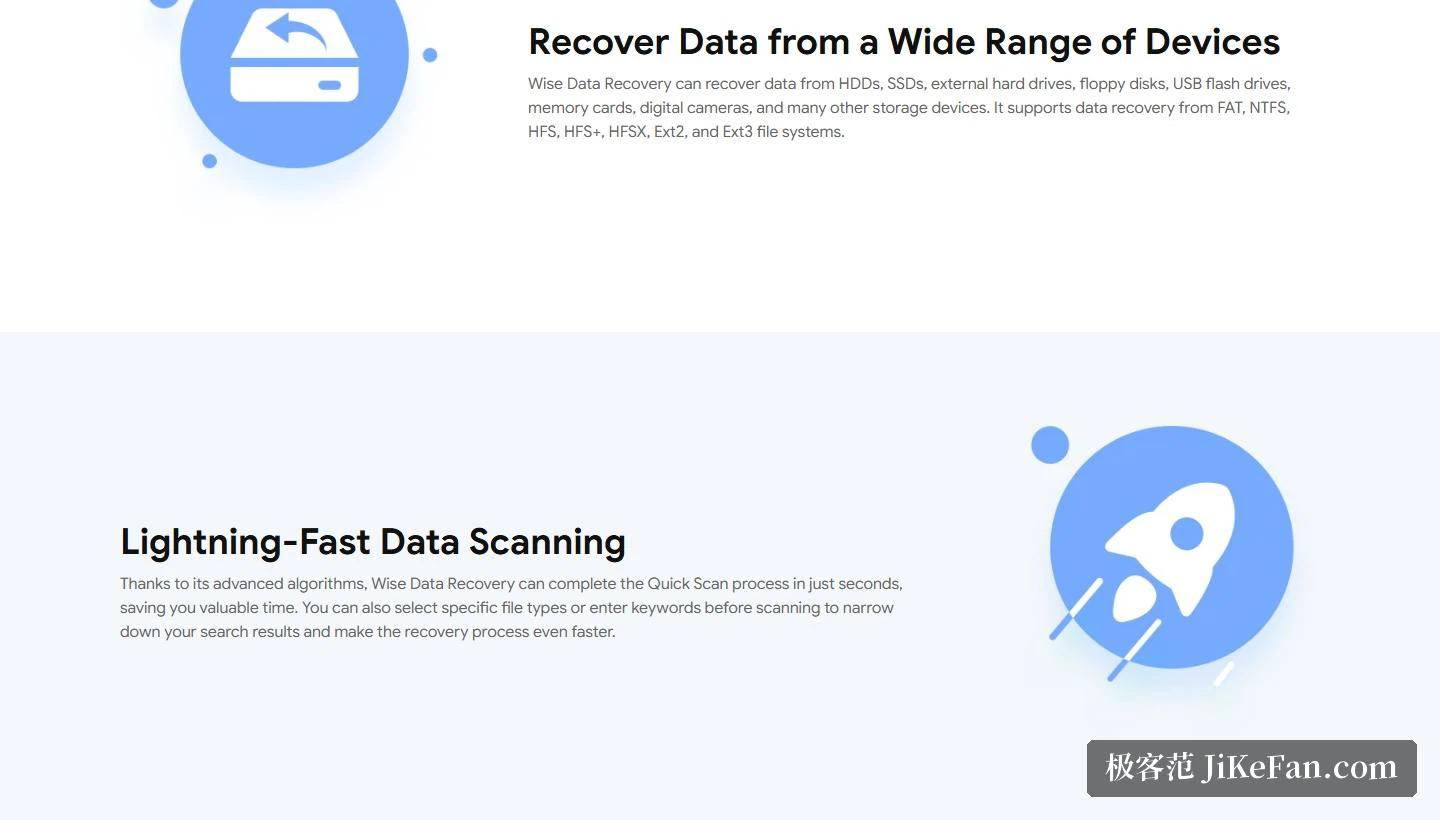
The second is the WinPE route for a crashed system. The site explains that WinPE boot media can be used to recover the data inside a system that has crashed, which means that even when the system will not start at all, there is still a way to get the contents off the disk. On top of that, the quick scan is said to finish in seconds thanks to optimised algorithms, and before scanning the search can be narrowed by file type or by keyword, which keeps time from being spent on files that are not wanted.
System compatibility
The stated compatibility is wide: both 32-bit and 64-bit Windows are supported, the range of system versions runs from Windows 11 and Windows 10 all the way back to Windows XP and the generations above it, and desktops and laptops are both covered. A Mac version is offered as well, with a similar way of working on the two platforms.
The point of the free 2 GB is not that it covers a whole recovery, and it is not meant to be. What it covers is one confirmation: scan, see whether the files are still there, and only then decide whether unlimited recovery is worth paying for. That is the right order, because the answer sometimes turns out to be that the file was never there to begin with, or that the disk has already been overwritten and no edition would help.
The worth of a 2 GB free allowance is not that it covers every file. It is that it covers one confirmation: scan first, see whether the files are still there, and only then decide whether to pay for unlimited recovery. Before touching anything, remember the old rule, which is to stop writing to the target disk, and prefer the portable build.