
DMDE 4.4.4: up to 4000 files recovered, free, from a disk editor
Summary
The free edition of DMDE 4.4.4 recovers up to 4000 files from a chosen directory, with no limit on how many attempts are made. The paid editions lift the cap and add disk editing, partition management and RAID construction.
Recommend- Name
- DMDE
- Version
- 4.4.4
- Open source
- Proprietary
- Operating system
- WindowsmacOSLinux
- Website
- https://dmde.com/
- Updated
- 2026-10-06 21:05
There is a particular kind of data recovery tool, one that can both fish files out of a disk and open up the underlying structures to see what is really there. DMDE is that double act: the vendor positions it as a disk editor and data recovery software, the current version is 4.4.4, and the project has been maintained continuously since 2006.
What the free edition does
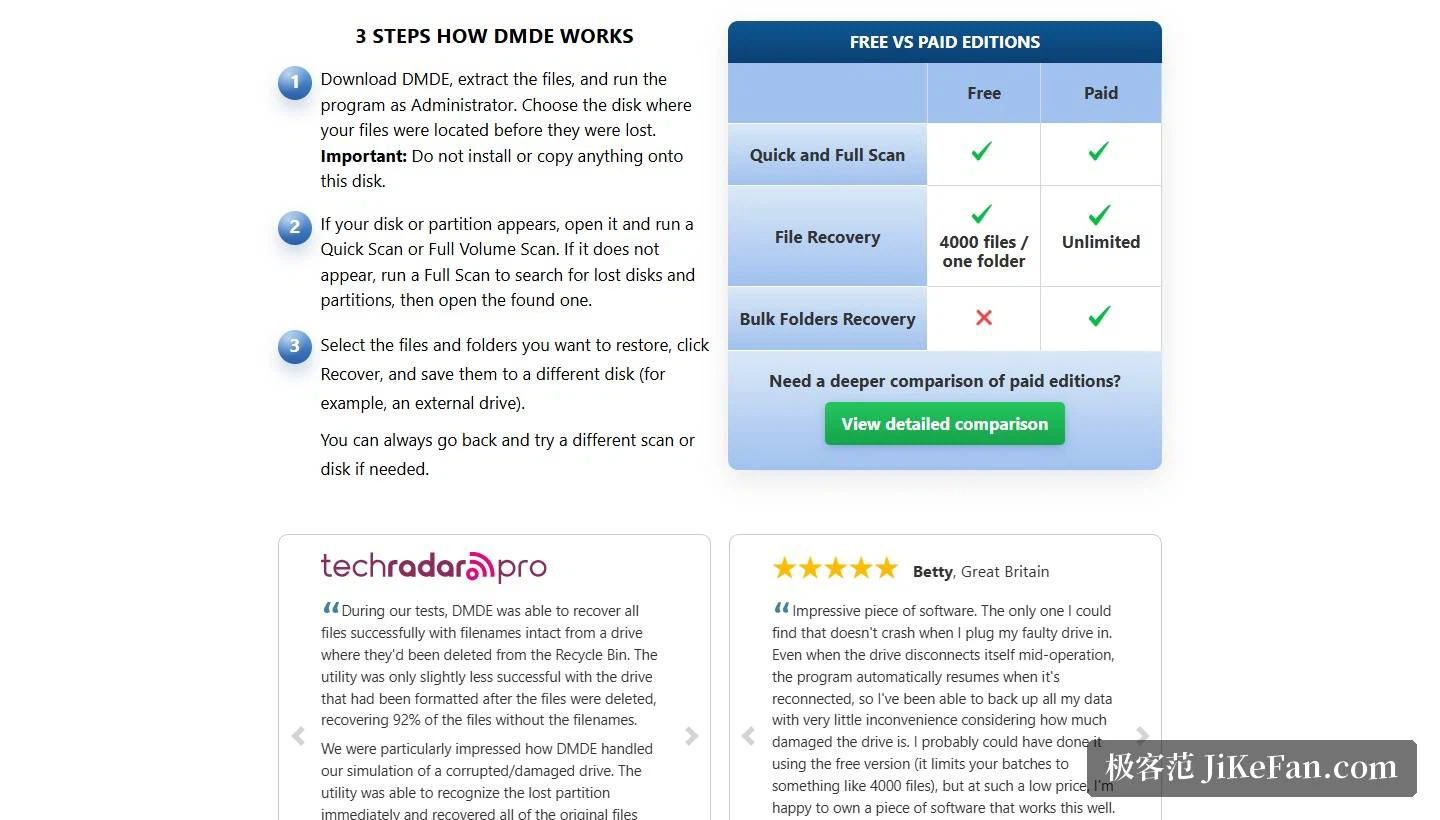
The rules of the free edition are written clearly: up to 4000 files can be recovered from a chosen directory, and the number of attempts is entirely unlimited, so a scan that turns up nothing can be followed by another attempt from a different directory or with a different scanning method. The vendor states explicitly that repeated attempts are not capped. The free edition can also display the full directory tree, so that the presence of the target files can be confirmed before anything is recovered.
The paid editions remove the limits entirely and unlock one genuinely practical feature, namely batch folder recovery. The vendor splits the paid side three ways: Express for personal files, Standard for an organisation's own files, and Professional, which permits commercial data recovery work. Standard and Professional are perpetual licences, and Professional additionally supports portable activation, which makes it convenient to run directly on a rescue machine.
Which data loss situations are covered
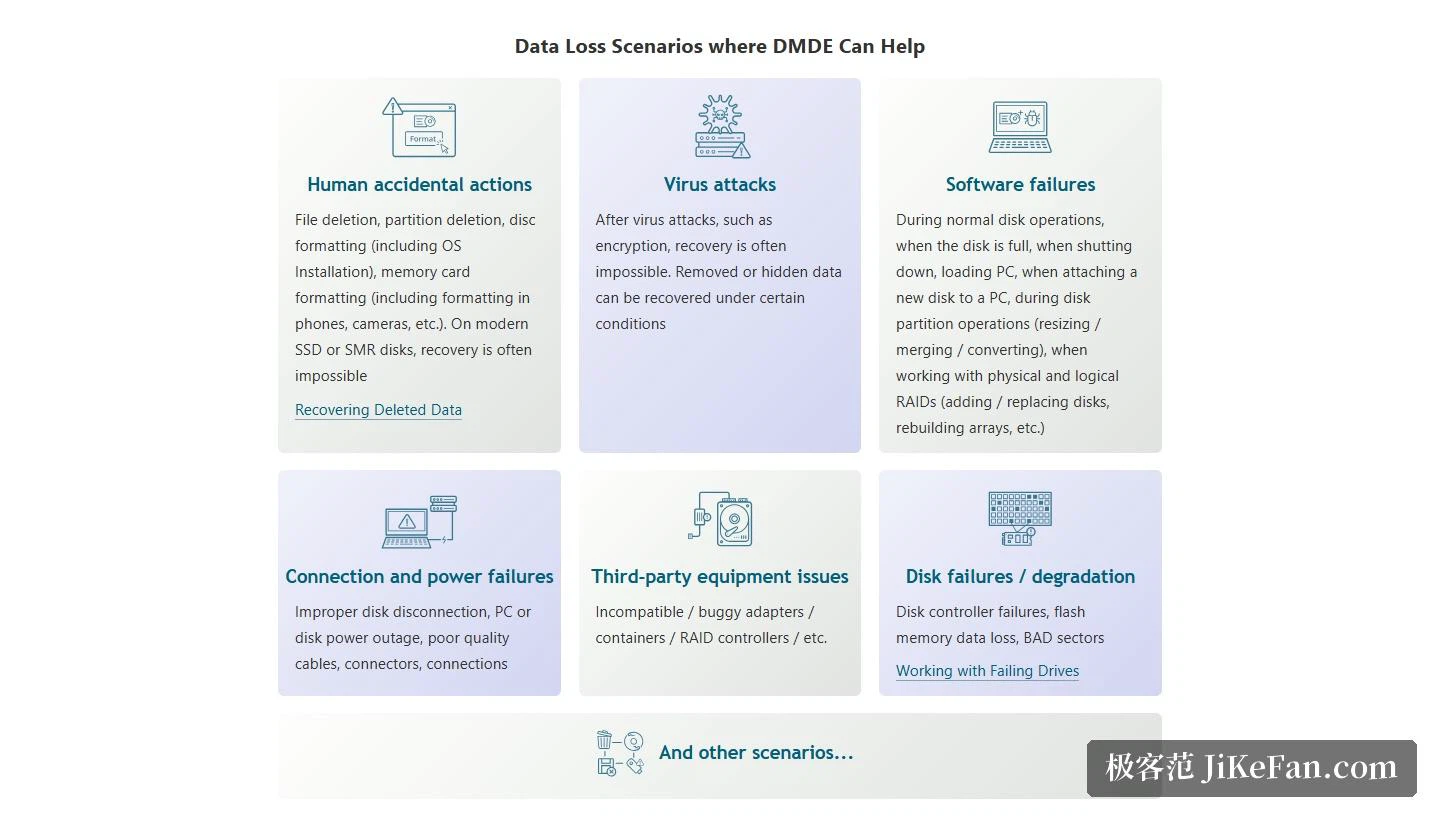
The site groups the applicable cases by cause. Human error covers file deletion, partition deletion and a formatted disk, including the case of formatting a memory card while reinstalling an operating system. Software failures cover a disk that filled up, shutdown, loading the system, attaching a new disk, and problems arising during partition resize, merge or conversion. Connection and power problems cover a disk pulled out improperly, a computer or disk losing power, and cables or connectors of poor quality. Hardware cases are listed as well, among them unstable third-party adapters or RAID controllers, a failing disk controller, flash memory data loss and bad sectors.
The site is similarly plain about where the ability stops: on modern SSD or SMR disks, recovery often cannot be done at all, and data after an encrypting virus attack is frequently unrecoverable too, although data that was removed or hidden can be brought back under certain conditions. That kind of statement, which marks out the failures rather than promising everything, is more reassuring than a blanket claim.
Not only recovery: disk editing and disk tools
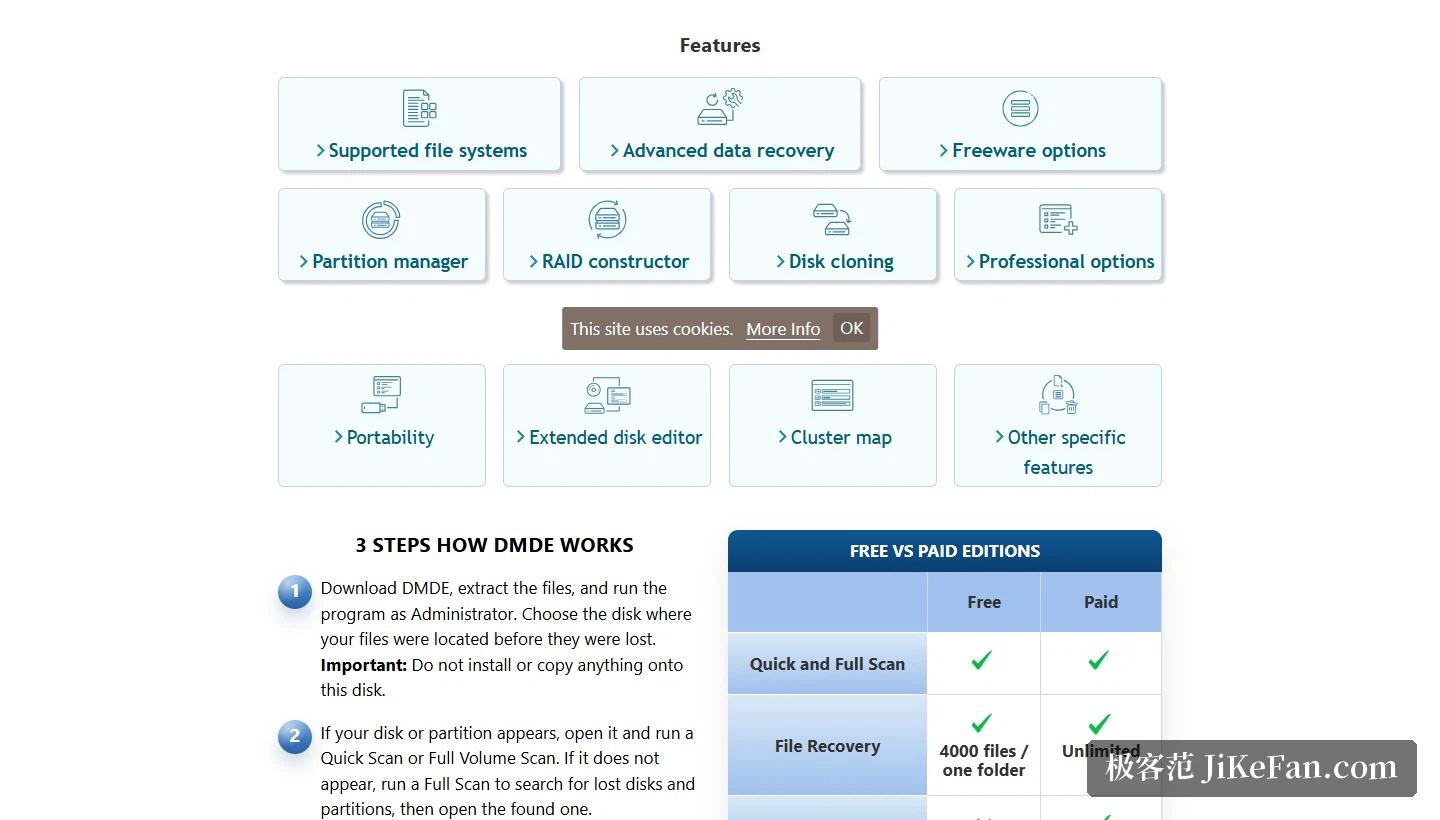
Beyond file recovery, the feature list carries a whole row of disk level tools. An advanced disk editor can look at and modify the underlying structures directly; a partition manager handles partition structures; disk cloning is there for media in an unstable state, where imaging the whole disk first is the safer move; and a RAID constructor assembles an array so that the data inside it can be read. There is also cluster map visualisation and portable operation, and the vendor stresses that the built-in algorithms can rebuild directory structures and files in situations where other tools give up.
Platforms and how to use it
The platform coverage is broad. The graphical versions come for Windows 64-bit and 32-bit, for macOS and for Linux 64-bit; the console versions add Linux 32-bit and DOS on top of that, which suits rescue work in a pure command line environment. The official instructions run to three steps, and two cautions inside them are worth remembering separately: when the program runs, choose the disk where the files used to be, and do not install the program onto that same disk. Recovered files, meanwhile, have to be saved to a different disk, an external drive for instance.
What the combination of a disk editor and a recovery engine really offers is a way to act on evidence. Instead of hoping that a scan finds something, the structures can be inspected, the partition layout checked, the cluster map looked at, and a decision made about which approach has a chance before any of it is tried. That is slower than pressing one button, and it is also the difference between guessing and knowing why a disk behaves the way it does.
The recovery itself is not the hard part. The hard part is staying restrained once the data is found to be gone: stop writing anything to the target disk, run a scan with the free edition, look at the directory tree, and only after the files are confirmed as recoverable decide whether an unlimited edition is worth paying for.