
Kopia backup review: snapshots, client side encryption, any storage
Summary
Kopia is an open source backup tool that keeps snapshots, encrypts data before it leaves the machine and stores it on almost any backend, with both a graphical front end and a command line interface.
Recommend- Name
- Kopia
- Version
- 0.23.1
- Pricing
- Free
- Open source
- Open source
- Operating system
- WindowsmacOSLinux
- Website
- https://kopia.io/
- Updated
- 2026-10-06 09:28
Copying a folder to a disk is not a backup
The habit of dragging a folder onto an external disk survives because it is simple, and it fails for the same reason: the copy has no history. Overwrite the folder and yesterday is gone, and nobody notices until the day a file is needed back. Modern backup tools settled on snapshots instead, where every run records a point in time that can be restored on its own.
Kopia implements that idea with more care than most. It is written in Go, open source, and bundles incremental upload, client side encryption, deduplication and compression by default. Windows, macOS and Linux are all covered, and it ships in two shapes: a graphical front end called KopiaUI for people who want a window, and a command line tool for people who do not.
Encrypted before it leaves the machine
The security model is zero knowledge. Data is encrypted locally and only then uploaded, so the repository password never leaves the device it was typed on. Anyone who obtains the storage bucket sees opaque blocks and nothing else. That property matters more than any feature list, because backup storage tends to be the cheapest and least trusted place available.
Storage selection is wide on purpose. S3 and compatible services, Backblaze B2, Azure, Google Cloud, WebDAV, SFTP, a local disk or a NAS all work as a repository, and the same snapshot can be sent to more than one of them. Content addressed deduplication then keeps the cost honest: change 200MB inside a 100GB dataset, and only 200MB is written and transferred. Long retention stops being an expensive decision.
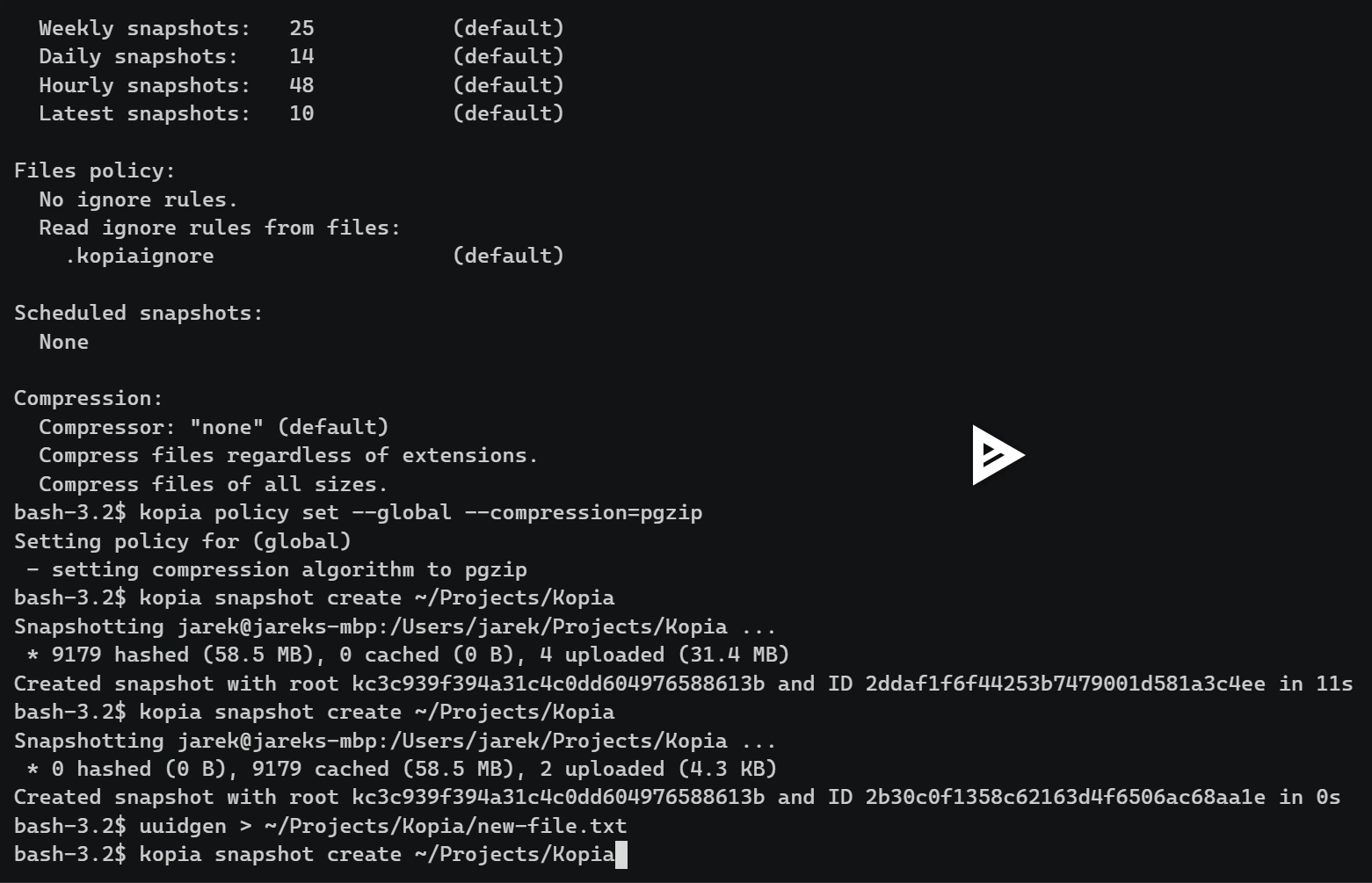
A policy engine adds the part that separates a script from a product. Compression algorithm, how many snapshots to keep and when to run can be set per path, so a directory of photographs and a directory of virtual machine images do not have to share one rule. The detail level approaches dedicated enterprise tools without requiring one.
Maintenance, and one important repair
Two habits are worth building around a tool like this. The first is a restore test: a backup that has never been read back is a hope, not a copy, so pick a file at random once a quarter, restore it to a temporary folder and open it. The second is keeping the repository password somewhere that does not depend on the machine being backed up, because the encryption that protects the data also means nobody else can unlock it for you.
Neither habit takes more than ten minutes, and together they turn a configuration into a plan. Scheduling without a restore test is how people discover, years later, that the job stopped running in the second month and the disk has been filling with nothing.
The code lives on GitHub under Apache-2.0 with more than fourteen thousand stars and an active issue tracker. Version 0.23.1, published on 2026-06-16, fixed a race condition that could lead to data loss, and the project asked every user to upgrade. That incident says something useful about the category: in backup software a corner case bug is not an annoyance, it is the failure the tool exists to prevent.
Against restic and Borg, Kopia is one of the few cross platform options that combines a native graphical interface, direct cloud storage and a server mode. A household gets point and click scheduling; a team gets repositories that several machines write to. Both end up with the same snapshot format underneath.
Kopia splits backup into three layers of insurance: snapshots make history reversible, encryption makes an untrusted cloud acceptable, deduplication makes long retention affordable. There is no need to memorise the whole feature table, but those three are all present.