
iBoysoft Data Recovery Review: Encrypted Volumes and Mac Formats Included
Summary
When a delete goes wrong, the first reaction decides the outcome: stop writing and scan. iBoysoft covers the ordinary case with a quick scan and the hard cases with a deep one, previews what it finds before charging, and handles two things many tools avoid, BitLocker encrypted volumes and APFS partitions.
Recommend- Name
- iBoysoft Data Recovery
- Version
- 20260922
- Pricing
- Free
- Open source
- Proprietary
- Operating system
- WindowsmacOS
- Website
- https://iboysoft.com/
- Updated
- 2026-10-07 16:18
The golden action after a data accident
Anyone who has deleted the wrong folder knows the sequence of feelings: the click, the realisation, the urge to do something immediately. The urge is the danger. The space that held those files has been marked as available, not erased, and every new write to that disk may claim it. So the correct first move is counterintuitive and boring: stop using the disk. Unplug it, close the programs that write to it, and only then think about recovery. The probability of getting data back is decided in those first minutes far more than by the quality of the software.
iBoysoft Data Recovery is built for that moment. A quick scan handles the ordinary case, files deleted normally and recently, and returns results in a time that does not feel like a punishment. A deep scan goes after the difficult cases: a partition that was formatted, a volume whose table is damaged, a disk that now shows up as unallocated space. Results appear in two views, by file type and by directory tree, and both matter, because one is how you search for a photo you remember and the other is how you search for a folder you remember the shape of.
The step that distinguishes a serious tool from a demo is the preview. Files can be opened and inspected before any decision about payment, which means you find out whether the recovery is worth anything before spending on it, rather than after.
Encrypted volumes and Mac formats as the specialty
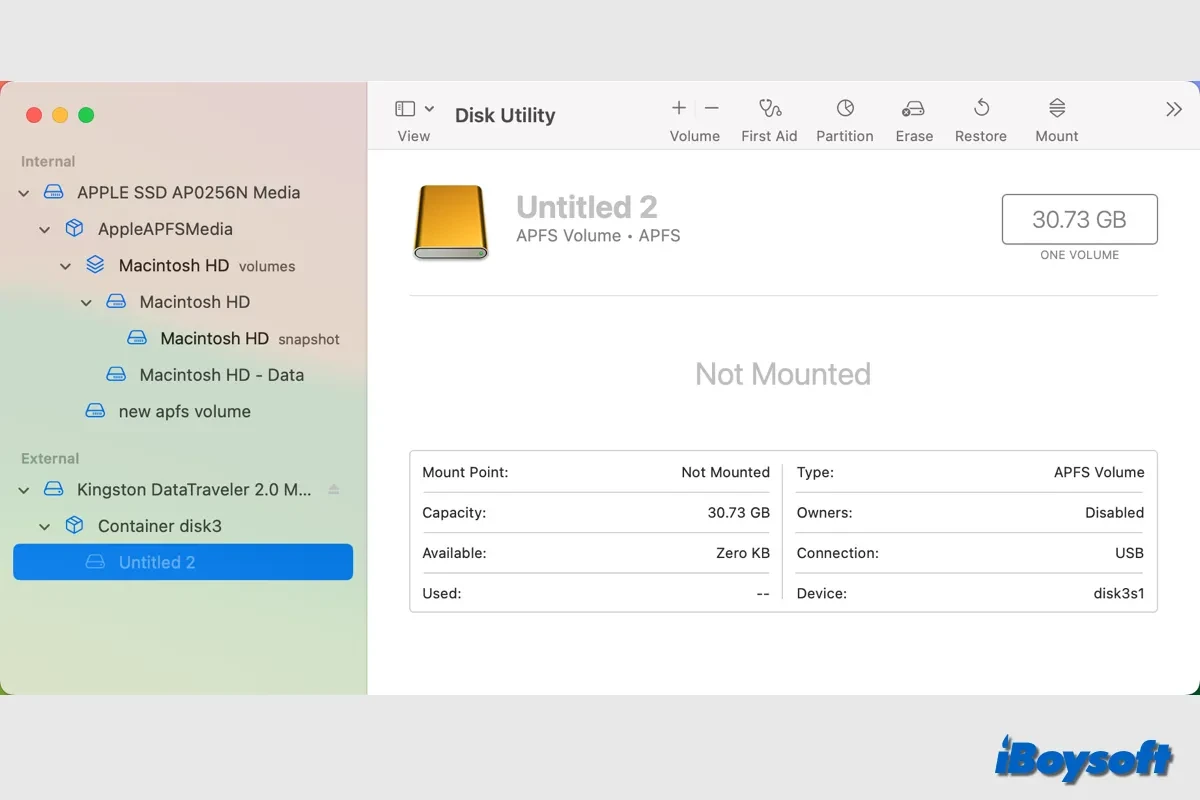
Two capabilities stand out because they are the ones competitors tend to skip. The first is encrypted partitions: with the correct password, the tool can scan and recover inside the encrypted volume directly, rather than asking you to decrypt the whole drive somewhere else first. Anyone who has kept a work laptop encrypted and then lost files on it knows how narrow the options usually are at that point.
The second is the file system used by modern Macs, where recognition and recovery of volumes and of disks that have travelled between platforms work more smoothly than in tools built only around Windows conventions. For households and small studios where a drive moves between a Mac and a PC, this is not a niche concern; it is the ordinary Tuesday.
Being made by a domestic team shows up in less technical ways that still matter during a crisis. The interface, the documentation and the support response are in the language you are already panicking in, which lowers the cost of the worst hour of the week. Windows and macOS are both covered, and the free tier allows a complete scan and preview so that the decision to pay is based on evidence.
iBoysoft is positioned as the last line of defence for digital property: risk cannot be reduced to zero, but one timely and correct scan often turns "it is gone" into "it is fine".
Rules that decide whether it works
Three rules cover the practical side. Stop using the affected disk the moment you notice the loss, and mean it. Save recovered files to a different disk, never back onto the one being scanned, or the recovery overwrites what it is trying to save. And have the password ready before scanning an encrypted volume, because a correct password is the difference between a scan and a wasted afternoon.
One honest framing: recovery software is not a substitute for a backup habit. It is the tool you are grateful to own once or twice in a decade, and the rest of the time it should sit quietly in the toolbox. What makes it worth keeping is precisely that it works on the cases ordinary tools decline, and that it tells you what it found before asking for money.