
Videorc: an open source recording studio that streams to seven platforms at once
Summary
Videorc is an AGPL-3.0 recording and streaming workbench that puts screen capture, simultaneous broadcasts and a chat assistant in one window, sending a single session to seven platforms on the free tier, with a macOS build already usable.
Recommend- Name
- Videorc
- Version
- 0.17.3-alpha.1
- Open source
- Open source
- Operating system
- WindowsmacOSLinux
- Website
- https://www.videorc.com/
- Updated
- 2026-11-01 11:27
An open source desktop tool that puts screen recording, multistreaming and a live assistant into one window, and can send a single broadcast to seven platforms on the free tier.
Videorc is a project the independent developer OrcDev released in early October. The code sits in an open repository under the AGPL-3.0 licence and is written in Rust. The problem it attacks is concrete: anyone who streams or records tutorials usually ends up shuffling between a recorder, a streaming tool and an editor, and if any link in that chain breaks the whole session starts over. Videorc folds those steps into one workbench, so recording and broadcasting share the same picture settings.
One broadcast, seven platforms receiving it
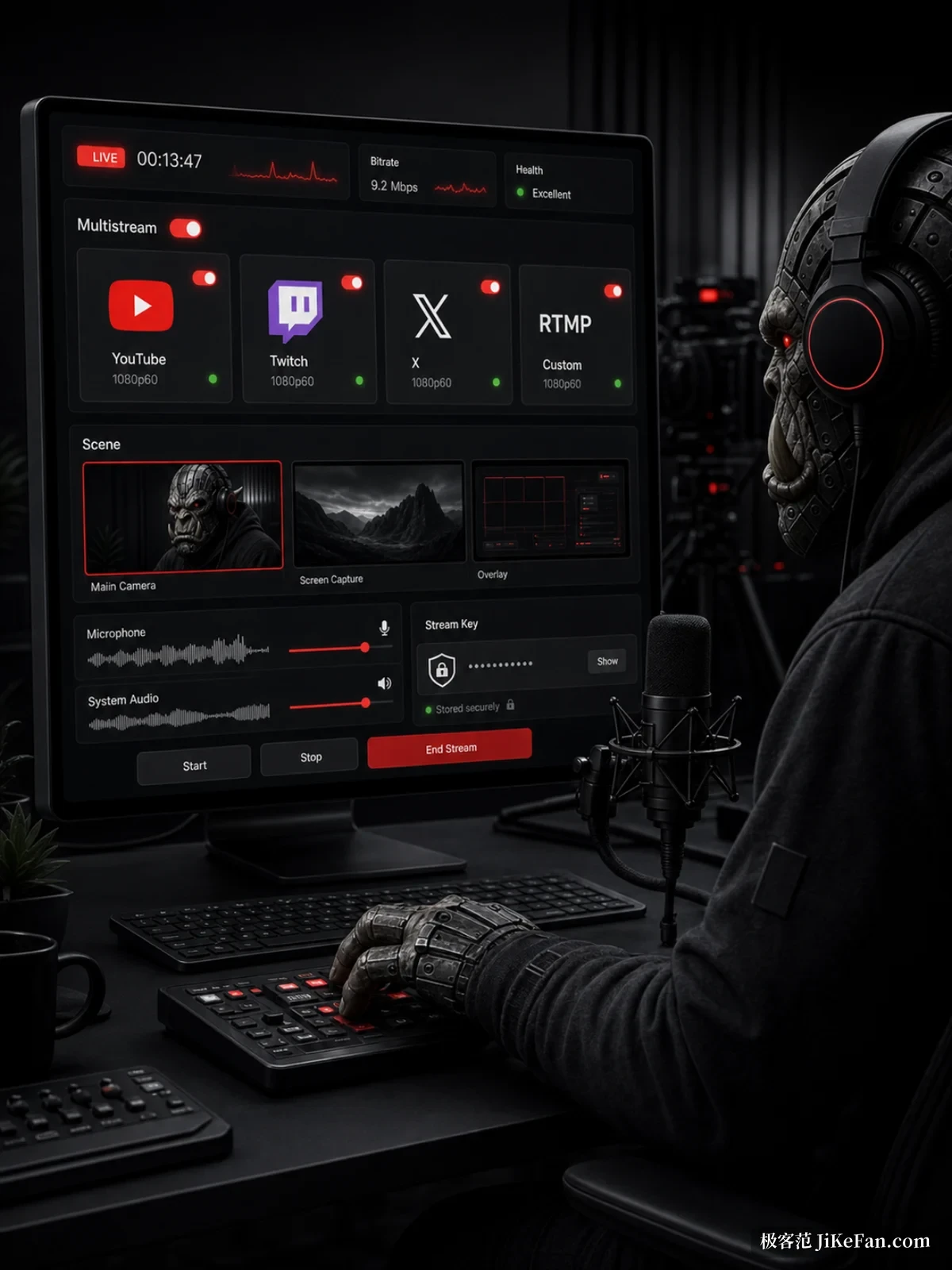
The most direct capability is multistreaming. On the macOS Beta, a free account can send the same live session to YouTube, Twitch, Kick, X, Facebook, TikTok and Instagram at once, or to any custom RTMP address. The vendor's wording is seven or more destinations simultaneously, at 1080p and 30 frames per second. A single stream to YouTube can go up to 4K at 30. Those streams leave your own computer, so the uplink is the ceiling: the more paths you open, the tighter the bitrate each one gets.
Connecting channels is not convoluted. Twitch, Kick and X need one authorisation each; YouTube, Facebook, TikTok, Instagram and a custom RTMP endpoint take a stream key pasted in. Keys are stored locally with a backup copy, so moving to another machine or reinstalling does not mean digging through every dashboard again.
Screen, camera and microphone arranged in one picture
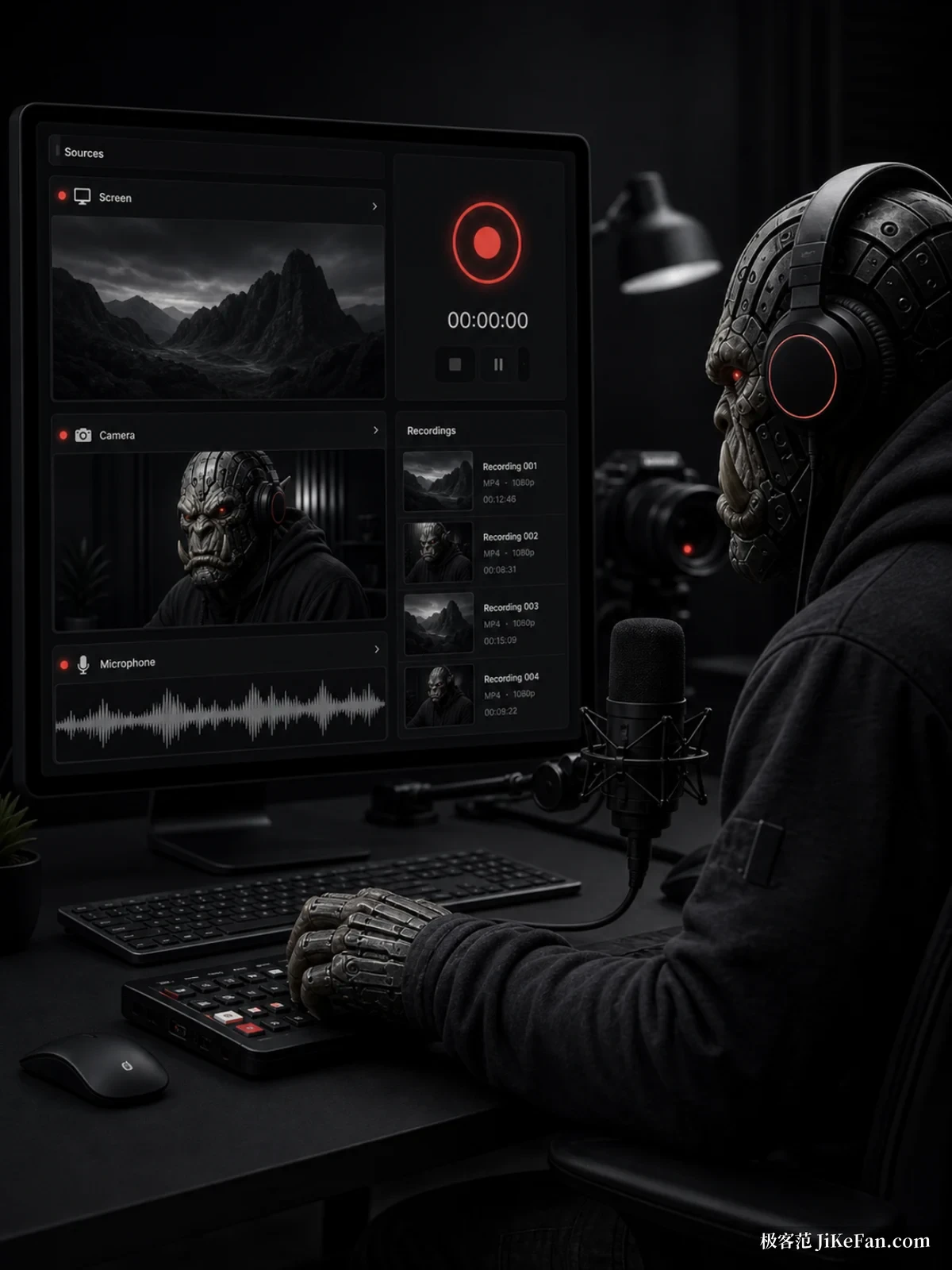
The recording side works by choosing sources first and layout second. Tick the screen, the camera and the microphone, then decide whether the frame shows the screen alone, the camera alone, or the two side by side. The preview shows the finished result immediately, so there is no need to record a test clip and adjust afterwards. The macOS Beta records locally at up to 4K and 60 frames per second, and can capture system audio along with it. Files stay on the machine, managed through a local media library that does not quietly push anything to the cloud.
Some room is left for people who know their way around. The space bar starts recording, a keyboard search jumps straight to a feature instead of walking through menus, and the preview window can dock inside the main interface or float free, which is convenient on two screens. Scenes can carry a preset background, and switching between them beats rebuilding a layout by hand.
What is free, and what is paid
The split is fairly clean. The whole local workbench is free, including 4K recording, multistreaming, scene building and the local media library, with no watermark and no trial countdown. What costs money is the AI layer that runs on a server: 39 US dollars a month, or 32.50 US dollars a month when paid yearly.
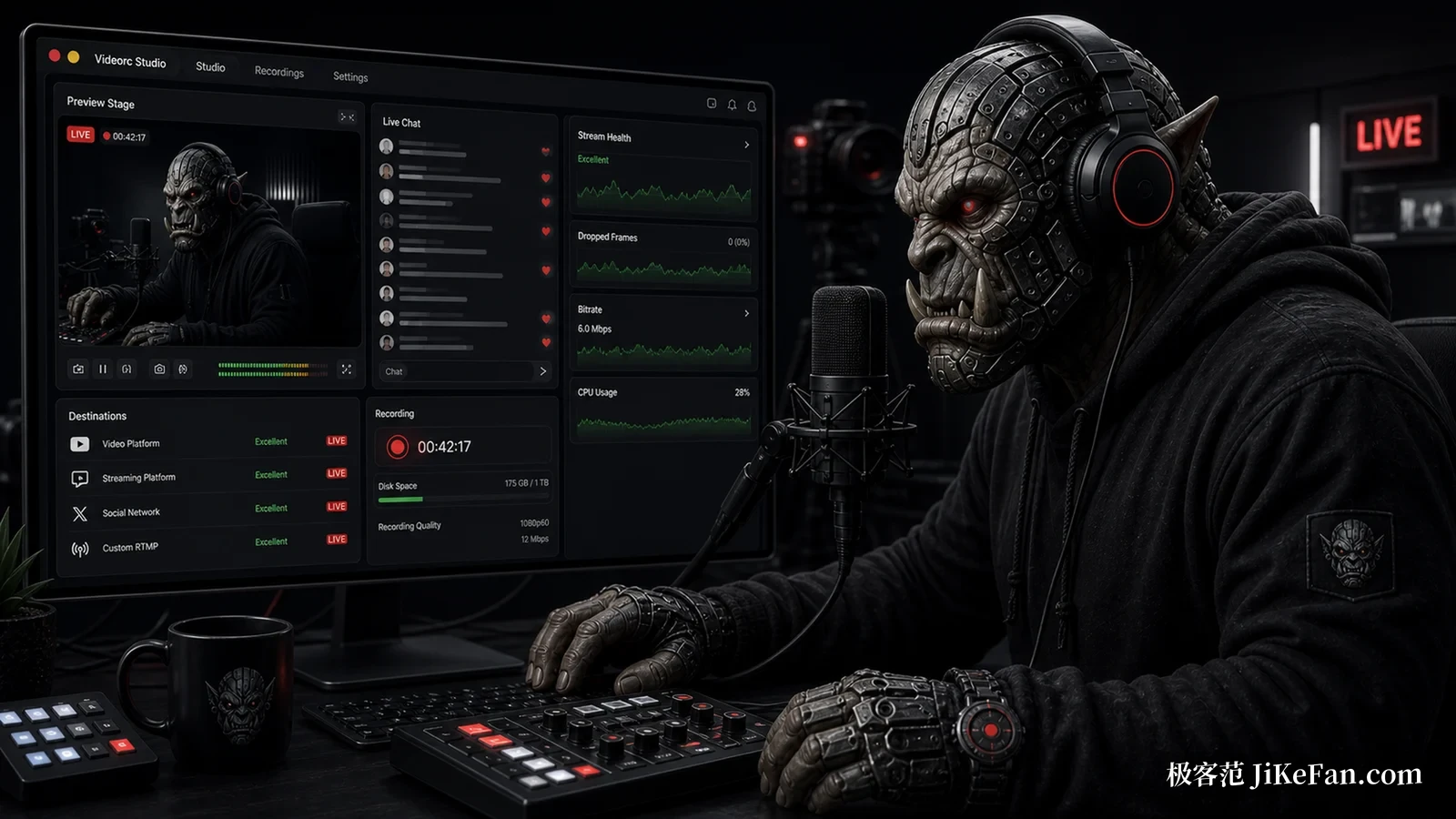
The most distinctive part of the paid tier is the live assistant. While you are on air it reads the public chat, groups repeated questions together and drafts a reply, and flags insults, spam and anything that leaks personal information. The important part is that it does not act by itself: whether to send or delete is your call, voice commands execute only after you have spoken them, and every removal is written to a local log. It is off by default, and public chat only goes to the cloud after you switch it on and consent. Beyond that there are live captions that produce a synchronised srt file, and a copy generated after you stop recording with pauses, slips of the tongue and retakes cut out, while the original stays untouched.
Where each platform actually stands
Maturity differs noticeably between the three. macOS is Beta, takes an Apple Silicon machine and macOS 13 or later, and carries the fullest set of features and the build the vendor demonstrates with. Windows is Alpha, published as 0.17.3 alpha 1, aimed only at Windows 11 on x64, with a signed installer of 189 MB; the vendor states plainly that this build does not yet promise system audio capture, 4K at 60 frames per second, streaming or captions, and that capabilities have to be read per release note. Linux is Alpha as well, with its capability list given version by version. In other words, the complete shape you see on macOS cannot be assumed on the other two systems for now.
The vendor is unusually candid here: the acceptance record for the Windows build, the installer hash and the signature status all sit on the page, and builds that have not passed hardware verification are marked as such. Machines with poor graphics card combinations get a software rendering fallback. Reading it feels less like marketing than like an engineering log.
In one sentence: if you stream or record tutorials on macOS and do not want to pay separately for multi-platform distribution, the free part of Videorc already does the work. On Windows, treat it as an early project worth watching; a few versions are still missing before it is genuinely usable.