
Vagrant Review: Writing a Development Environment as a Command
Summary
Every team has the conversation: the new hire spent two days installing and it still throws errors, and the same code behaves oddly on one machine. Vagrant puts the environment in a file instead, declaring system version, ports, shared folders and setup steps, then builds it with one command.
Recommend- Name
- Vagrant
- Version
- 2.4.10
- Pricing
- Free
- Open source
- Proprietary
- Operating system
- WindowsmacOSLinux
- Website
- https://www.vagrantup.com/
- Updated
- 2026-10-07 16:28
The environment, written down instead of remembered
Every team has had the conversation. A new developer joins, spends two days installing things, and the project still fails with an error nobody recognises. The same code works on one machine and misbehaves on another, and the difference turns out to be a library version, a locale setting, or a path that somebody exported in a shell profile three years ago. The knowledge about how to build the environment exists, but it lives in people's heads and in one veteran's browser bookmarks, which means it is not knowledge an organisation actually has.
Vagrant's move is to write that knowledge down. A configuration file declares the operating system version, the network ports that should be forwarded, the host folders that should be visible inside, and the setup steps that run on first boot. From that file the environment is built: one command to bring the machine up, one command to log into it. The environment stops being "each person installs what they remember" and becomes "everyone gets the same thing, because it is the same description".
The consequences reach further than convenience. Reviews become meaningful, because the reviewer can reproduce the reporter's setup exactly. Onboarding stops being an oral tradition. And the answer to "does this work on a clean machine" becomes a command rather than an argument.
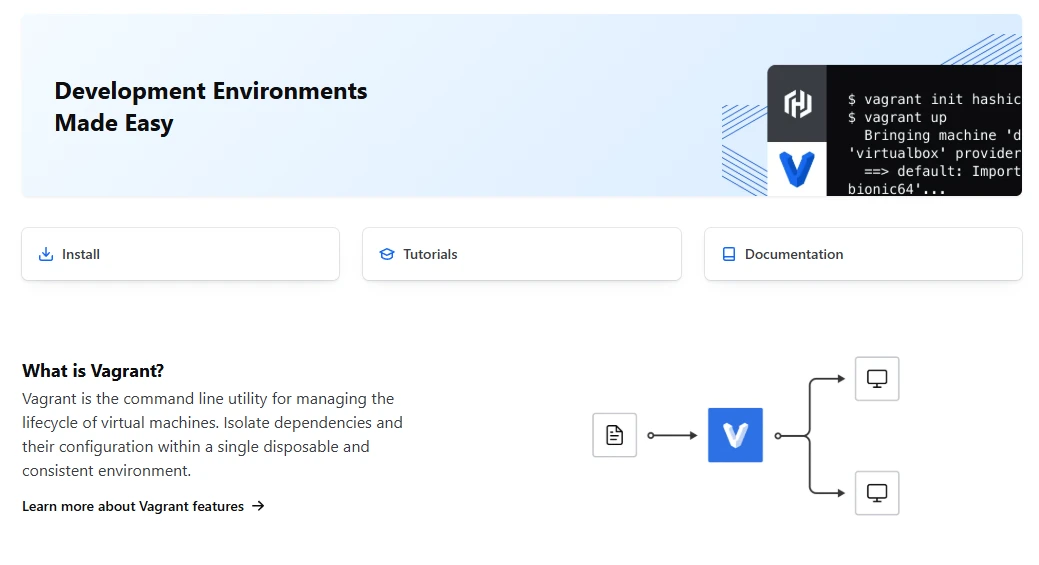
Declare once, reproduce everywhere
The intelligence of the design is that it does not reinvent anything. The actual virtualisation is handed to a mature platform underneath, whether that is VirtualBox, VMware, Hyper-V or a container backend, and Vagrant's job is only to translate a declaration into actions. That division is why it has survived as long as it has: when the underlying technology improved, the tool inherited the improvement without changing its interface.
A public catalogue of ready made images means common systems and stacks do not need to be built from scratch; you start from a box that already exists and describe only your differences. And because the configuration file lives in the repository beside the code, environment changes get the same treatment as code changes: a diff, a review, a commit, and the ability to go back to the version that worked.
Teaching benefits from the same property. In a workshop, the instructor's environment and the student's are byte for byte identical, which removes an entire category of support question and lets the session be about the subject rather than about installation.
One practical note that saves an afternoon: the configuration file is a program, and it deserves the same care as code. Name the machine after its purpose rather than the person, keep the provisioning steps in a separate file that can be reused across projects, and pin the image version instead of letting it float. A floating version is how a build that worked in March fails in September for reasons that take two days to find.
The contribution of Vagrant is turning environment from an oral agreement into a written one: configuration as code, environment as a reproducible fact. Fewer disagreements, smoother delivery.
Working with it sanely
Three habits. Keep the configuration file in the repository and let it evolve with the same version numbers as the code, so that environment changes have a history and a rollback. Clean up unused machines periodically, because virtual disks do not shrink when you delete files inside them, and a laptop fills up faster than anyone expects. And take a snapshot before an important experiment, since the machine is disposable by design and there is no reason to be brave.
For lightweight cases where a full virtual machine is too heavy, a container approach is the better fit and they can coexist in the same project. But when the task genuinely needs a complete system, with its own kernel and its own boot process, this remains the most straightforward way to make that system a description instead of an afternoon. It is free, it runs on the three desktop platforms, and it asks for nothing except that you write down what you already know.