
IvyCraft: Upload Source Material Once and Get a Deck, Infographic, Podcast, Video and Comic
Summary
IvyCraft is a browser workspace that turns one set of source files into a deck, an infographic, a podcast, a video and a comic, and keeps every output tied to the passage it came from.
Recommend- Name
- IvyCraft
- Version
- 20261105
- Open source
- Proprietary
- Operating system
- Web
- Website
- https://ivycraft.cn/
- Updated
- 2026-11-05 21:20
IvyCraft does not start from letting an AI invent something. It starts from the material you already have and turns it into a deck, an infographic, a podcast, a video and a comic.
It is a browser-based workspace from the Superace team, launched in 2026-05, with a Chinese interface that works directly from within the country. The flow has three steps: upload material, let the AI read it, choose an output. Files stay in the project after the first upload, and every later artefact grows out of the same reading, so the same documents never have to be fed in again.
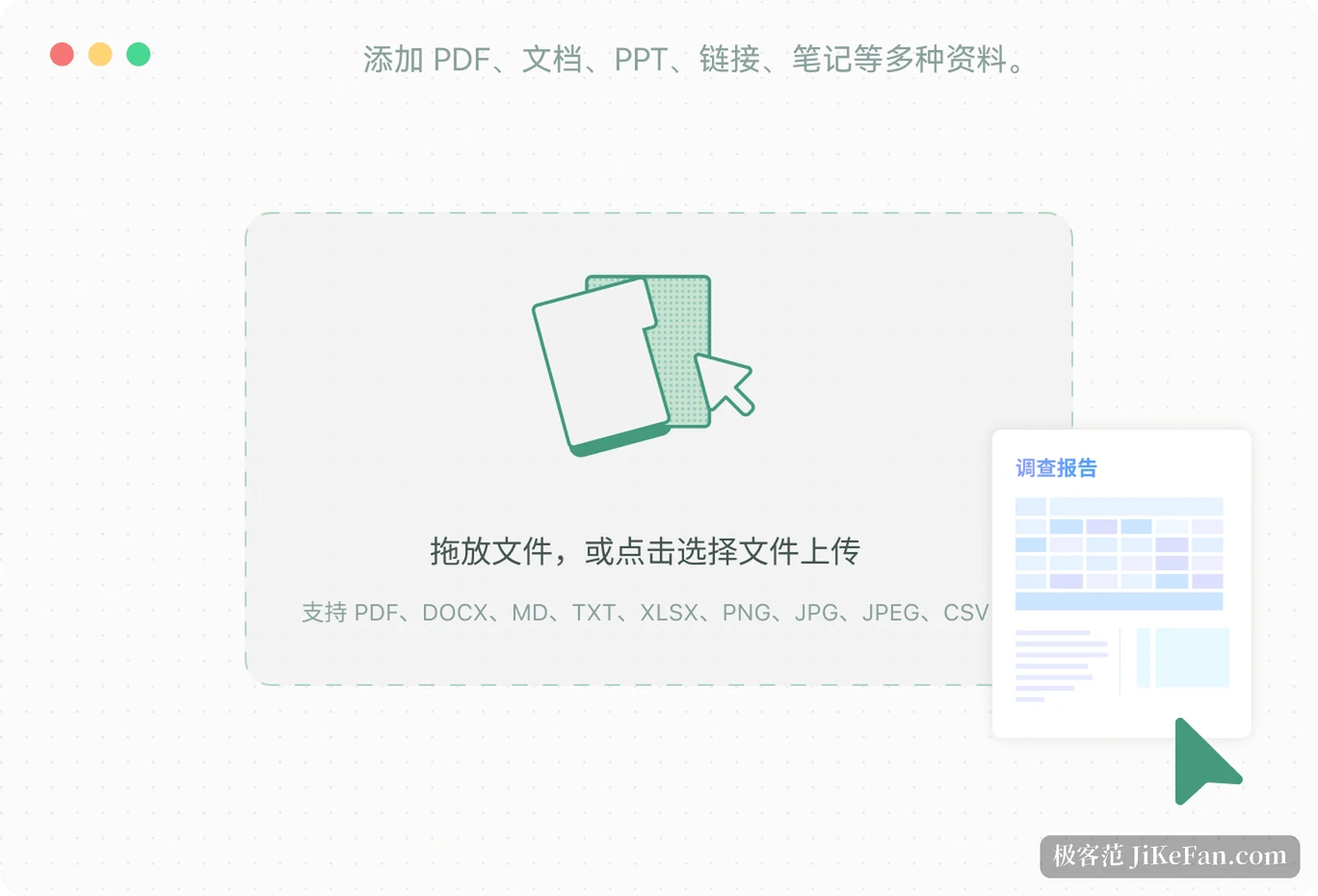
It starts from material, not from a blank prompt
Most AI tools begin with an empty input, which means deciding what you want and how to phrase it before anything happens. IvyCraft swaps the starting point for files: PDF, Word, PowerPoint, notes and web links go straight into a project, and images and video are accepted too. The system does not merely extract text; it reads layout, page structure and illustrations, and only then talks about generation.
When the material is thin, it can add some research of its own. When a task only needs two or three of the files, those can be selected alone, so unrelated content does not leak in.
One set of material, five outputs
Presentations are the most common exit: set the page count and the emphasis, and the AI splits chapters and arranges text with visuals. Afterwards each page can be edited, images replaced, and the result exported as PPTX to keep working on locally. Infographics take another route, compressing dense text into charts and pages that can be scanned at a glance.
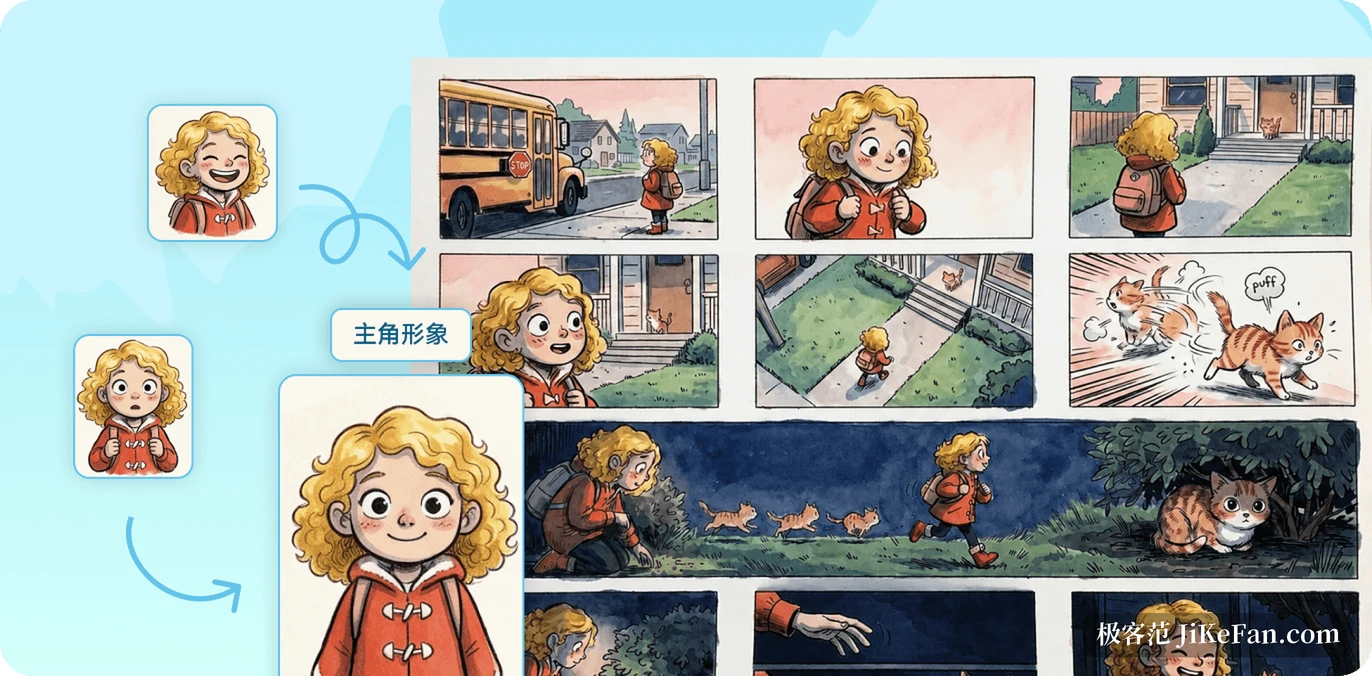
The podcast direction turns the same material into spoken explanation, useful for a commute or for listening while doing something else. Comics and picture books break the narrative into panels and replace paragraphs with images, which suits science communication and teaching. The social media option slices one topic into several short pieces while keeping colours, type and tone consistent.
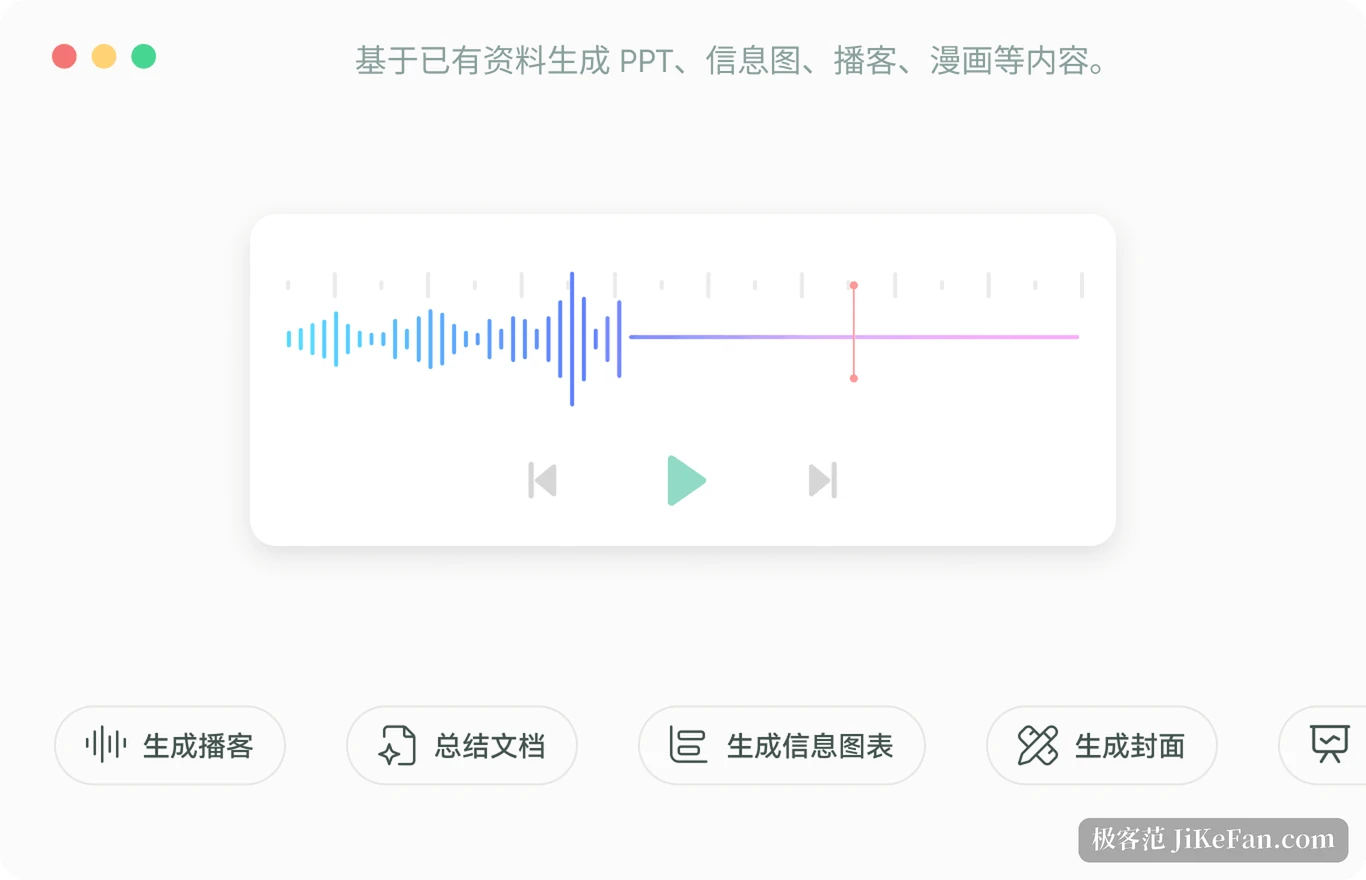
The company sums the capability up as one source, many formats. That sounds simple, and what it removes is repetition: turning a report into slides, then a script, then a thread used to mean reorganising the content each time, and now it means choosing another exit.
Sources open, and a correction touches one place
The usual failure of generated content is not speed but verification. A sentence reads well and there is no way to tell which page the number came from. IvyCraft binds each output to the source material and attaches a traceable reference, so opening it shows the original passage and whether the claim matches it.
The other overlooked problem is editing. Many tools respond to one wrong page by regenerating everything and overwriting the parts already adjusted. IvyCraft keeps a polishing step where a single page or paragraph can be changed while the rest stays put. For material going to a client or a manager, those two points matter far more than generation speed.
Quotas, prices and a few limits
It is a web application: everything happens in the browser, there is no desktop client and no demand on the machine. The free tier provides 1,000 credits, allows at most five files per project and 10 MB per file, and exports carry a trial watermark. The personal plan has three tiers at 35, 70 and 140 yuan per month with rising quotas, and a yearly price is available. Education pricing is separate and open to students and teachers. According to public reviews the credits reset monthly without carrying over, and the page states that renewal is not automatic.
A few things are worth knowing first. The value rests on the premise that you have material; anyone who just wants a short text written is not the audience. Public information says nothing about team collaboration, so treating it as a single-user tool is safer. Exported decks remain editable, but layouts are still bound to templates, so anyone who wants fully free typography will end up back in a design tool.
It also takes no responsibility for the rights of third-party material you upload, so commercial use requires checking the copyright yourself. The commercial rights to the work itself belong to the user, which the company states clearly.
For anyone whose daily work is reshaping the same content into different forms, IvyCraft saves the dullest stretch: not the writing, but writing the same thing again. The thicker the material, the larger the saving.