
Heshuo Document Batch Processor: hundreds of files renamed and converted on your own disk
Summary
Renaming, converting and watermarking normally eat the last hours of a filing day. Heshuo Document Batch Processor chains those steps into one run on the local disk, so a pile of Word, PDF and video files is finished without a single upload.
Recommend- Name
- Heshuo Document Batch Processor
- Version
- 1.26.5
- Open source
- Proprietary
- Operating system
- Windows
- Website
- https://www.wodeabc.com
- Updated
- 2026-11-05 23:00
At the end of every month the slow part of filing is never the writing. It is renaming eighty attachments one after another, converting each of them, stamping a watermark on each of them. Heshuo Document Batch Processor exists to run that entire chain in a single pass.
It is a desktop tool for Windows, built by a team in Wuhan that has been working on batch file handling since 2013. Nothing here touches cloud documents: it works on the real folders sitting on your own disk, and it handles Word, Excel, PowerPoint, PDF, plain text, images, video and audio. As of 11/2026 the official site lists version 1.26.5, updated on 10/20/2026.
What sits in the left rail
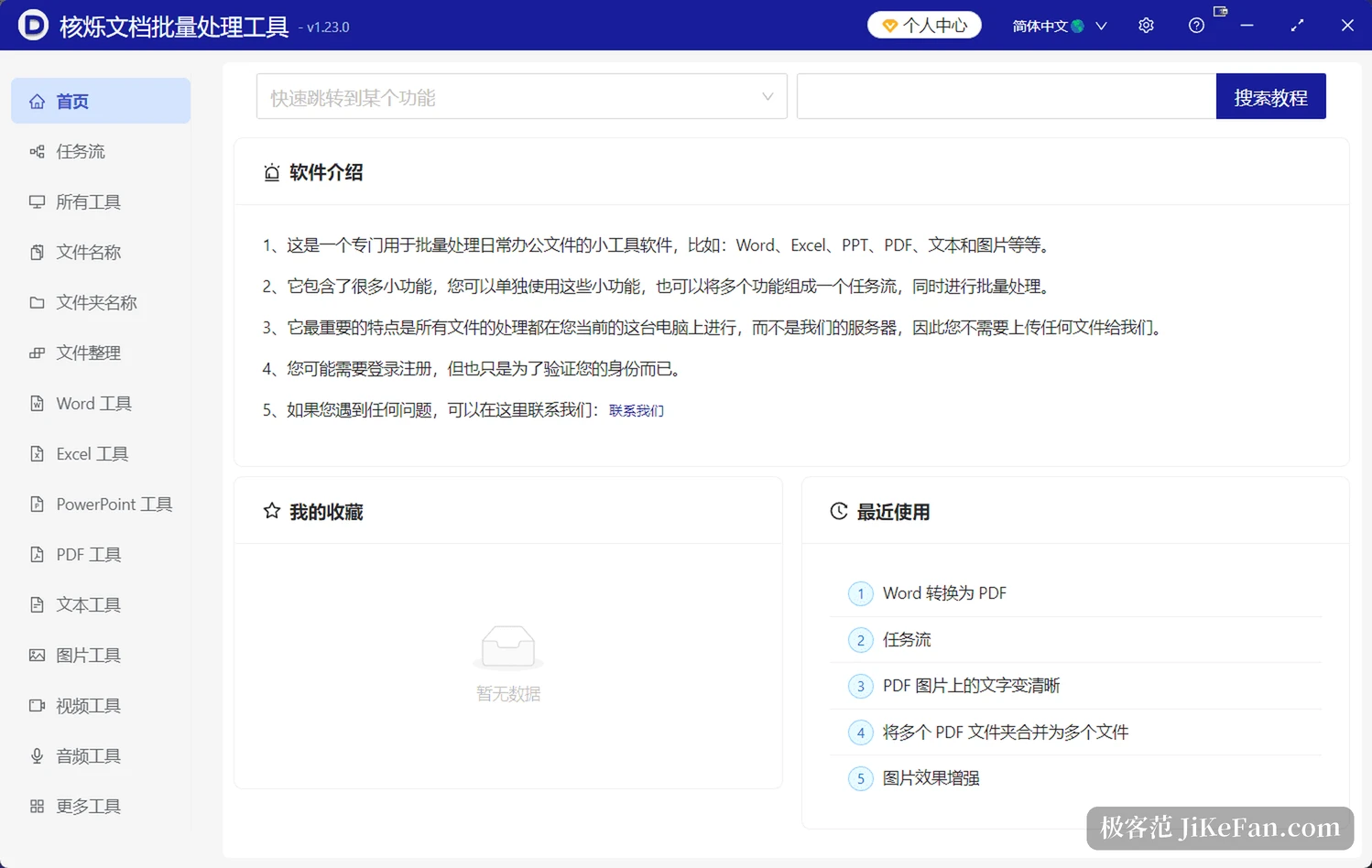
The left edge is a column of categories: all tools, task flows, file names, file organising, then Word tools, Excel tools, PowerPoint tools, PDF tools, text tools, image tools, video tools and audio tools. Open one and the right pane spreads out the individual functions grouped under it, each item a small tool that also runs on its own.
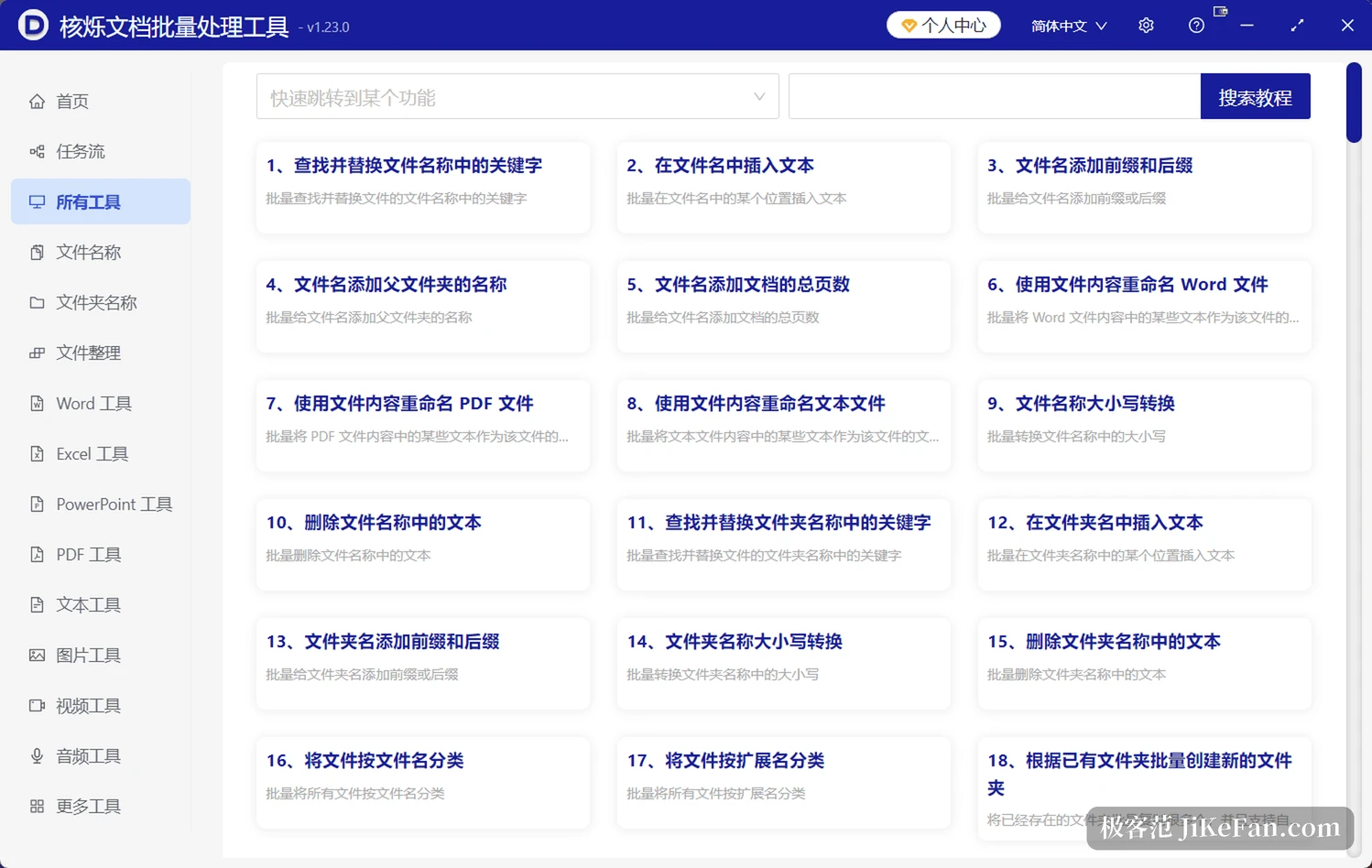
The file names group covers the dullest part of the job: batch renaming, finding and replacing a keyword across file names, switching case, renaming by content, adding prefixes and suffixes, numbering files by rule. Archive work punishes inconsistent naming, because six months later nobody can find anything, and this group drags every name onto the same ruler. Set the rule once and it can be reused, so several thousand files pass through the same logic without anyone watching halfway.
Word and PDF are covered in detail
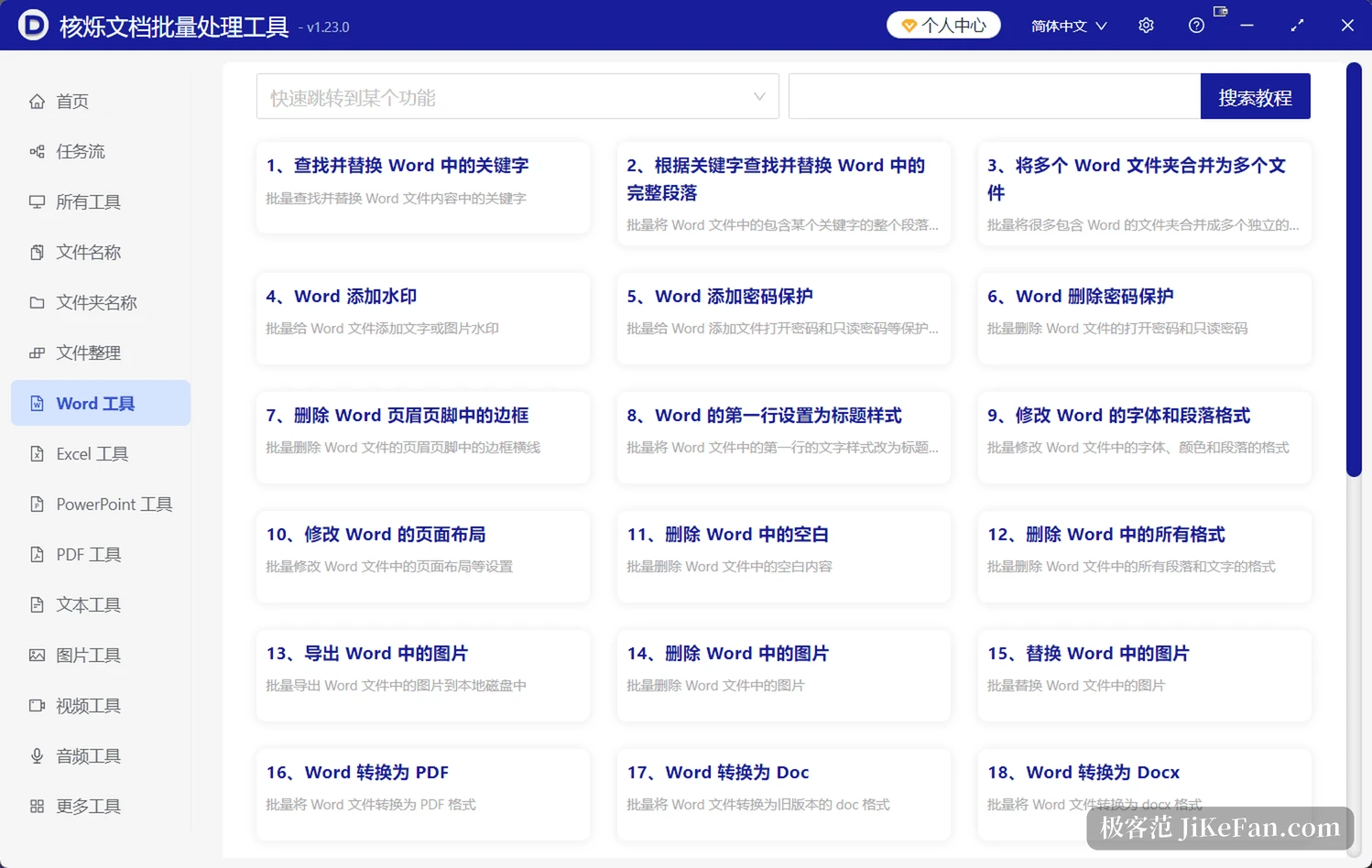
Word tools reach past find and replace: batch watermarks, page borders, header and footer rewrites, promoting chosen paragraphs to heading styles, deleting empty lines, converting between Word and Doc, and exporting or replacing the images embedded in a document. Tender packs, contract templates and mass notifications normally mean opening each document and clicking through it; here the rule is set once and the batch runs.
PDF covers merging, splitting, encryption, watermarks and format conversion. Excel leans on batch replacement, format conversion and data handling. Image tools resize, convert, watermark and annotate in bulk. The video list runs longer, with picture and sound separation, audio track extraction, frame extraction, watermarking, and output to MP4, AVI, MKV, MOV, WebM and 3GP among the common containers. Audio converts between MP3, WAV, FLAC and AAC.
Where the time actually goes
A single function is pleasant, but real filing is a sequence. Convert a batch of Word files to PDF, watermark all of them, then rename by rule. Those small tools can be chained into a task flow, several steps strung into one line that runs to the end while nobody supervises it.
One design choice deserves a mention: everything runs locally and nothing is uploaded. Encrypted transport or not, sending contracts, finance attachments and client material to somebody else machine never feels settled. Running locally means the files never leave the disk, and the price is speed tied to your own hardware, so a batch of tens of thousands of files will push the CPU hard.
The scenarios listed on the site are ordinary ones. A teacher assembles course material and student work each term, chaining conversion, renaming and content cleanup. An admin office forces contracts and notices into one format and one naming scheme. A finance desk converts, merges and renames reimbursement attachments in one go. What these share is a fixed rule, a large count and a high repetition rate, which is exactly the work that wears people down.
Free version and membership
The free version asks for no registration and no login, has no time limit, but caps a single run at 5 records. That suits occasional tidying, or testing a rule against real files before committing to the whole folder. Membership starts at 59 yuan, lifts the count and feature limits, can move to another computer, and later upgrades cost nothing.
For heavy users that price is not much of a barrier. What deserves thought is something else: batch work is irreversible. Get the rule wrong and hundreds of files change together. Before the first real run, push three or five copies through it, check the output folder and the resulting names, and only then raise the count. No tool is steady enough to survive a rule that was written wrong.
The value of Heshuo Document Batch Processor is not the number of features. It is that clicking through files one at a time becomes setting the thing up once and running the batch, with the whole job staying off the network. When the pile is too big to face by hand, a tool like this buys back the hours before you go home.