
Trello runs a board where ten people can work at no cost
Summary
The reference product for board-style project work, where dragging a card expresses the state of a task and both an individual and a small team can start quickly. The free tier allows ten collaborators per workspace; paid tiers add calendar, timeline, table and dashboard views.
Recommend- Name
- Trello
- Version
- 20261012
- Pricing
- Free
- Open source
- Proprietary
- Operating system
- WebWindowsmacOSiOSAndroid
- Website
- https://trello.com/
- Updated
- 2026-10-13 10:50
A task list written on paper scatters as it grows; taped to a wall, it becomes a nuisance to change.
One board that says who is doing what
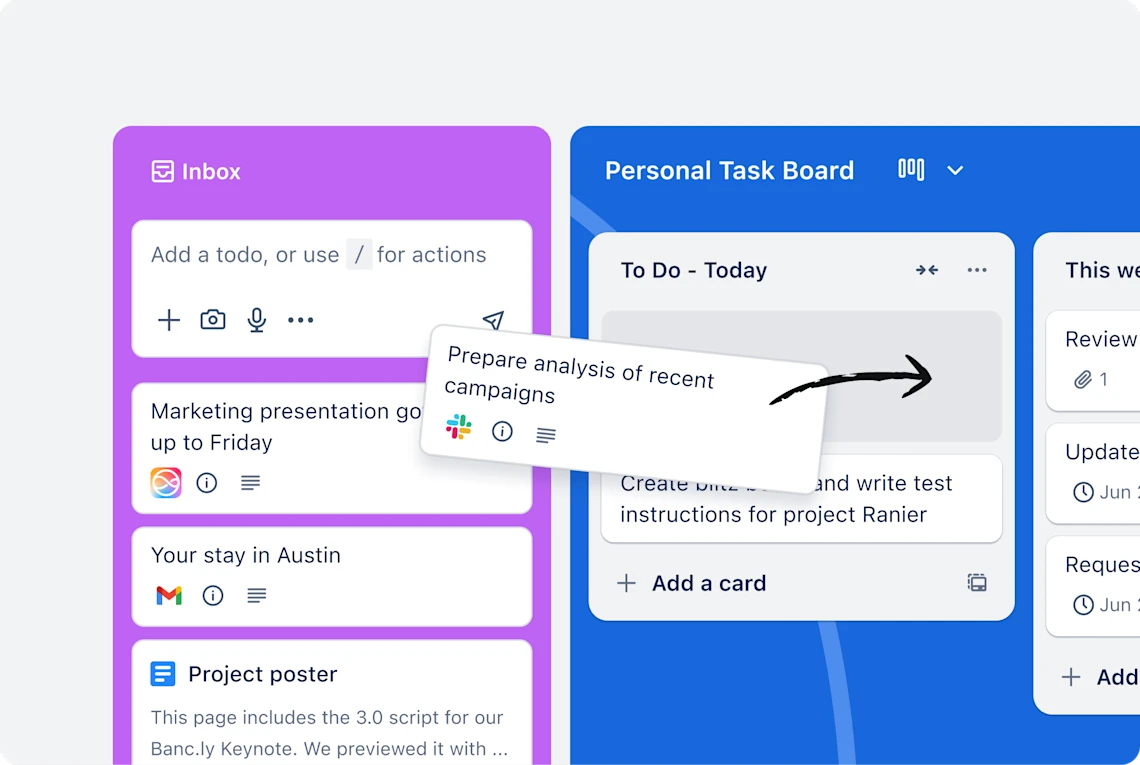
Trello is the reference product for board-style project management. The introduction on its own site keeps the entry path short: sign up, create a board, and work begins. The model underneath is simple enough to need no explaining. Each column is a stage, each card is a piece of work, and moving a card from left to right pushes that piece one step along.
The advantage of expressing things this way is that no method has to be learned first. Which column a task belongs in and what a card says follow the habits of the team rather than a fixed vocabulary handed down from above. The home page reduces it to a line about organising any project, any workflow and any kind of team.
Ownership deserves a note. The pricing page states plainly that Trello belongs to Atlassian, and the copyright line in the footer agrees. For a team already using other tools on that platform, accounts and security controls fold into the same administration, which removes one more set of logins to look after.

How far the free tier will stretch
The free boundary is stated fairly clearly: up to ten collaborators per workspace, no cap on cards, ten boards, plus the mobile apps and two-step verification. Ten people already covers the daily work of most small teams, and the limit people hit first tends to be the board count rather than the head count.
Three tiers sit above it. Standard is 5 USD per person per month on annual billing, 6 monthly, and starts unlimited boards along with automation and custom fields. Premium is 10 USD per person per month on annual billing, and its feature list adds calendar, timeline, table, dashboard and map views. Enterprise is 17.50 per person per month on annual billing, with enterprise-grade security and management support.
Tier | Official price |
|---|---|
Free | 0 USD, up to 10 collaborators and 10 boards per workspace |
Standard | 5 USD per person per month on annual billing, 6 monthly |
Premium | 10 USD per person per month on annual billing, 12.50 monthly |
Enterprise | 17.50 USD per person per month on annual billing |
Deployment | cloud only, reached through web, desktop and mobile |
Security | two-step verification included even on the free tier |
The AI that has been folded in
The description of that capability is unusually concrete: generate checklists and images, add due dates, merge duplicate cards, block out time for focus. None of those is hard on its own, but they are fiddly and easy to forget. Letting the tool take a first pass leaves a person to choose among the results, which is the right division of labour.
Another item generates a board outright. The pricing page says that describing your goal yields a ready board with lists and cards. A new project loses the most time turning one intention into steps someone can actually execute, and once that step becomes a sentence of input, the first draft can be edited rather than written.
Scope matters here. The pricing page lists the artificial intelligence capability among Standard and above, and the free tier does not include it. Reading it as a door that opens after an upgrade saves the work of hunting through the free tier for something the home page seemed to promise.
One more precondition is worth weighing. The FAQ states that this is a cloud-only product with no self-hosted edition. Data sits in the cloud and every device shares one copy, so no server needs maintaining; in exchange, access depends on the network, and a larger team should confirm that before committing.
The tool only puts the state of things in plain view; deciding which item is more urgent stays with the people.
A sensible order: build one board on the free tier and settle what each column means; consider an upgrade once the number of project threads outgrows the board cap; and when progress has to be reported by date or by metric, the Premium views save more effort than screenshots do.